Maybe Gnome Software is a factor in the headache.
I recommend just using terminal very quickly:
sudo apt install gparted
no strain, no pain.
Once installed, launch it - then in this thread, you can get exact guidance on the next steps.
Maybe Gnome Software is a factor in the headache.
I recommend just using terminal very quickly:
sudo apt install gparted
no strain, no pain.
Once installed, launch it - then in this thread, you can get exact guidance on the next steps.
I did so and it was loaded. But, will it show up as something other than gparted in the installed app list? Otherwise, I do not see it in the installed app list.
It shows as Gparted in my app menu... But I am on Lite.
On Core, can you search in App Menu?
Well not really. I went through the apps but found no menu. Anyway to do it in the terminal?
Yep:
pkexec gparted
The pkexec is because Gparted needs root permissions to run.
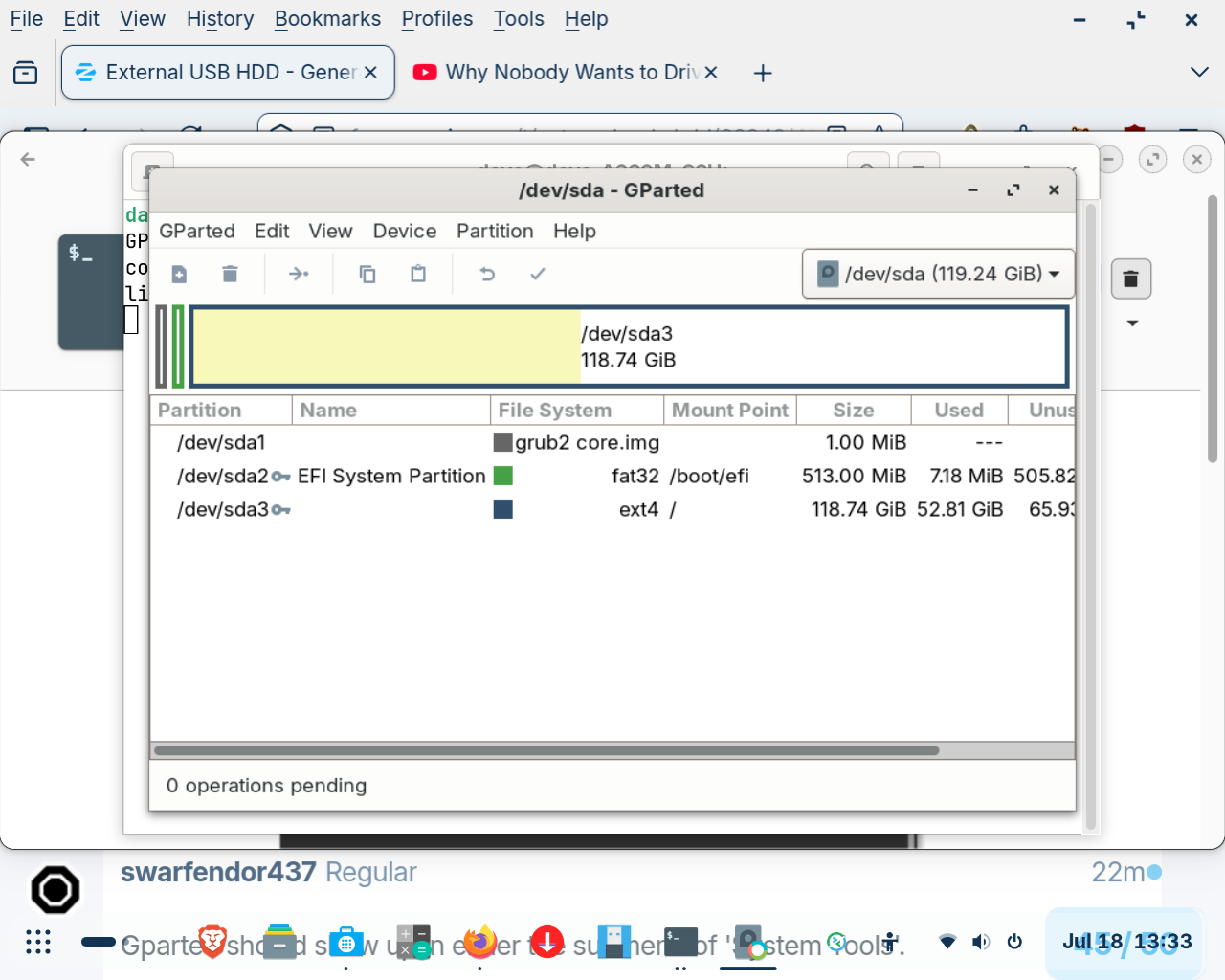
Gparted should show up in either the submenu of 'System Tools'.
If installed you can just type GParted in the search bar of the menu or launch via the Terminal (just type Terminal in search bar of menu and press Enter key to launch). Once in the Terminal type:
sudo gparted
You will then have to type your login password carefully.
As @Forpli has already mentioned, backup anything that might be present on the drive. If you already have the data somewhere else, then continue as follows using GParted. I much prefer it to disks, probably because of years of using it.
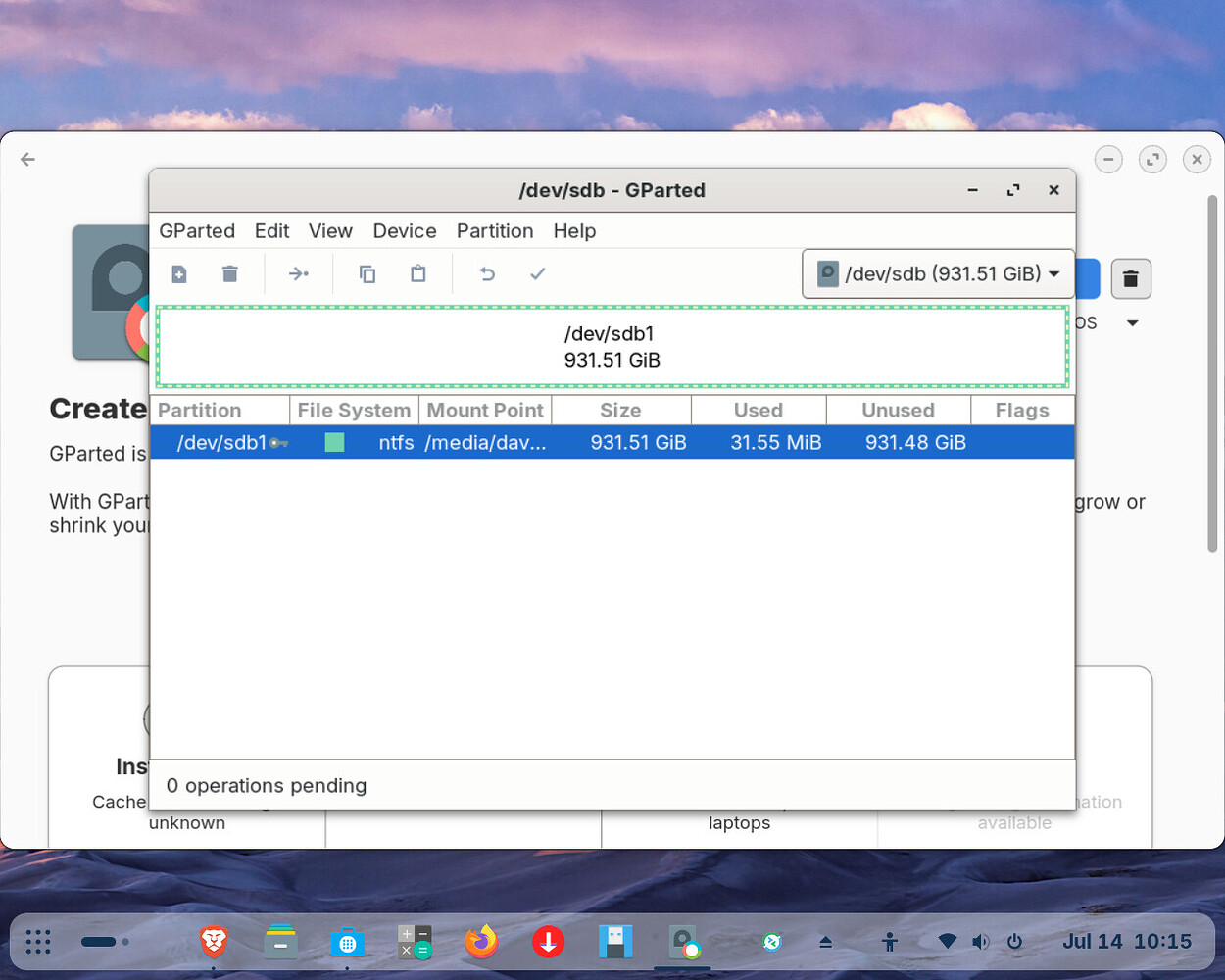
First, unmount the drive so that you can delete the NTFS partition. If this is a none starter you could choose the option of 'Create new partition table' which would erase everything on the disk, so be sure you have selected sdb1 when you do this. I will check if there are some clearer instructions online first.
I thought pkexec was deprecated? I always use sudo gparted in the terminal.
gparted is enough as command, you should then get a prompt to enter the password.
This - I just tested it and it does still prompt.
No, I cannot find it being deprecated. But, using sudo can create a glitch where it is tying a root process to home directory, which makes pkexec preferred.
Link to the relevant bit of GParted Manual:
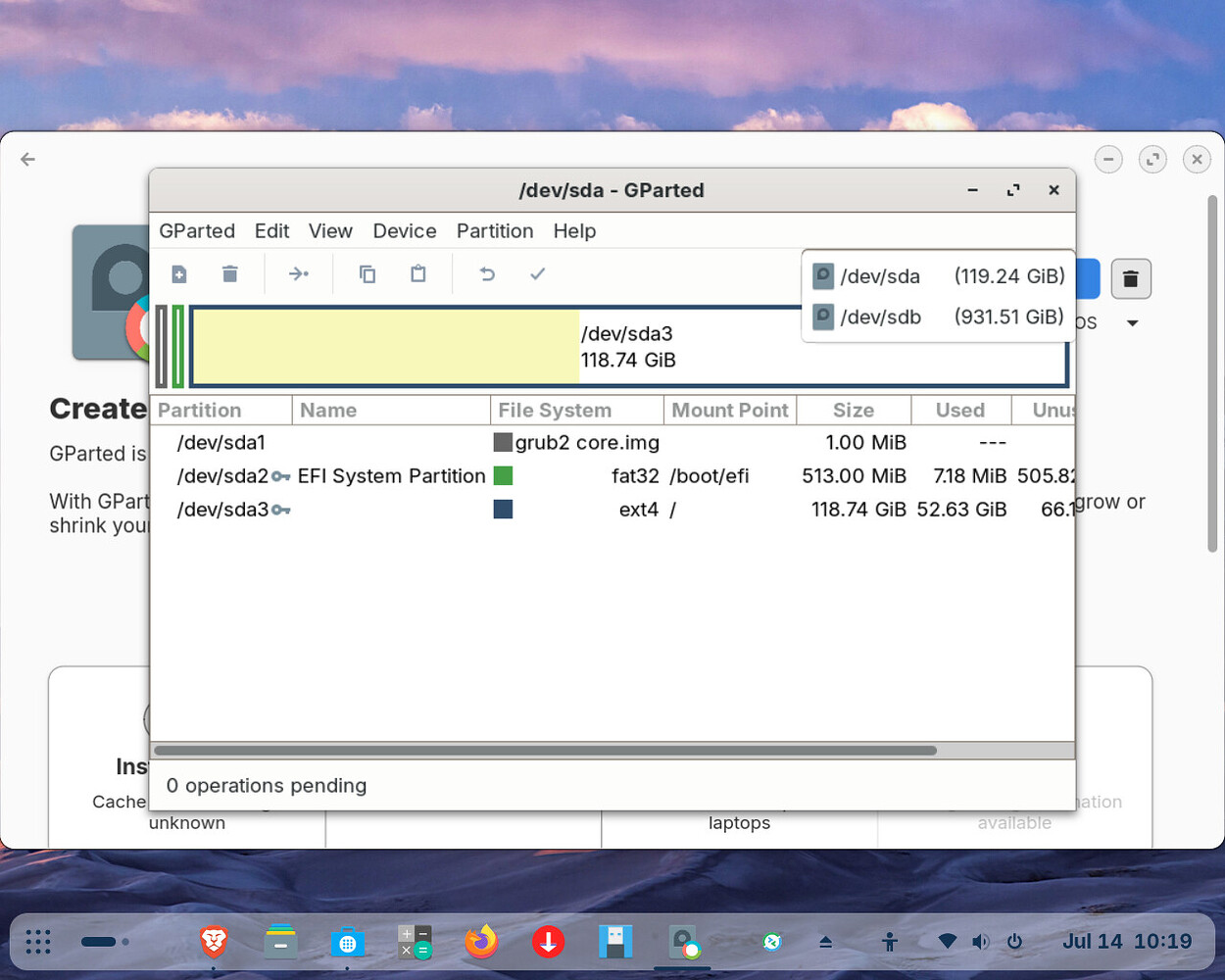
click on the arrow  and select /dev/sdb
You need to go to the drop down arrow next to /dev/sda to bring up /dev/sdb
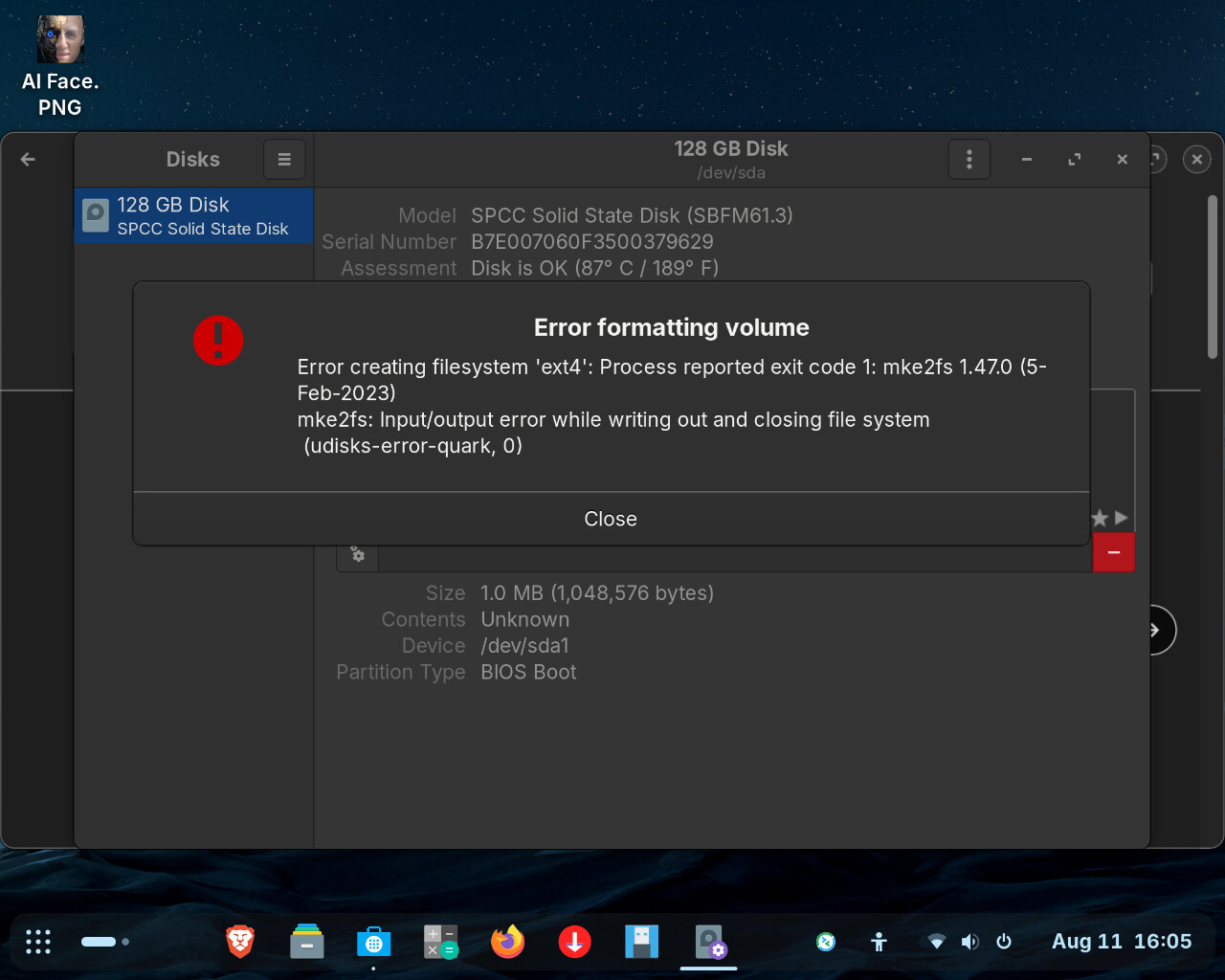
I am completely confused and befuddled. The attached screen shot is where I am now and I cannot format the disk. The error I get is attached but is for highly trained IT persons not an untrained novice like myself. It is like putting a forklift driver in the seat of an F35.
Hi @Dave3
Hope you are keeping well.
You really need to be in GParted, not Disks as per my last post.
Couldn't help but notice your SSD is running hot. According to Silicon Power
"SSD overheating (above 70°C) can cause slowdowns or crashes. To prevent this: