Quite inexperienced user here... I wanted to switch to zorin and chose OS 18.1-Core, followed the instructions provided on zorin.com and chose 'Try or Install Zorin OS (modern NVIDIA drivers)' after checking that my graphics card was produced after 2013 and that the 'Secure Boot' option was disabled. Now it keeps repeating 'Failed to start gdm.service - Gnome display manager' - What can I do? Have I caused irreparable destruction? Thank you.
Which graphics do you have?
How much disk space do you have set for the zorin system?
Do you have old hardware? If it is an old computer and you can reach the login screen, please click at login on your username, then a cog wheal appears at the bottom right corner. There you can switch between two options. Try to select the other one to see if it helps.
I think it's NVIDIA GK208B [GeForce GT 730]
I'm afraid I can't tell, I'm using an old disk (Seagate 7.200.12 160 GB) ...
How do I exit the installing process? Shall I simply cut the power?
That's an old hardware. Try not to select the option for modern nvidia drivers but the normal installation and also switch to Xorg at loginscreen (cogwheel).
Thank you, but how do I reach the loginscreen?
Isn't it installed yet? Hm,..is there an option to cancel the installation? I'm not sure.
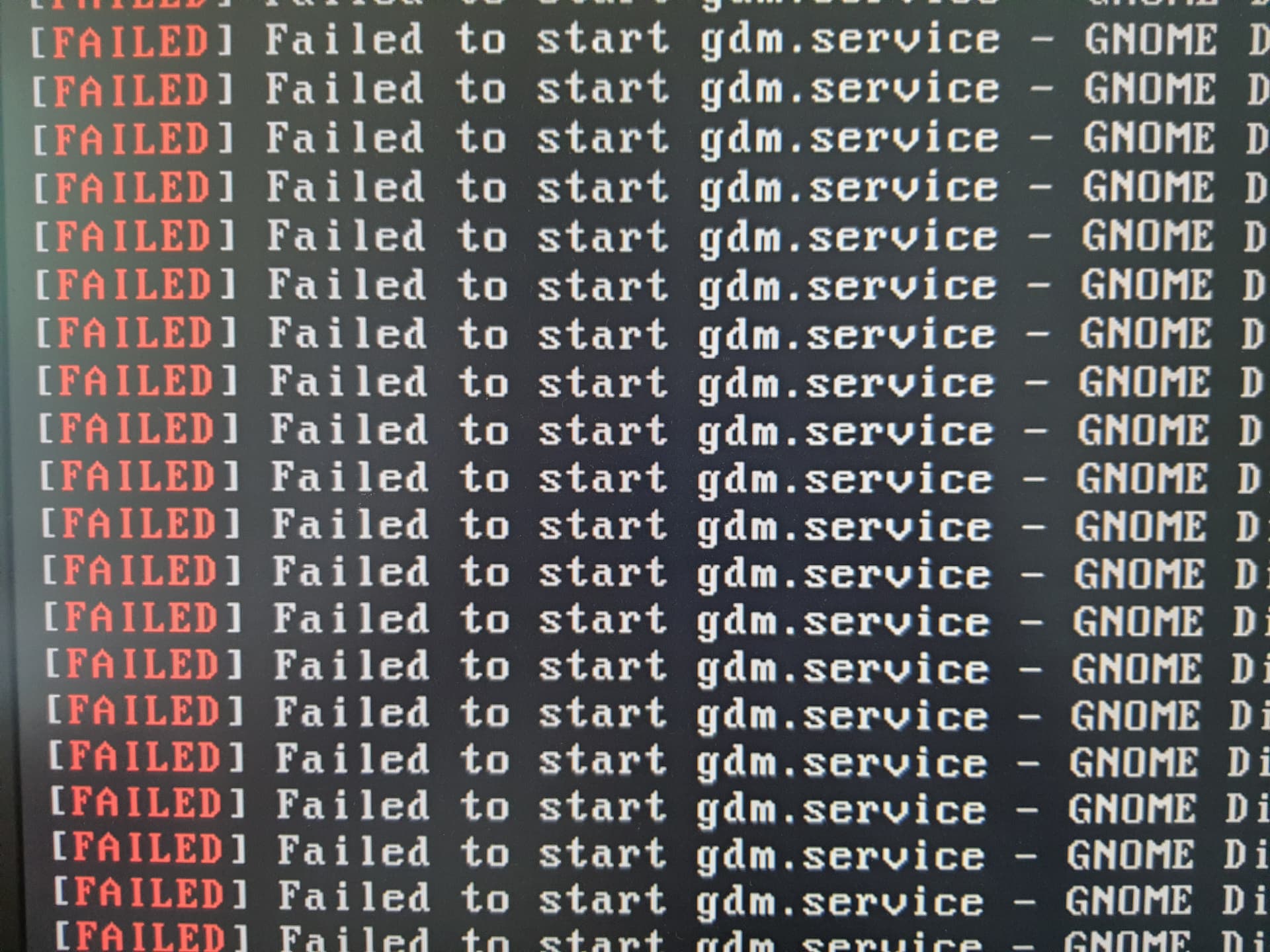
Me neither... The only options I see would be cutting the power or taking the boot-usb off.
Do you have set up a autologin without password? Then you don't see the loginscreen and the cogwheel. Can you boot in recovery mode or reach a root shell prompt...I see Ponce-De-Leon is replying, he can better help you.
Welcome to the Forum!
Is this on the Installation Window or after the Installation when You reboot? The Screenshot is too small to detect it.
No, I've a password. Thank you so far!
1 Like
This is what happened after the installation process started, I have not tried to reboot as I was not sure how to exit it safely or how to reboot from that point.
Can You make a Picture of the whole Screen?
Apparently it is repeatedly trying to start gdm.service - can I simply interrupt the installation process?
[Picture deleted]
Okay, I see ... Well that is not well. Do You have a Dual-Boot System or do You want Zorin-only with this?
I know... unfortunately zorin only. It used to run with an older version of linux mint (I think 20.3).
So, You want the System Zorin-only? Okay, good. With Windows on it, it might be a bit ... difficult.
But so, hold the Power Button to disable the Machine. Then wait a bit. 2 to 3 Minutes. Then enable the Machine again and go in the BIOS. Look there for Your Bootstick and boot from it. Then choose the ''Try or Install Zorin'' Option without the Driver Options. I mean the first one. No Drivers. And install this one. This will make that the Nvidia Card will use Nouveau by default. Nouveau is a built-in Driver. Which will be good for now.
EDIT: And maybe install the OS offline. Or at least without installing Updates.
I look at the Nvidia Website for Your Card and it seems that the Card supports the 470 Driver - which is good because this Driver is in the Zorin Repos. So, when Zorin is installed, we can install this Driver for You.
But first, You should install Zorin. And when this is done, we can go further. So, I would suggest that You now install it and when it's done report back.
1 Like
You need kernel 6.8 for the 470 nvidia driver.