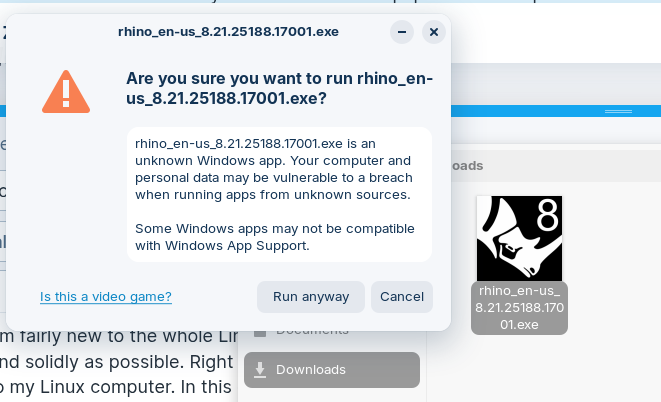
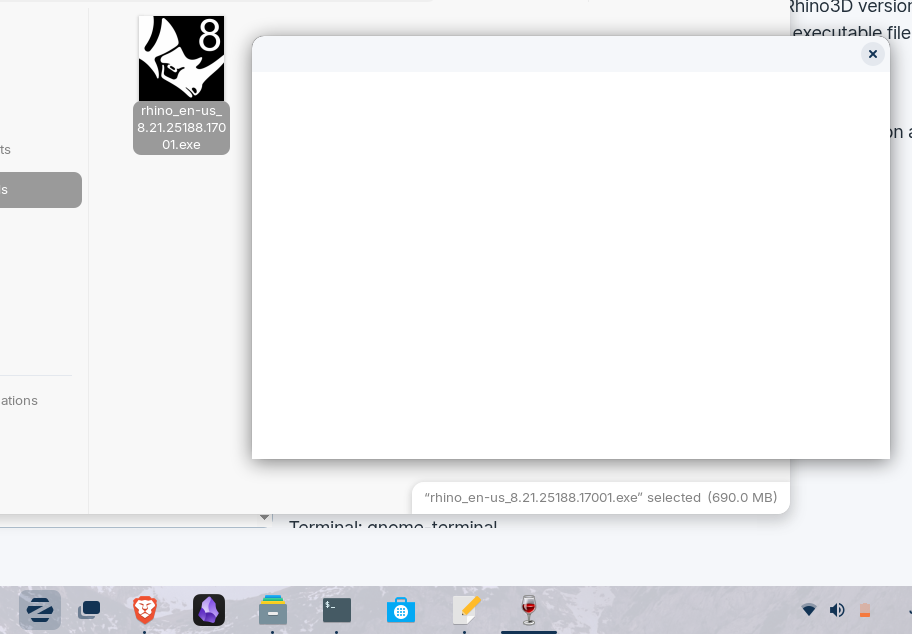
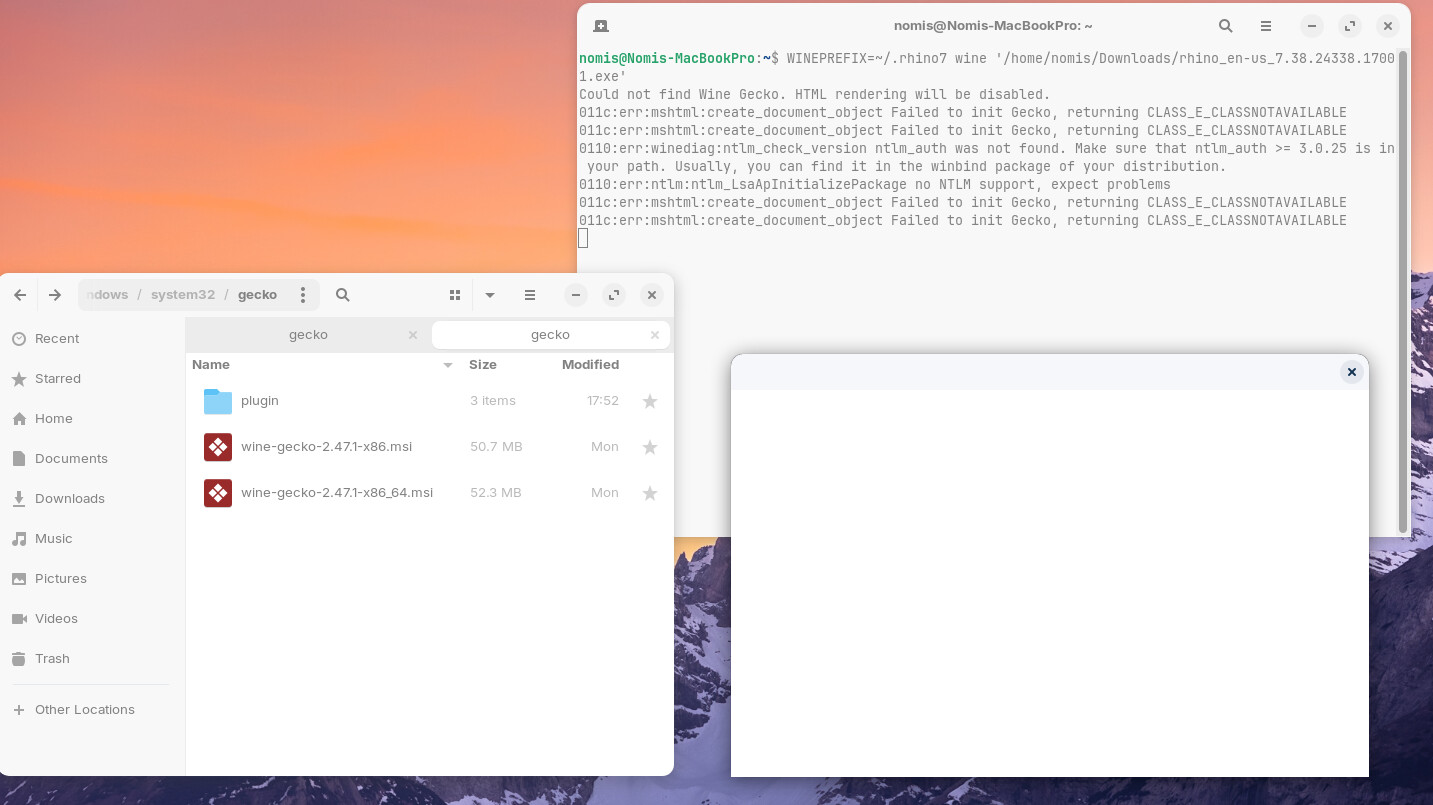
Hello. I am fairly new to the whole Linux system but wanting to migrate to it as fast and solidly as possible. Right now I am trying to move my creative apps into my Linux computer. In this case, I am specifically trying to install Rhino3D version 8 - for which I already have a licence. But whenever I click on the executable file the wine icon comes up on my toolbar as well as a blank box. The only thing available/visible in this wine box is the 'x' button to close it out.
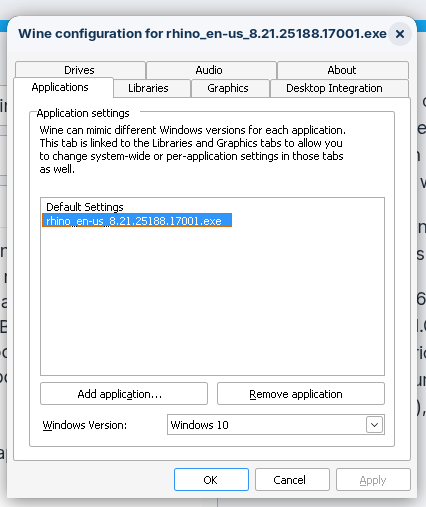
I have included the Rhino executable file in the "Wine" app as an application and have selected windows 10 but nothing changes. I have included a few screenshots of what I am describing as well as my system info.
Could not find Wine Gecko. HTML rendering will be disabled.
011c:err:mshtml:create_document_object Failed to init Gecko, returning CLASS_E_CLASSNOTAVAILABLE
011c:err:mshtml:create_document_object Failed to init Gecko, returning CLASS_E_CLASSNOTAVAILABLE
0110:err:winediag:ntlm_check_version ntlm_auth was not found. Make sure that ntlm_auth >= 3.0.25 is in your path. Usually, you can find it in the winbind package of your distribution.
0110:err:ntlm:ntlm_LsaApInitializePackage no NTLM support, expect problems
011c:err:mshtml:create_document_object Failed to init Gecko, returning CLASS_E_CLASSNOTAVAILABLE
011c:err:mshtml:create_document_object Failed to init Gecko, returning CLASS_E_CLASSNOTAVAILABLE
I have looked into making sure I have the mos up to date version of wine-gecko and I am. Gecko · Wiki · wine / wine · GitLab - Here is from where I am making sure I have the correct software version of gecko.
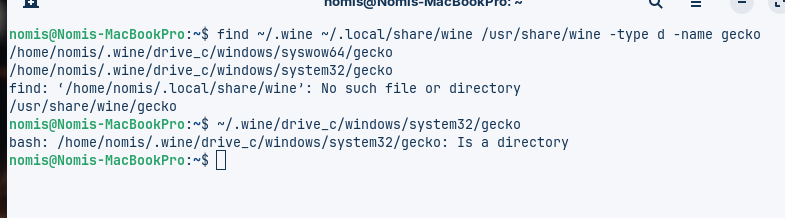
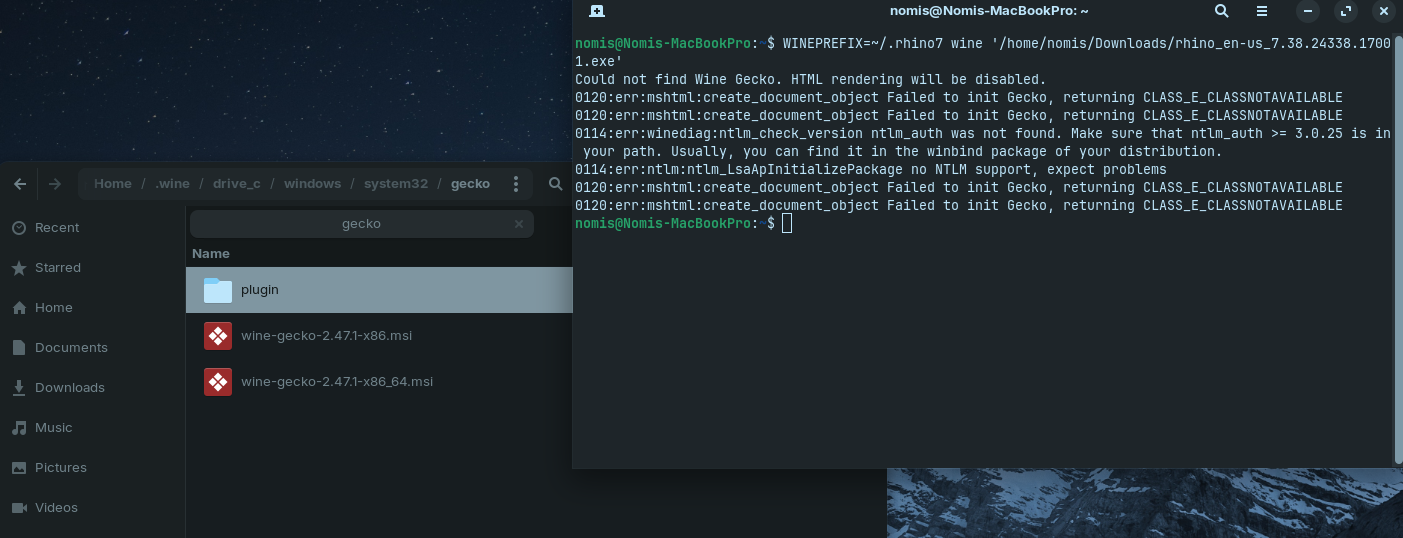
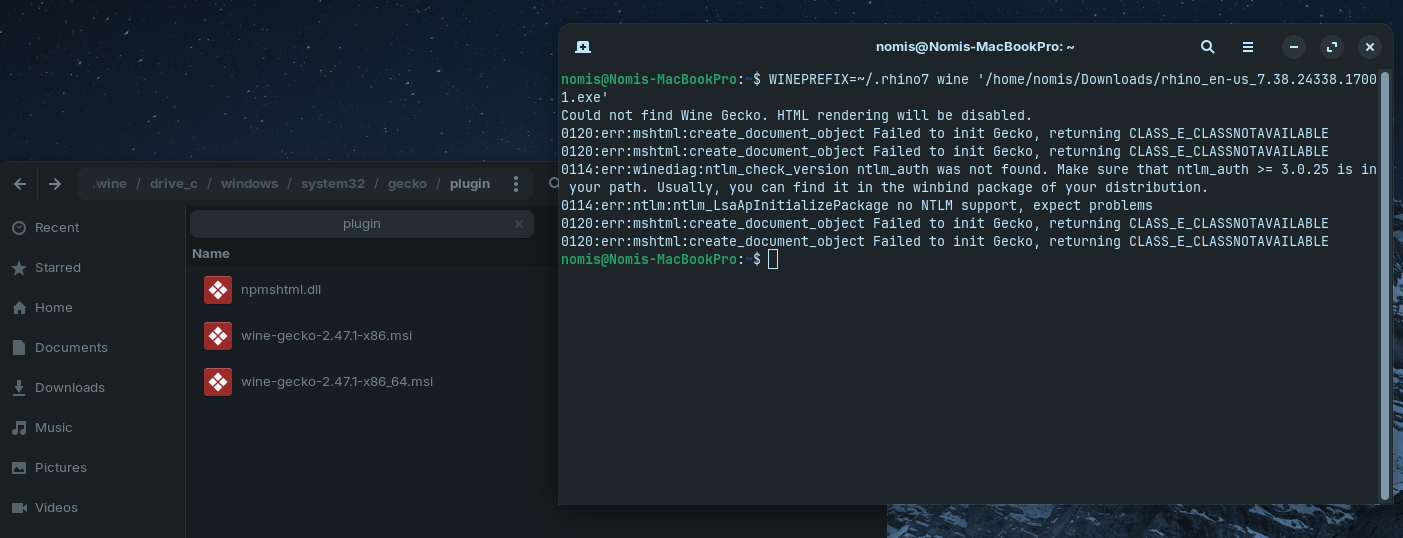
I followed your instructions but it failed. I downloaded the gecko files and inserted them into the corresponding directory. I even tried two folders just in case. But now it is returning a different error - where it cannot init. Any guidance on this?
Wine prefixes are like tiny environments for running windows programs, and if there was any miscommunication between you and @Aravisian, it looks like things may be split across different prefixes.
Your original prefix was in a rhino7 folder.
.wine is the default "prefix."
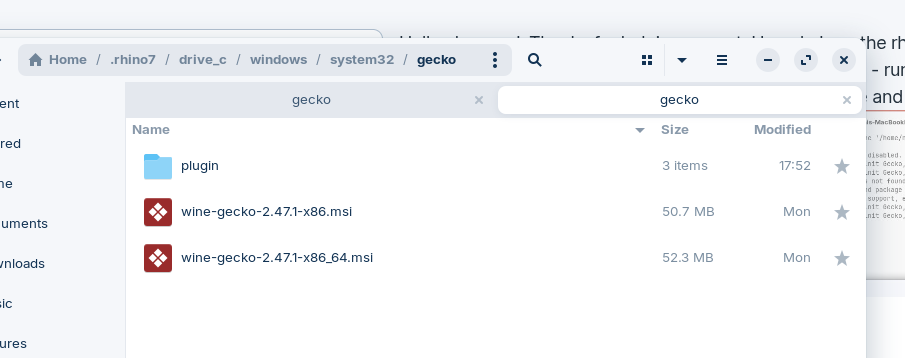
So, combining the previous comments, I think gecko needs to be in: ~/.rhino7/drive_c/windows/system32/gecko
And you need to use the .rhino7 prefix and not the default one when you try to run the executable.
(as a relative wine newbie, I like using the Heroic Launcher to configure wine prefixes with winetricks in a GUI, myself).
Hello chronosJ. Thanks for helping me out. How do I run the rhino7 prefix instead of the wine when calling the executable? Below is what I did - running it with the wine prefix. What exactly in the terminal command do I replace and with what?
Okay, terminal wine prefixes aren't my bag, but let's make a desktop icon for it that matches the format of a different program I definitely do have working with a prefix (which you could run via terminal for error checking).
Put your rhino exe into ~/.rhino7/drive_c/
Make a text file on the desktop (call it rhino7.desktop).
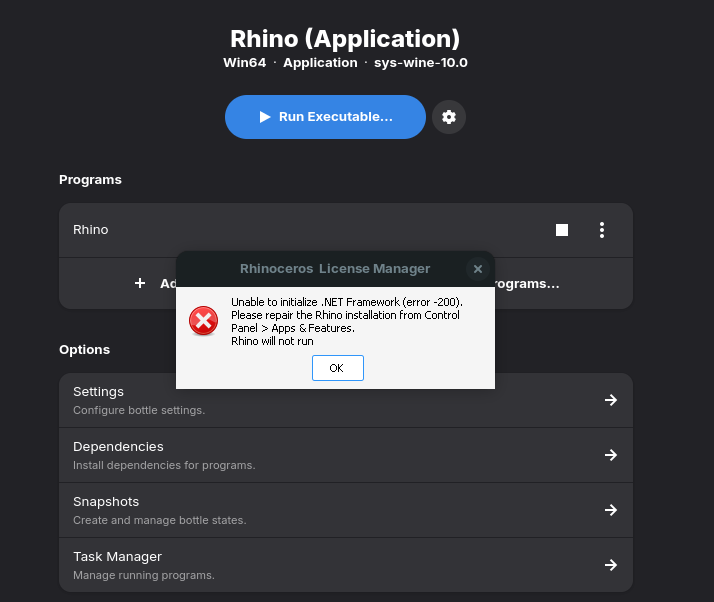
Hey @chronosJ , this is a bit over my head. I have seen that ZorinOS comes with Bottles - a GUI wine interface. Started to play with this as I have read other people having success with it to run Rhino. I get further using bottles, but still fail. This time whenever the licence manager comes up it just crashes and gives me the error of .Netframework. Images for reference.
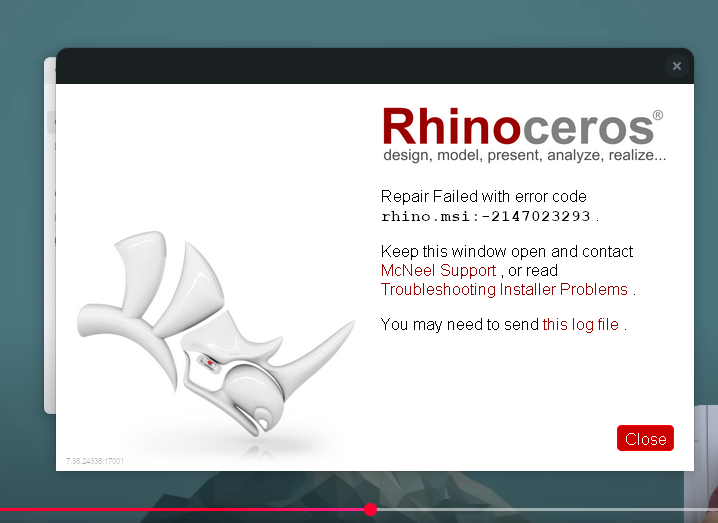
After crashing I get a window saying to "repair" rhino. I click on it but that also fails. See image.
Optionally, watch for the MSI installer to finish up and exit.
Click the "Run Executable" and go dig for the Rhino.exe in the flatpak bottle path.
Change the launch options to disable both DXVK and VKD3D
Run Rhino, find the licensing dialog (might have to go back and run in glitchy desktop mode?) and log in to zoo or type your license key or whatever.
The second step's renderer settings may have changed places:
I couldn't find "Improve Direct3d 9/10/11 Compatibility" or "Improve Direct3D 12 Compatibility"
These are just "DXVK" and "VKD3D" in Settings > Components.