I am a new Zorin OS user, and am currently going through the pain of its learning curve.
There is an unusual issue. It's just annoying more than anything else. It doesn't prevent me doing anything ... but I keep getting a system notification that activation of the network connection failed. However, I am connected, and my local network is connected too. There is nothing I can't access on the internet, or on my unraid server.
The other thing is I can't find these notifications anywhere. It pops up on the screen, then fades away. It's a system notification, and when I go to the notifications in Zorin there is nothing there. Usually an OS keeps a log of notifications ... does Zorin?
I've no idea how to troubleshoot this, so any advice is much appreciated.
Click the watch on the panel. Here you can dismiss the notifications.
Thanks for your reply. When you say watch on the panel I'm assuming it'll be an icon. However, where do access this panel? I can't see any watch icons in the taskbar, or in the "Z" menu.
On the desktop you can see the watch/clock on panel. Left click on it. I can't provide any screenshot of it, as I don't use Zorin and uses a different Desktop Environment.
I am completely new to Zorin. I don't know what you are referring to when you say panel. Do you mean the "Z" menu, or it may also be called activities menu? Anyway even when I open it I don't see a watch icon ?
Hmm... Do you know if you're using the regular version of Zorion OS which uses Gnome Desktop Environment or using the lite version of Zorin OS (XFCE)?
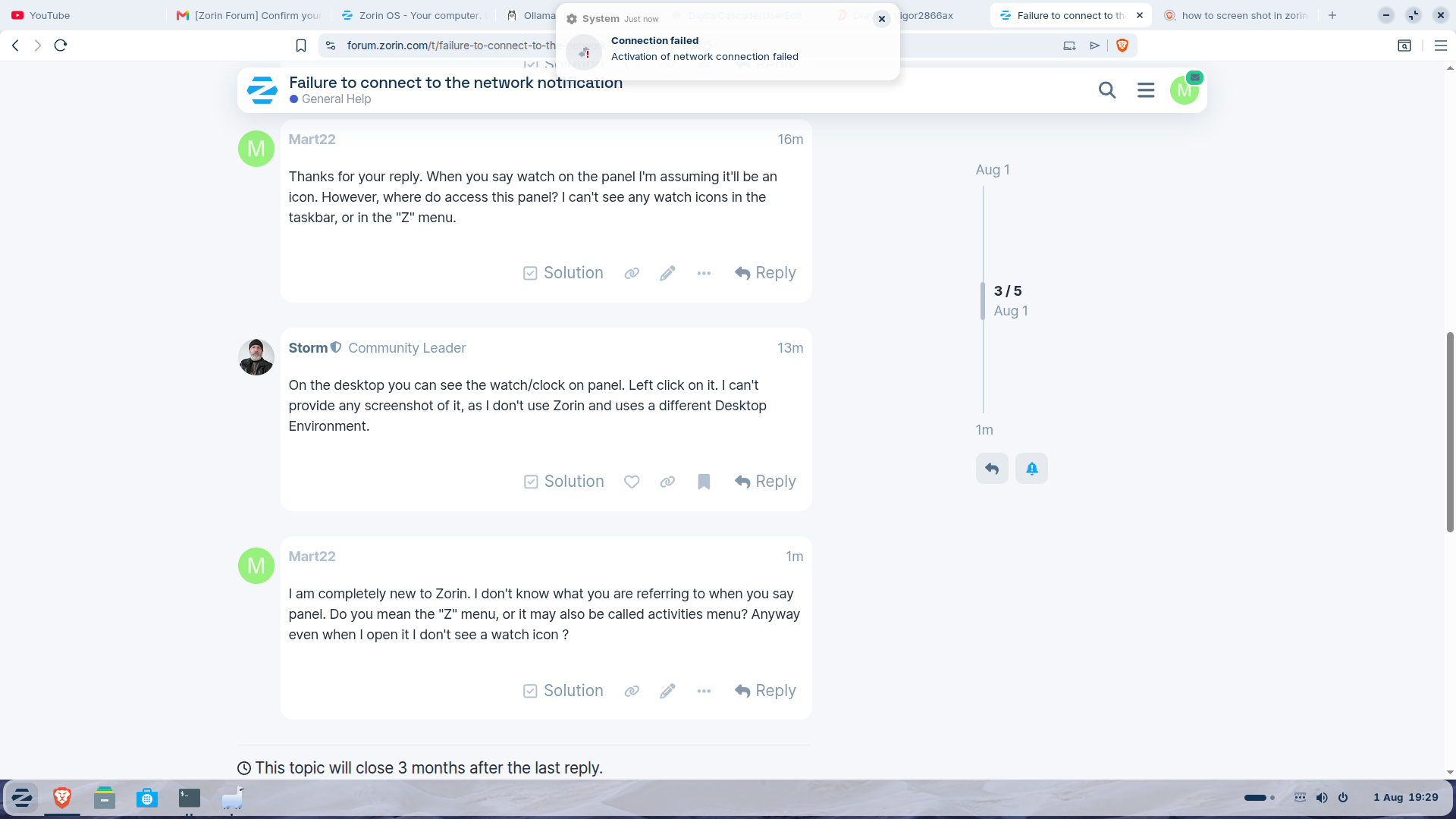
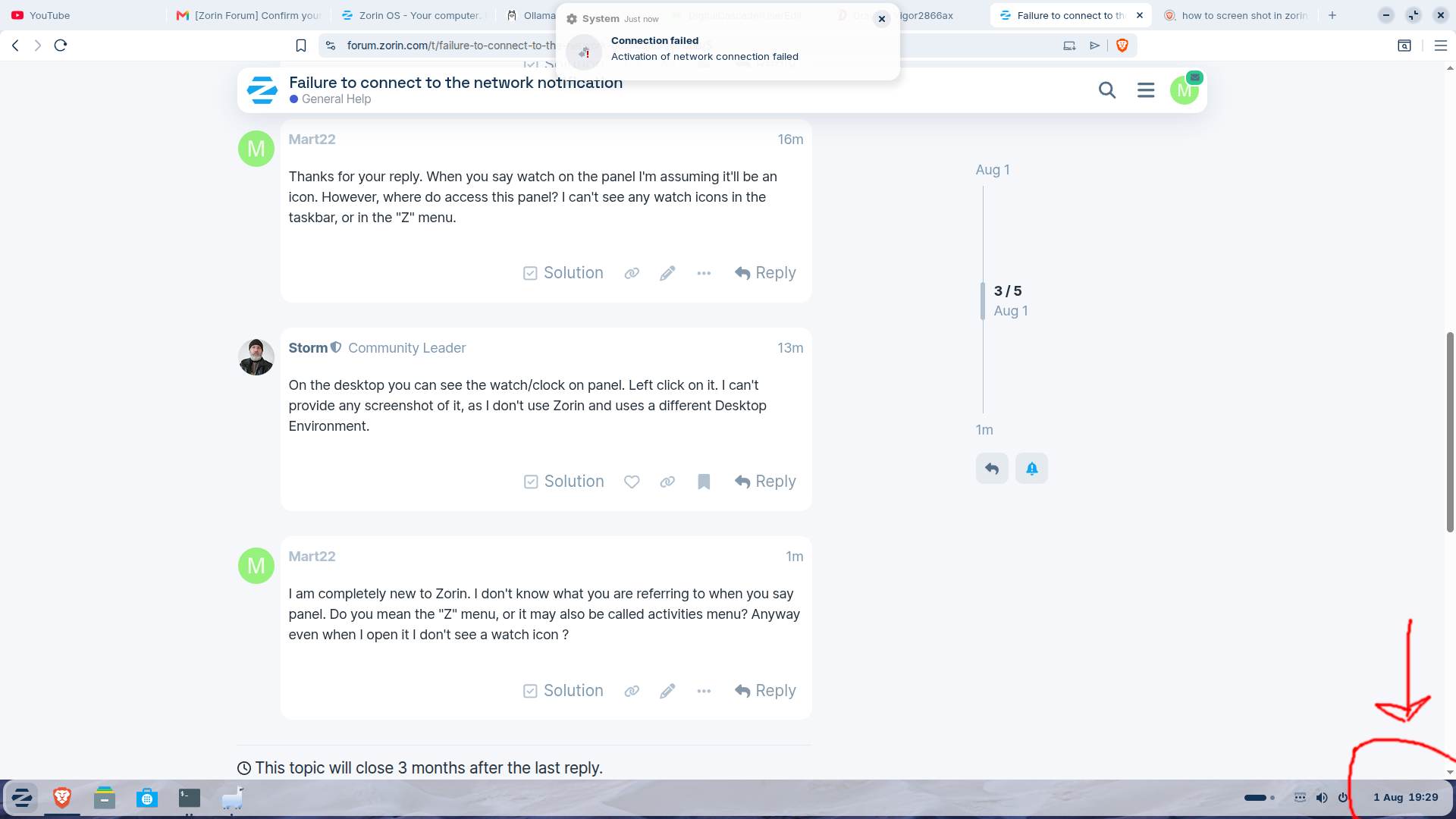

Thanks. But there is no record of the notifications on activation of network failed. It's just a notification I am being alerted of, maybe 2 or three times an hour, and it doesn't seem to be recorded anywhere. It wasn't in the "panel". And as I say I have no issues getting to the internet, or onto anywhere in my local network.
I'm no network expert, so we have to wait on someone that is. Someone who knows how to disable that notification. I have never seen such problem before, so I can't help you there.
So pro version has a different screen layout to regular Zorin?
Not as default, but Pro comes with (more) different layouts you can choose from. If you push the Z. On the right side of the menu is something called appearance.
Well thanks for trying. I'm grateful for the interaction, and for building on my terrible lack of Zorin terminology!
No problem, just hang in there. Everything new seems difficult, but with time it becomes the norm 
Welcome to the Forum!
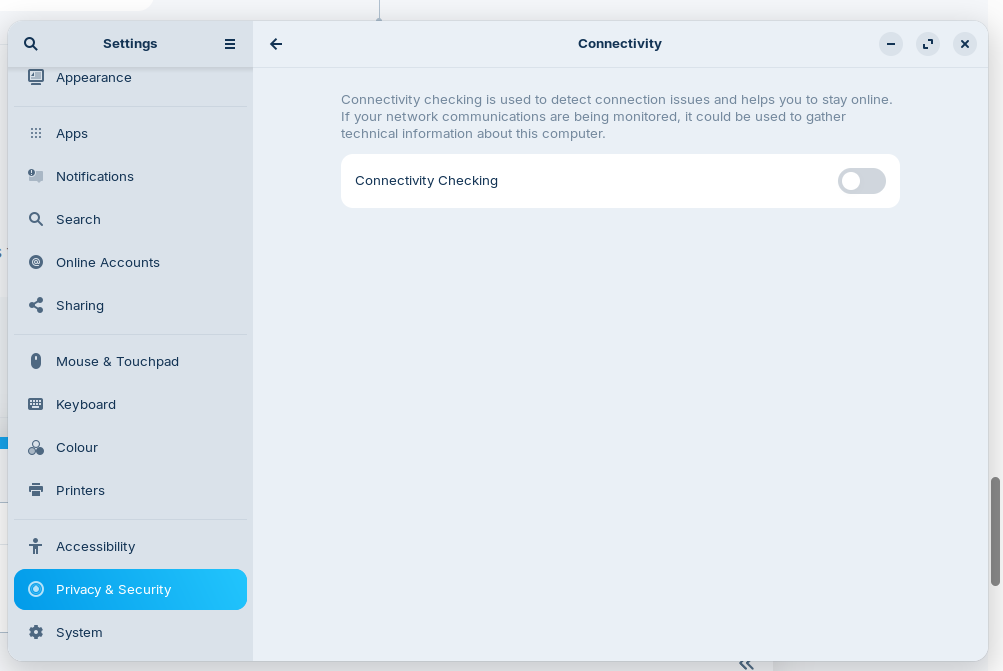
We could try something: Go to Settings>Privacy>Connections and disable there the Toggle.


Can you please give us the output of this terminal command but the repeating network messages only once:
journalctl -u NetworkManager.service | grep -i "error|fail|reject"
If your connection to the network involves a router, you can try to power cycle the router. If using a wired connection, sometimes un-plugging/re-plugging the ethernet cable is the fix.
I found this thread when the network connection really failed, perhaps it can help, but I'm not sure.
You can also take a look at this thread to get some ideas. Unfortunately there is not mentioned, if it solved the issue.
@arichardhead Have you found a solution for this problem?
In this ask ubuntu thread is written that a VPN caused the problem:
I put the command in, but nothing happened ...

This is one of the things I'm finding difficult. How can nothing be the output? No error, no indication its working on something ...
Thanks so much. I'll read through the threads, and see if there is a solution. I don't have a vpn, and I've made sure my draytek 2866ax router is running the latest firmware ...
Still getting the pesky notification tho 
