I am a total noob at this, so I apologize in advance. I am a 59 years old and have just had enough of Windows and reloaded my Desktop PC with Zorin yesterday morning after the last Win10 update crashed my machine.
Latest Zorin 17.3 Core ISO loaded from Ventoy bootable. Hardware is an Asus MB with Ryzen 5 5500 x 12 CPU, 32Gb Ram, and a Radeon RX580 GPU.
On Windows I ran a fan controller that I could set up nicely to overcome my MB shortfall of only one fan header for the case, and one for the CPU. With Fan Controller I could make the case, GPU and CPU fans do things for me if my NVME drive started heating up too much. One of my big tuning points was to work past the harmonic whine I was getting from the PWM on the 6 case fans at certain PWM cycles and speeds.
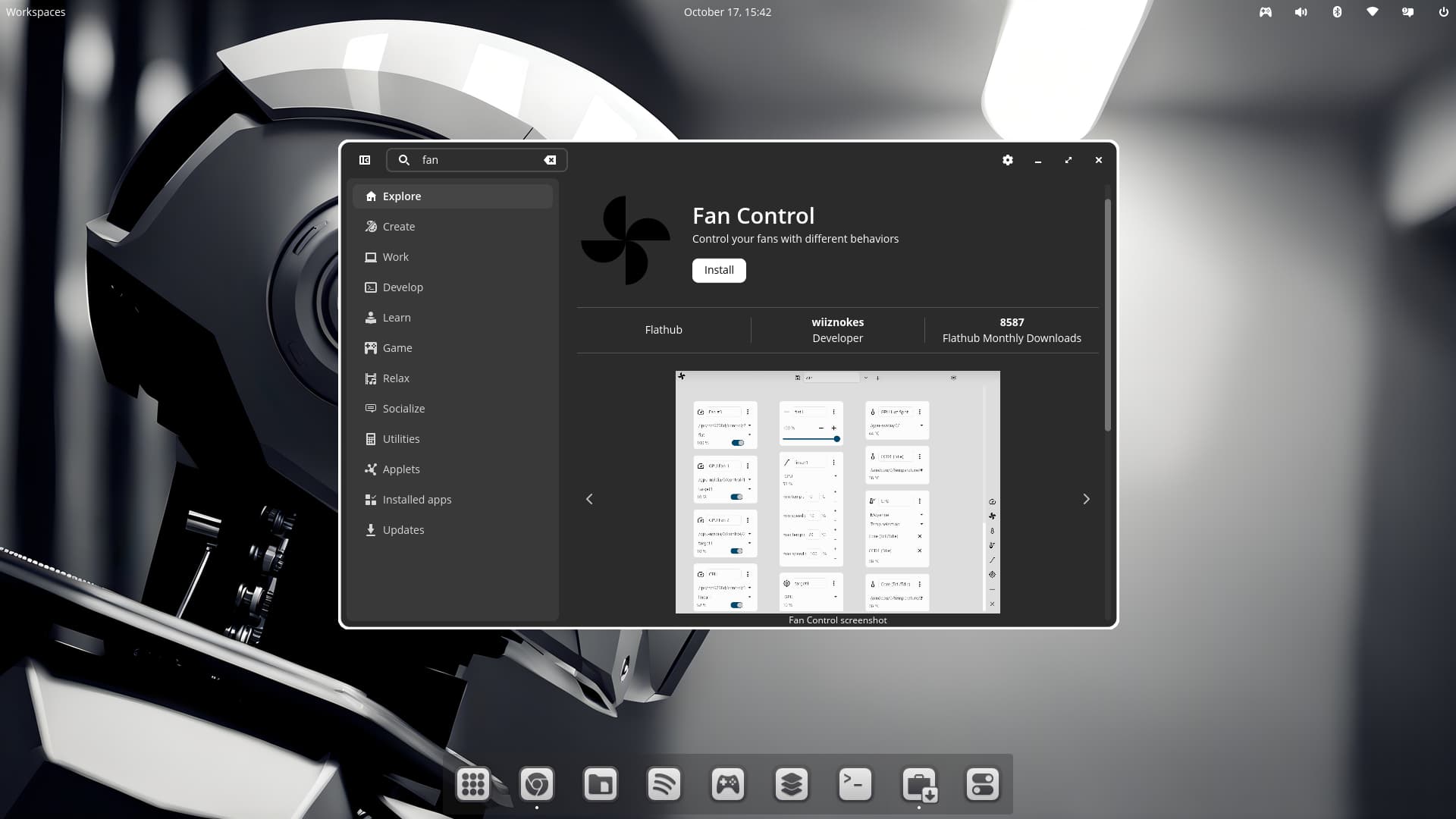
Now under Zorin, I can't even see my sensors. I tried FanControl, but the UI is seriously lacking in the Linux version. Then I read some of the topics on this forum, and besides most dated around 2021, they pertain to laptops and notebooks.
So I need some help, please, to get some sort of fan control and temperature reporting (hopefully in one App). I have not used the terminal past copy and paste from ChatGPT, and some youtube videos I have watched.
Thanks for the reply. I see temps that I can only guess what they are, based on the temps I remember from Windows. I only see one fan speed, and that appears to be the GPU.
Seems something is still taking control of the fans in the OS and the Bios setup is not doing what it should be. GPU temp was at 62C and CPU at 68C. NVME at 48C and the exhaust fan air is noticeably hot. The case is running at least 10DegC higher than normal and outside ambient is temp 31C today. Now I know why my game was crashing last night. I think the GPU was throttling bad. My normal temps are CPU = 50ish, GPU = 45, NVME usually the same as MB temp at around 36 to 40.
I'm kinda worried. I pulled the side panel off the case and pushing air directly with a desk fan for now till I can find something that can take control of the system.
I just spent some time with ChatGPT, and it looks like there is no Kernel driver for the ASUS A320M-K IT8655E Super-I/O chip on the motherboard that handles CPU-fan and chassis-fan tach/PWM control.
I am going to have to live with BIOS control on this board.
If you have a desktop computer, you could use something like this, plug all your fans into it, might be an option?
Maybe try this, if you want an external option...
This might be better, cause it comes with a remote you can change RGB color, but also fan speeds...
I just thought I'd throw some ideas out there, maybe one of them would work for you, since there is no driver in the kernel, to work your fans by software control.
BTW, I know what you are going through, I have an MSI notebook, and there is no Linux driver to work my fans either. Thankfully, MSI has a huge BIOS config, once you input the keyboard secret command key combo unlock. I was able to set my fan curves in there, so the fans only get loud, when I am working the system hard at 60C & above.
Something that has reared it's head on this PC again, and was a problem when I was testing some CPU mining algo's a few years back, is that the BIOS and any software I have ever used, report a different CPU temps. In the BIOS I see a lower temp by nearly 15deg when software is showing 65 to 70. So I spent a while last night "calibrating" my BIOS fan curves to at least make the exhaust temps that I can feel, line up better with what I want.
I have looked at some of those controllers, but honestly, I just want this thing to do stuff automatically, and these cases are so small these days that anything like that is just going to turn out to be a cabling mess. It was already a mission to fit my existing fan and ARGB controller.
Focus of the PC has also changed somewhat now without windows, as I employed a dedicated NVR to do the CCTV instead of the PC having to run 24/7.