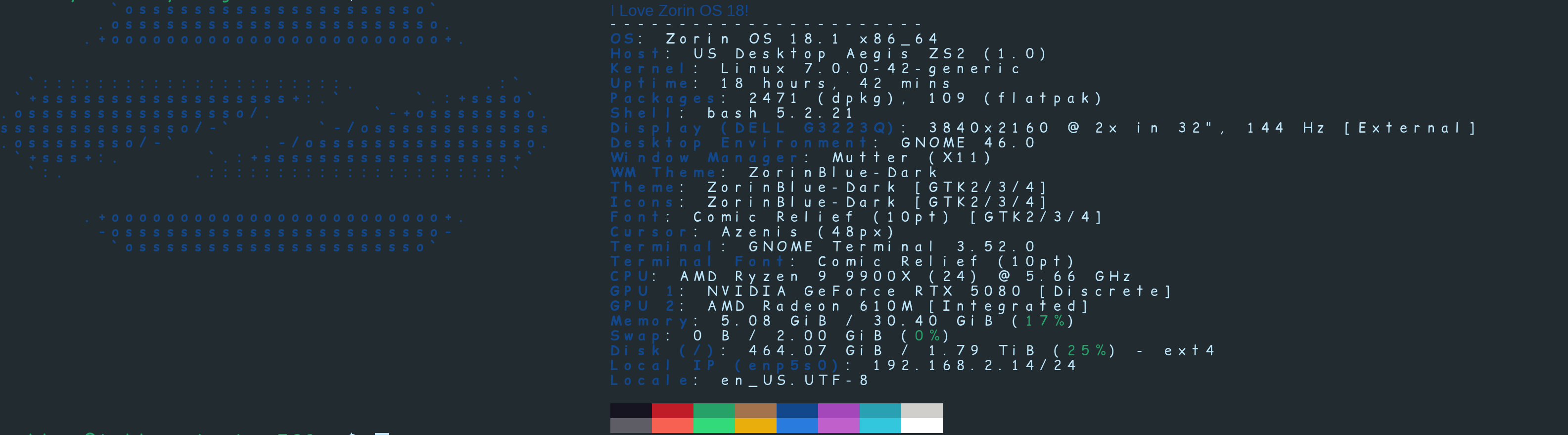
So, you got yourself a new computer in this economic horror-show of a technological economy, congrats! Whether you use fastfetch or neofetch, you will have discovered, its not showing the correct details for your hardware. Its the kind of thing that makes you want to pull your hair out, but I have the solution.
Lets start from the beginning, so were on an equal footing.
(1) Hold CTRL ALT T to enter terminal.
(2) Run the following command to add the repository containing the software, update the system database, and install FastFetch, then enter your password.
sudo add-apt-repository ppa:zhangsongcui3371/fastfetch
sudo apt update
sudo apt install fastfetch
Now, because your computer is so new, and Zorin OS 18 is not the newest thing out there, believe it or not, you need to update the system pciids dictionary, with the following command.
sudo update-pciids
Now, once that is completed, all you need to do is run......
fastfetch
It works for me, I hope that it works for you as well!