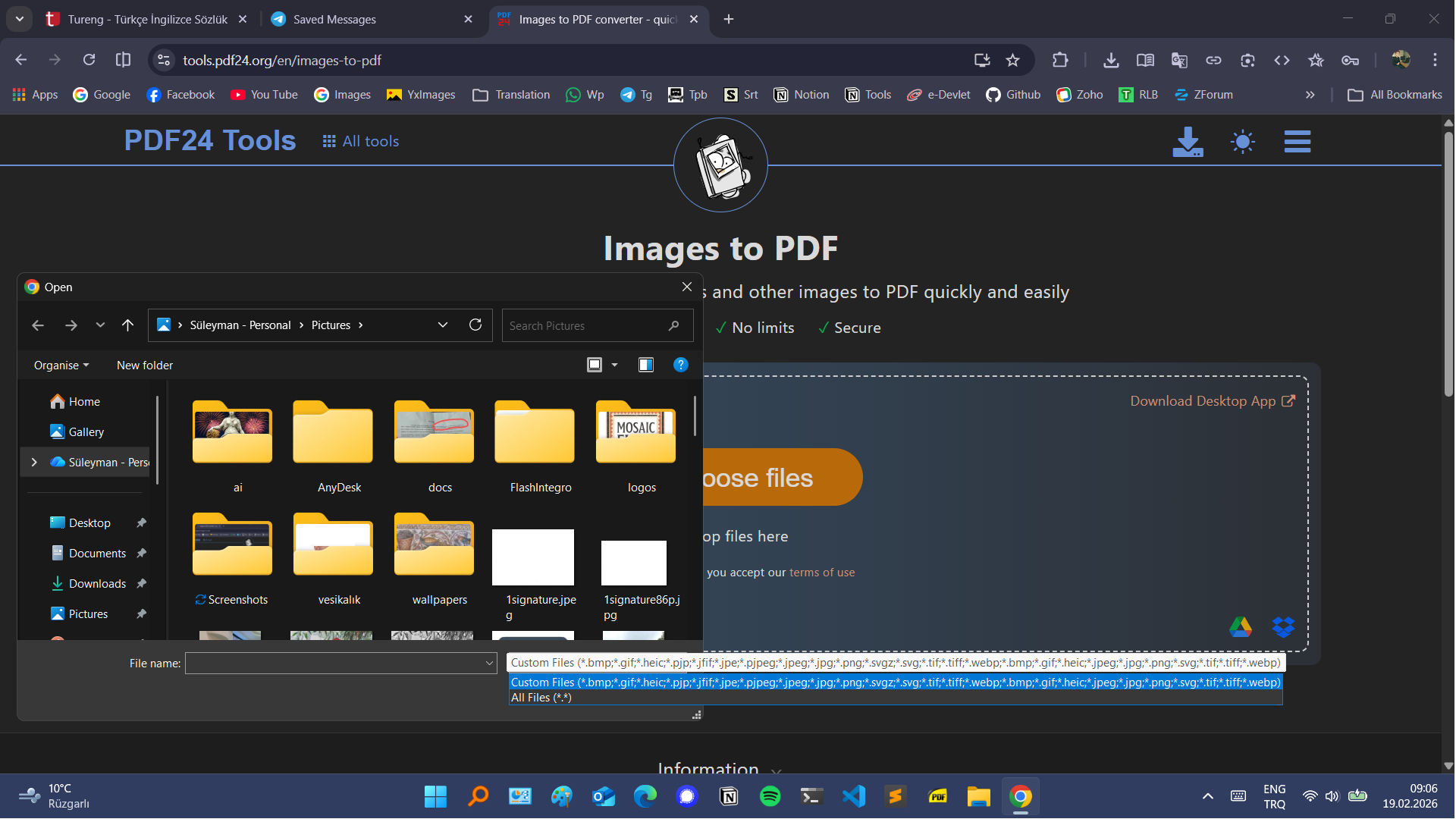
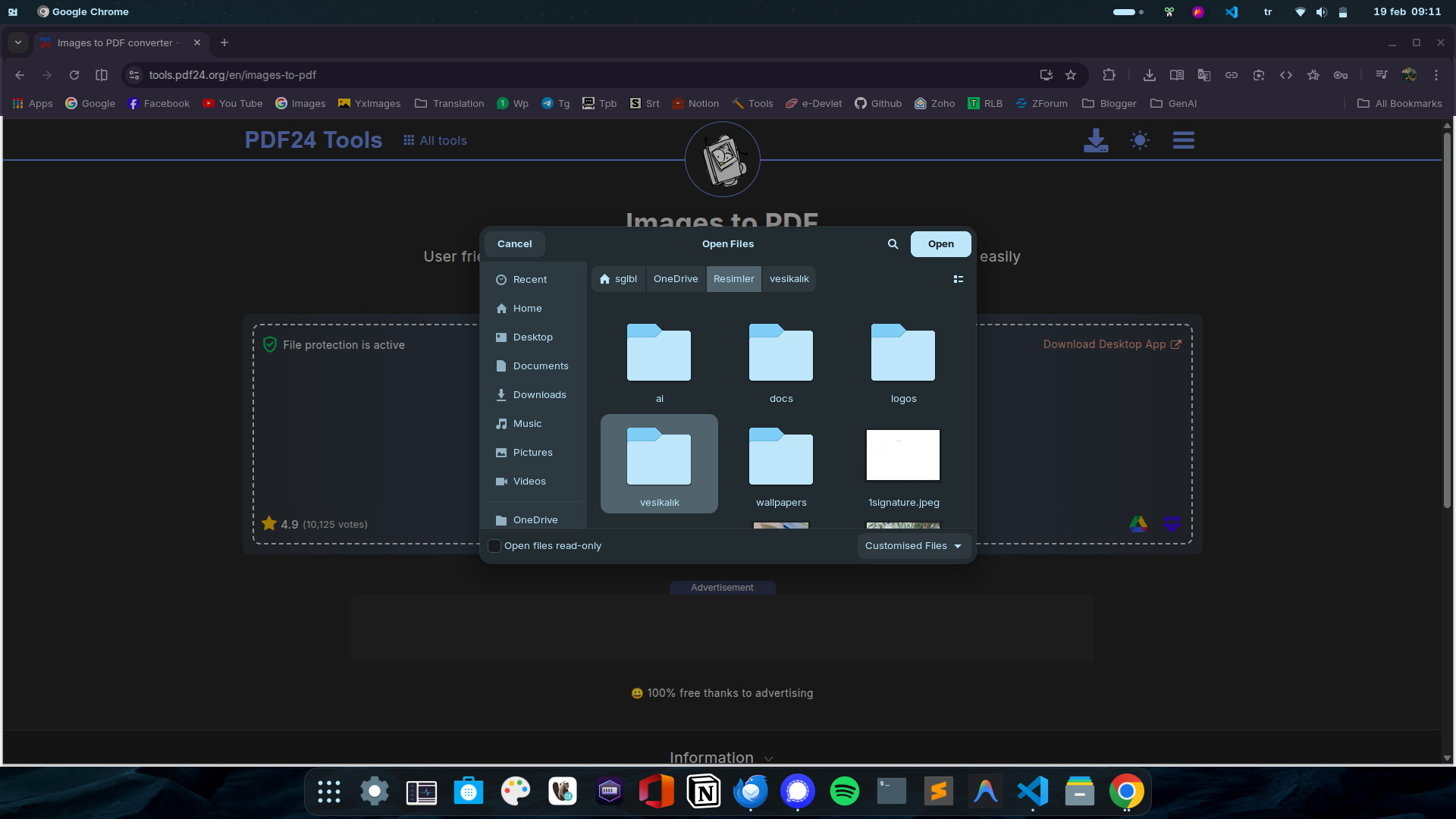
But instead, Linux only shows "Customized Files" but no extensions. So I have no idea what types it supports. (It's not just for one website, Gnome File Picker only supports if only one extension is allowed.)
Do you know any solution to see which types are supported? (Also it would be nice to see thumbnail(s) before opening folder, just like Windows File Explorer and Dolphin File Manager have, but in this issue my main problem is extension)
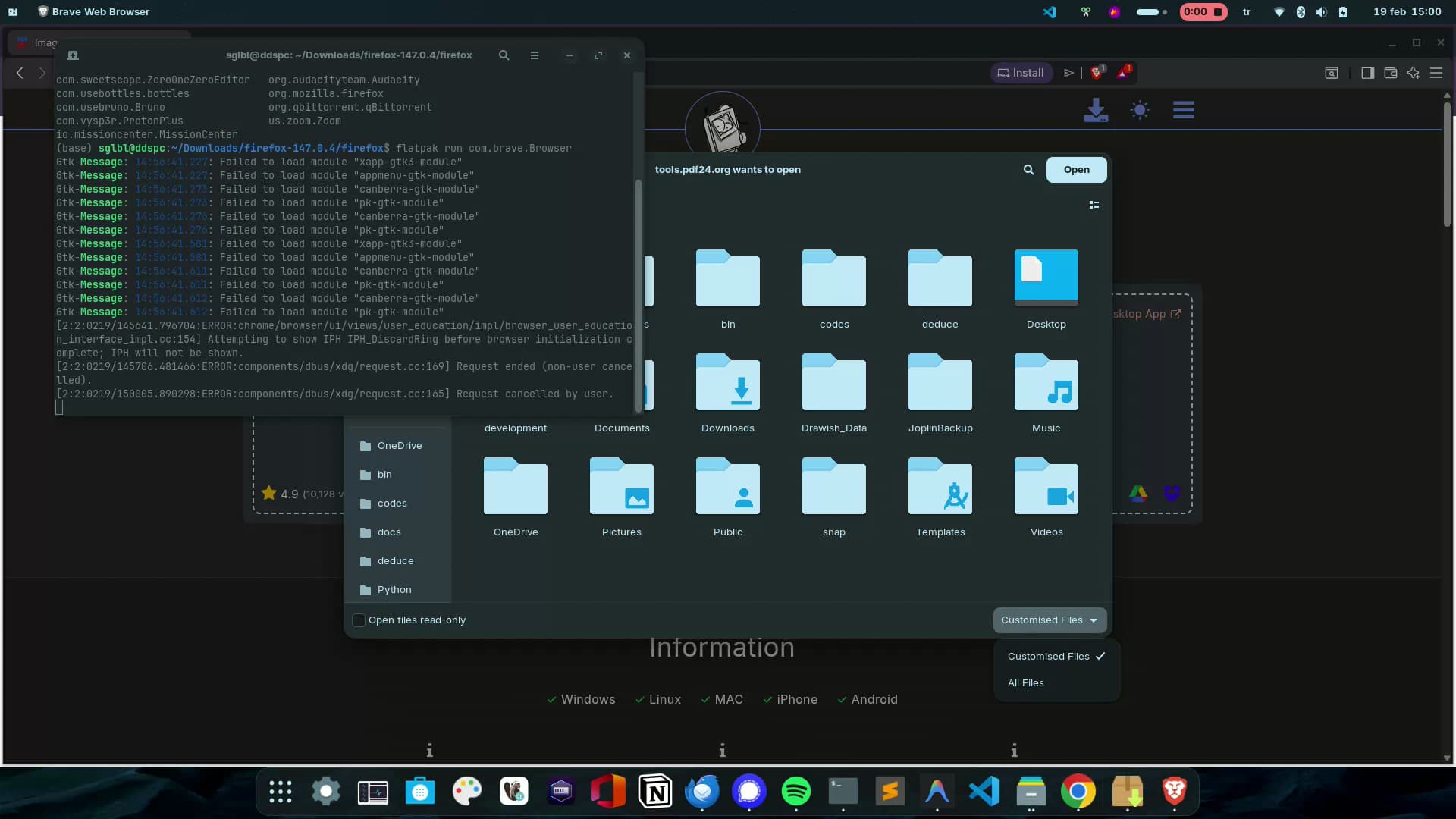
Yes it's deb and located in usr/bin/google-chrome. Also Brave Browser is located in /usr/bin/brave-browser and has the same problem. (Note that it shows the correct extension if it only supports one extension.)
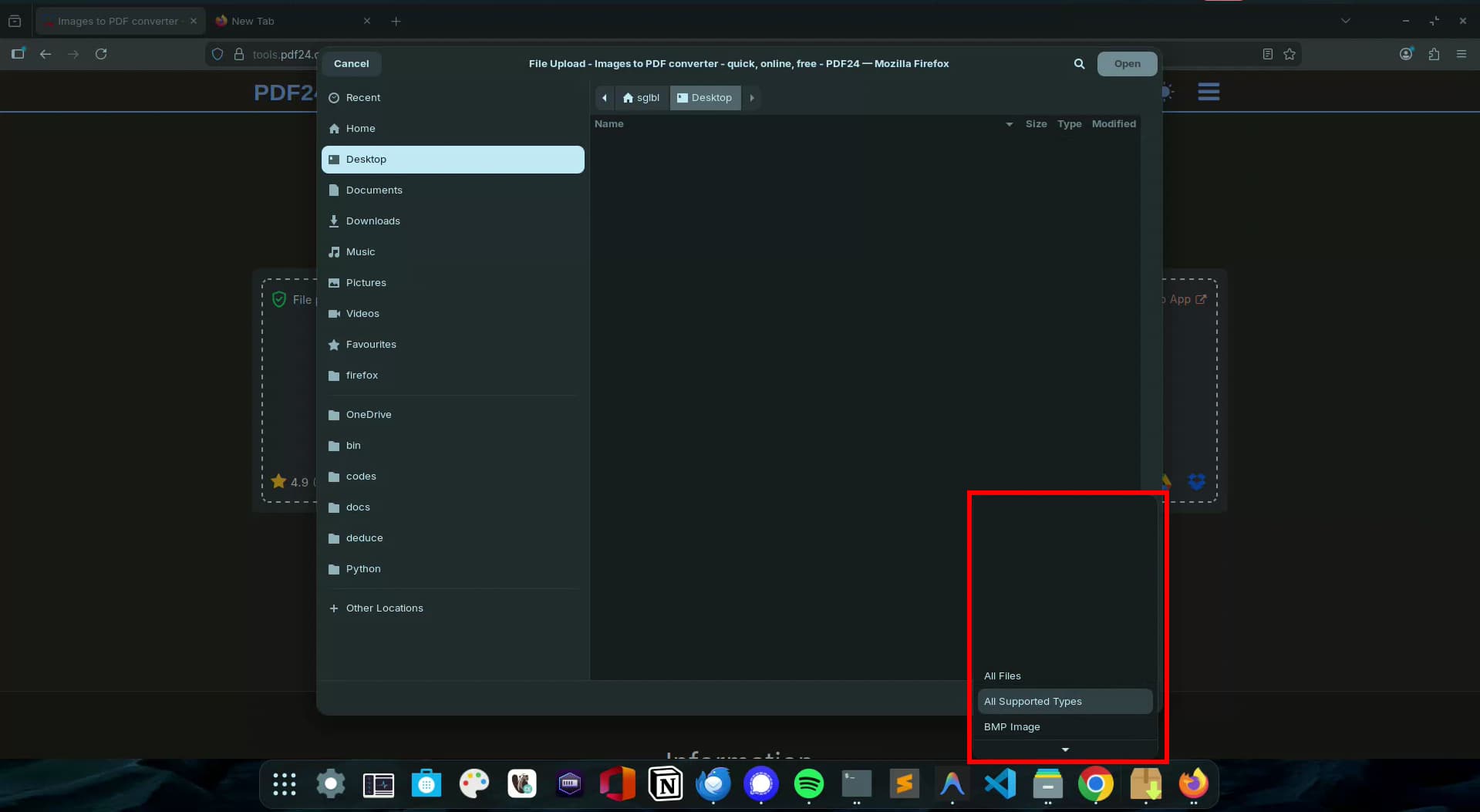
After you said that, I also tried Firefox. (Both preinstalled tar.gz and flatpak versions)
It shows like this on tar version, I need to scroll down after to see all options (a bug), but the flatpak version shows all extensions on the list without needing to scroll. (First time seeing flatpak version works better than the normal
To make sure, I downloaded brave via flatpak but same issue.