"Files" is not responding

Do you have installed budgie desktop? Budgie-core is not a part of Zorin by default.

It can help to remove the package folder-color if it is installed on your system (the latest .iso files don't contain this package or updates should also remove this package):

sudo apt purge folder-color

Yeah I have latest iso, i just installed zorin last night i also ran that and i got this message "Package 'folder-color' is not installed, so not removed". Im guessing its from something else, idk what else is causing it but its froze least 9 times now in less than 24 hrs

You can try thunar, it is also a file manager

sudo apt install thunar

Budgie desktop can make problems on Zorin, I wouldn't recommend to use it if you are a beginner.

thank you i will give that a try and see how it goes got it installing now, do i need to set something to use as default? Also no i dont have budgie desktop installed or least i didnt install it myself I tried the uninstall without checking just to see if i had it

First test it if you like it and if it works better. Maybe other users can advice you how to solve the problem with nautilus (=files).

Thanks I'll give it try tomorrow since its late, and yeah hopefully its just something minor cause I didn't install much except like firefox, discord steam k3p etc

1 Like

What is shown in terminal when you enter

apt list --installed | grep budgie-core

"WARNING: apt does not have a stable CLI interface. Use with caution in scripts."

Okay, when nothing else is shown, then the package budgie-core is not installed. I'm wondering why you got the message shown in your first post.

Yeah I dont understand it either, that was first time i heard of budgie but i guess some part of it kepted me from being able to install nemo from the software app. Tbh im not picky which file system I use, just dont want it to keep not responding randomly lol.

Something doesn't seem right; I'm afraid I'm at a loss. I've often installed Nemo in Zorin, and it's never been a problem.
Did you use

sudo apt install nemo

?

it installed via that method but not through the software app

Which desktop do you use? Gnome or xfce? Do you use xfce4 desktop on Zorin 18 core?

I....honestly dont know i set it up just as it was core and i ran script for some of pro features i found on web, what desktop or settings its all default
Probably it is the best to do a fresh install or to undo the script.

That would most likely expain it.

apt depends nemo                                                                               ─╯
nemo
  Depends: cinnamon-desktop-data (>= 6.0~)
  Depends: desktop-file-utils
    desktop-file-utils:i386
  Depends: gsettings-desktop-schemas
  Depends: gvfs
  Depends: libglib2.0-data
  Depends: libnemo-extension1 (= 6.0.2-1ubuntu2)
  Depends: nemo-data (= 6.0.2-1ubuntu2)
  Depends: shared-mime-info
    shared-mime-info:i386
  Depends: libatk1.0-0t64 (>= 1.12.4)
  Depends: libc6 (>= 2.34)
  Depends: libcairo-gobject2 (>= 1.10.0)
  Depends: libcairo2 (>= 1.10.0)
  Depends: libcinnamon-desktop4t64 (>= 6.0~)
  Depends: libexempi8 (>= 2.5.0)
  Depends: libexif12 (>= 0.6.21-1~)
  Depends: libgail-3-0t64 (>= 3.0.0)
  Depends: libgdk-pixbuf-2.0-0 (>= 2.22.0)
  Depends: libglib2.0-0t64 (>= 2.79.0)
  Depends: libgsf-1-114 (>= 1.14.9)
  Depends: libgtk-3-0t64 (>= 3.21.5)
  Depends: libpango-1.0-0 (>= 1.44.6)
  Depends: libpangocairo-1.0-0 (>= 1.14.0)
  Depends: libselinux1 (>= 3.1~)
  Depends: libx11-6
  Depends: libxapp1 (>= 2.0.0)
  Breaks: cinnamon (<< 5.8~)
  Breaks: cinnamon-core (<< 5.4~)
  Breaks: nemo-fileroller (<< 5.2~)
  Recommends: catdoc
  Recommends: cinnamon-l10n (>= 6.0~)
  Recommends: exif
  Recommends: gnome-disk-utility
  Recommends: gvfs-backends
    gvfs-backends:i386
  Recommends: gvfs-fuse
  Recommends: html2text
  Recommends: id3
  Recommends: librsvg2-common
  Recommends: nemo-fileroller (>= 5.2~)
  Recommends: odt2txt
  Recommends: poppler-utils
    poppler-utils:i386
  Recommends: python3-xlrd
  Recommends: <python3:any>
    python3:i386
    python3
  Recommends: untex
  Suggests: eog
 |Suggests: evince
  Suggests: <pdf-viewer>
    apvlv
    okular
    atril
    evince
    gv
    mupdf
    qpdfview
    viewpdf.app
    xpdf
    zathura-pdf-poppler
 |Suggests: totem
  Suggests: <mp3-decoder>
    mpg321
    opencubicplayer
    vlc
  Suggests: xdg-user-dirs

Nemo does not depend on either Libxfce or Budgie-core.

Welcome to the Forum!

That might not be the best Idea ... Do You know what that Script did exactly?

I had the same issue: https://forum.zorin.com/t/files-nautilus-is-not-responding-unkillable-process/54168/34

Nautilus (default File Manager that comes with GNOME/Debian/Ubuntu/Zorin OS) is problematic and worst side of Zorin OS for me.

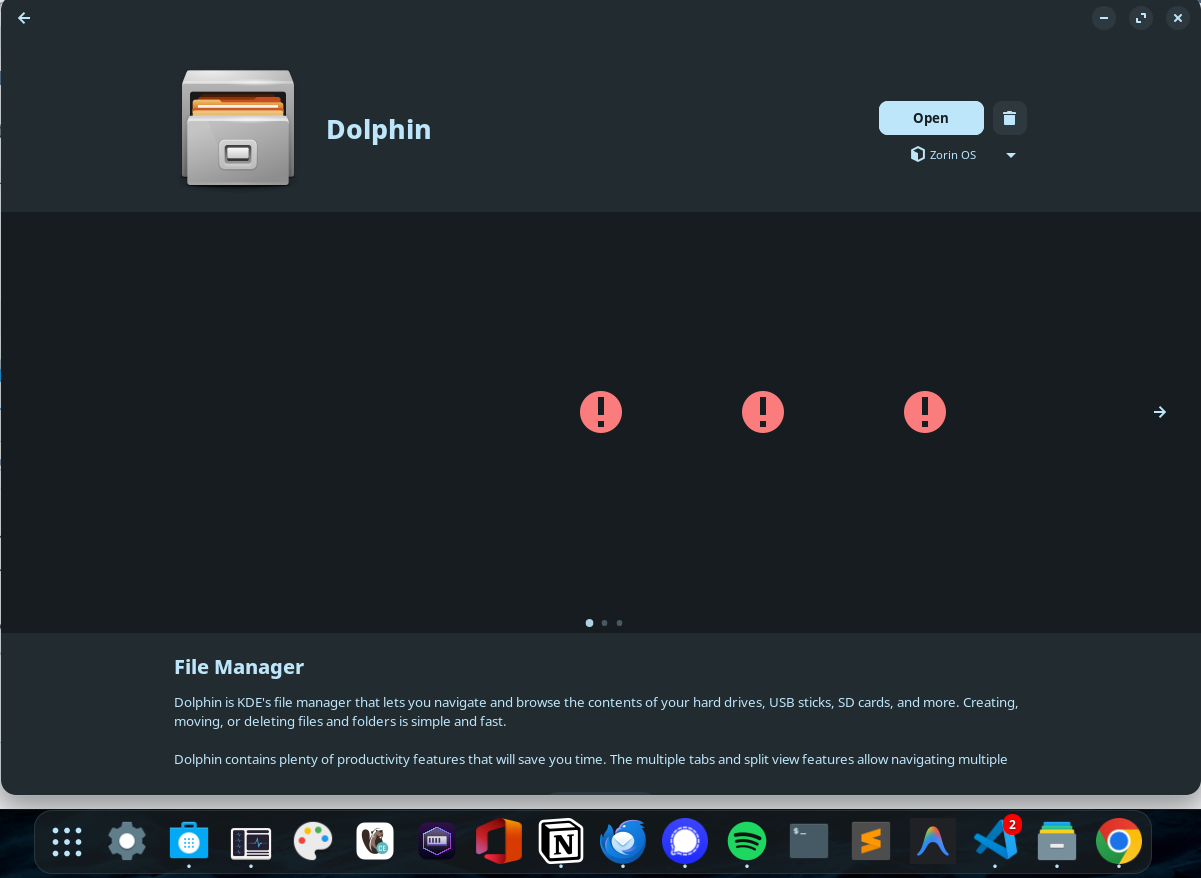
You can download Dolphin File Manager from software store:

Also if you're transferring files from Android (Linux) to/from Zorin (Linux) there are many problems: https://forum.zorin.com/t/android-file-transfer-libmtp-errors/57030/6 so I suggest you to use Localsend (AppImage version):

It's the fastest file transfer method after tailscale.

1 Like

[Link redacted]
do i need to just unpin the original file app or will stuff still use it by default, if i rather use nemo or one of others instead.