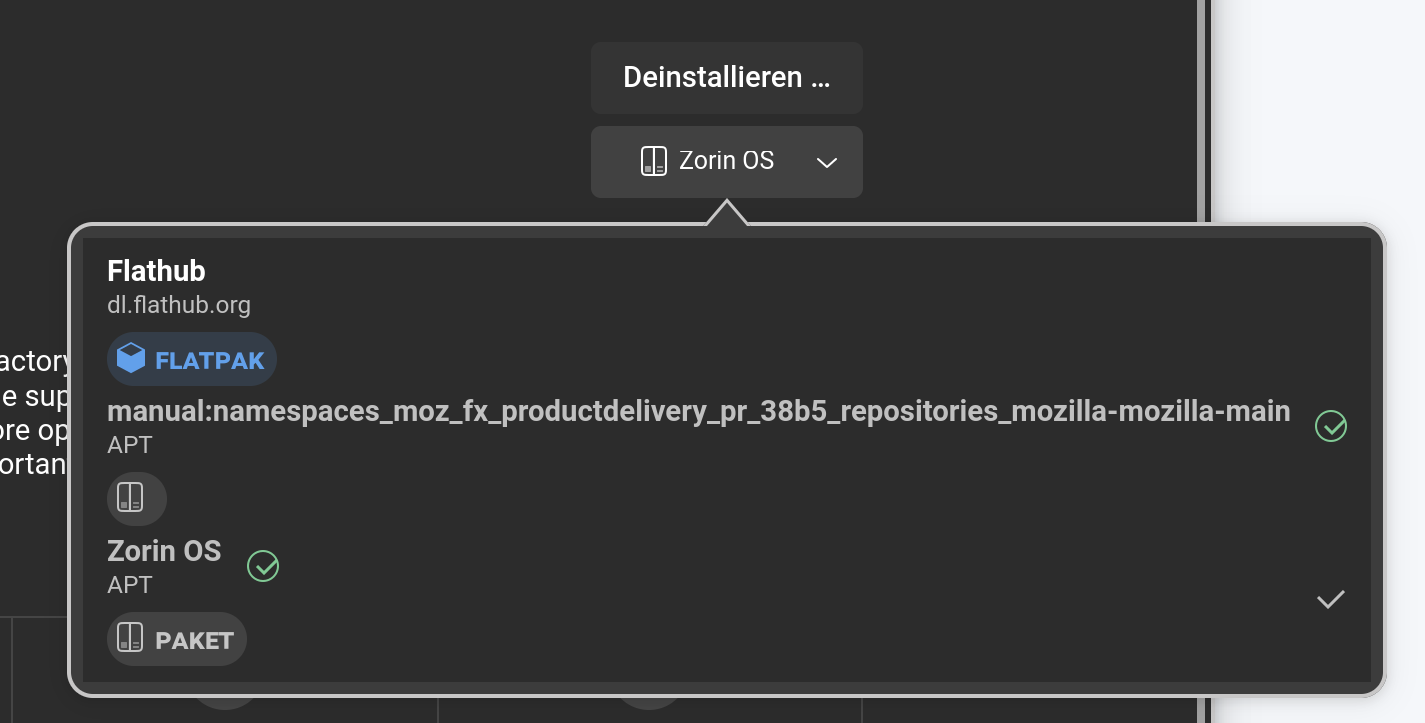
I was having an issue, for some reason, where a "snap" version of firefox kept asserting itself even though I installed firefox using the Zorin version from the software installer.
I did a LLM search to try to stop this from happening. I followed the instructions and part of those instructions, toward the end, I manually installed the apt version of firefox in terminal.
After I did this, I realized, I would rather have the software apt version so I LLM how to completely remove the manual apt version and did that, then uninstalled/reinstalled firefox through the software manager.
Now I get this in the software manager, see attached photo:
Sorry, I wrote something wrong. Don't remove that package. It is important. It is the package that adds the mozilla repository for firefox. You need both, the Zorin apt package and that one.
Maybe it helps to set a negative pin priority for the firefox snap package, as Ponce-De-Leon showed here: