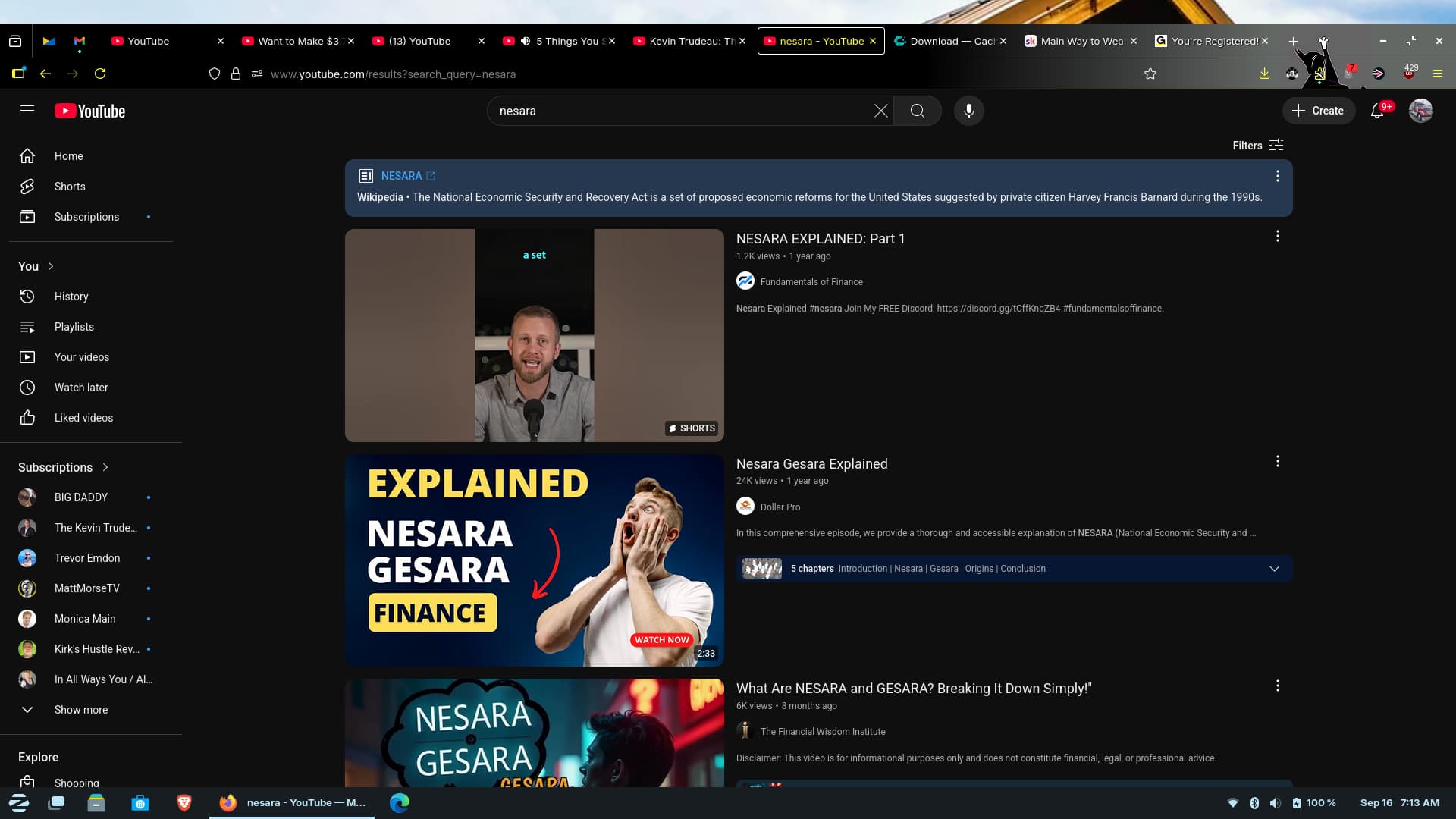
If you look at the top, you'll see about a 1/4" space. I have it set to full screen
and if I open a new window, again, there is this space above.
The only way to expand it is, I have to downsize the window and re-upsize it. Then it will expand fully.
How can this be fixed?
Hi, and welcome to Zorin OS!
This looks like the space that's reserved for one of the layouts which has the menu up at the top. Maybe it's has this display info cached somewhere? Try switching things up in Zorin Appearance → Layouts:
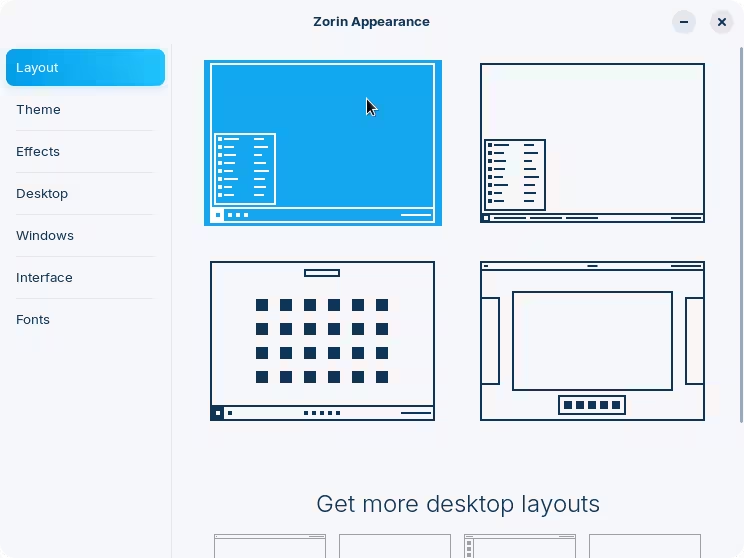
Just select any other layout and give it a try from there. Make sure to close and re-launch all your windows, and see if that makes any difference. Finally, go back to the layout that you're using right now and test again.
Welcome to the Forum!
Do You have any Gnome Extensions beneath the zorin one's installd - especially for the Top Bar? If yes, disable them and make a Reboot and look if it's gone.
No extensions installed
I think I got it to work now for this particular issue. I changed it to a different theme and then back to the windows theme and so far, it is remaining with screen filled on maximize.
That proves that @zenzen was probably right, that space had been cached. It looks like from your statement, all you had to do, was flip the themes off, and then they straightened up. Good to hear.

1 Like
Yeah, sometimes the desktop needs a little "kick" to kickstart properly 
1 Like
This topic was automatically closed 90 days after the last reply. New replies are no longer allowed.