This is almost a shot in the dark to be honest, but try doing sudo /etc/init.d/dbus start
I have no experience with it and I'm offering you my best guess as a result of searching, but dbus = Desktop bus, and is a way for applications to communicate with each other. Because flatpaks are containerized, they might be particularly sensitive to lack of access to dbus, and your logs are full of dbus failures. Particularly the last line of this new error: it indicates that dbus connection failure was fatal.
Or I could be clueless. But that's what I'd try personally if I saw that error.
Seems harmless, I'm going to try running this command when the error happens again.
The problem is, I can't always reproduce the bug.
I can "increase" the chance by connecting it to a charger and running Firefox, but I'm not sure if it's just luck and they have no effect and Im just hallucinating.
Most of them will fail to boot. If they were already booted, then they're going to be extremely slow and some of them will refuse to even function. And the only solution is to quit them and reboot the laptop.
What I realized is that using the kernel 6.8.0-51 will delay the occurrence of the problem while using 6.8.0-52 will trigger the problem earlier.
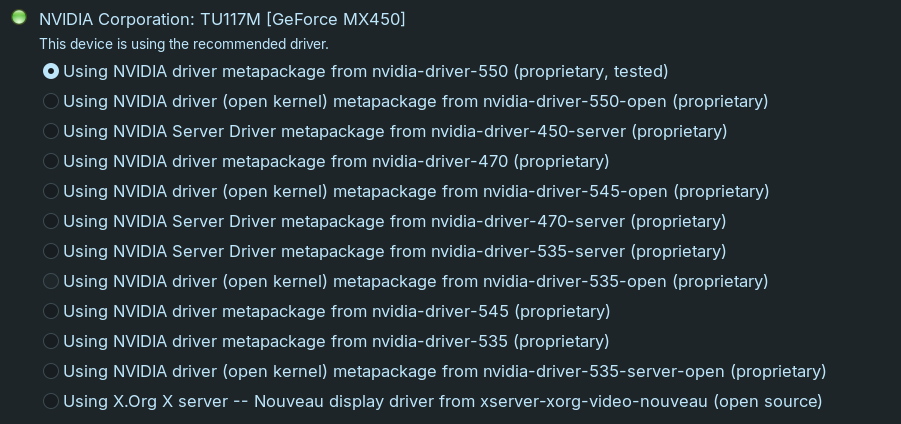
When You have a Nvidia GPU, You should definetely switch to Xorg because the Wayland Implementation in Zorin 17 isn't ready to handle Nvidia well. Depending which Gnome Version in Zorin 18 will be used that could change. But now on Zorin 17 Nvidia+Xorg is the better Combination.