weird story...
today connected external 2T SSD drive to few days old fresh Zorin.
Wanted to find few files from Windows backup and for a moment lost my mind...
One of the huge (92GB) folders was not appear... it was there during few days...
When searched it, it showed up... ooohhh... First made a copy of it...
and started a troubleshooting. When connected SSD in question to another Zorin on 17 years old HP laptop... it's simply there. Connected back to my MAIN Zorin. It's not shown. My conclusion that something on OS level and nothing wrong with SSD... Never saw such a problem on Windows and random playing with Linux from 1996 :). Is it explainable/repairable?
What are the Differences between the both systems? I mean Hardware and Software?
If it is a Windows Backup, is that SSD formatted to NTFS?
Zorin OS manages NTFS file systems using the ntfs-3g package.
If the metadata is corrupt, hidden or... Has File Permissions, this can confuse the Nautilus (Files) file manager.
How the file mounts:
If it is mounted on one system using an entry in fstab but mounted on another using Gnome's graphical mounter like gvfs or udisks2, some file entries might be suppressed. Personally, I prefer an entry in fstab for all mounting options.
@Ponce-De-Leon the old one 17 years old,
the new one  Intel® Core:trade_mark: i7-6700T CPU @ 2.80GHz × 8, that is pretty old too but Zorin simply flying on it. I guess my problem has nothing to do with hardware.
I connected SSD in question to another jurassic parc HP laptop with Lubuntu -everything is fine. Yes drive was formated in Windows with NTFS. Connected/disconnected the drive to my NEW (problematic) ZORIN. Few folders are missing (not appearing). Just came to my mind an old Windows "cure" trick :). Reboot. Everything is intact. Seems like it was a kind of glitch (scary one).
Very good thinking 
I seem to remember some other thread with a similar issue a while ago. I'd have to look for it though...
7 posts were split to a new topic: Change sorting order in file manager (to not ignoring non-alphanumeric characters)
Maybe this is a Problem:

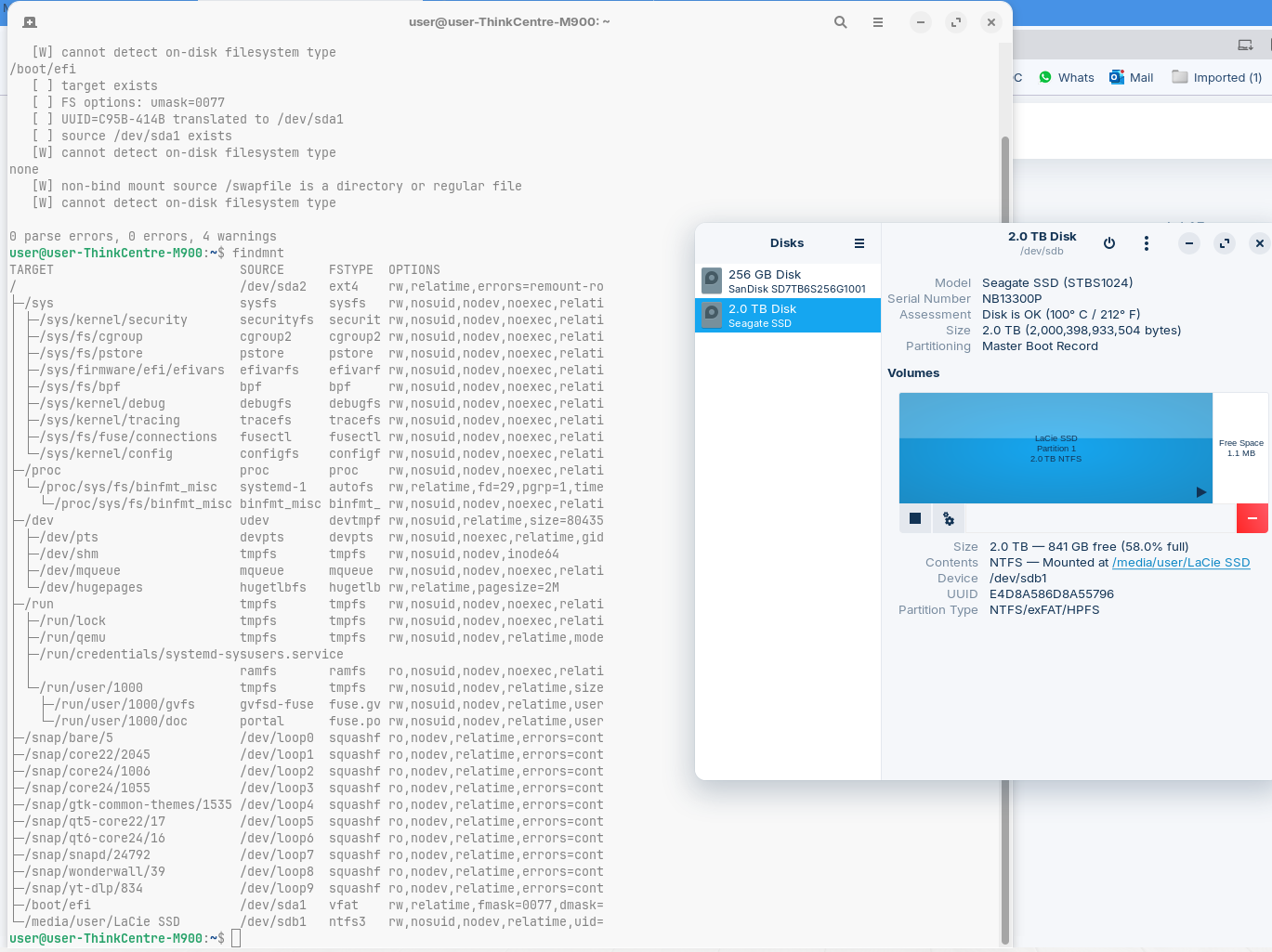
The Drive has an MBR Partition Sheme.
- What doesn Your Main Driver have?
- Is Your BIOS in UEFI or Legacy Mode?
I don't think that answers to your questions could explain why few folders not appeared but did appear in search. Than after reboot it came back to normal.
I guess it's unpredictable glitch.
Let's say that one of the of the BIOS settings may have influence on behaviour.
In this case it should be constant result and not intermittent.
Beside all that I guess that on the machine with 8 cores even it's old full Ubuntu will run absolutely smooth.
Anyway as mentioned in above post I am waiting for Gen9 machine and will go back to W11. And on old one Gen6 i7 I will probably try few FULL big distros.
Spent enough time with Zoring to find out that it's not for me.
Thanks for the helpfull thoughts.
This topic was automatically closed 90 days after the last reply. New replies are no longer allowed.