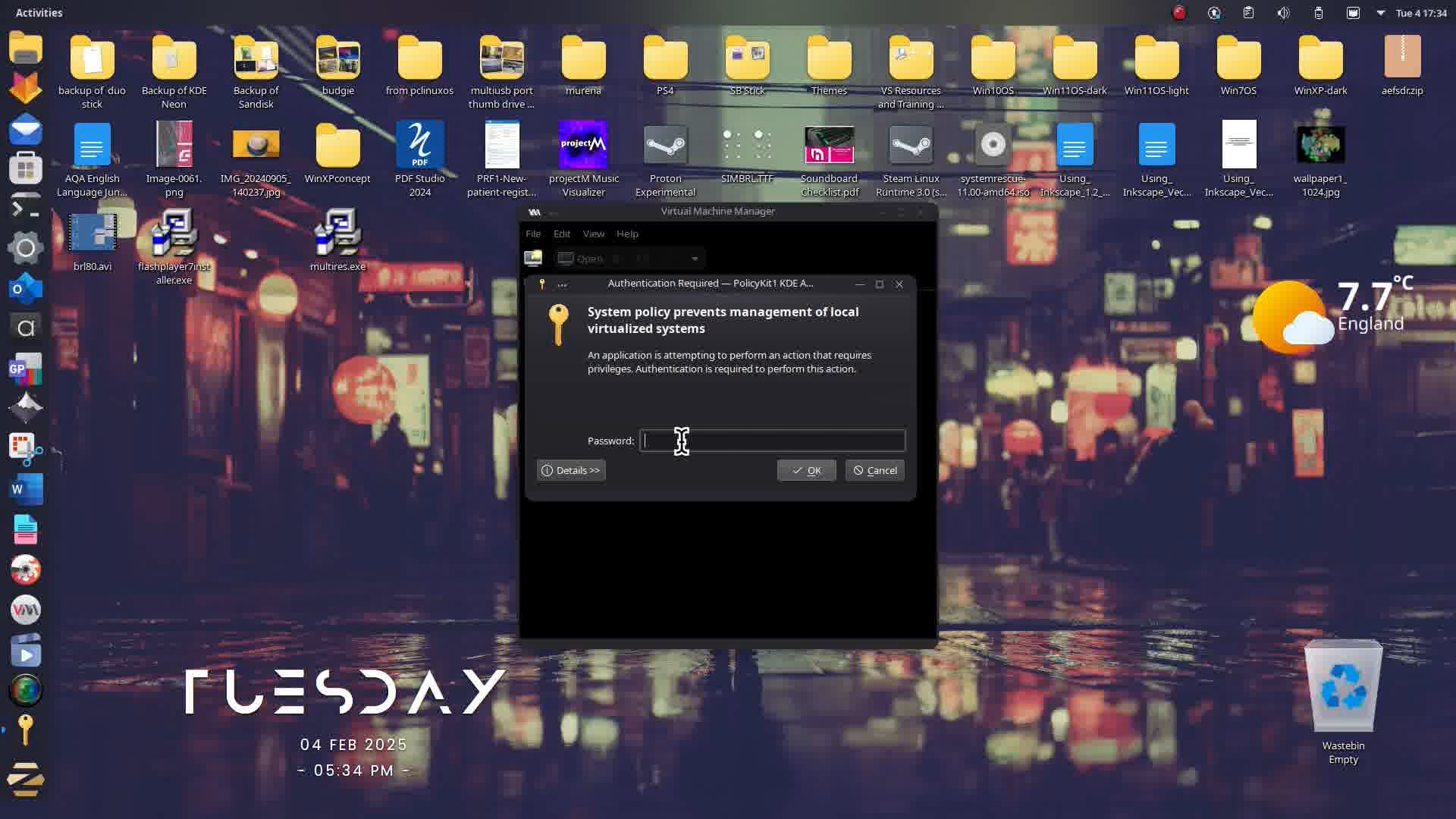
I would also suggest taking a look at Trinity DE from Q4OS which has a Win 2k feel; it is what KDE looked like before Plasma. It is available in 32-bit and 64-bit. I've only done a video of 32-bit as a VM with very low CPU and memory allocation:
I know the mouse pointer is small but I have found a way to make it bigger.
One last comment, you purchased 17.3 Pro which should also have entitled you to the 17.3 Pro Lite package which uses xfce.
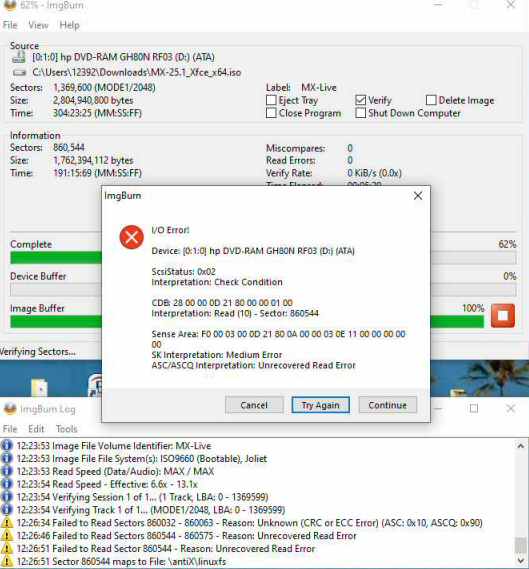
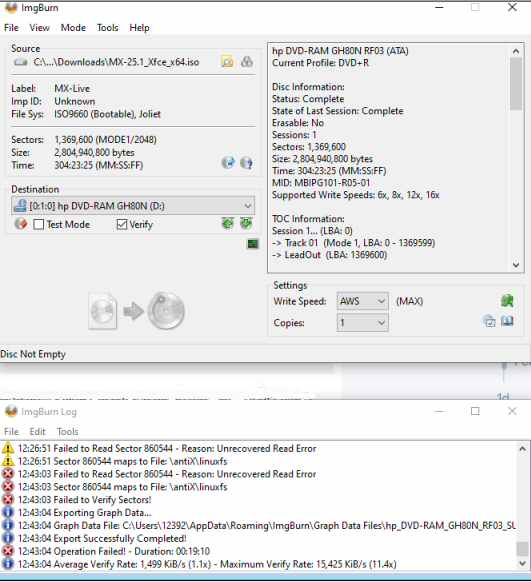
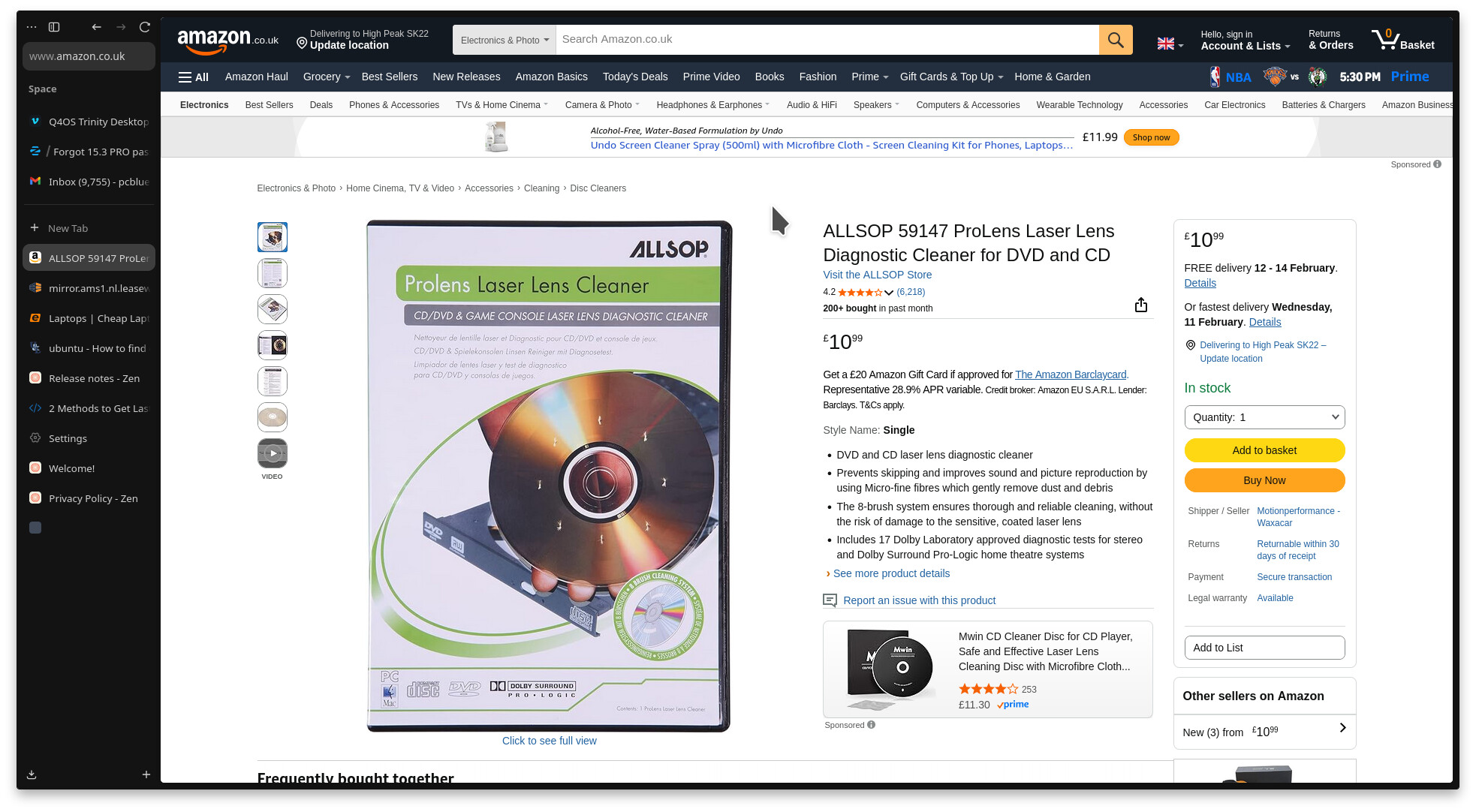
Those errors could be a number of reasons. Faulty DVD. It does say check condition and a media error which suggests possible scratches on DVD or problem with DVD-RW lens. Have you ever used one of these on your optical drive to keep it clean?:
No I haven't. I did just order a laser lens cleaner for DVD and CD on ebay. I will clean all my DVD and CD Players before I burn another one.
My home had to be gutted after Hurricane Ian and everything I thought might be salvageable went into storage where most of it remained for 3 years. Everything that was in storage is back in the house now... most still being unpacked and cleaned. I'm not surprised that they might really need to be cleaned.
I did get the 17.3 PRO Lite downloaded. Guess I will get a break here while I wait for the cleaner and more disks to arrive. THANKS your guidance keeps me moving in the direction I want to go!
If you look closely she was burning MX-Linux 25. However I did wonder if the Lite Pro might be too big for DVD. You would need a BD-RW drive and BDRW DVDs for anything over 4.4 Gb (10 GB per BluRay DVD-RW)
I was wondering if Zorin provides an upgrade route for people who have bought Pro versions but need to install base OS because of install limitations, then enter licence key in order to get the installed OS to get the full-version? Perhaps this is something @staff can look at?
Sorry it took me so long to return but I had to order things and was at the mercy of deliveries to continue work on this project.
Presently....
The DVD's have been cleaned.
The new dual layer DVD's have arrived.
Double copies of 17.3 PRO 64 bit, 17.3 PRO Lite 64 bit, MX Linux 25.1 Xfce 64 bit... have been burned and verified.
Side note... I was surprised that just about every other DVD had to be thrown away because it would fail the verify process.
The emachine has 4 GB ram via 2- 2GB ram sticks.
.....
Zorin 17.3 PRO installed on emachine.
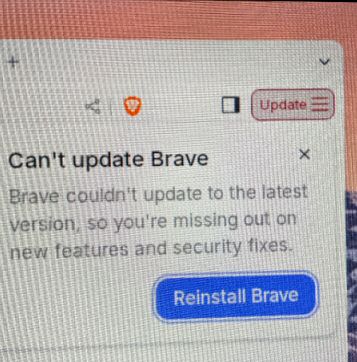
While going through the zorin tour a message popped up that said the Brave browser had to be updated so I clicked for it to update....
BUT IT REFUSES TO UPDATE...
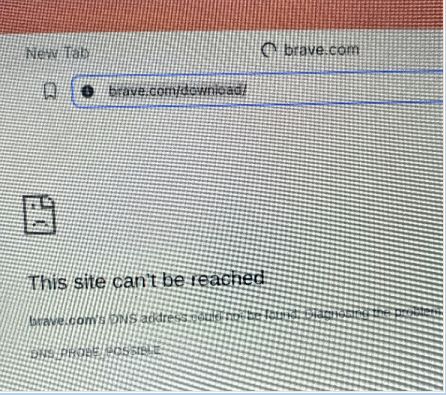
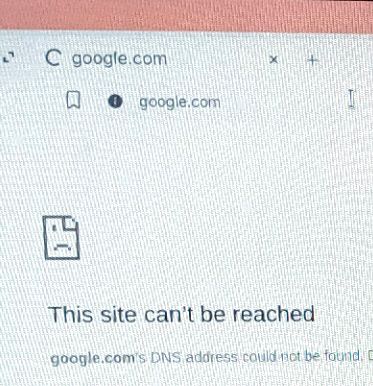
I have nearly driven myself crazy trying over and over to get it to download and/or update and I cannot get it to do it.
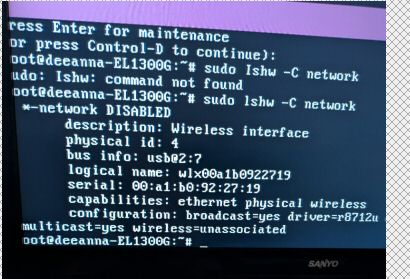
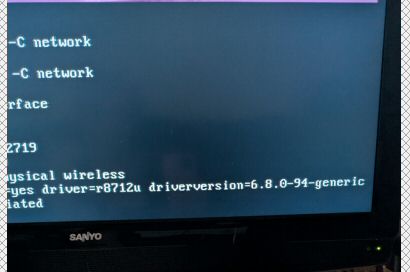
I will post pics.
Since there isn't another browser on there I just don't know what to do at this point... WORDS OF WISDOM NEEDED!!!
I got a big response and I took pics... I just emailed them to myself and then I will have to put them here for you to see. I will do it as quickly as possible.