Hello, for some reason my new Forza 6 crashes, has anyone encountered this problem and how did they solve it?
Quite strange behavior because all their games work fine and there have never been any problems!
I read that some people were helped by commands in Steam properties, but these are commands for CachyOS, there is a different modified kernel, I can't even start the game with them!
I couldn't even play proton-cashy.
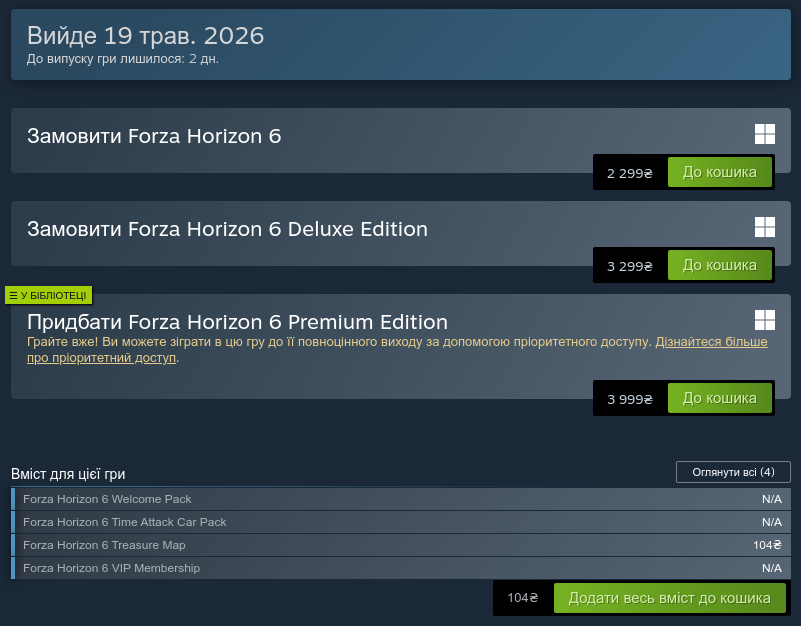
The game was purchased officially, but it's almost impossible to play.
tested on 580.142 and 595.58.03 drivers, no difference.
standard proton steam, protonGE and proton cache os
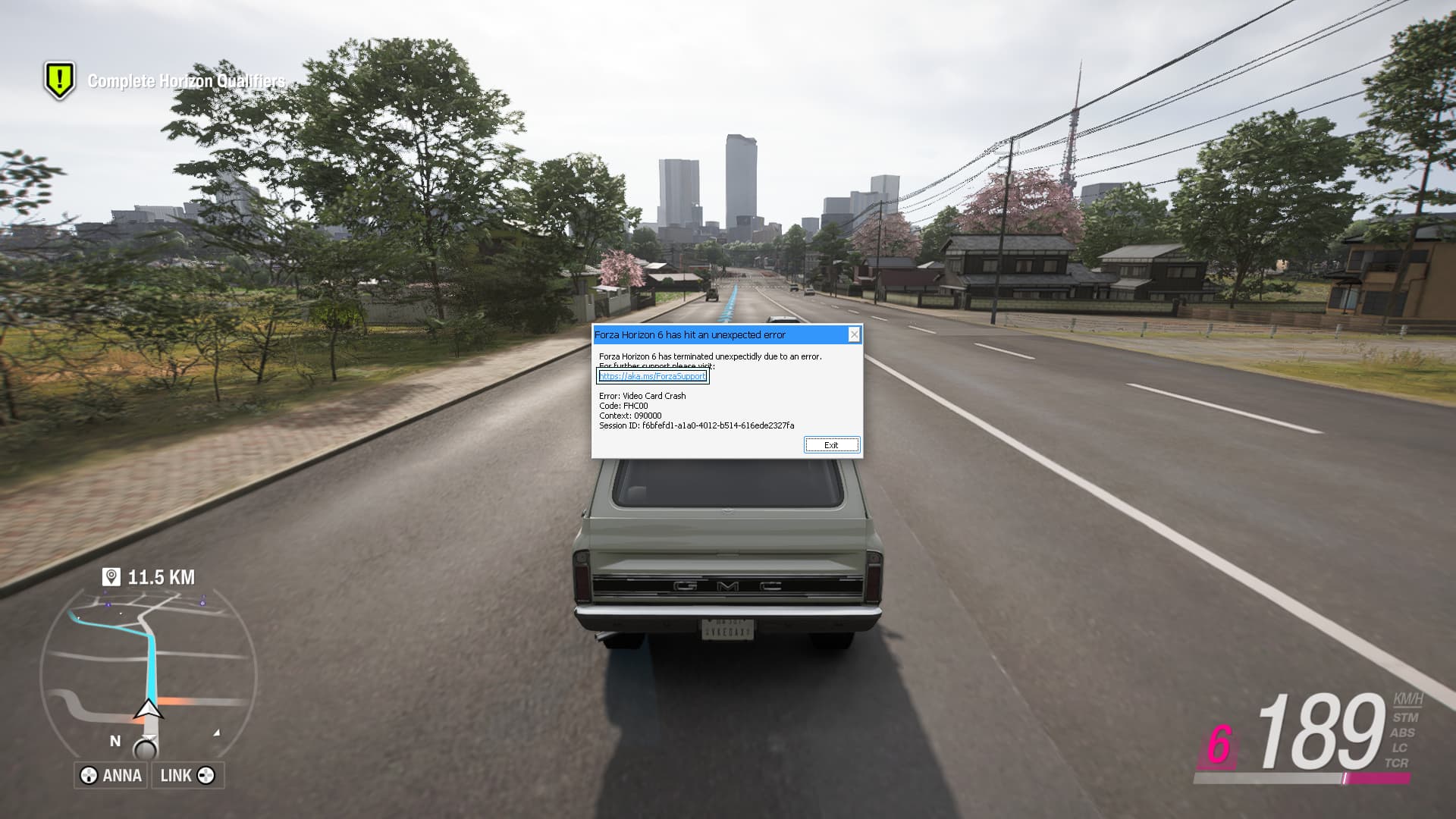
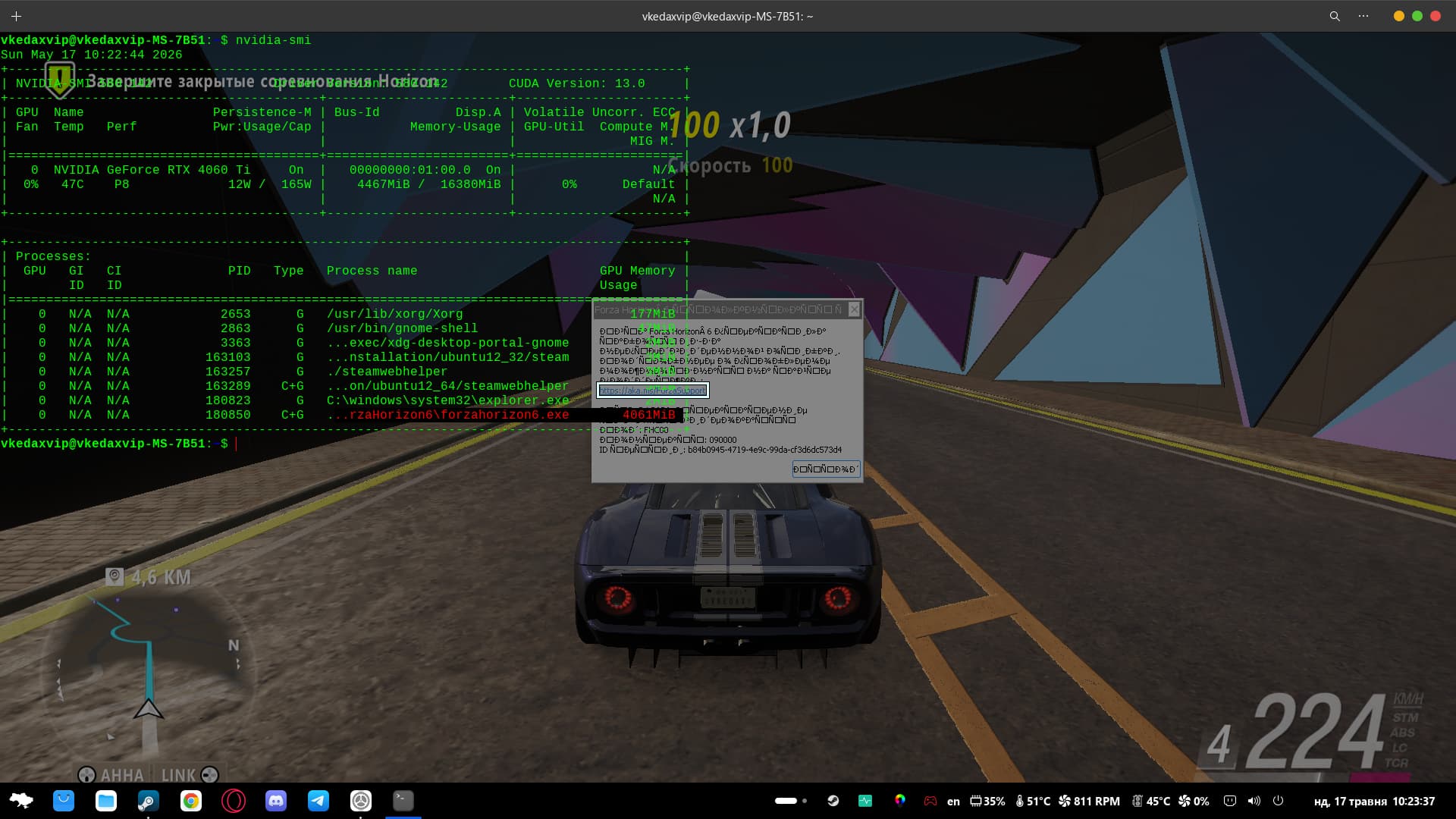
I wish I could help, but there's no demo of the game I can test. And I'm on Radeon card also so I don't know how much that would help.
What about driver below 580?
1 Like
Maybe you can try to install newer kernel, from Mainline ot Liquorix, but be aware they are not signed and if you have secure boot enable for dual boot it will not work. I have only feeback for that 2 even if there is also TuxInvader...
1 Like
The guide is outdated. Tuxinvader ppa offers no later kernels for Jammy and Noble and has removed the support for those ubuntu versions. The latest kernel there is 6.12 kernel.
The guide is not outdated. The portion noting TuxInvader specifies Zorin OS 16 and 17 and excludes 18.
The rest is currently applicable.
2 Likes
Why is jammy no longer shown in the ppa? If I remember right, jammy was there when I installed the tuxinvader kernel on Zorin 17, now there is only focal shown. Can you still use it in Jammy?
Jammy was always set up in a separate repository:
Your memory is not faulty - it is just that it is a bit unusual to have separate repo's for such similar packages.
I believe that the TuxInvader wanted to keep them separate for logistical reasons.
2 Likes
I searched for that ppa because I remembered that it were more than one repositories for tuxinvader, but it was not shown in my search results. Maybe it was offline at the moment.
It could be - The update and server issues as of late suggest nothing is surprising...
It seems to be fine, they fixed it today, just during my CashyOS KDE installation.
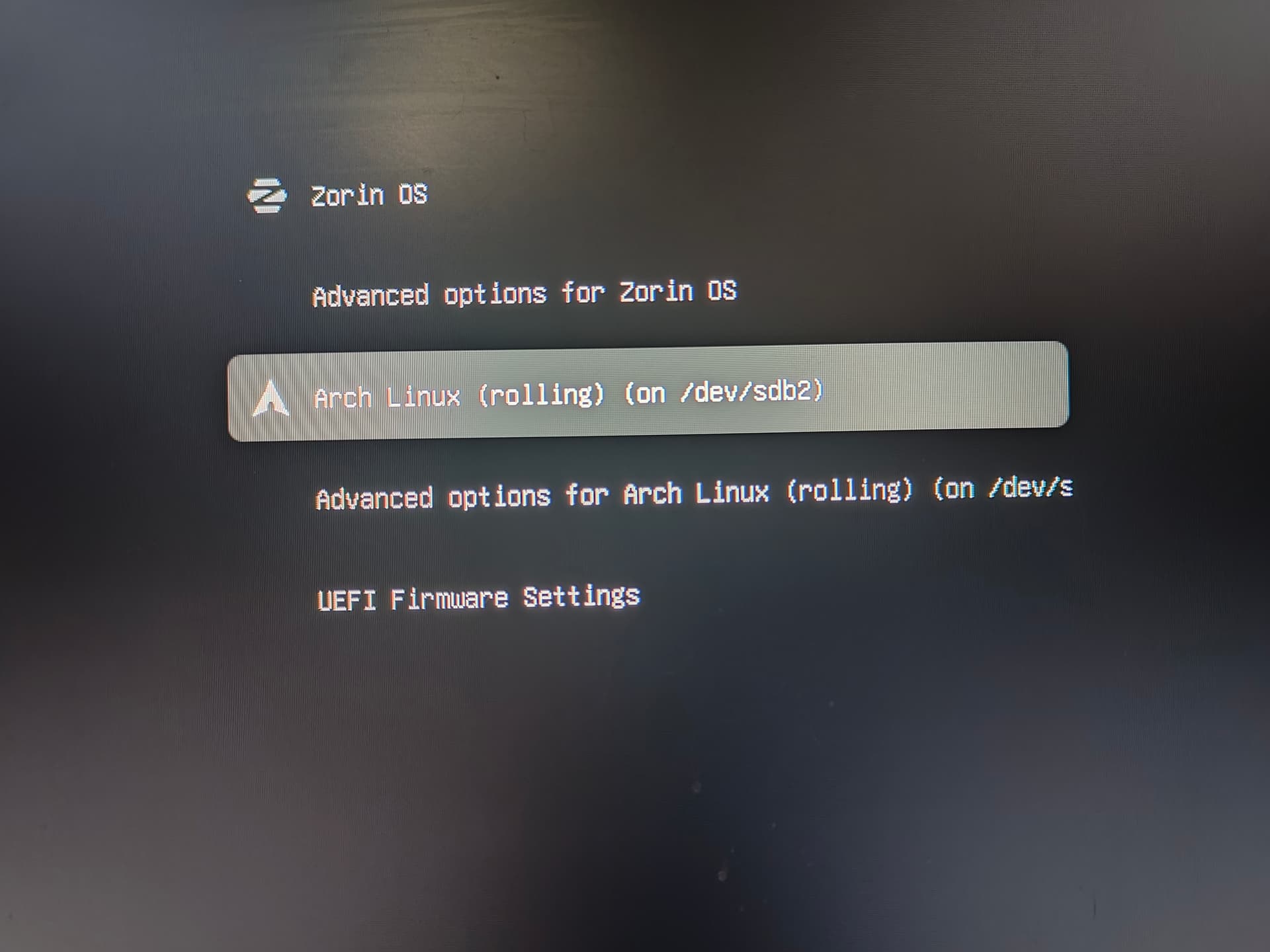
I just freed up an SSD that I had lying around and tried another system on Arch, I wanted to for a long time, but everything was out of reach, now that everything works perfectly on Zorin. I don't need CashyOS, it will be suitable as a disk for testing other distributions, it is better to install a clean Arch there, the situation is a little better than on Ubuntu distributions, even with long updates))
I will test when I get bored.
Steam Proton: Experimental or Hotfix
PROTON_ENABLE_WAYLAND=1 VKD3D_CONFIG=no_upload_hvv,single_queue WINEDLLOVERRIDES="winmm=n,b;steam_api64=n,b" %command%
everything seems to be working)
My game crashed after 3 hours, probably hit the RAM limit.
This is better than crashing every 30-60 seconds or 20-30 minutes.
I think the issue can be considered resolved, the developers just surprised me, I bought the game for almost 2 hours, everything was okay, and then it started crashing and crashing, it was at a price of 90 dollars, although I was supposed to get faster access for 4 days than the others, but everyone else caught up and just blew up the game and the developers, they added a point that the game works on Steam Deck, Rock Ali, Steam OS - but it doesn't work on Linux, and it started to be like they probably got tired of cleaning up the comments.
I don't know how they were able to at least bring it to a level where you can go for 3 hours instead of 30 seconds, fixes with wired and wireless controllers, fixes for protons, launching something else there and a lot - a lot that they probably didn't say.
yes really good work - at the same time I clicked on CashyOS because of my nerves, in principle it is good but not mine, I noticed that there really are no glitches with Nvidia on Wayland - somehow Ubuntu became closer to me, not Ubuntu itself, but distributions without them. deb
Sorry for my Google translation if anything is unclear.
anyway, thanks everyone for the help and advice)
1 Like
Hello! High-end AAA games right after launch under Linux can be a real headache, but let's see if we can figure this out together.
Since you have already tried switching between different Nvidia drivers (580/595) and various Proton versions (Standard, GE, cachy) without success, the issue is likely related to how DirectX 12 is being translated via VKD3D or a memory/VRAM issue.
Here are the best steps to troubleshoot and hopefully fix the crashes:
1. Enable Proton Logging (Crucial)
To see exactly why the game is closing, add this to your Steam Launch Options for Forza Horizon 6: PROTON_LOG=1 %command%
Run the game until it crashes. This will generate a text file named steam-XXXXXX.log in your Home folder. Open it, scroll to the very bottom, and look at the last few lines right before the crash. It usually states the exact error (e.g., Out of Memory, VKD3D error, or driver hang).
2. Try these Nvidia/VKD3D Launch Options
Forza games are notorious for aggressive VRAM and memory mapping issues on Linux. Try adding this command to your Launch Options (you can combine it with the log command): VKD3D_CONFIG=no_upload_hacks %command%
If that doesn't work, try forcing the graphics pipeline to stable mode by using: PROTON_ENABLE_NVAPI=1 %command%
3. Check Steam Shader Pre-Caching
Make sure that Shader Pre-caching is fully enabled and completed in your Steam settings before launching. DX12 games on Linux can easily crash during runtime if shader compilation spikes.
Could you tell us what GPU you are using, and if possible, what the exact text in that small error window says? (It's a bit too blurry to read in the screenshot). If you can share the last lines of the Proton log, that would help immensely!
= 25.3GB ahaha))
works fine only with settings:
and with almost any version of proton!
PROTON_ENABLE_WAYLAND=1 VKD3D_CONFIG=no_upload_hvv,single_queue WINEDLLOVERRIDES="winmm=n,b;steam_api64=n,b" %command%
PROTON_LOG=1 %command%
I tried to check the logs to see what the problem was, and after playing the game for 30 minutes before the crash, I found a game log that weighed more than 25GB, so I deleted it without looking into any of the nuances!
On the most recent LTT WAN show episode, Luke was talking about how he could not get Forza 6 to work on Linux, and so he gave up on it.
What has also been said, about trying to get AAA games to run on Linux, can be a headache. I am in a current state, where I can't get Pragmata to run, due to DRM issues. The big gaming studio's only care about Windows users, and sadly don't care about what their bad choices do, for Linux users.

2 Likes
I launched it, but it has a habit of freezing and crashing with an error, that's all for now, I've given up too, I'll wait for a fix or install Windows on another drive, although there probably won't be enough memory there.
At 18 minutes I showed the system - if you play for 20-40 minutes and wait for departures, you will simply lose interest in such a game.
1 Like
Yeah, flight and racing sims, I used to play them a lot when I was younger. They just fell out of favor for me. Plus, its not fun when their too hard to play, that losing the race is all Ill ever do. I dont even have a full flight sim or racing sim control setup. Id either be playing with keyboard and mouse, or a controller. At this point, them kind of games serve no point for me. I much rather play survival games like Subnautica, or FPS games like Halo or Doom.
1 Like
Fixed, finally you can play without jokes, I didn't check on Zorin - just sharing - I would be happy if you check it on Zorin OS, since I have a different system and other newer drivers.
Don't worry, I didn't uninstall Zorin, after so many settings and 9 months of living on it, I even liked it and made me love Linux.
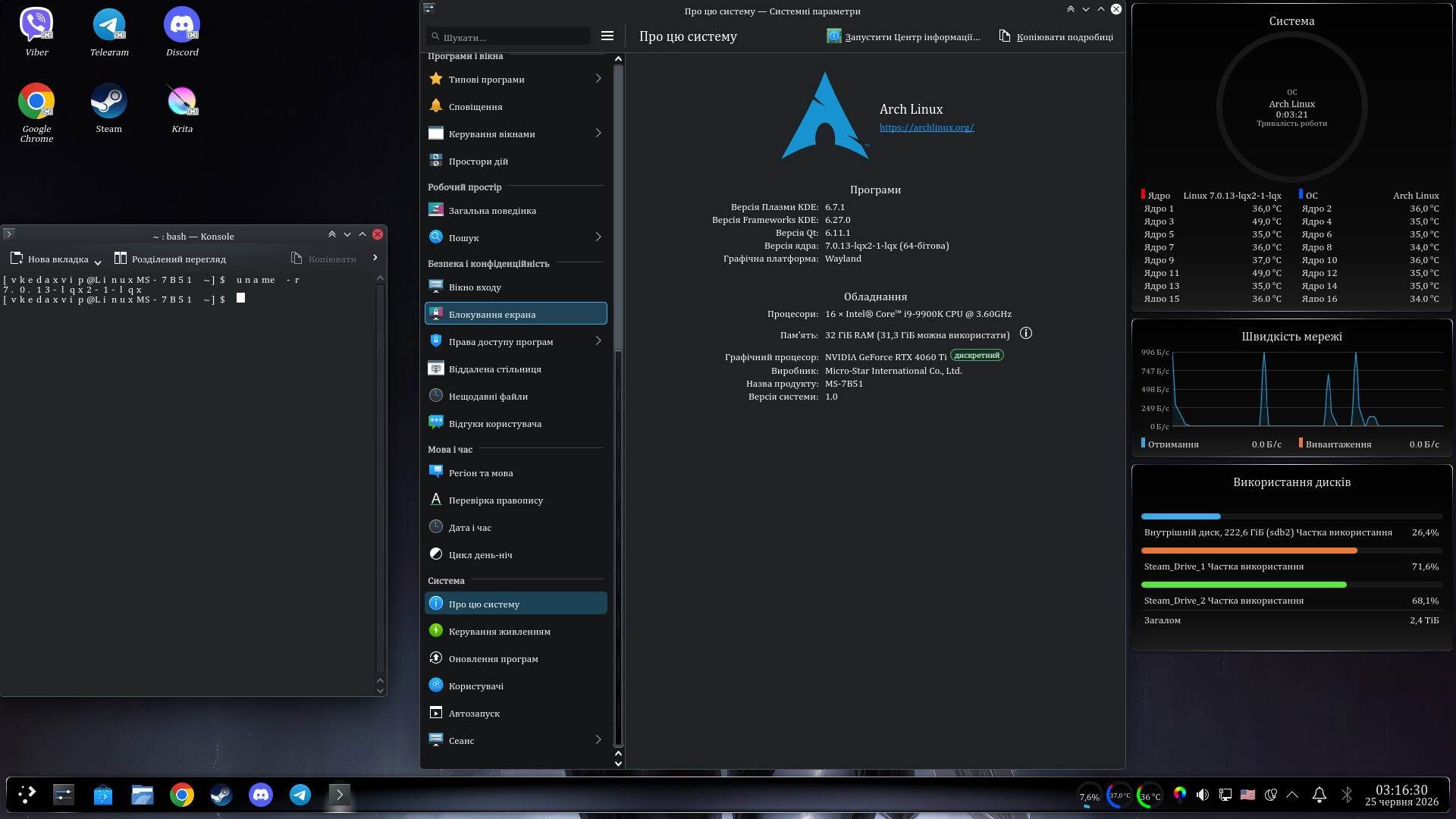
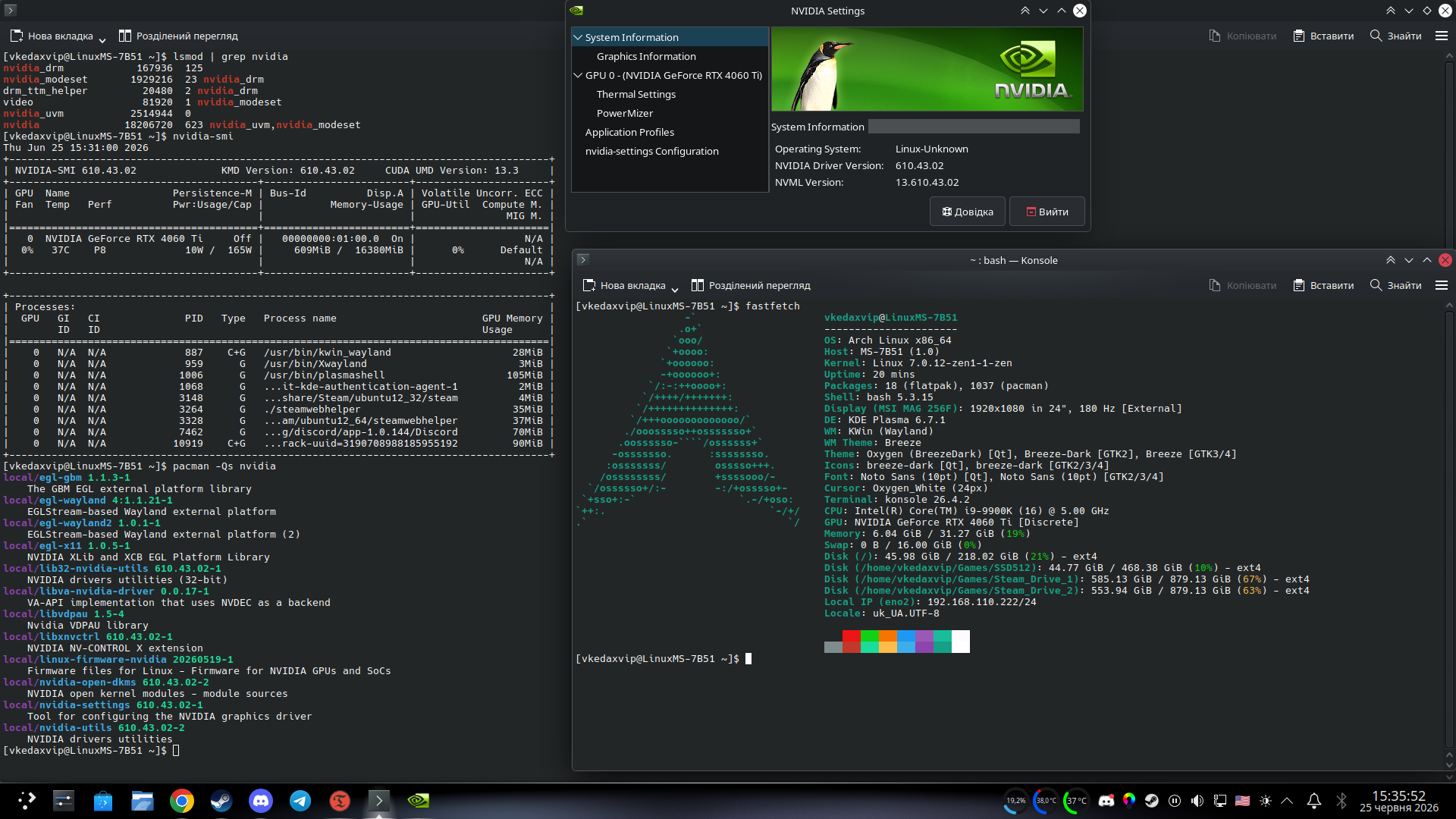
Operating System: Arch Linux
KDE Plasma Version: 6.7.0
KDE Frameworks Version: 6.27.0
Qt Version: 6.11.1
Kernel Version: 7.0.12-zen1-1-zen (64-bit)
Graphics Platform: Wayland
Drivers: NVIDIA-SMI 610.43.02, KMD Version: 610.43.02, CUDA UMD Version: 13.3
Game Version: 382.893
via Proton-Qt
Delivered by: proton-cashyos-11.0-20260520-sir-x86_64
Launch Properties:
WINE_AUDIO_BACKGROUND=1 PROTON_ENABLE_WAYLAND=1 PROTON_VKD3D_HEAP=1 VKD3D_CONFIG=descriptor_heap,enable_experimental_features %command%
PS: The game has finally stopped crashing with errors, and everything is working perfectly. Upon launch, two windows will appear—don't be alarmed by the black window (it's XWayland), as the game itself runs in native Wayland; you simply need to select the correct active window.
If the game works on Steam Deck and Steam OS, you can try adding the SteamDeck=1 flag to the launch options to trick it into thinking you are on a steam deck.