Hi,
I just installed Zorin for the first time and upon trying to connect my Lenovo display via HDMI the whole system, while nothing disappears, everything freezes. I cant move the mouse. The second screen shows the background image though nothing else.
The OS is up to date as of today.
I have a ThinkPad T480s
Any ideas how I can fix the issue?
When you just have installed Zorin, please take a Look in Settings>About if Your System runs in wayland or X11. When it runs in Wayland, try it with switching to X11/Xorg.
To do that, go to the Login Screen (not the Lock Screen). Simply reboot for that. On the Login Screen click on Your Profile so that the Password Field appears. When it is appeared, You should see in the bottom right Corner a Gear Icon. Click on it and choose the Option ''Zorin Desktop on Xorg'' and then log in.
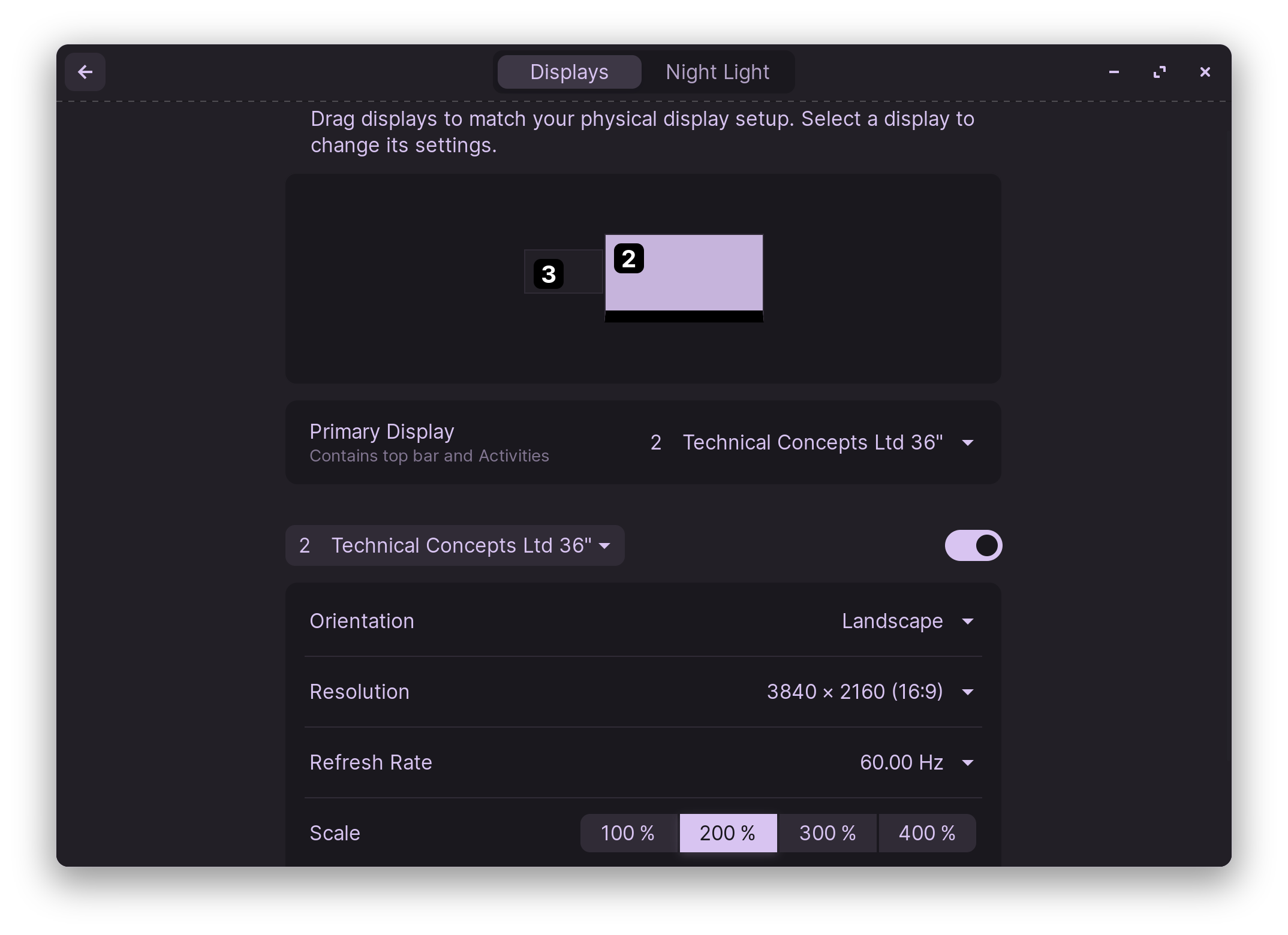
Then, You should take a Look in Settings>Displays to set up Your Monitor Setup with the now 2 Monitors.
Thank you both for your suggestions.
I did manage to switch to Xorg and it helps with the monitor connection problem, however the whole system becomes extremely laggy and slow, like when all resources are fully exhausted and even moving a window around is slow. Thats why I had to change it back to the original state. Any ideas what I could do to change that behavior?
I have a T480s from 2018. Intel Core i5-8250U and UHD Graphics 620. Do you need other specs? I can look it up.
There was nothing else that I noticed particularly heavy on the resources. Thats why I found it strange. But it could have also been that I didnt look deep enough into it. How can i provide more info on that, that would help?