As the title states, i am unable to install Zorin OS 18. Specifically Core. I followed all instructions, and i just get stuck here. secure boot is enabled, even tried other secure boot options. Im on a custom pc using an ASUS ROG STRIX B450-F motherboard. Any help would be appreciated.

Welcome to the Forum!
First, I would suggest to disable Secure Boot, TPM and Fast Boot in BIOS. If Windows is still installed, disabled Fast Start-Up in Windows, too.
Look in the BIOS if on the Boot Order the ''ubuntu'' Entry is the first one. Check if Your BIOS is in UEFI or Legacy Mode. What Tool did You use the create the bootable USB stick with Zorin on it?
i used Balena etcher. As for the fast startup options they have been disabled for quite some time. and wont disabling tpm break my windows install? Thanks for the reply.
No, it shouldn't. But if You want avoid it let it enabled and disable at least Secure Boot and Fast Boot in BIOS.
What is with the Points:
If You have a Windows Installation, I would recommend Rufus instead of Etcher. That would be good in Combination of the Fact if Your BIOS is in UEFI or Legacy Mode because You can set up in Rufus the Partition Sheme fitting to this. For UEFI, You take in Rufus GPt and for Legacy MBR.
1 Like
i tried that bun now im seeing errors related to broken packages, folders not belonging to zorin, and the installer crashing.
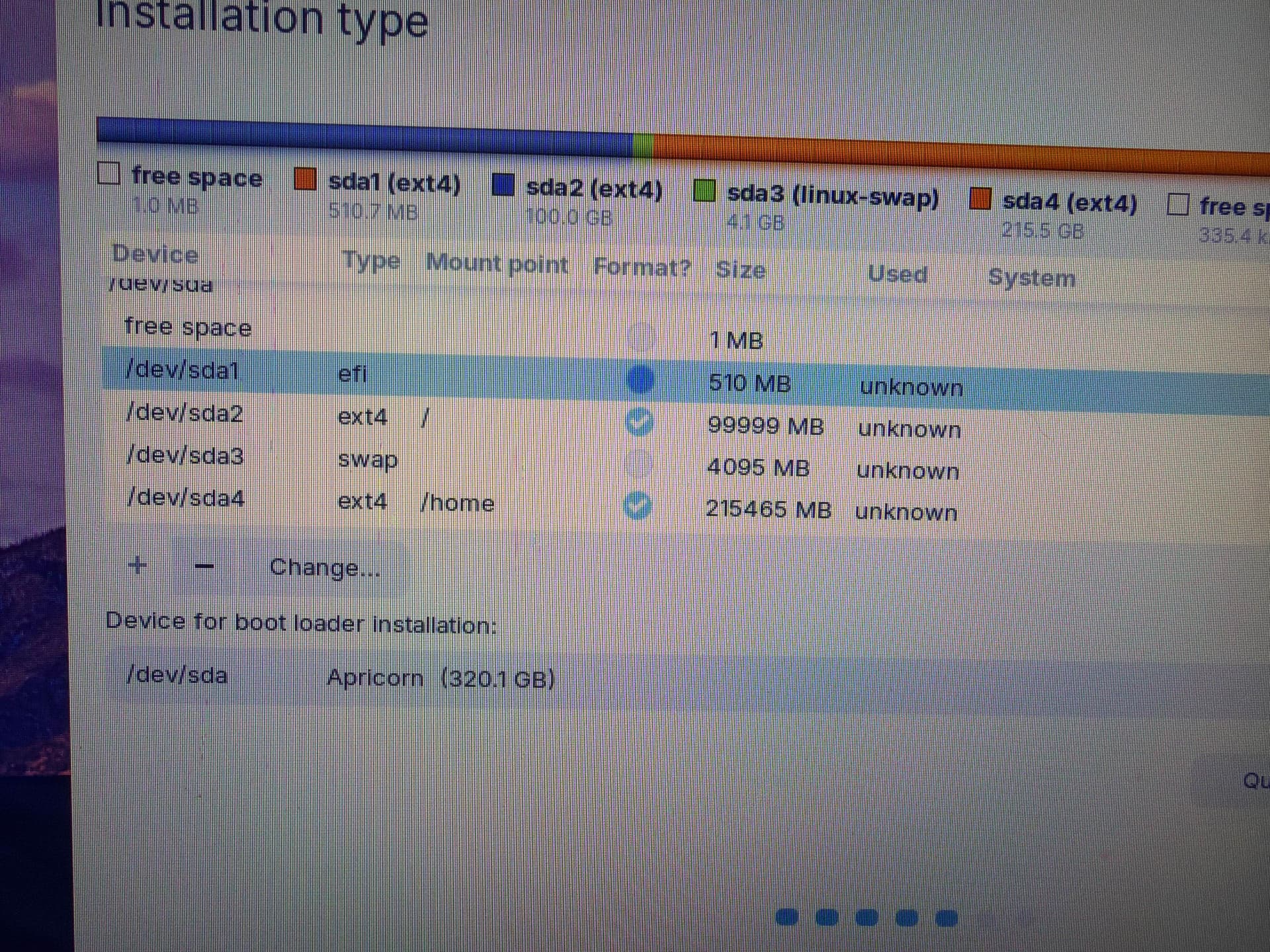
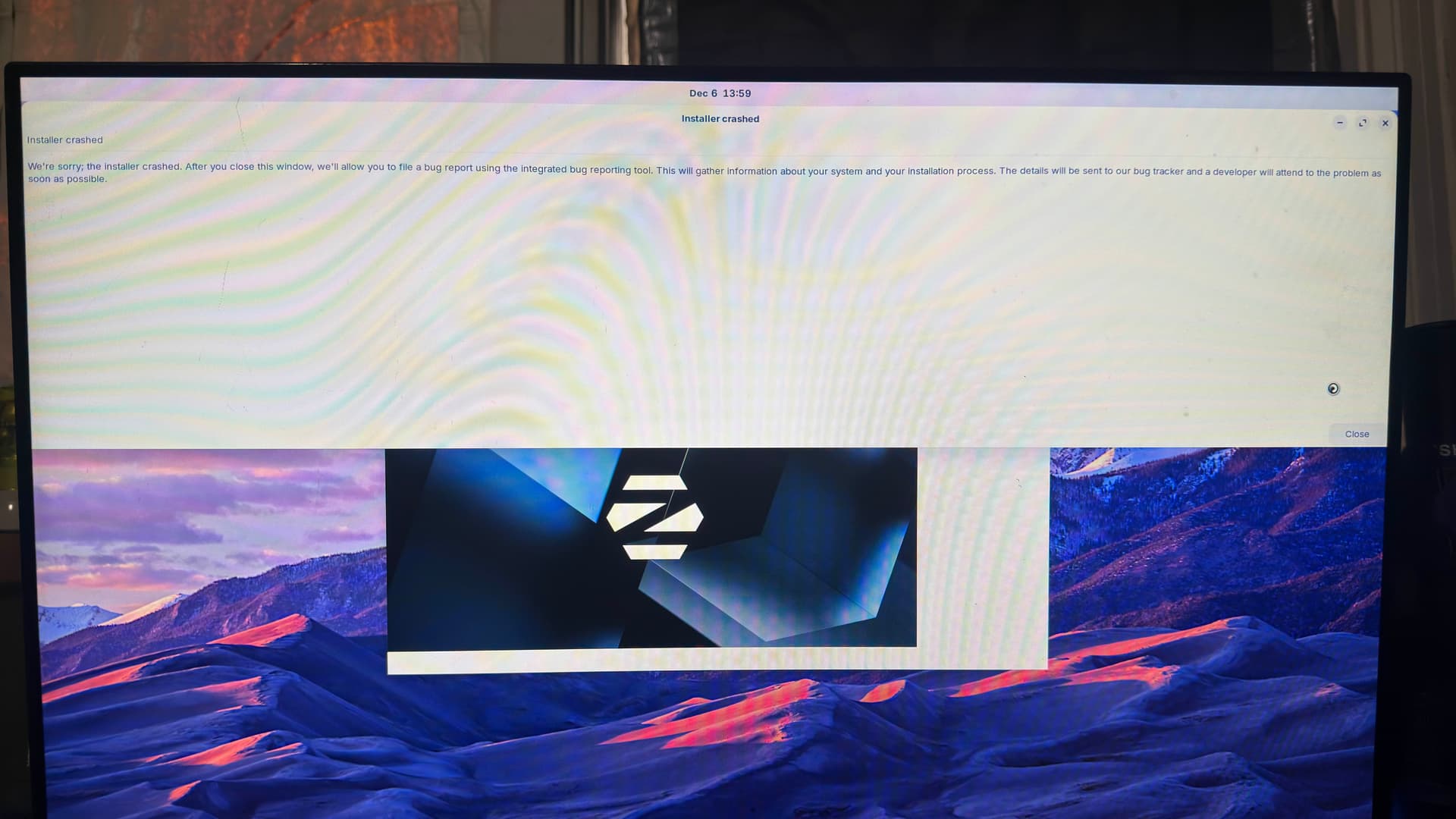


Are you using an Nvidia Card?
yes, a 3070 ti
I realize the display of the error may differ, but have you seen this post:
Im not sure this is the case given the iso i have was downloaded yesterday
I did just try installing from a fresh new iso downloaded a few minutes ago, still being met with some errors, same as above.
When you install, can you UNcheck the box for installing updates and additional drivers as you go - and do not connect to the internet.
If this allows you to install, we can then walkthrough getting any additional drivers and updates by:
sudo apt update && sudo apt full-upgrade
sudo apt install nvidia-driver-575 nvidia-dkms-575
I just installed the version thats not labled as with nvidia drivers and now im just suffering using a 5400 hdd. Ill try these, but the nvidia installer is 100% busted
Ill update you here
Posting from Zorin 18! Right now the only problem im having is my USB bluetooth device. not sure if thats something you handle though
1 Like
This topic was automatically closed 90 days after the last reply. New replies are no longer allowed.