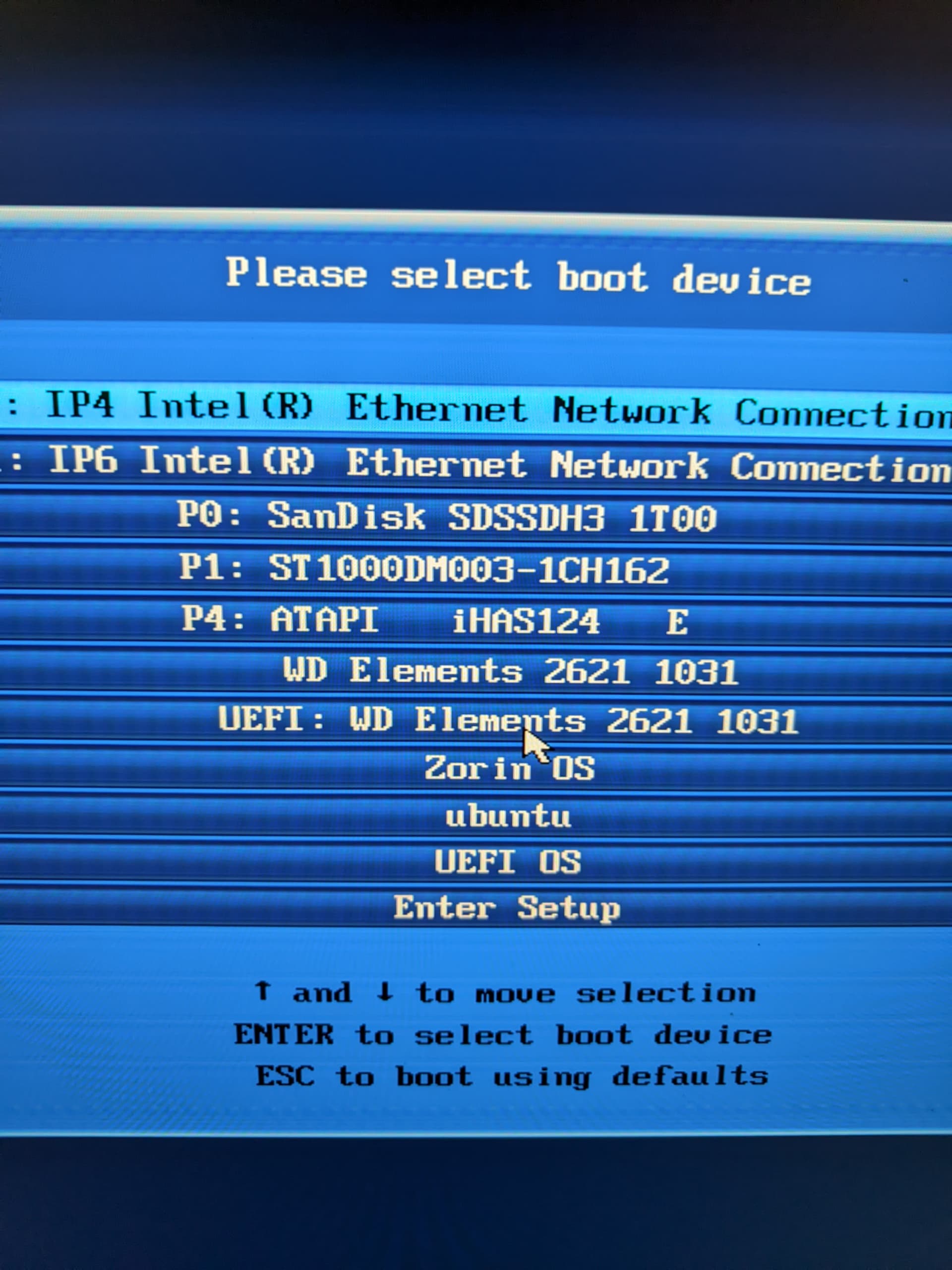
I've been running smoothly Zorin 16 pro for the past 2 years without any issues whatsoever.
Decided today to support the Devs and get Zorin 18 Pro.
I needed to do a fresh install as the upgrade option on the Zorin Upgrade app only gave me the 17.3 pro choice, no 18.
Downloaded the Zorin 18 pro ISO, flash it on a SSD external drive as bootable all as recommended in the installation procedures (using etcher).
Now, when it boots to install, I select the first option, standard install, and get the installation popup but with a total white background.
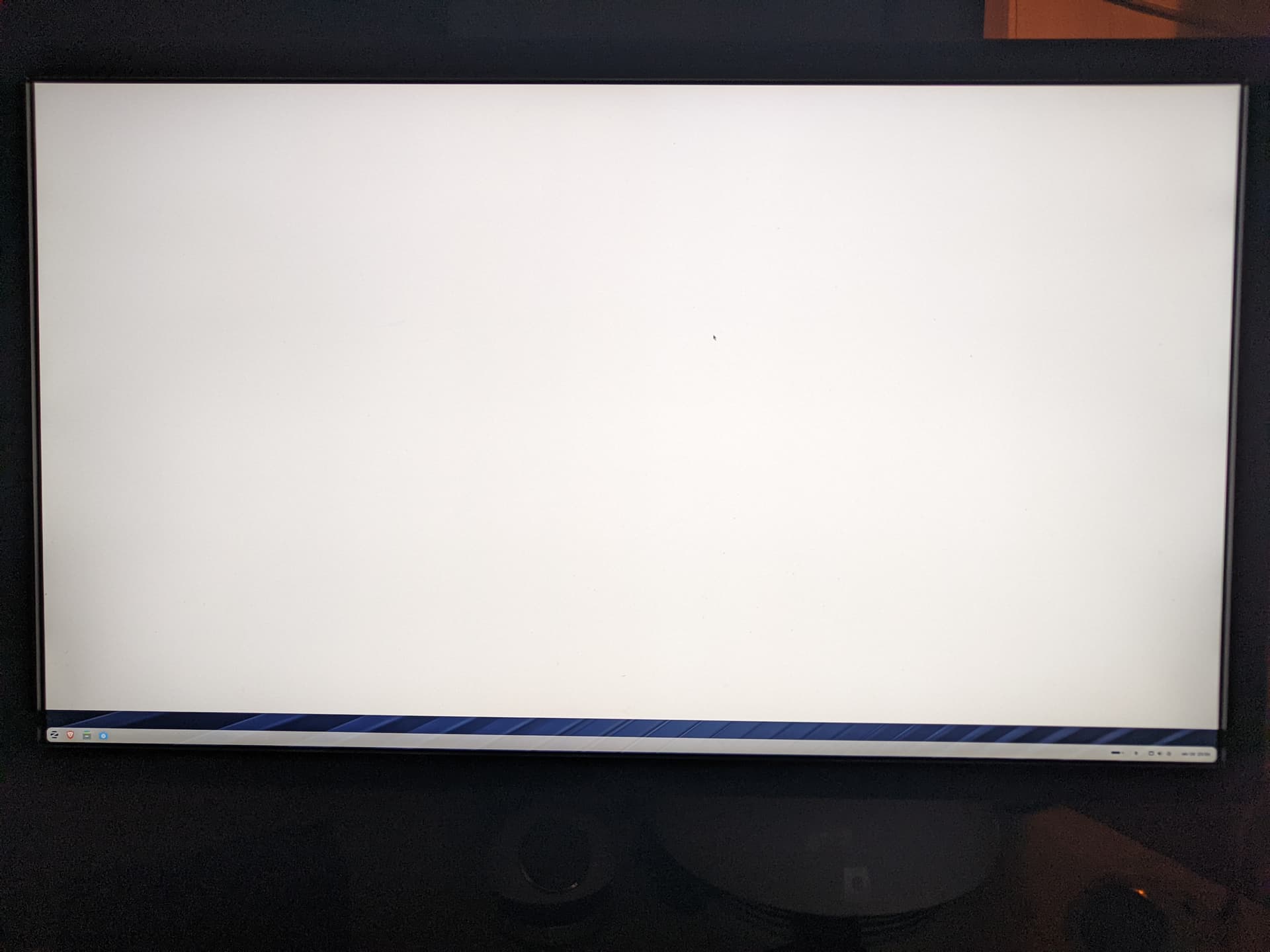
At first I thought it was normal, but once done and rebooted (flash drive removed of), it goes back to a total white background (90%).
I can see the tool bar, and whenever I change background picture, it shows it for only 1 cm on top of the tool bar (at the bottom of the screen) and then the rest of the screen is white.
I tried changing background pictures, screen resolutions and hertz etc without any success.
Never had any issues with Zorin 16 pro, so I'm a bit surprised/disappointed for this.
I watched videos of the installation, and I have a white background instead of the mountain picture...
I'm trying to reinstall it with the other option, first the Nvidia one, and if same results, I'll try safe graphics... But I will be really disappointed if I can't get the appropriate display.
Anybody has encountered similar issue, and solved it?
Thanks in advance!
PS: I do not get any error during installation nor during/after launch... Just pure whiteness