TL;DR: colors too bright on laptop, connecting to external display fixes even when only displaying on built-in. Fresh Zorin OS 18 Core. Gnome+Wayland. When disconnecting ext. display the change is fast but gradual. Present with Night Light on or off, worse with it on.
Hello to everyone, I will try to be brief.
I noticed very wrong gamma/contrast/exposure on my laptop's display and the most I could do about it is getting a custom .icc color profile from github with a bit higher gamma.
Today I connected an external monitor via USB-C displayport mode and finally saw the colors right again, and it doesn't matter if I have both displays on or "built-in only" selected (no image on external).
That made me realize that the gamma trick won´t be enough and so I seek help.
*Also when I disconnect the ext. monitor the built-in gets slightly darker in a few clumsy "hops" while colors gradually worsen, the darkening behavior is very noticeable when I set brightness to minimum before disconnecting the ext. monitor and gets unnoticeable when initial brightness is set to high.
My specs are as follows:
Fresh Zorin OS 18 Core installation (not upgrade)
Gnome, Wayland
Ryzen 7 8445hs CPU with Radeon 780M igpu laptop
IPS display
What I've tried:
Switching Night Light on or off --- no effect.
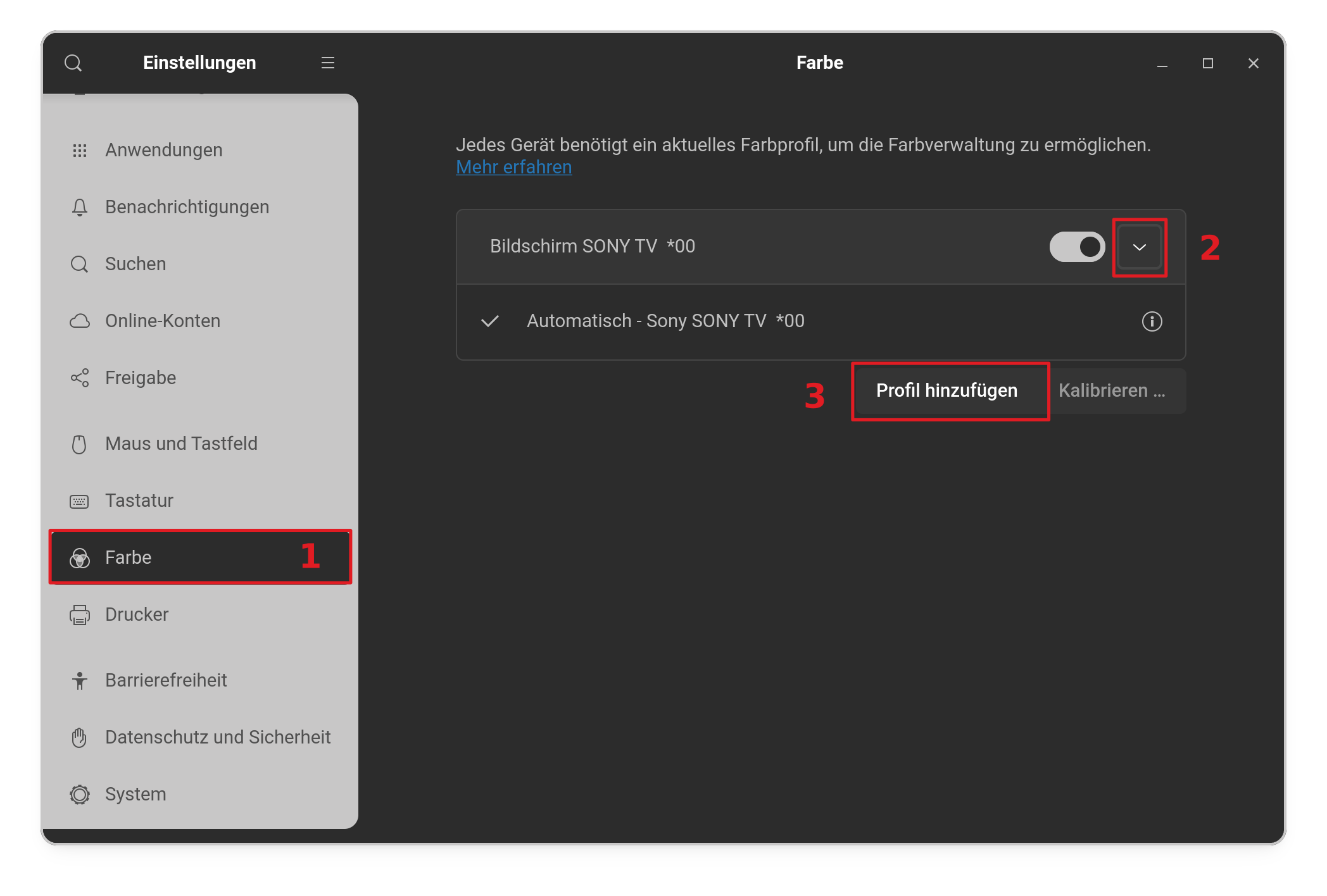
Switching color management for this display on or off --- no effect.
Assigning different color profiles --- effect except for radical things like Testing Blue or using a custom profile with a higher gamma.
Restarting --- no effect.
Changing Zorin Appearance themes --- no effect on the issue.
The best I can describe it is as if I could crank the exposure on my monitor all the way up and did it. Everything just gets too bright, only whites aren't affected, all the other colors get extra vibrancy and become white-ish, dark blue becomes light blue etc. Night light makes it a lot more noticeable but it's still present with it turned off.
Thanks, hope it can be solved and please do ask for details you may need.
You could try to switch to Xorg. Logout and at login click on your username then a cog wheal appears at the bottom right corner. There select "Zorin Desktop on Xorg".
As I just discovered, plugging in my laptop is enough to prevent that behavior. It wasn´t the connection to a monitor that affected the behavior, but rather the connection to a power source.
As of the rest:
I tried switching to xorg and installing the last mainline kernel, didn't notice any difference at all. Having a dual-boot setup with windows 11, this doesn't seem to happen there (although there have been moments I though colors are too bright/vibrant, but nothing as bet or as correlated with manual screen brightness settings - here once I lower the brightness the colors are almost immediately off).
It may have to do something with the AMD iGPU, or other hardware in the Honor laptop and I will just hope it gets better support some day. It is interesting that upon connecting to power the issue disappears, and the "hop" behavior as if the brightness self-ajusted (doesn´t explain the gamma/contrast mismatch", but I could not solve it.
As for color profiles, I covered it the original report, only testing and custom profiles have any meaningful impact, still not being enough, and they don´t solve the issue, as the color misalignment depends on the brightness I set, and possibly content as well.
Update: present on windows 11 too. Has to be AMD's drivers because the image is much better in terms of contrast and gamma on generic drivers (but brightness is not adjustable and efficiency is probably worse) . Nothing in AMD Adrenaline makes any difference. Unfortunate.