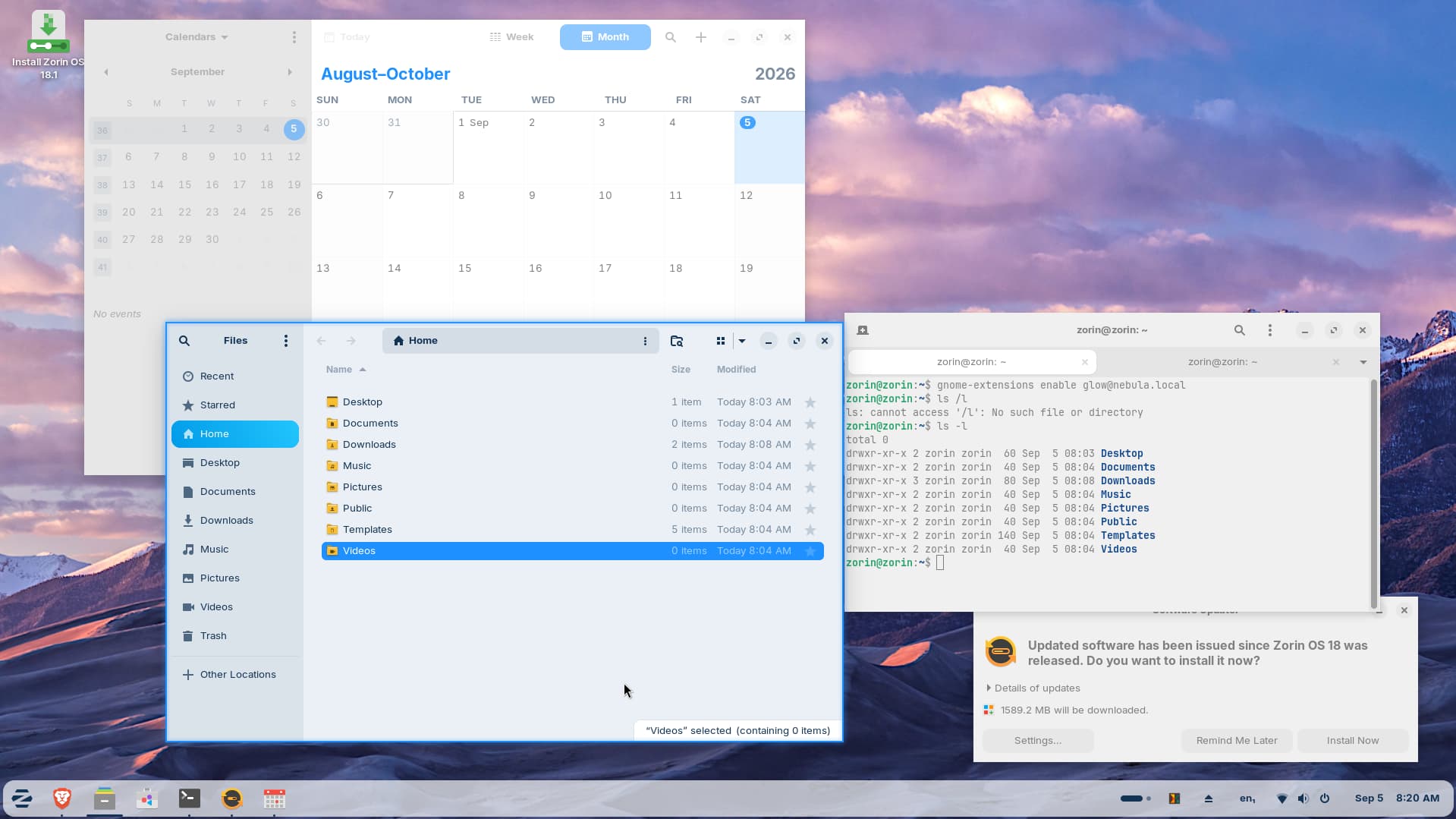
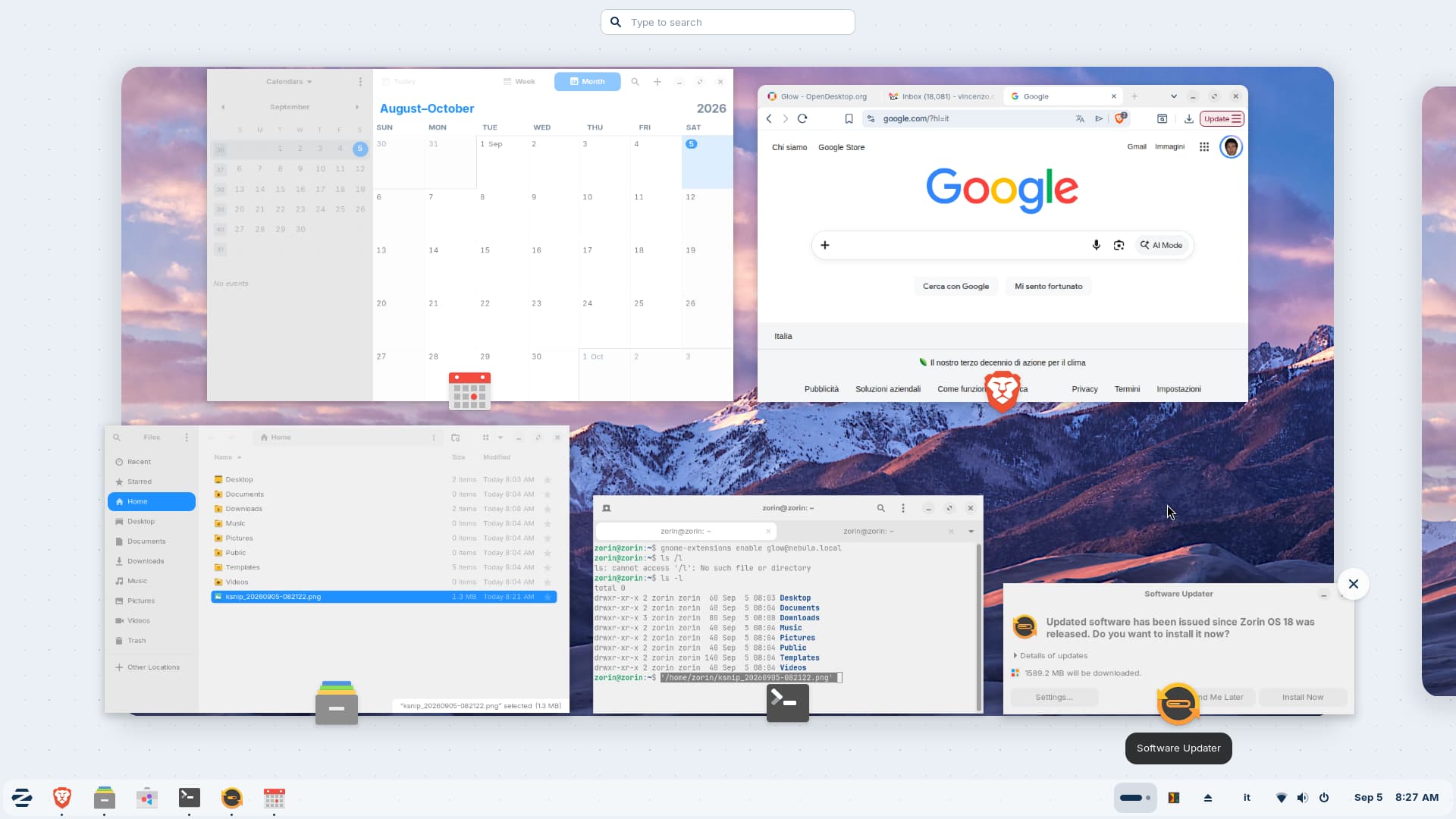
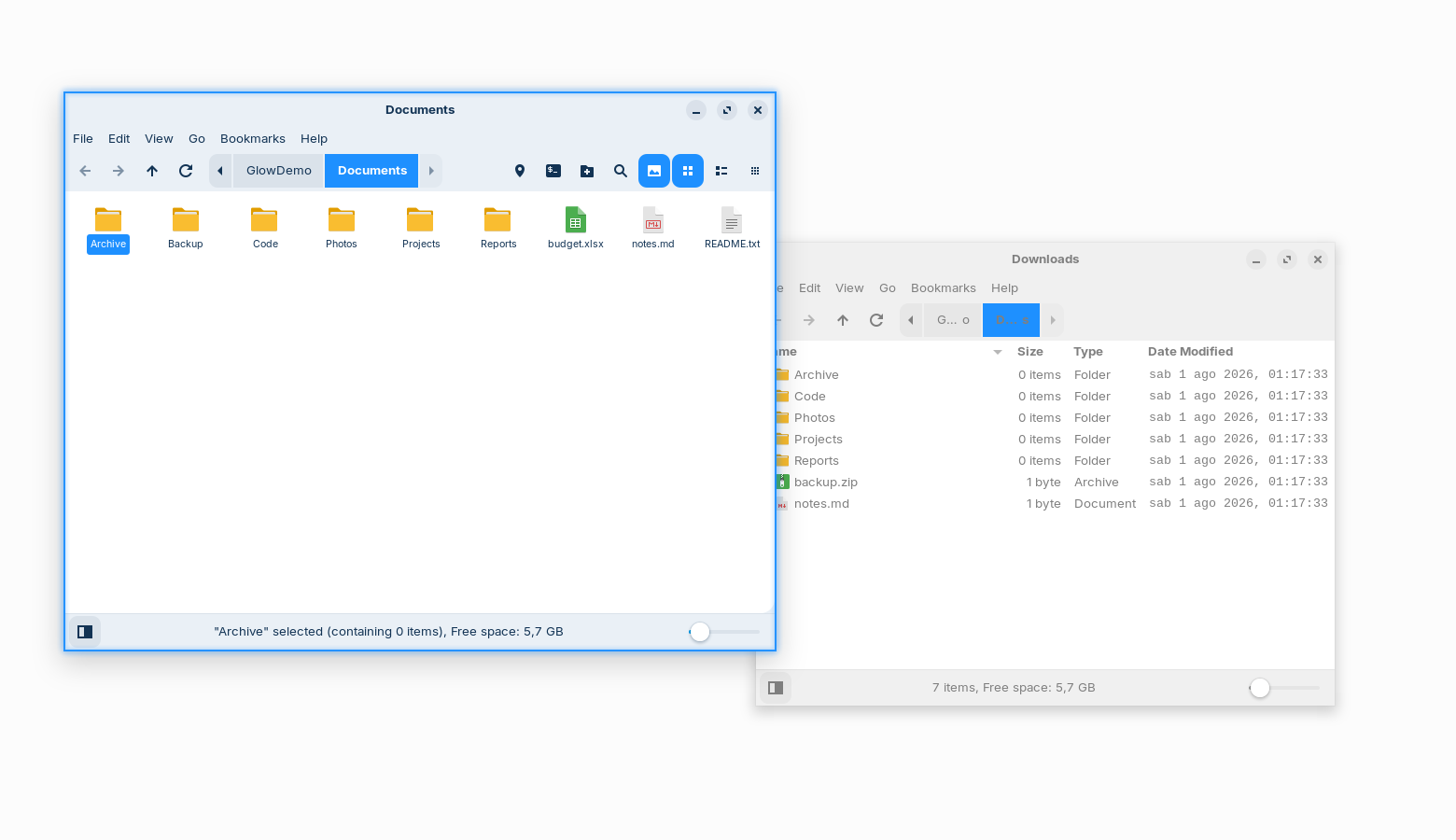
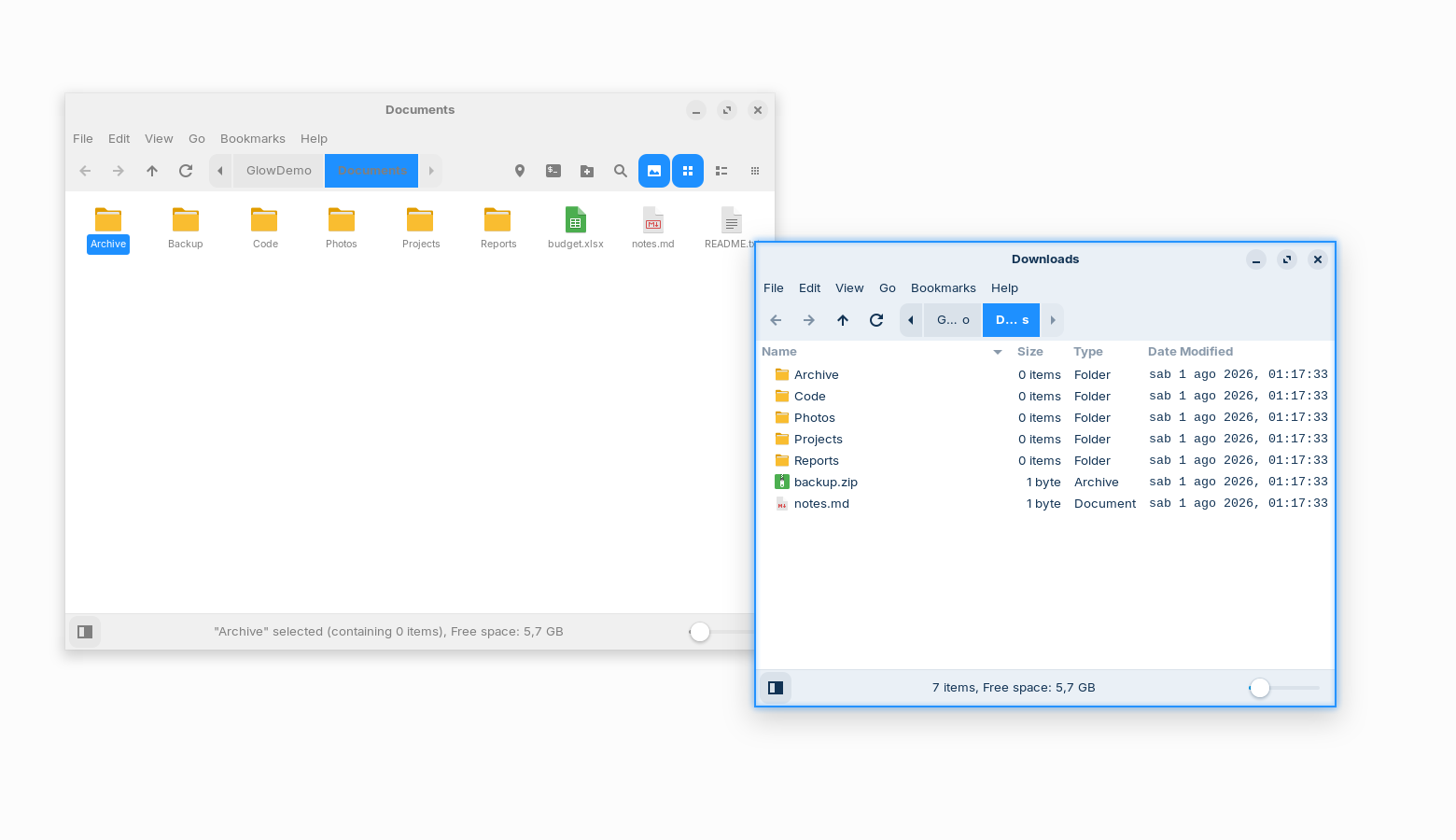
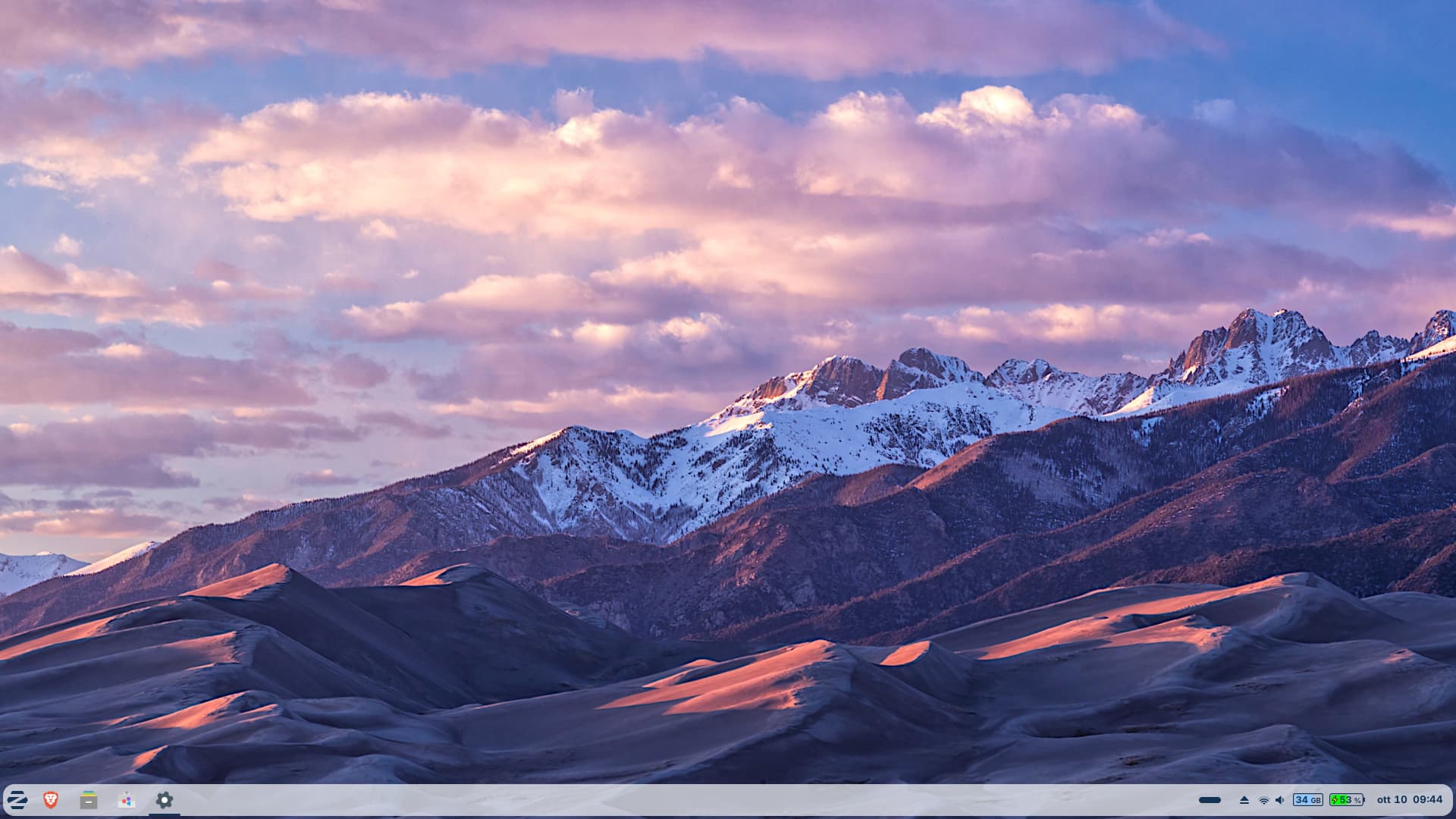
I've been running Zorin OS 18 as my daily driver and put together a set of visual tweaks I ended up liking so much that, for the first time in years, I've stopped theme-hopping. I cleaned it up, made it modular and reversible, and published it — maybe someone here will enjoy it too.
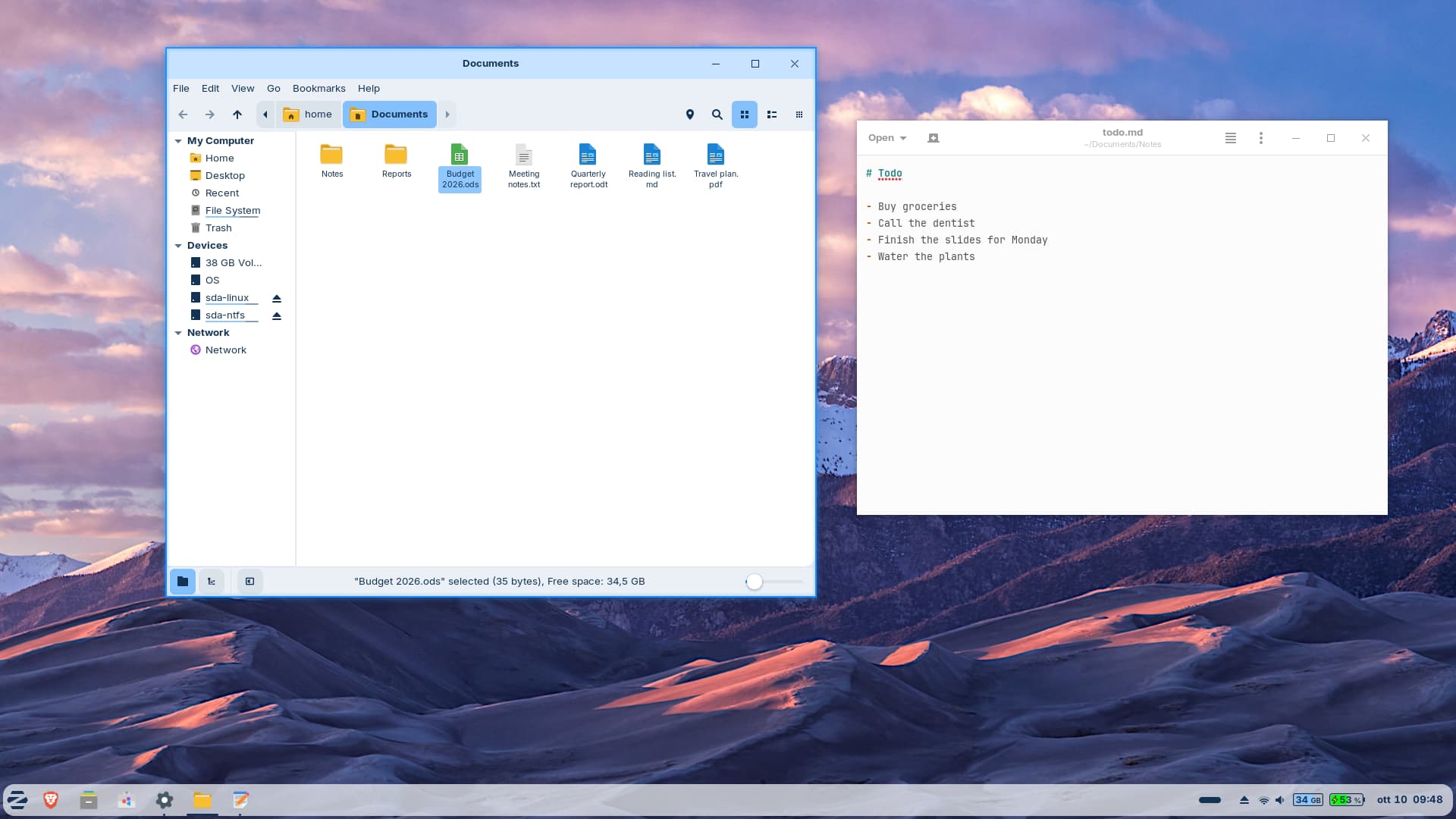
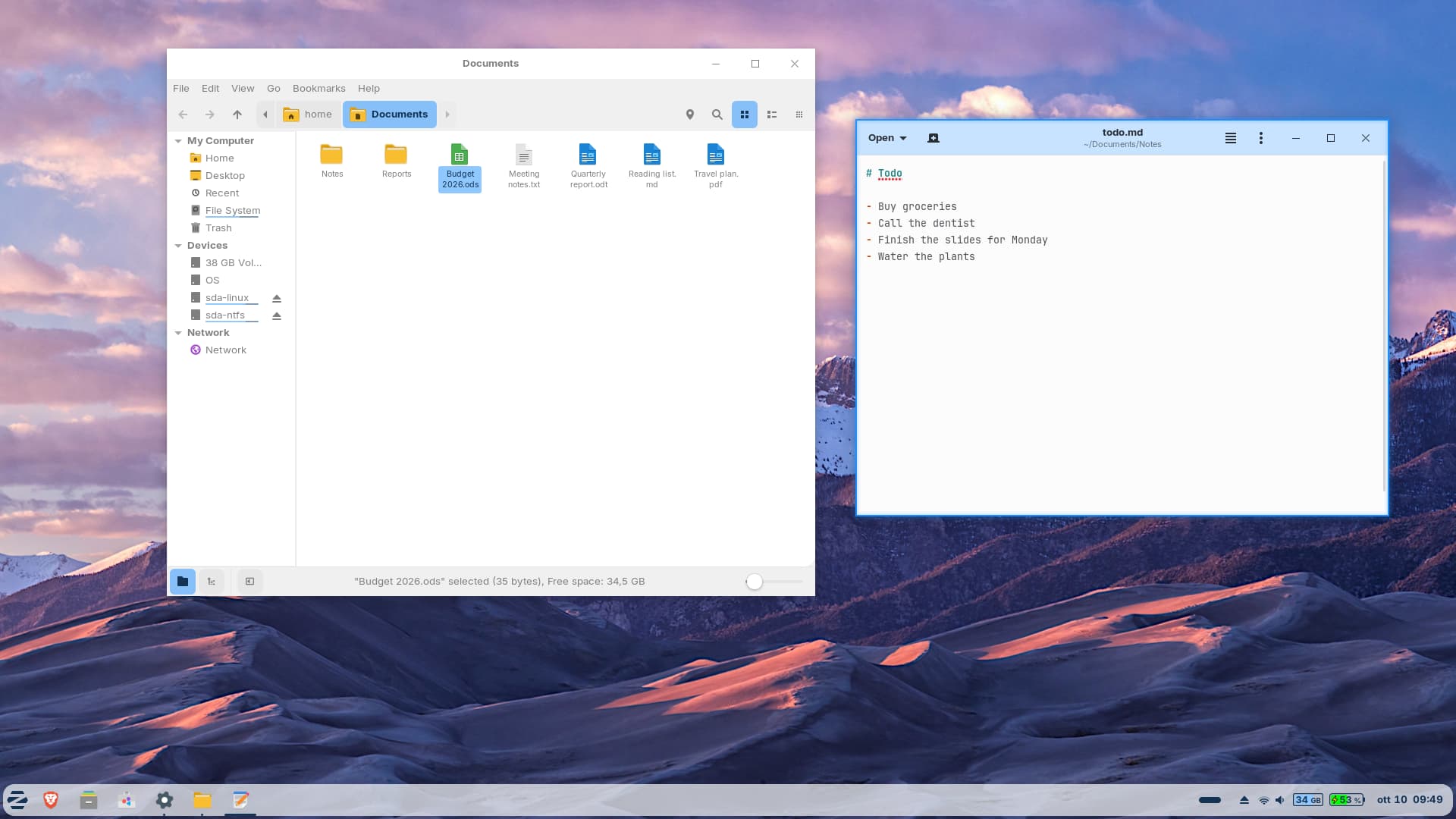
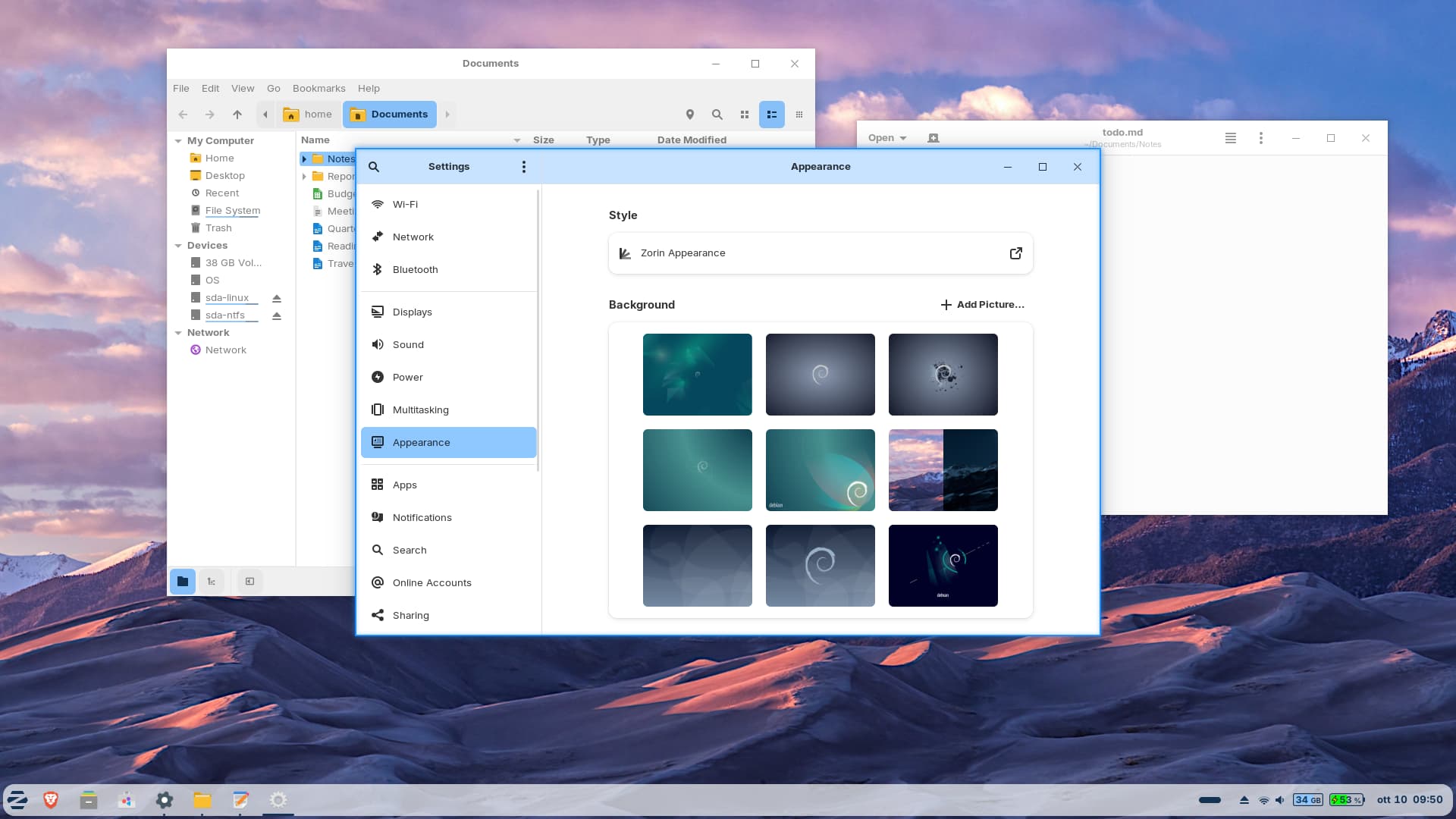
Glow gives your desktop one coherent visual identity:
Focus glow — a soft Dodger Blue aura around the currently focused window. It's a GNOME Shell extension working at the compositor level, so it highlights any app: GTK, Electron (VS Code, browsers), Qt, Java IDEs…
There's a KDE Plasma 6 port in the same repo as well (kde/ folder).
Tested on Zorin OS 18/18.1. It should work on any GNOME 45–52 distro, but Zorin is where it was born. Feedback very welcome — especially from anyone on Zorin 17 or on the Lite/Xfce side where the extension won't apply.
Quick update: Glow has moved from 1.0.2 to 1.0.7 since this post, and the
Zorin taskbar got most of the attention. What changed:
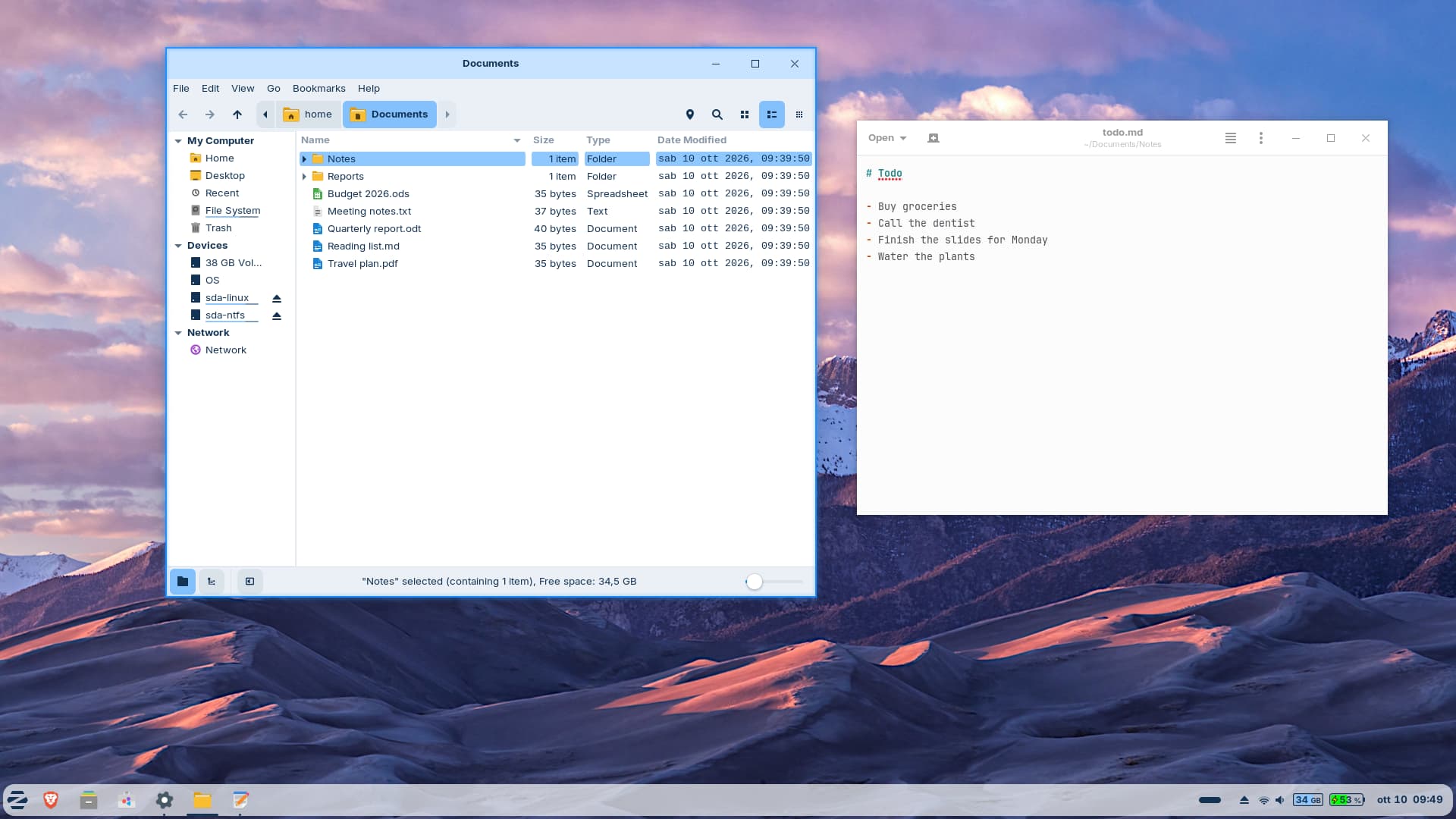
Glass selection — selected rows, checked buttons, breadcrumbs and menus are
translucent Dodger Blue with rounded corners and dark text, in GTK 3, GTK 4
and Eclipse. GTK 4 windows get white backgrounds with thin gray dividers.
Light blue title bar on the focused window, with window buttons in the
style of Windows 11 (wide flat buttons, red close on hover).
Top bar icons in the style of Windows 11 — battery (horizontal, colored
fill, percentage inside, bolt while charging, remaining time on hover), Wi-Fi
and volume. Bluetooth takes the same Dodger Blue.
Free-space indicator next to the battery: the free gigabytes of / in a
small box filled in proportion to the space used.
Compact taskbar on Zorin OS: 42px instead of 48, and tray icons about
24px apart instead of 36, so more pinned apps fit.
Overview previews for windows a browser restores minimized at login,
which used to show up empty.
No flicker while an application maps several windows at once.
Yellow Favorites star in Nemo, color sidebar icons, cleaner tray icons for
eject, CopyQ and Insync.
Everything stays modular and reversible: bash install.sh --remove puts things
back as they were, and each feature has a switch in the CFG block of extension.js.
Install, as before: download the latest tarball from www.opendesktop.org/p/2357822/ (Files section), then
tar -xzf glow-gnome-1.0.7.tar.gz
cd glow
bash install.sh
and log out and back in. Full notes for each version are on GitHub:
I tested the new extension in a Zorin live session. The look of the window's titlebar is much more Windows-like now.
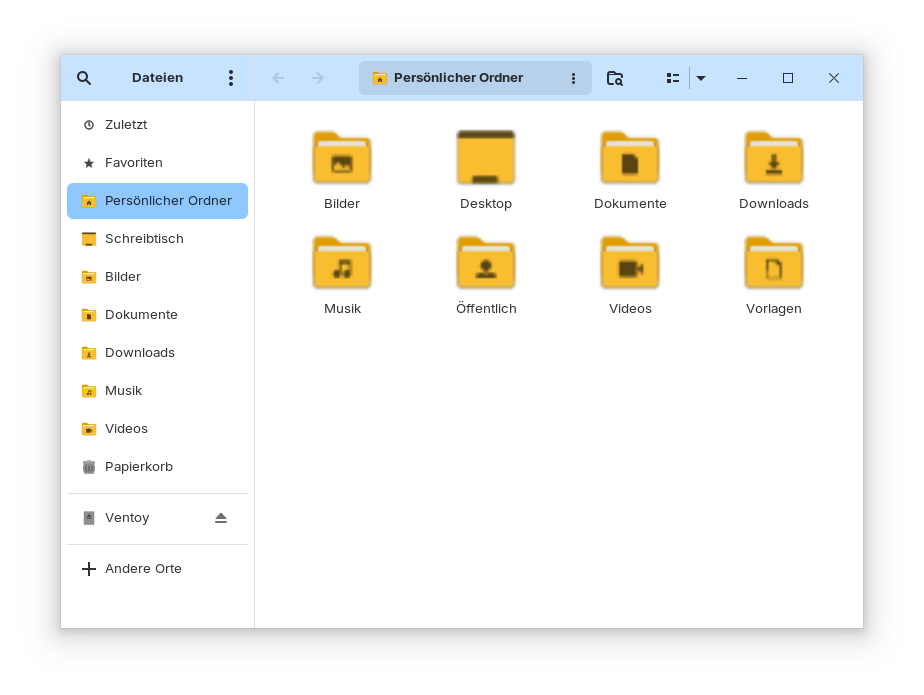
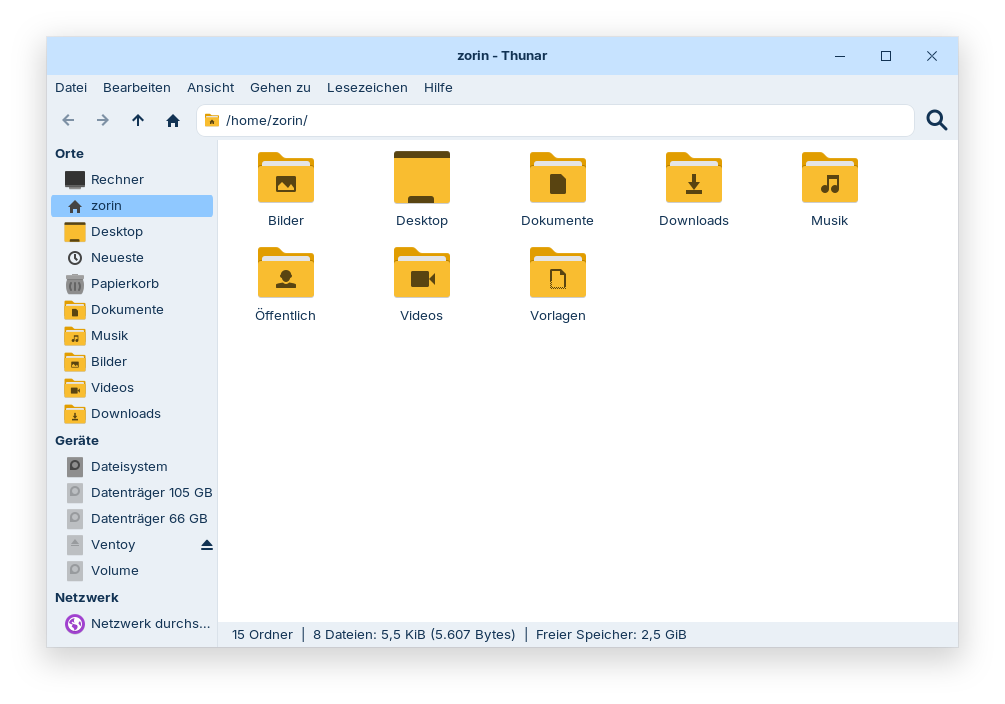
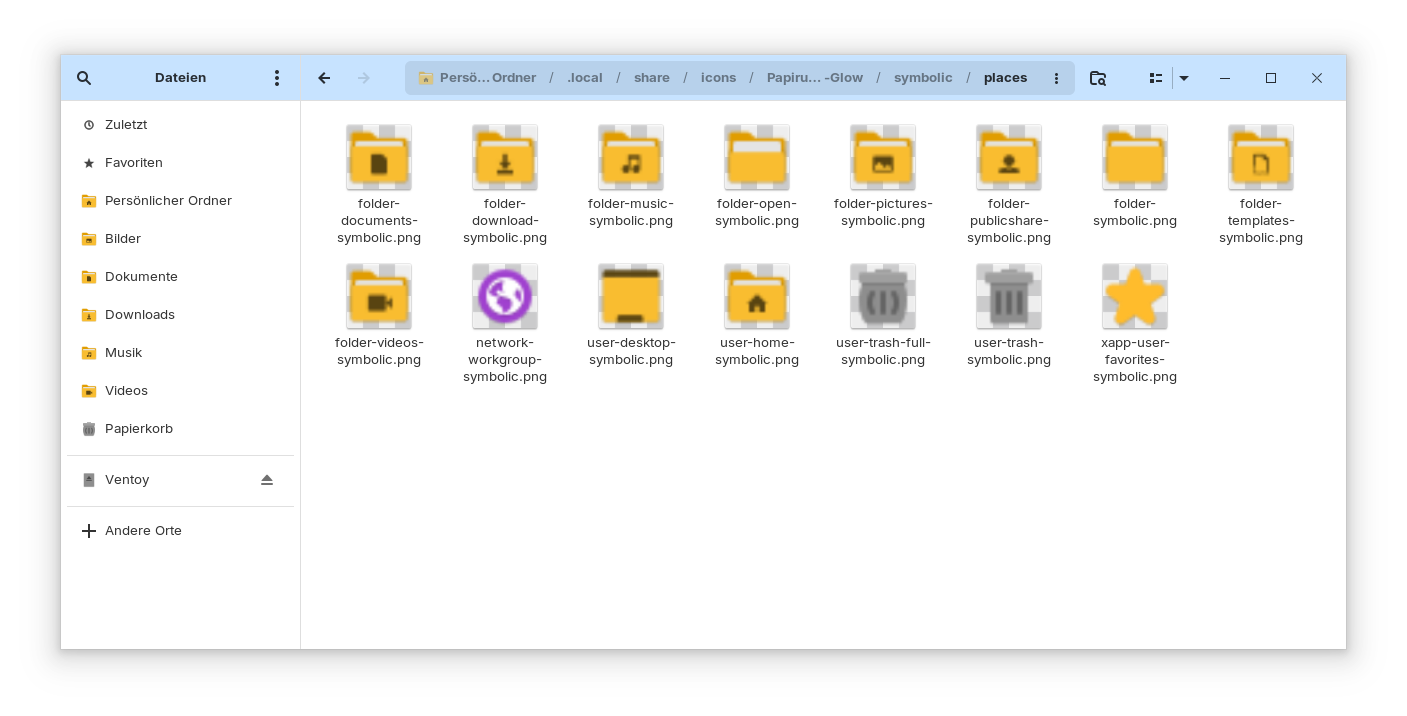
I noticed, that the icons in Nautilus and Nemo are very blurry on the right side of the file managers when the default Papirus-Light-Glow icon theme is set. In Thunar, the folders are sharp.
Perhaps the folder icons are not scalable in Nautilus? I use a 100% scale and 1920x1080 resolution.
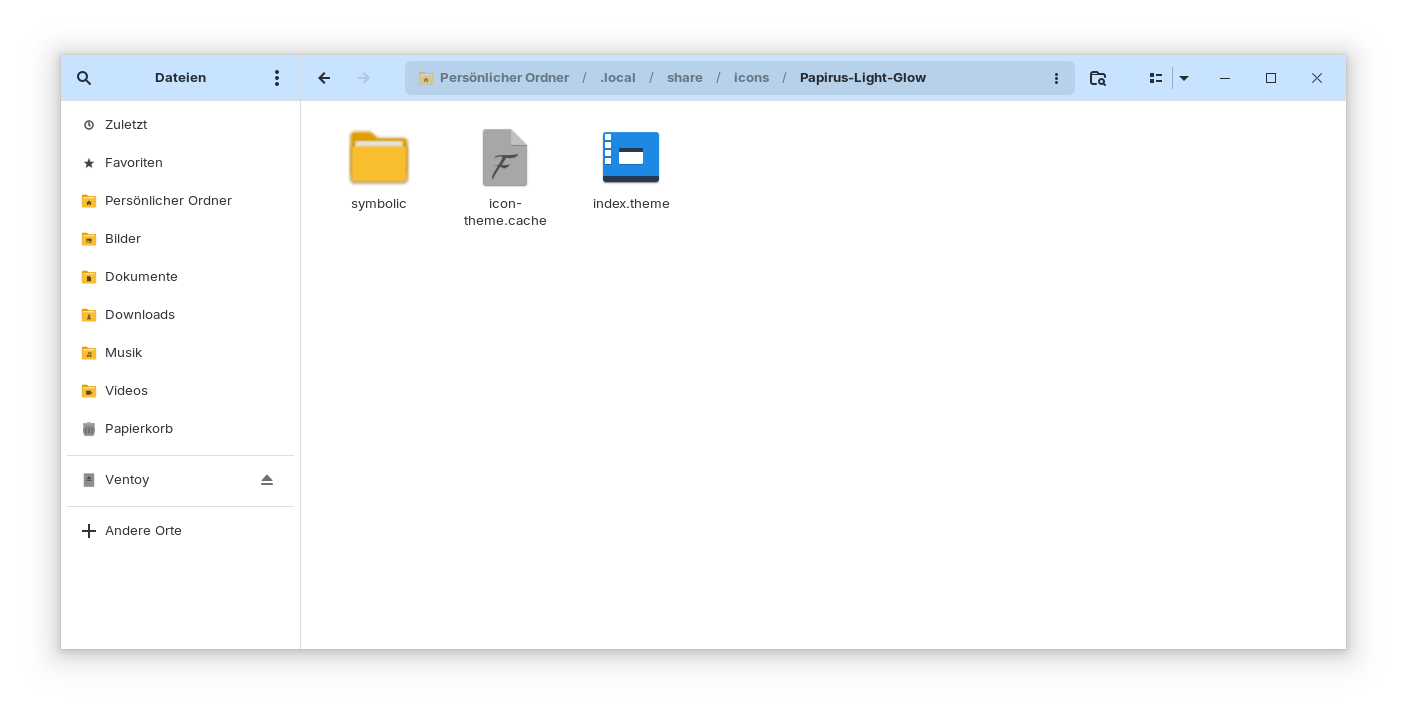
I think, the symbolic icons should be .svg files instead of .png or have a bigger size. Now, they are 24x24 pixels.
To me it seems as if the normal Nautilus main window uses the symbolic icons now which were intended for the Nautilus sidebar, but I'm not sure. Perhaps the Papirus-Light-Glow icon theme needs added the other non-symbolic icons of Papirus-Light?
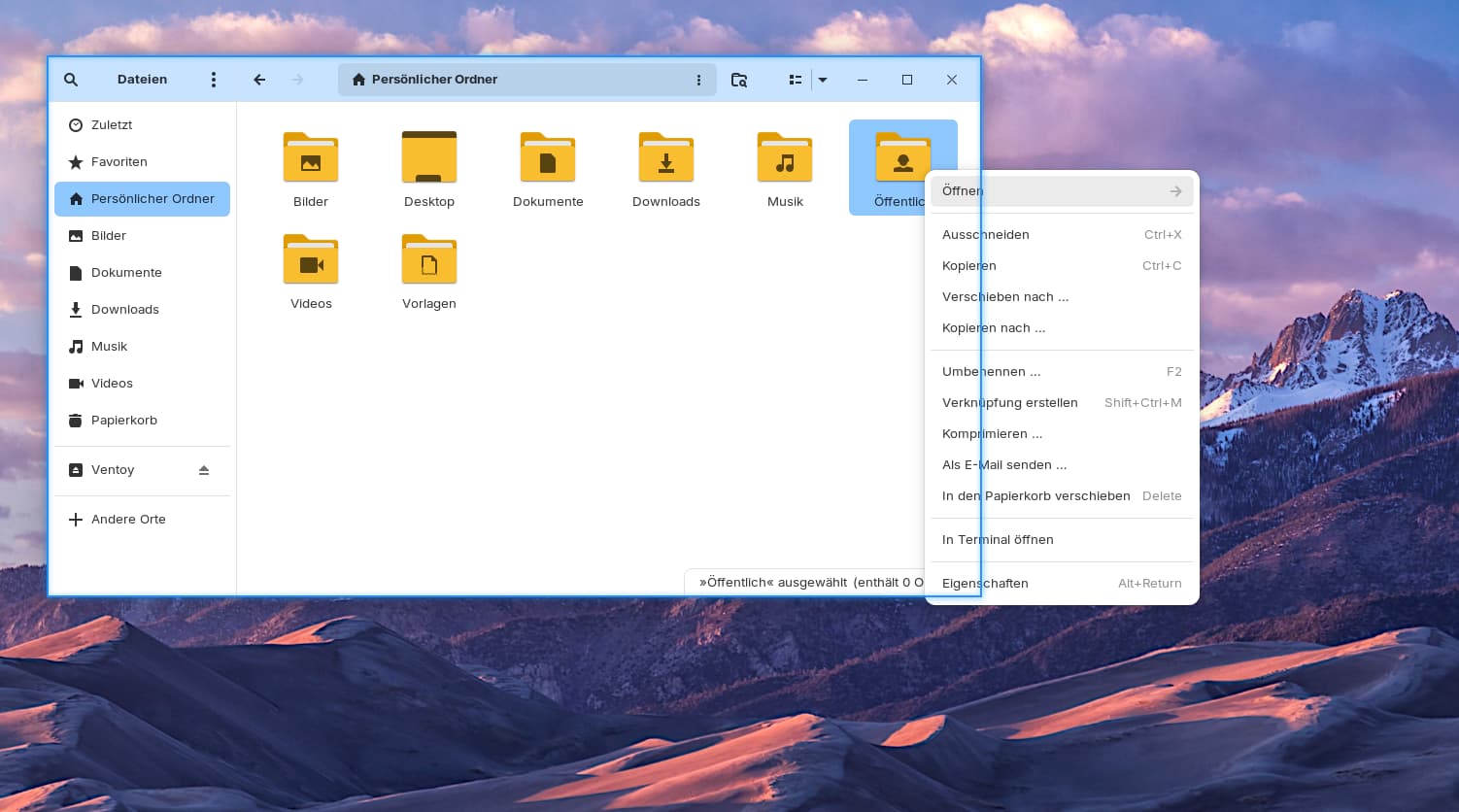
The popup of the context-menu is below the blue window frame. This happens in other apps, too (screenshot with Papirus Light icon theme where the folders are sharp but Nautilus has the default symbolic icons in the sidebar):