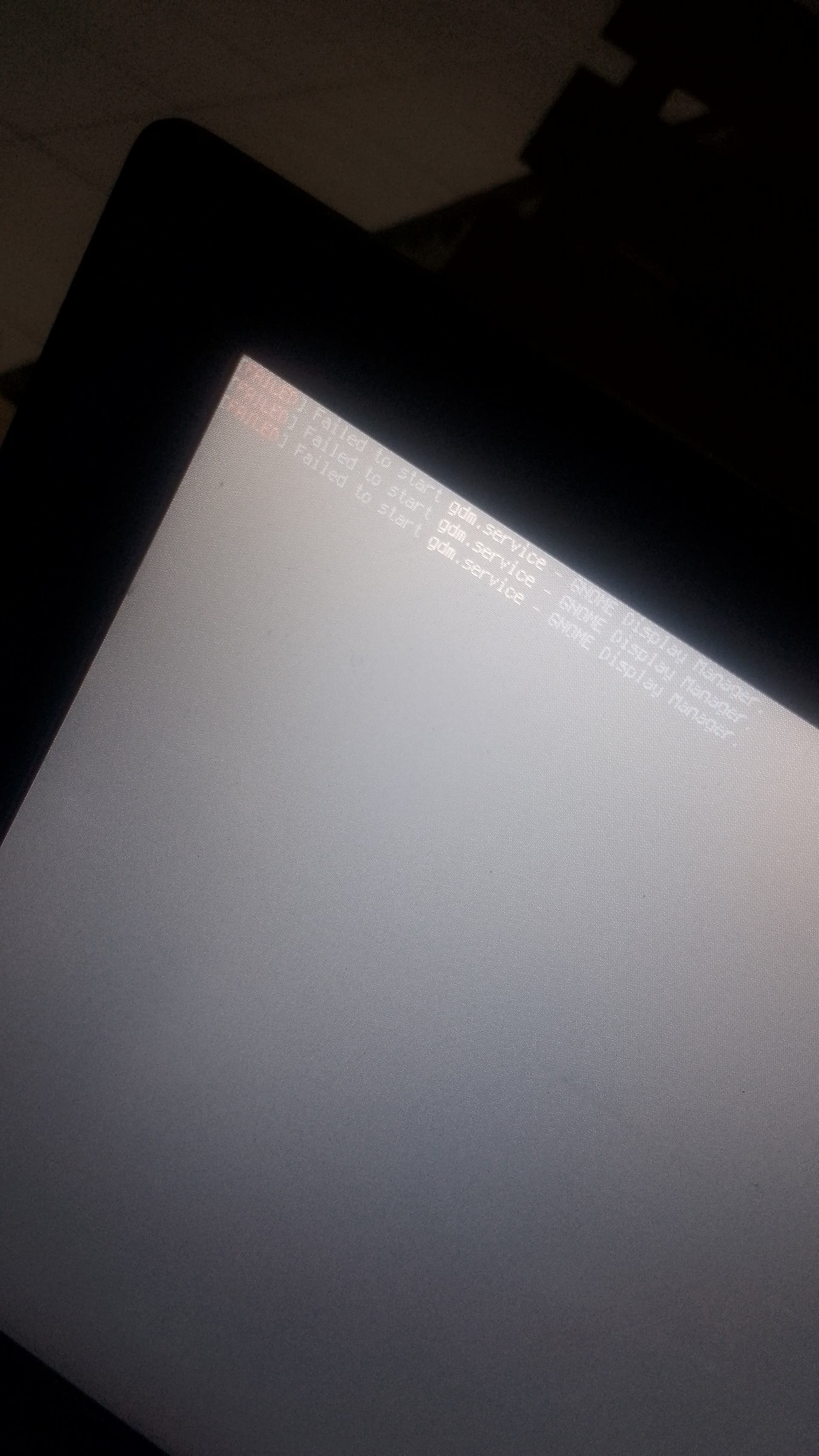
Hello Everyone i'm new on linux and i use zorin os 17 for almost 2 months now but today i have so e trouble with iy which is, when i restart my laptop, i can't enter the OS and when i shutdown my laptop and turn if on again the Screen show faled to start gdm.service - Gnome Display [Processing: 1002976394.jpg…]
I alreadu do everything on the inteenet such as click ctrl + alt + f3/f2 to enter the terminal but i can't so i need ur help guys
I'm sorry about my typing and yeah i can't get into the system anymore and i can't even enter terminal using ctrl + alt + f3/f2 like what people say so can u give me some advice ? Did i've to reboot the system using USB ?
Kinda yes kinda No I'm Not pretty sure honestly, Actually, I had just emptied my disk of several applications, but before this incident, I received a notification that the disk partition for the root system was insufficient.
I tried to fix it but then the notification stopped appearing and I could use it normally, but after that my laptop experienced heavy frames and then I restarted it.
After that this incident happened, I used a partition with a size of 1GB because this was also a recommendation from my friend and previously it was running normally but suddenly it was like this.
Is this because of a system update that requires me to increase the disk partition capacity for my root?
Ok, so your additional infos point to a system partition disk space problem.
You don't use Windows anymore or do you have dual boot?
If you use Zorin only OS, you could free up disk space booting into the Zorin Live Stick.
But first press the power button of your laptop until it is powered off. Then wait for 3 minutes, afterwards stick your USB Live stick in and boot into the BIOS/UEFI (mostly with F12 , F2 oder Esc during start).
Make sure to boot from your Zorin Live stick.
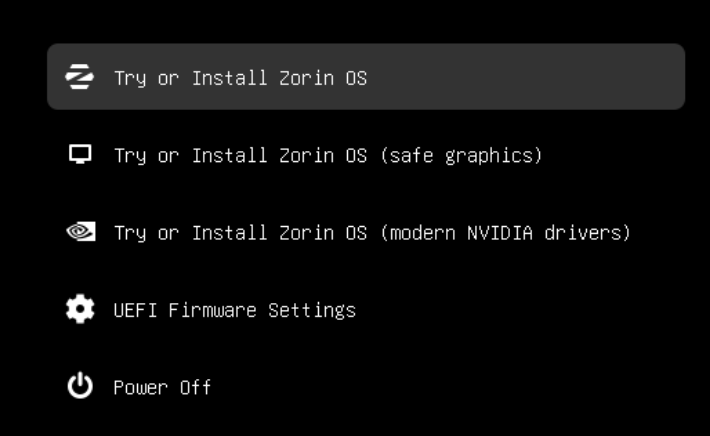
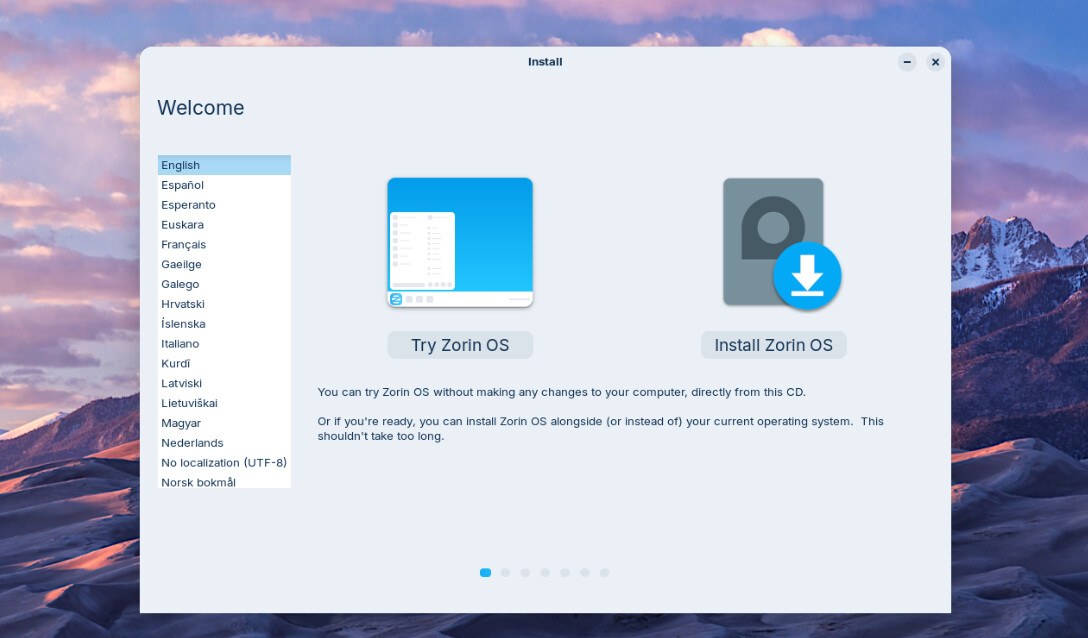
In the upcoming menu choose Try or Install Zorin.