What makes it possible in Zorin 18 Lite to have an invisible grab area outside the windows that makes it easy to resize the windows? In Zorin 17 Lite the windows don't have that grab area by default, but in Zorin 18 Lite they have it.
The behavior is controlled by the Theme Configuration. Specifically, it's defined in the themerc file of the Xfwm4 theme located at:
/usr/share/themes/[Theme-Name]/xfwm4/themerc
The key parameter is often:
border_width=X (where X is larger than the visible border)
As you know, because Zorin 18 Lite uses GTK3/4 more extensively, some windows also use Client-Side Decorations (CSD). These windows (like the File Manager) handle their own "invisible" resize shadows via the GTK CSS, independent of the window manager. (Zorin 18 by contrast, has aligned these CSS values to ensure a consistent 5–10 pixel grab area across the entire OS.)
Do Thunar, Xfce4 Terminal, Settings... use CSD now by default or can the xfwm4 in xfce4 4.2 handle transparent borders as grab area? I found no file that sets GTK_CSD=1 and there is also no other compositor or window manager than xfwm.
For Zorin 17 Lite you once wrote that it is not possible to use invisible transparent borders in the xfwm theme for grabbing. Has that been changed now?
That has not changed. Transparency will be seen by the WM as empty space, offering nothing to grab.
An alpha is not rendered - it is composited.
Image slices that are rendered are what defines the grab area.
However, I must point out that the underlying issue you seek to solve is solvable without using any transparency.
Set the exterior border as you want it to be - like a 1px line - then allow a 4px to 8px inner section attached directly to it that matches the same background as the theme Window Background - and this will look like CSD does, but all the 6px to 10px border will be available for grab area.
This applies to active and Inactive windows the same way - so the inactive borders can match the backdrop window color to match.
In Zorin 18 Lite the grab area is outside of the window.
I see what you mean. Unfortunately, the border is only relatively inconspicuous with the specific theme it was designed for. If you switch to other themes, the color stands out (for example, with the Zorin themes, where each theme has a different background color).
I think you may be asking A.I.
...Given the nature of that wording.
It is... not quite correct. It kind of is, but in a misleading way.
XFWM never had a setting in themerc that offered window border width - so, it was not moved to the .css or anything.
And the .css classes and properties are valid for desktop environments that do not allow the window manager to manage the window borders, which allows the .css to offer that management - this is CSD or Client Side Decoration.
Since .css allows for margins, even invisible ones - this is a boon for having a 1px visible border with a 10px grab area.
Sadly, many other aspects of .css management for window borders is severely lacking, making it a very tough tradeoff.
This, @Forpli has experimented with previously and was quite happy with the CSD results in many ways. I think that since he is still looking for solutions, it failed at some point to fully satisfy.
And, you're right...that's exactly what I did. Before I saw this, I changed the posting however. Does what it says now make any more sense? Or shall I just quit while I'm in over my head?
Previously (in Zorin 17 Lite), apps like Thunar and xfce4 Terminal did not use CSD by default and the window border for those apps was not managed by .css. I'm wondering if they do now and where that is configured.
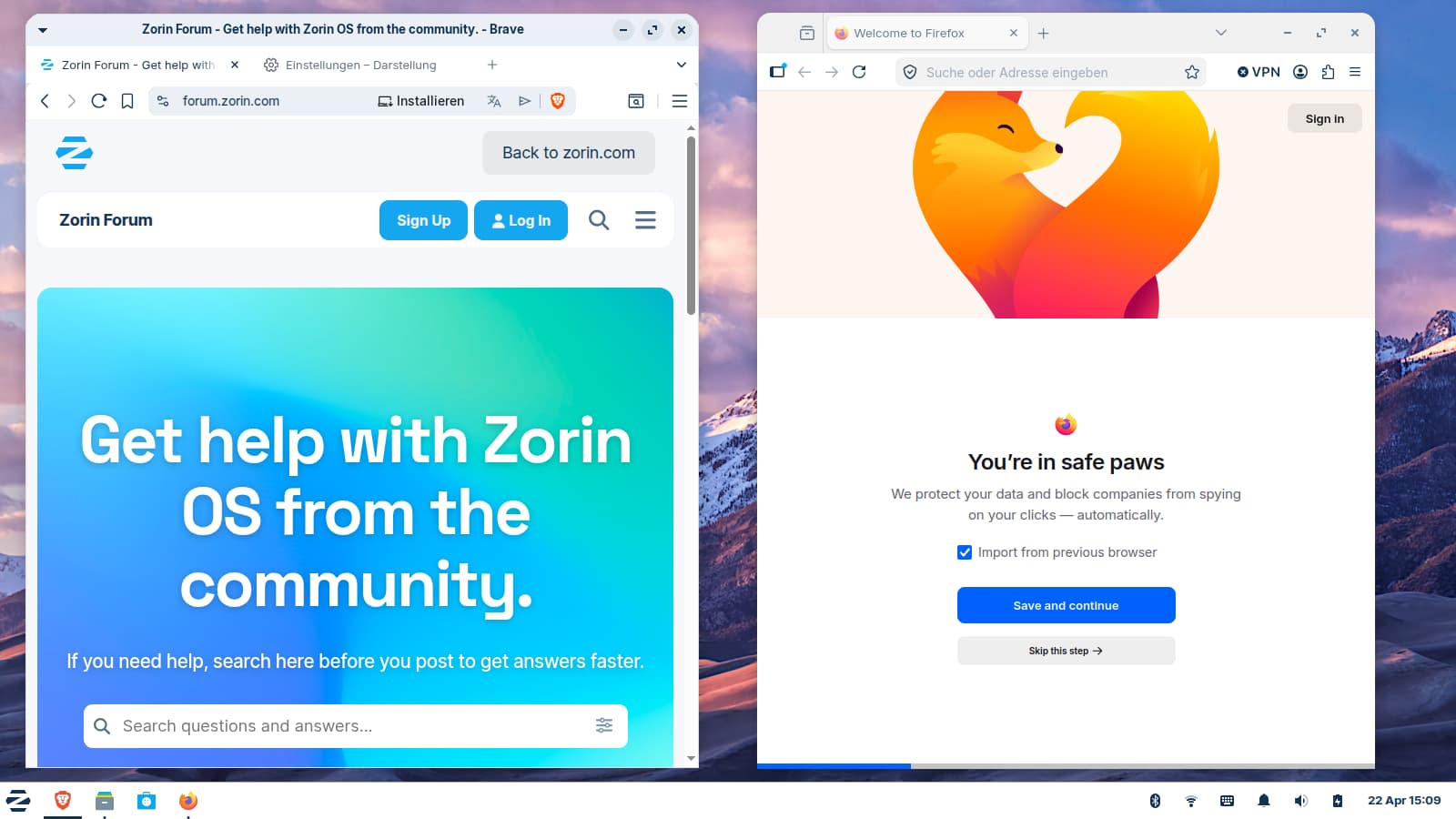
In brave, e.g. you still see the frayed out round top corners when you set it to use the system theme.
chuckle, you are doing fine - But it does help to remember A.I. cannot think an answer through.
Instead, it amalgamates raw information, then uses pattern matching to 'guess' at a probable suggestion. With generalized data, or well documented expansive data, it can be quite accurate.
With GnuLinux, however, it gets a lot wrong.
What you changed the posting to contains essentially the same information with a bit less words.
It is accurate for Gnome or Budgie. But for all other desktops that deploy a full featured window management system instead of piggy-backing on the window compositor as Gnome does - it won't actually help for any of those, including XFWM.
Thank you for trying to help me. I really appreciate that you're sharing your knowledge here on the forum.
For me - and probably for other users as well - it would be helpful if you could indicate whether the information comes from your own experience (you seem to know a lot about computers and be very experienced!), or whether it was generated by AI, or if you read it somewhere, e.g. in a forum... Sometimes your posts are so perfectly formatted and formulated that I'm not sure whether you wrote them yourself or an AI did.
You are right, Forpli, I have of late been using AI quite a bit. I should acknowledge that, and will do so in the future if I use it in my responses. Perhaps I shouldn't be so eager to respond in this way. I wouldn't want to send someone astray just because I'm eager to see their problem resolved. A little knowledge is a dangerous thing, especially when it is not my own. Thanks for the feedback.
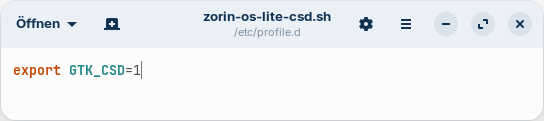
Now I found it out. Zorin 18.1 Lite uses CSD by default. This is the file where it is set up, in combination with enabled "dialogs use header" at settings>appearance>settings:
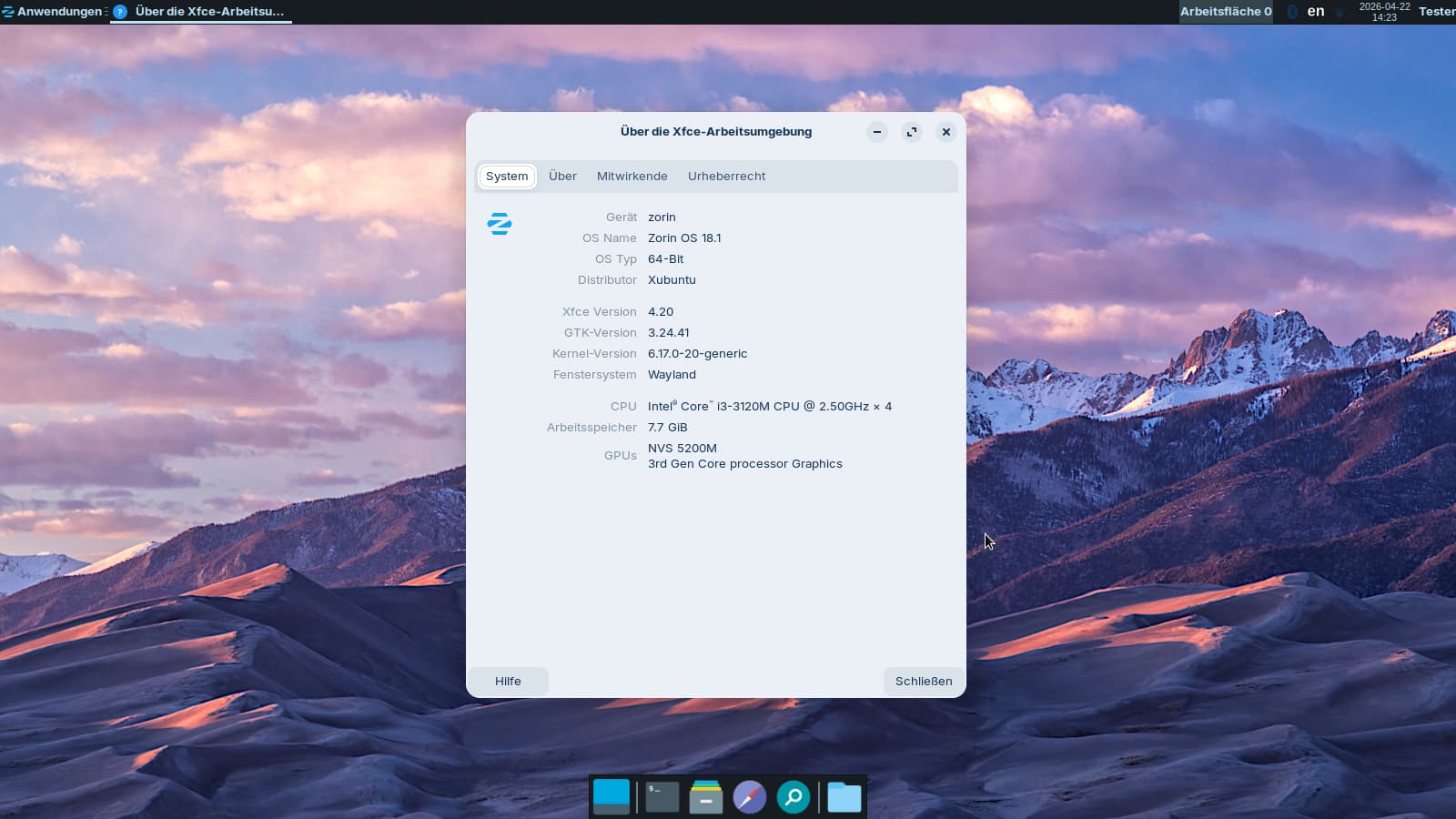
Interesting. You can now run Wayland on Zorin 18 Lite - in a experimental stage. There is shown a (standard XFCE4) Wayland session in the live session. I tested it (installed labwc to be able to launch the session), but it didn´t work well. The settings app didn´t work correctly, also not the screenshot tool. I switched back because it was not possible to set a german keyboard layout.
And... odd that it is there, at all.
They should be using the same assets and would have the same result.
It kind of looks like Brave Browser has something set that increases the radius of the border - which is cutting off the smooth rounding that does show in Firefox.