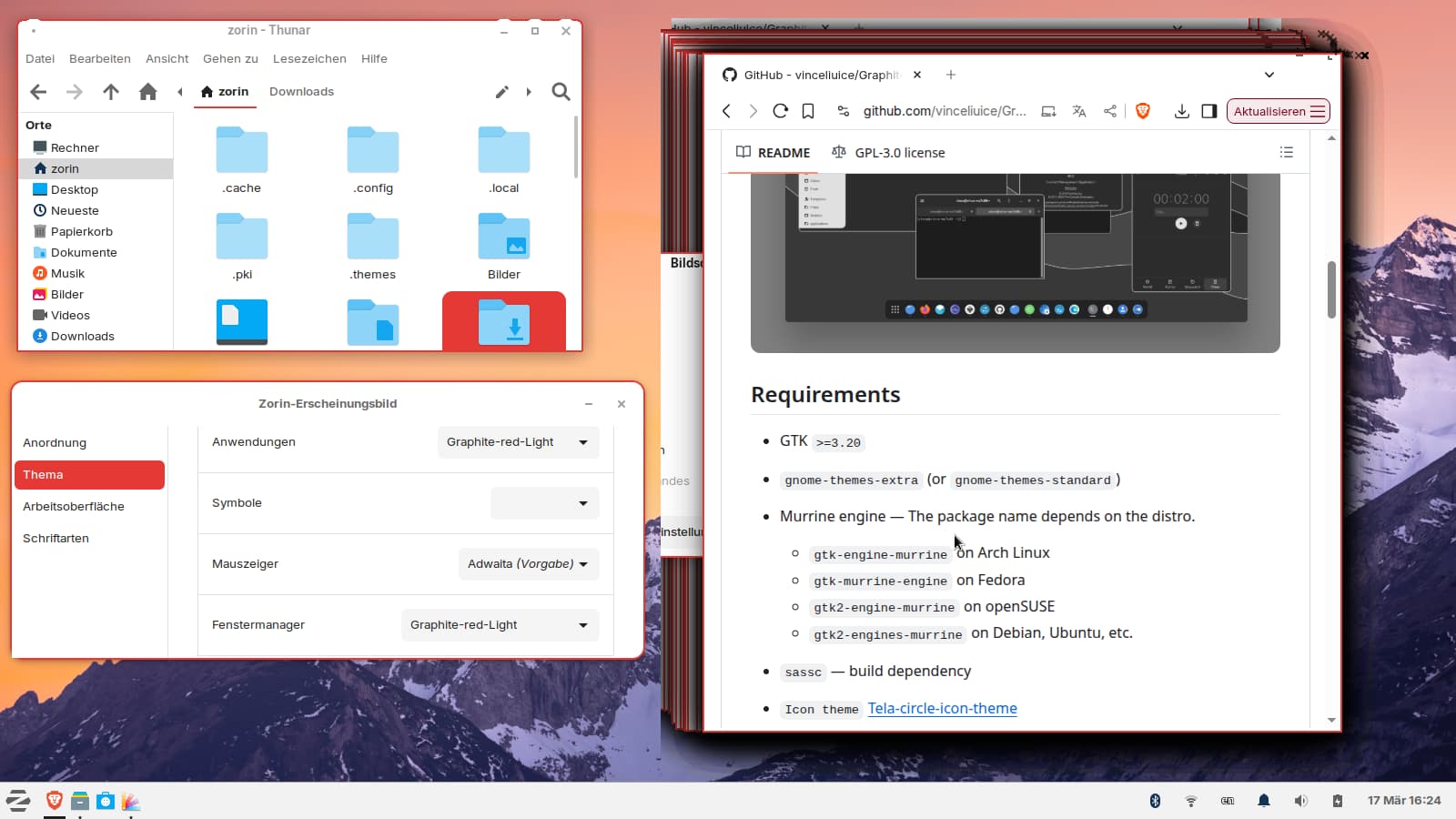
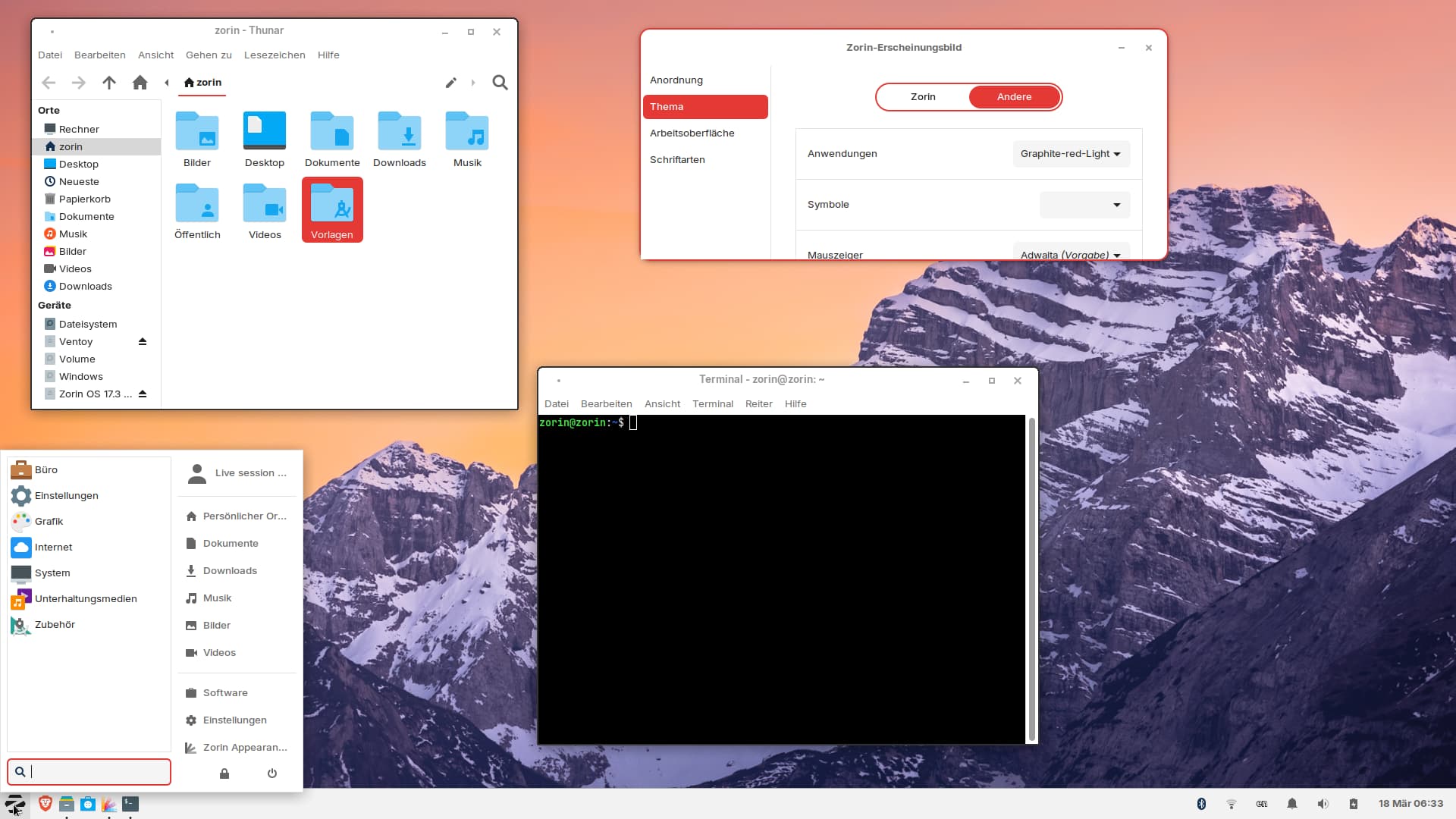
I tried to install Vinceluice's Graphite gtk theme on Zorin 17.3 lite session to see if I like it. If I remember right, I had no problems to install that theme in Gnome recently.
Is this theme not suitable for XFCE? It looks very strange.
I also tried with Storm's ShadeZ theme which looks really nice, but the browser window looks also as the Graphite theme with many windows overlapping when I drag the window.
Edit: I found a solution for the brave window errors. When I set the settings in brave browser to use the titlebar and borders of the system, then the window is normal in Graphite theme and Shade-Z theme. With fluent gtk theme of Vinceliuice which has the same requirements, there are no problems in XFCE.
Vinceluice builds for Gnome and CSD. There is a long standing history there of that maintainers themes not really working on other desktops.
Instead of relying in system theming protocols, Vinceluice scripts color variables and other factors. This really is a needlessly complex method - and it "softly locks out" end user control and modification; so while it technically is not proprietary - it is a workaround method to block users from fixing, modifying or Open Sourcing it.
Does that mean that Vinceliuice's (xfwm) themes generally can't be modified by users? Would it help to download the theme from pling and not to use the script?
I was disappointed that none of the --tweaks options in the installer script (I tested square, round and float) had any effect in XFCE with the Fluent gtk theme.
The live session is already closed, I tested the normal graphite dark and light variant yesterday. I asked more out of general curiosity, since all of Vinceliuice's themes are installed in a similar way. In the screenshot it was red light version.
So far, I've always tested his themes in GNOME, and they've worked without any problems. It was the first time I noticed such errors.
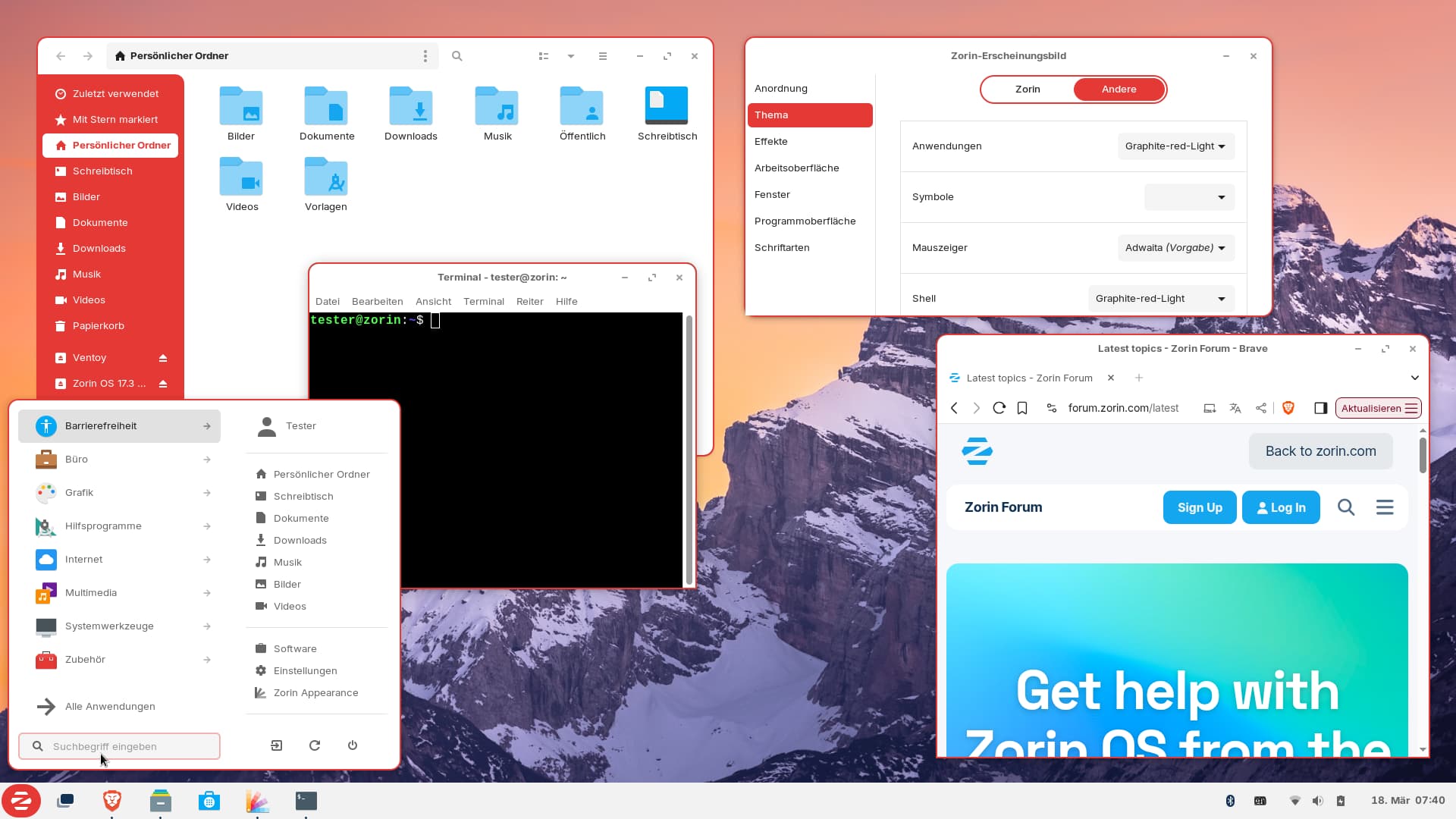
I tested the Graphite gtk theme in Zorin 18 Core live session with XFCE desktop, and there everything worked. So now I'll test an older version in Zorin 17 Lite. @Nourpon Thanks for the good idea!
Edit:
I tested two older versions, and the window buttons were normal there, but only some apps had a red border around the windows in red theme, many apps as thunar, settings and xfce4 terminal had black borders. They all should have red ones and thunar should be red on the left sidebar. The theme also messed up the panel on the left side. With Zorin layout 2 the theme works better (window button plugin instead of docklike taskbar plugin)
I also installed zorin-os-desktop in Zorin 17 Lite live session, and there the latest Graphite theme worked as it should. It seems to be a problem with older XFCE versions and as if XFCE is somewhat neglected by the developer.
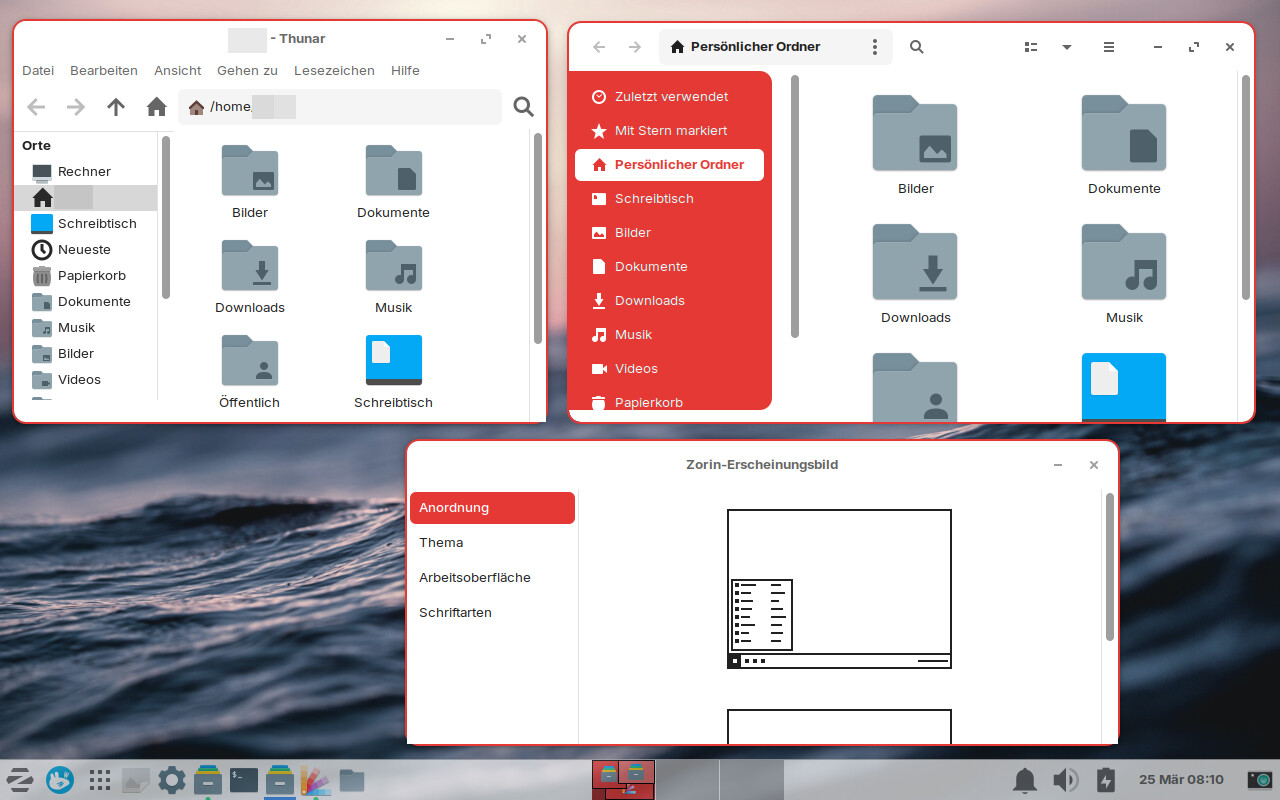
I noticed that the left red side of the file manager is shown in XFCE when I use Nautilus or Nemo, but not in Thunar. It seems not to be programmed for Thunar.
Today I set the environment variable export GTK_CSD=1. In Thunar the buttons are normal now, but Thunar still has no red side bar as Nautilus (shown on the right side of the screenshot).
Many apps as brave-browser and ksnip still have the defective titlebar. Also the windows are not consistent at the buttom corners and look wrong.
It is not mentioned where to put the lines. I added them to the end of the files
~/.themes/Graphite-red-Light/gtk-3.0/gtk.css
~/.themes/Graphite-red-Light/gtk-4.0/gtk.css
Sidebar or .sidebar is the gtk class you can modify in gtk.css file.
CSD is Client Side Decorations - this uses the gtk.css to draw the borders, not XFWM4.
The gtk.css can includde an invisible margin area for grab area - indeed, this is something I patched for XFWM4 to solve, rather than changing the XFWM4 themes individually (No, that patch is not public.)
If you are still working on this but coming up with frayed ends, let me know and I will look at the gtk.css to see the exact selectors and classes.