First a little background:
When I started using zorin everything seemed to be working (2 screen setup 1 screen 1080p other one is 2160p (mostly put in 1080p mode).
After a while I installed steam for some gaming.
This gave me an error. 'graphic card not found or graphic card driver not found'.
I tried to install it through the 'software & updates' 'additional drivers'. Then it told me the drivers would not work withouth a MOK user. So I did the process and installed the MOK. afterwards everything went broken.
Only 1 screen working at a fixed relustion wich I do not know where it came from and my second screen is just black.
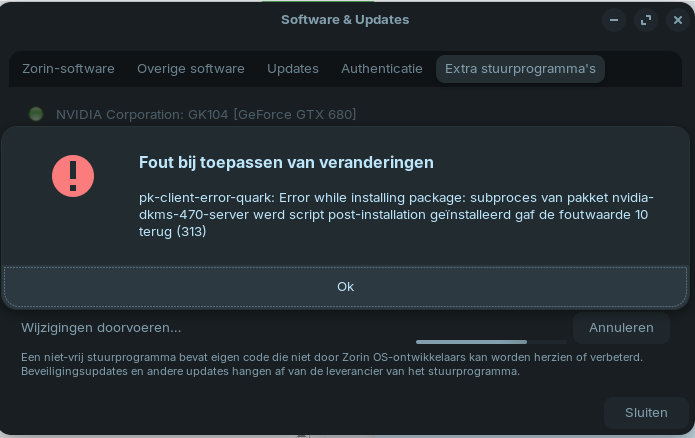
Then I tried installing the nvidia driver again first through the 'additional driver' interface.
This game me the following mistake:
Can any of you help me with this I'm honestly at wits end.
Also I'm not running a dual boot system (zorin only) this is making my desktop completely useless at the moment.
Help would be appreciated.
I already vowed my next graphics card would be from AMD because those drivers are build in linux (open source drivers)already so that should work out of the box.
Also a last detail. that mok driver is new to me. when this system worked on my 1050 it worked fine after some tweaking. (It never gave me the prompt to install a MOK) But this card is just to weak to play my games with. When placing in the gtx680 I also had this problem. But I did a factory reset (clean install from a USB stick) then as I said my screens worked normal again but I could not play any game thats when this started.
If you did a Factory Reset - it may have re-enabled the Secure Boot setting in your BIOS settings.
You can disable secure boot so that it stops blocking the Nvidia Driver.
First you'll need to repair the package manager. Sorry, I myself don't know other commands than shown in your linked guide. Maybe someone else can help you.
Then remove the 470 drivers.
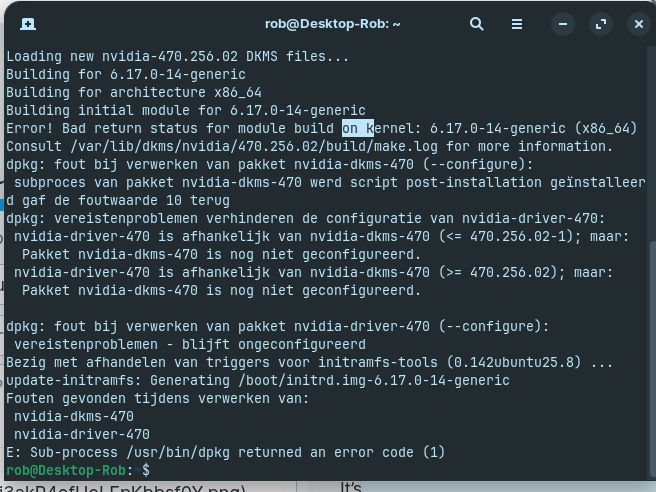
I'd recommend to test the installation of the 470 driver with kernel 6.8. Few users reported that they were not able to install the 470 driver on Zorin 18 with kernel 6.14 or higher.
To install kernel 6.8:
Then reboot. During boot press continuosly esc key so that the grub menu is displayed. In the grub menu select "Advanced options for Zorin" and select kernel 6.8 to boot from.
Then install the 470 nvidia drivers again. If you don't want to create a MOK you can turn off secure boot in your BIOS.
Test if you still have the problems.
If it helps you can set this kernel as default to boot, otherwise with the next boot this setting is reset and the kernel 6.17 is used.
I would agree to check if Secure Boot in BIOS is disabled.
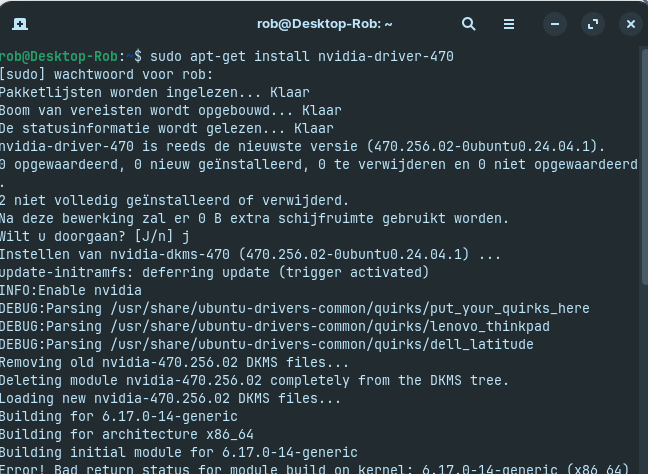
For the Driver, I would agree, that the Kernel might be too new for the 470 Driver. So, it would be good to install an older Kernel like already mentioned. Then, I would suggest to install the Nvidia Driver throug the Terminal:
So first I tried riding secure boot off.
This did not solve the problem.
Then I tried removing the drivers completely which also did not resolve my problem.
So I'm now trying to roll back the kernel.
The installation with the given command was successful but I'm now in that GRUB menu but those additional settings I can't find...
Can you help me figure this out?
Also some sentences are in dutch on the screen because I installed zorin in dutch.
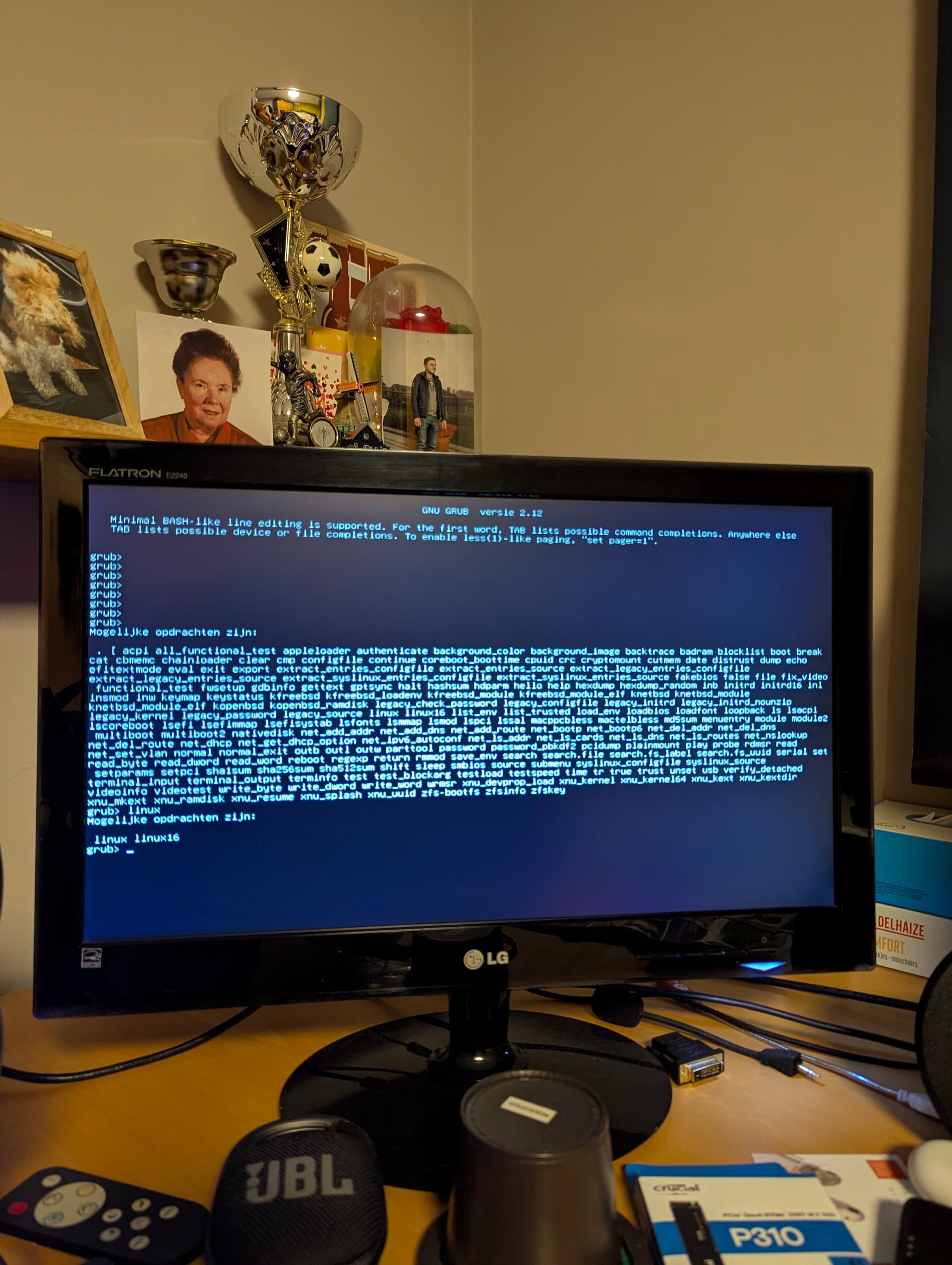
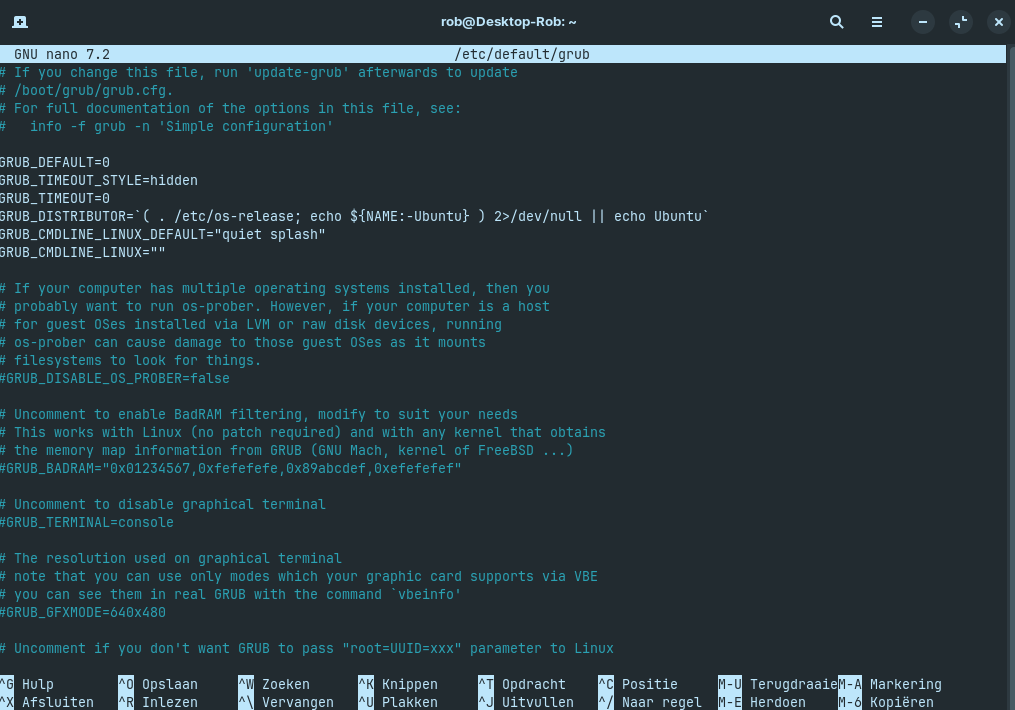
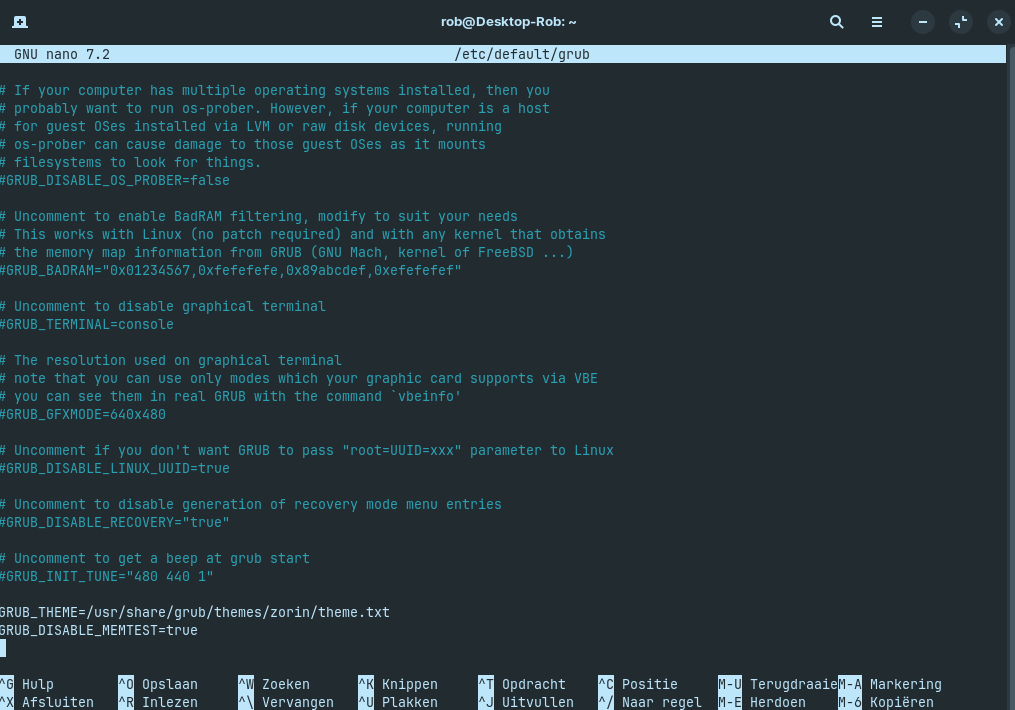
I included my Grub menu in the terminal for extra information.
That is not the GRUB Menu. Actually, You don't have GRUB Menu enabled like I can see here:
But You can enable it there. Change two Lines to the Following:
GRUB_TIMEOUT_STYLE=menu
GRUB_TIMEOUT=20
The 20 means that the Menu appears for 20 Seconds. If that should be not enough for You, You can choose a different Value. When You did the Changes, press ctrl+o to save, Enter to confirm and ctrl+x to exit. Back in the normal Terminal Overview type sudo update-grub to make the Changes affect. Don't forget that! Without it , it will not work. Then reboot.
Thank you for the response! This will help I will try it tomorrow.
For now I do have (maybe a stupid) question.
What menu was that?
Because it's really saying at the top: gnu grub versie 2.12? (Versie is dutch for version)
Lastly why would the grub menu be disabled in normal situations?
I'm personally not a fan of the terminal at all because learning all those commands is hard and takes up a lot of time. But it off unfortunately needed sometimes...
He Rob, i had also the Nvidia gtx680 in my Mac Pro 5,1 but i couldn't get it work properly in Zorin Core 18, tried many options like you.
I have another grafic's card Apple radion 5770 3Gb, put it in the Mac pro and installed Zorin core 18, and no problems anymore. There is no more new build drivers for that Nvidia GTX 680 card.