I have another distribution installed alongside Windows 10 and Zorin OS 18, which is CachyOS.
Before this, I had the Linux Mint distribution installed on the same partition.
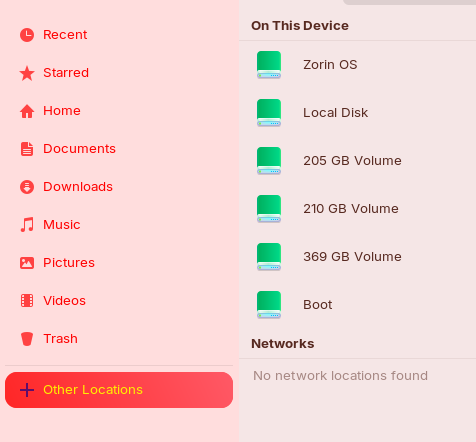
The problem is that when I open the file manager, Nautilus or Nemo, the partition belonging to the CachyOS distribution does not appear with the rest of the partitions.
All partitions, including the Windows partition, show up.
The distribution that was previously installed, Linux Mint, appears and I can browse its files from Zorin.
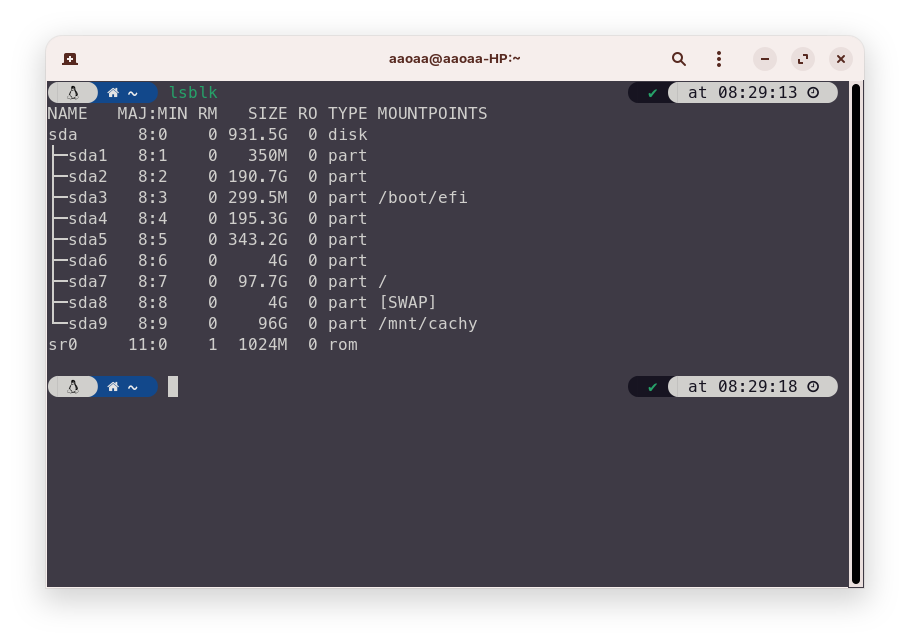
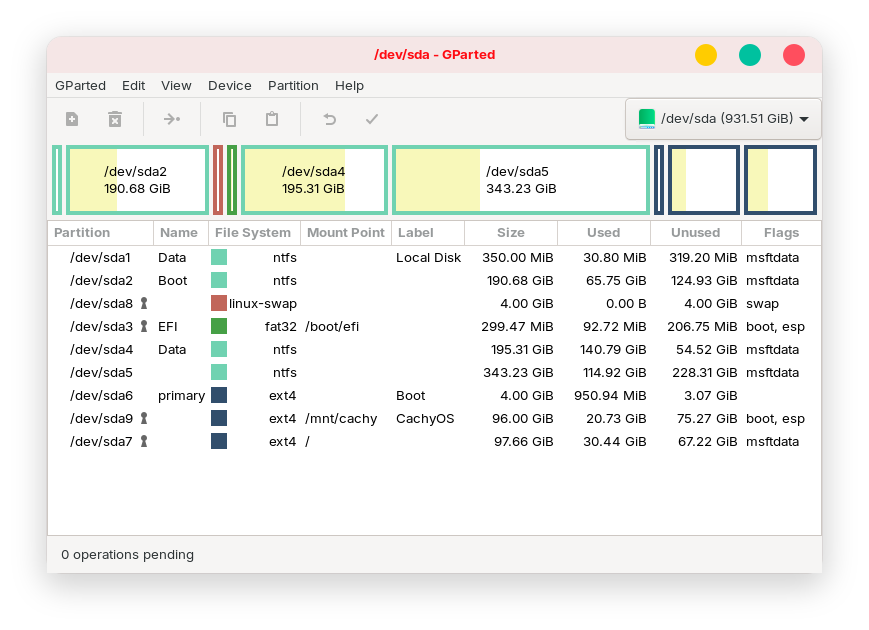
The sda9 disk is the disk with the CachyOS distro installed
In the gparted disk appears
Outcomes lsblk Also Shows
But in the file browser it does not appear when you click on other locations
As shown in your screenshots It's available under /mnt. You manually need to navigate there.
In file manager press CTRL+L to highlight the address bar and then type /mnt and hit enter. Your Cachy os partition directory will be there, right click on it and add it to favorites or to the sidebar for easier access.
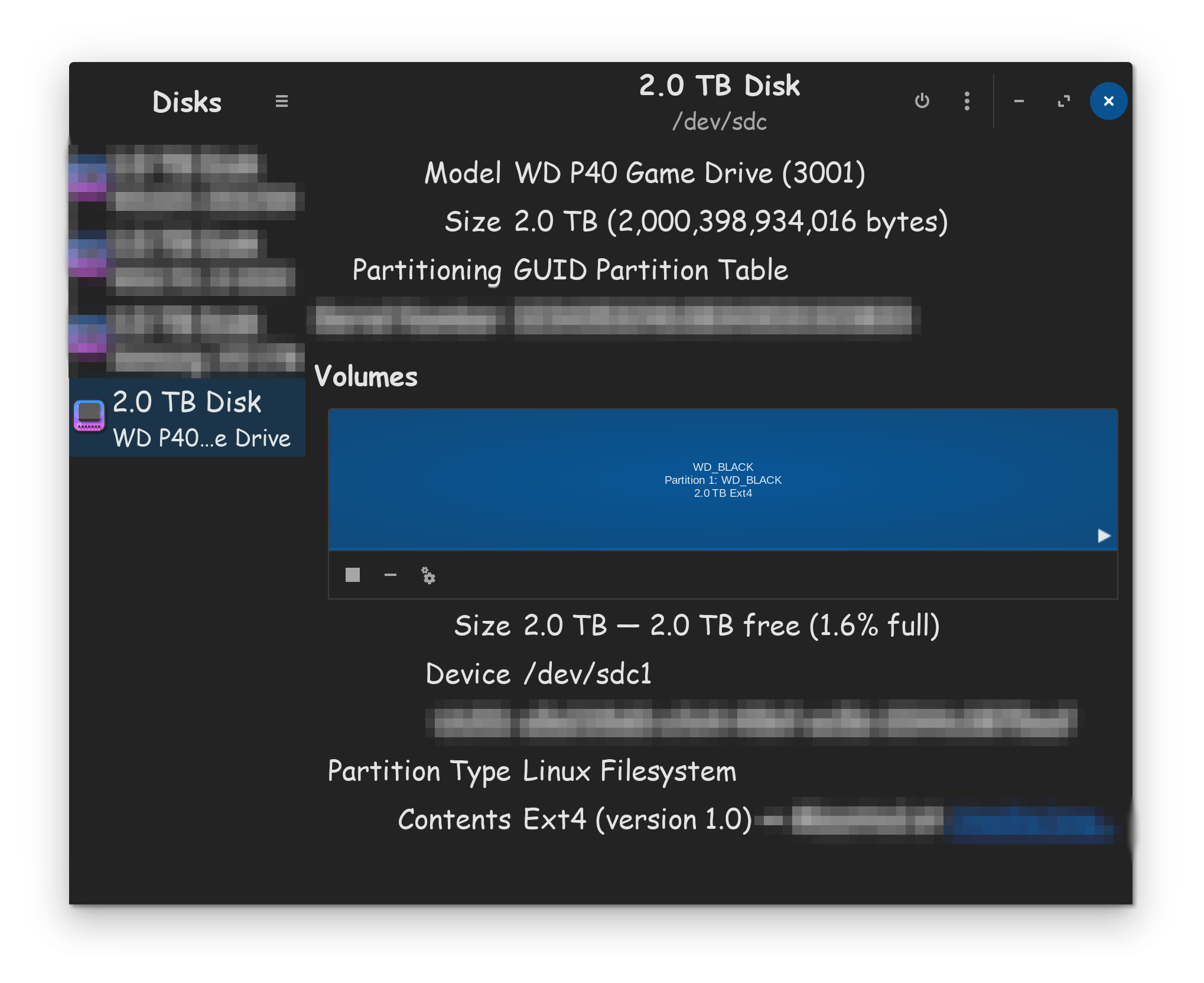
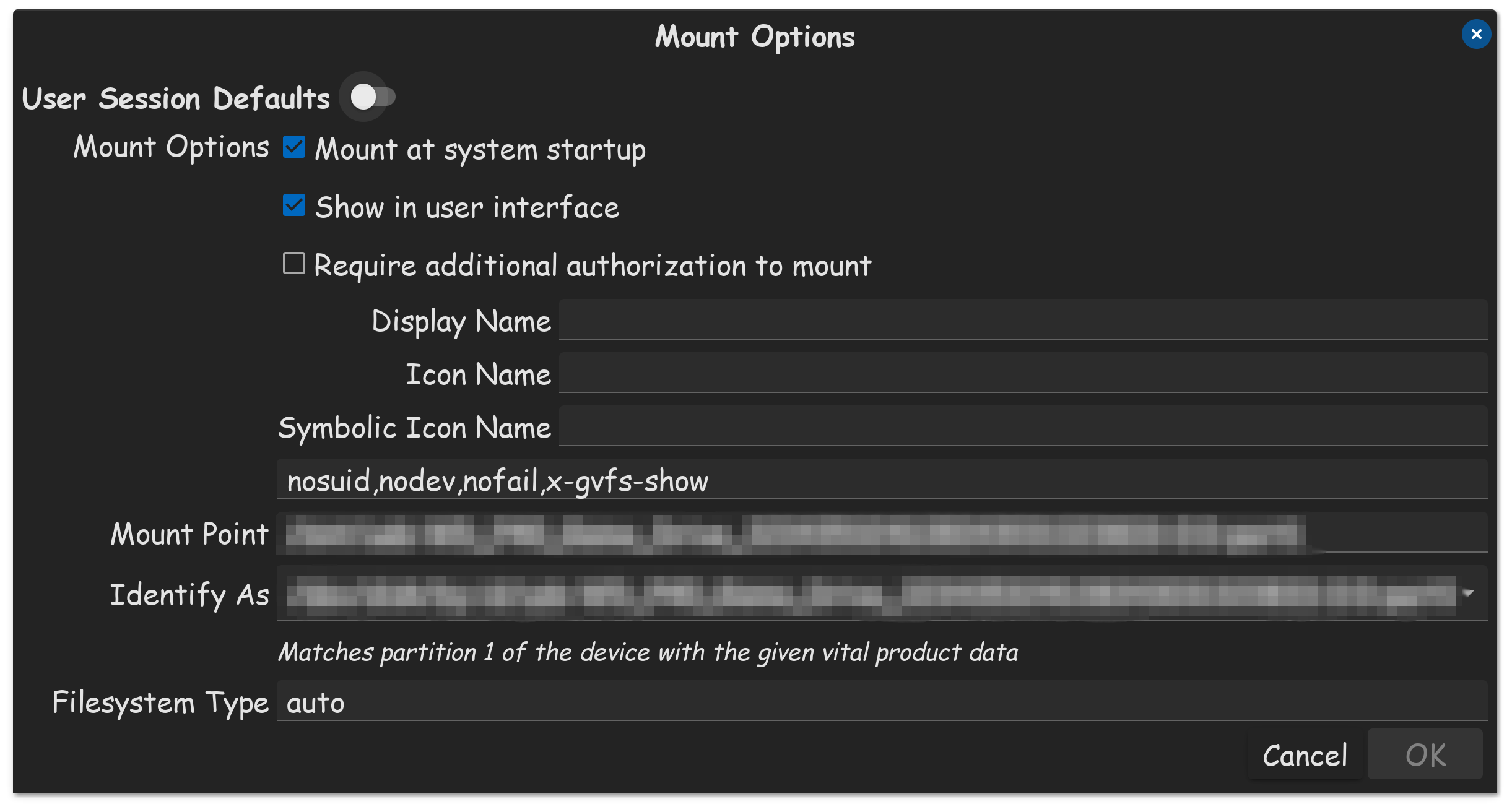
 and click Edit Mount Options.