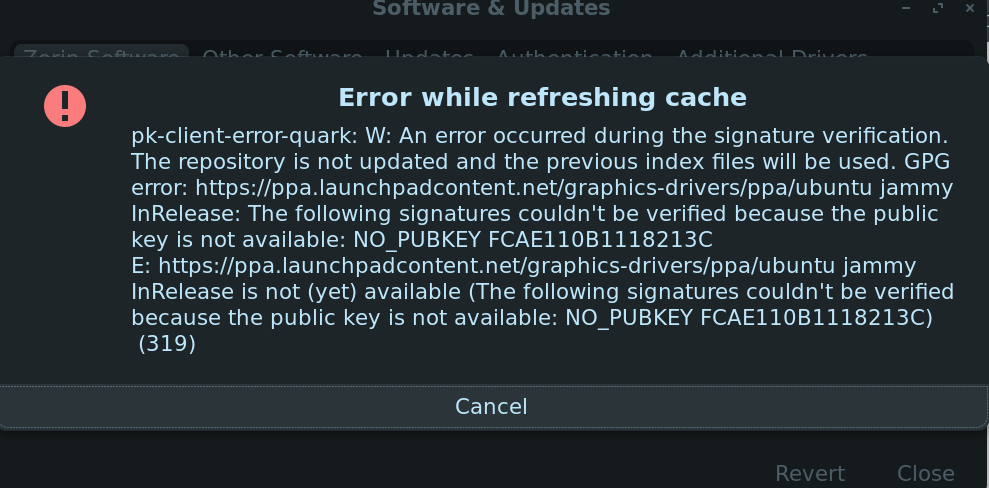
Now this is odd.
Many of us use the Ubuntu Graphics-drivers ppa. The pubkey is available, good and working.
In Software & Updates on the main tab, what is "Download from" set to?
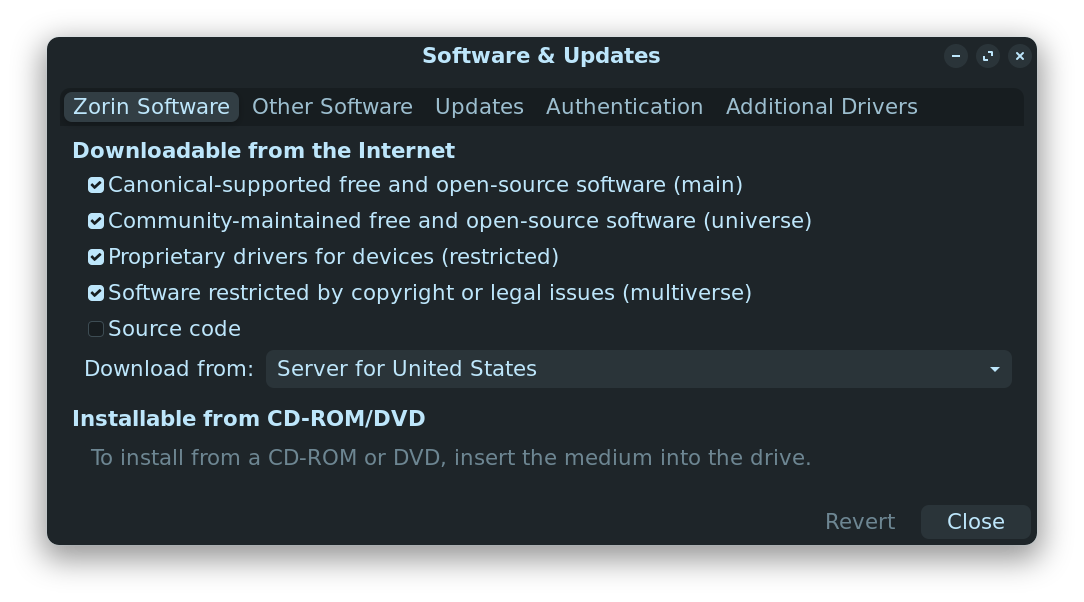
You might try selecting Main Server
Then in terminal, run
sudo add-apt-repository --remove ppa:graphics-drivers/ppa
sudo add-apt-repository ppa:graphics-drivers/ppa
ok i did that
At this point, you have done the suggested actions; but you also can report back what you see.
You are on the 6.15 kernel, now and upgraded Mesa.
Have you rebooted and tested? Is your Graphics Display operating normally?
Does sudo lshw -C video show your Driver=amdgpu?
You refreshed Software & Updates on the Main Server and removed, then re-added the repo for Ubuntu Graphics; are you still getting a missing pubkey error?
this is the ishdaehdi video result
*-display
description: VGA compatible controller
product: Advanced Micro Devices, Inc. [AMD/ATI]
vendor: Advanced Micro Devices, Inc. [AMD/ATI]
physical id: 0
bus info: pci@0000:03:00.0
logical name: /dev/fb0
version: c0
width: 64 bits
clock: 33MHz
capabilities: pm pciexpress msi vga_controller cap_list fb
configuration: depth=32 latency=0 resolution=1920,1080
resources: memory:c0000000-cfffffff memory:d0000000-d01fffff ioport:e000(size=256) memory:fe600000-fe67ffff memory:c0000-dffff
i ill check for the missing pubkey error
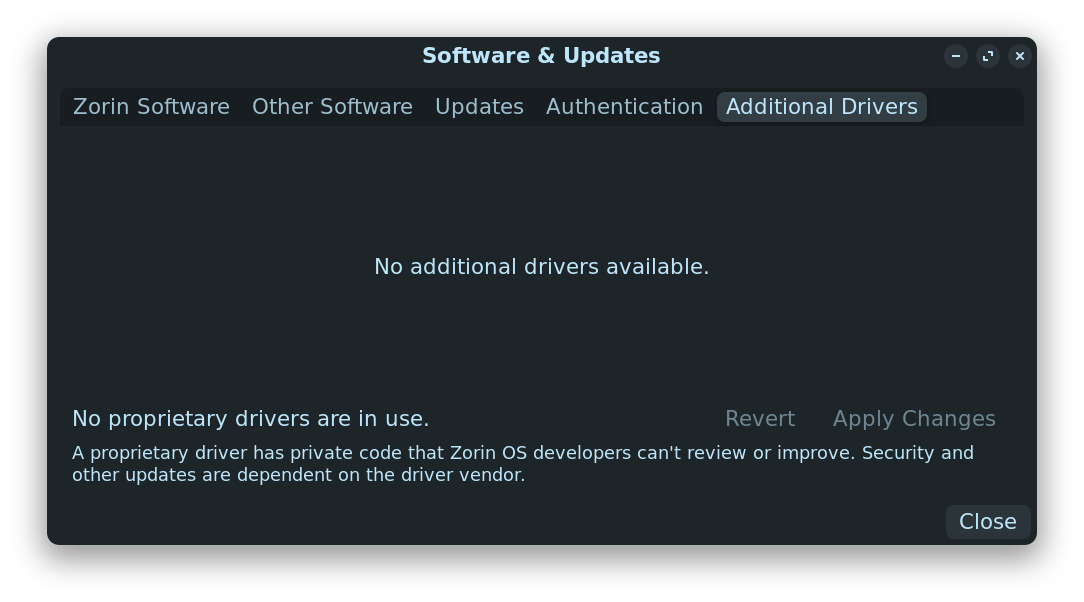
No listed driver... And a generic reading of AMD. I am sorry but... A card released just this past month... I eh... I think the drivers are not yet released to Linux.
ok but i saw someone on reddit claiming they got it working thats weird
like the exact same card i have
Did they say how?
just linked to some random thing that was quite possibly the most nerdy and complicated thing ive ever seen here i'll link what they said worked
had to do with.. this
I am guessing to update the amdgpu firmware to 13 as shown here?
We'll need to review this a bit to see the actual steps.
Would have been nice if the Reddit user had stated them, rather than merely posting a link to a generic repo...
you actually understand what the heck is going on in that website?? if possible could you tell me what to do
Sorry for the delay, needed to drive my son in to work.
The short of it is:
Firmware is placed in /lib/firmware in root.
That website lists various firmware or firmware patches.
What i need to figure out is which packages you need. After that, it is easy - just elevating to root, then moving the files into /lib/firmware/amdgpu
ok take your time
Ok, it is the versions tagged; 20250613.12fe085f-*
To install:
If you do not have GIT, install it...
sudo apt install git
Download all firmware (This can take a while)
git clone https://git.kernel.org/pub/scm/linux/kernel/git/firmware/linux-firmware.git
Change Directory into the folder you just downloaded:
cd linux-firmware/amdgpu
Elevate to Root and Copy (cp) the files that you just downloaded
sudo cp -u linux-firmware/amdgpu/* /lib/firmware/amdgpu/
Update initramfs in order to see the new files
sudo update-initramfs -u
Reboot and test...
~/linux-firmware/amdgpu$ sudo cp -u linux-firmware/amdgpu/* /lib/firmware/amdgpu/
cp: cannot stat 'linux-firmware/amdgpu/*': No such file or directory
everything keeps saying i don't have that directory
When you used git to clone the firmware, it will copy it to a folder in your ~Home directory. It will be named linux-firmware
Please look in your home directory and confirm that you see it.