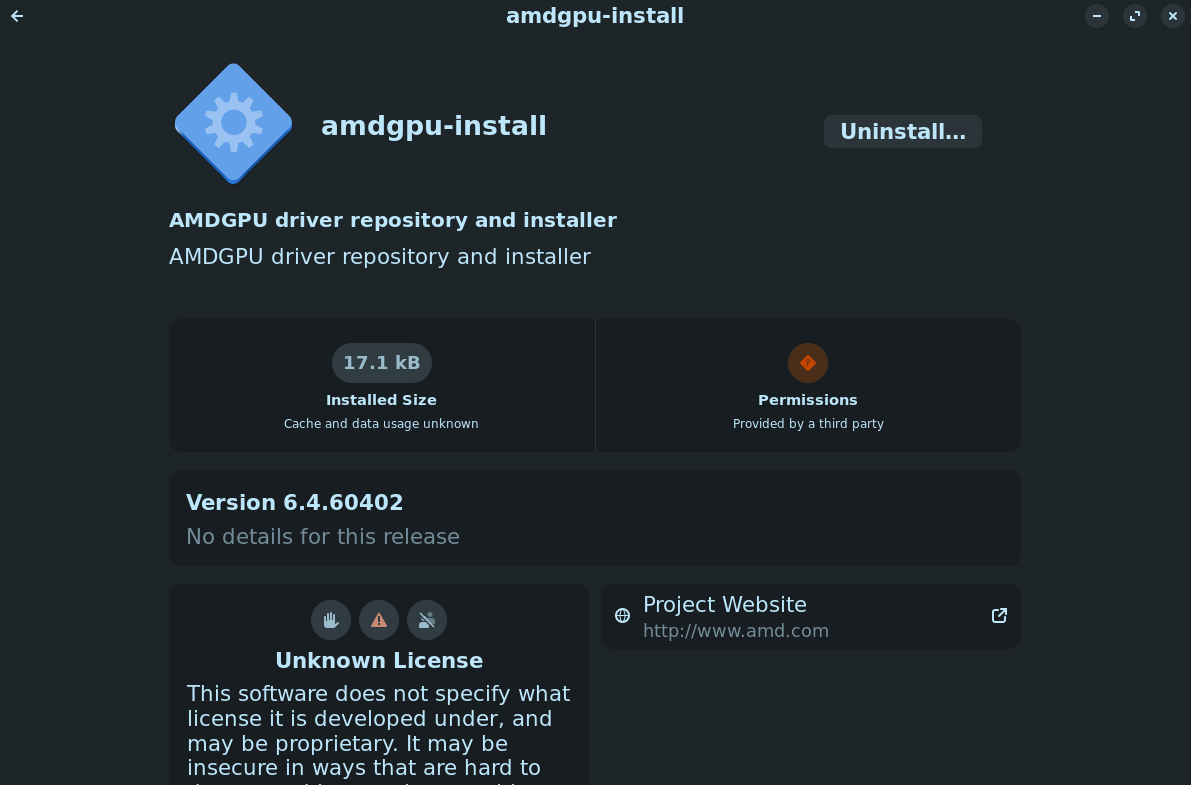
i got the right driver and i thought i installed it but nothing changed and i'm still running like 18fps, i went to this menu after opening the file and downloaded it
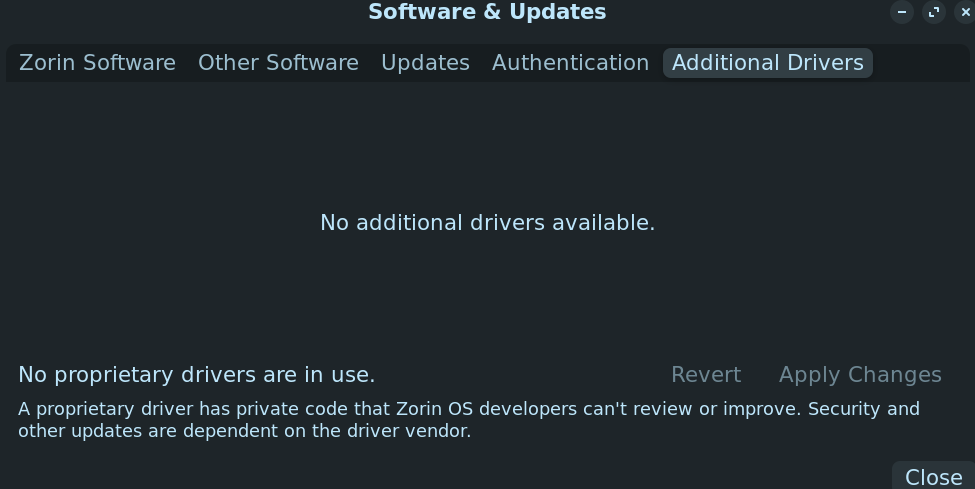
and after that software updater had some large weird update that seemed very promising and it said stuff about amd drivers in the details terminal, i did some little thing after it got to like 65% where i entered my login pin twice and then it put me in some safe mode thing, i restarted and such and went back into the normal mode and as i said before its not acting how it should and in the additional drivers thing it shows this
The PCI ID is listing as if it is a 7600 series card, probably due to that being the highest available recognition.
I do not recommend trying to install the amdgpu-install through the Software Store. It is unlikely to provide the driver considering your card is so new.
I would recommend instead installing the Latest Linux Kernel. To do so, you must disable Secure Boot in the BIOS Settings, because Microsoft has not signed off on the latest Mainline Kernels.
i installed the latest like 4 day old mesa one of you in this post suggested no how do i add whatever a ppa is and get a new kernel because on mainline it won't let me switch the kernel in use it only lets me download them
But it shows You in Mainline that the Kernel is installed, yes? If Yes, You have to go to the GRUB Menu on Start Up and choose there ''Advanced Options'' and choose there the installed Kernel and then the System will start with this Kernel. How to set the Kernel as default, You can read here:
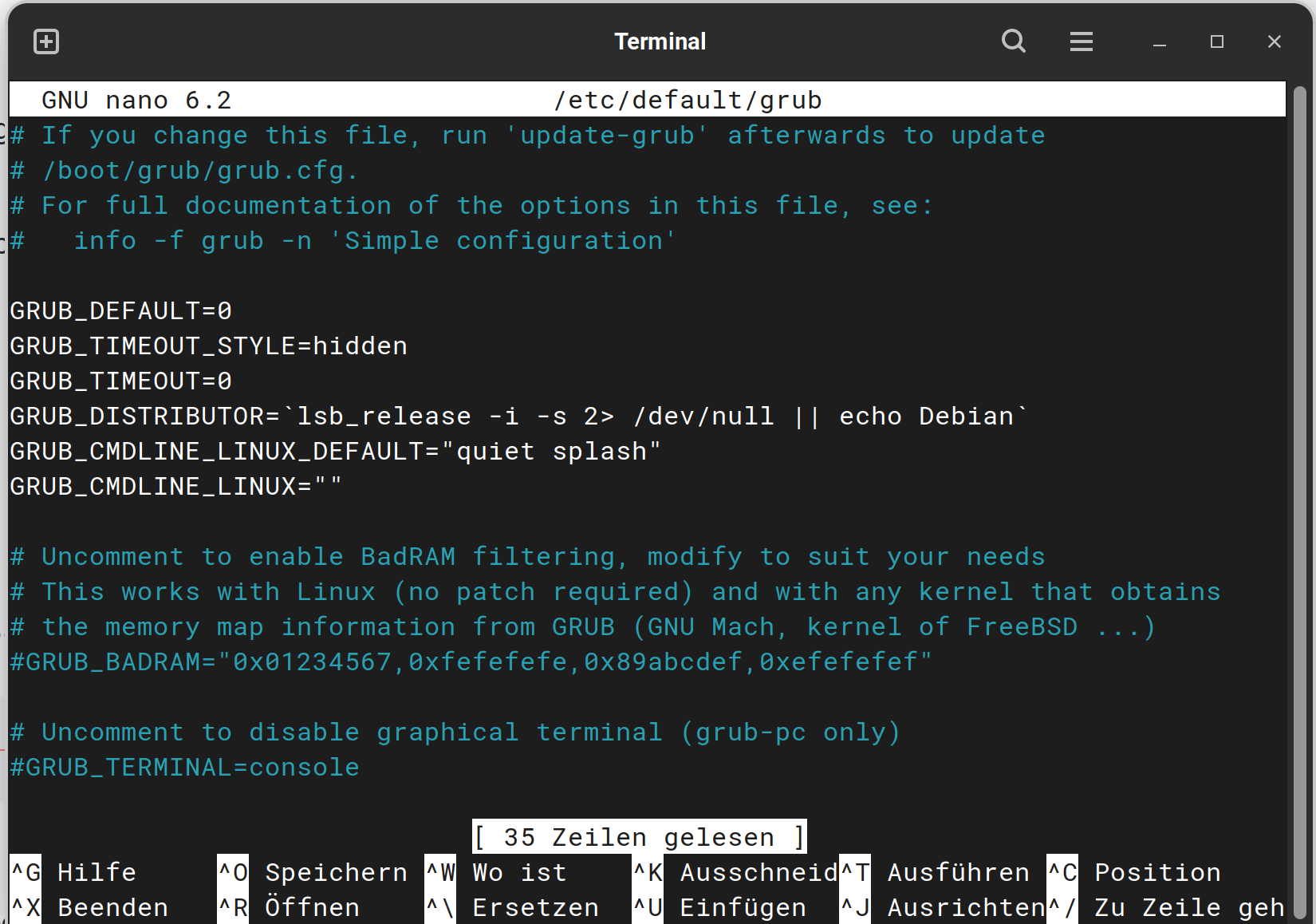
If You shouldn't have a GRUB Menu because You have only Zorin installed, you have to activate it first. For this open the Terminal and type:
Important is here the white Textblock. You have to change 2 Lines:
GRUB_TIMEOUT_STYLE=hidden
GRUB_TIMEOUT=0
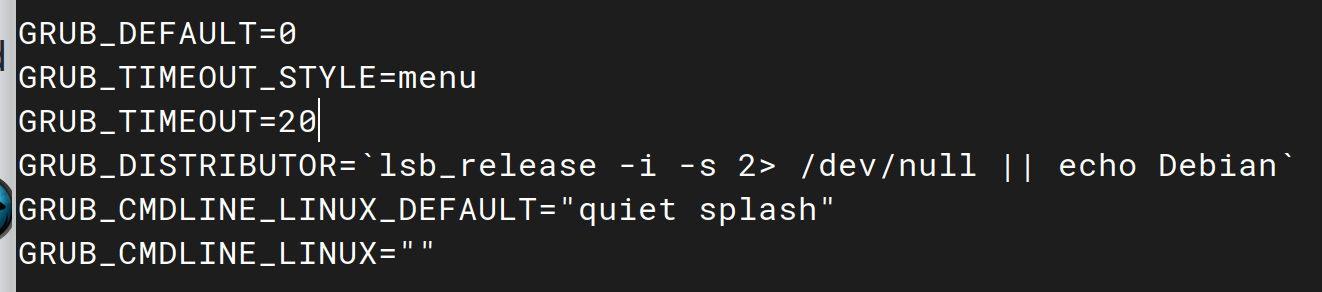
You have to replace hidden with menu and the 0 with 20 for Example (this is the Time how long the GRUB Menu will appear before it disappears and starts with default). At the End, it should look like this:
After You've typed in the Changes press ctrl+o to save the Changes, Enter to confirm and ctrl+x to exit. Back in the normal Terminal Overview don't forget to typesudo update-grub to make affect the Changes. Without that, it will not work.
ok i booted into this kernel
and i have newest mesa installed, when i got into the desktop software updater told me to get a bunch of graphics things that said stuff like mesa and vulkan and i got them now what


 i got this gpu today i just hope it don't take too long for support