I am using Zorin OS 18 Pro on my Framework 12 Laptop which is intended for school. Now in school we have C++ lessons and use an IDE called Code::Blocks. Now comes the issues
In our lessons we use the getch() function of conio.h. I have conios .h and .cpp downloaded and just need to link them with my Project as far as I understand, though now comes the second issue...
My Code::Blocks does not create Projects. I have followed the teacher issued guide with "New" > "Project" > "C++ Source" and so on but for some reason it just doesnt create the Project. The Guide says that I dont need to include the .cpp as it supposedly does it itself but then it didnt include the .cpp and then i explicitely added the .cpp to the project name but there is still no "Project", just another .cpp.
I hope some kind soul knows a thing or two about Code::Blocks on Linux as I am the only one in my class that uses a Linux Laptop
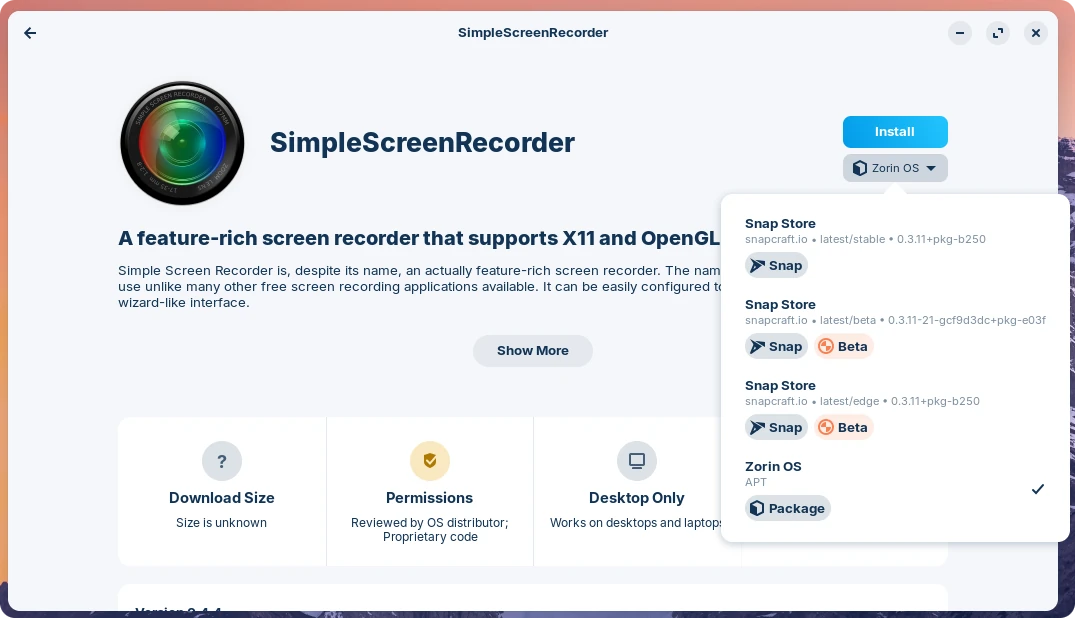
That sounds to me like an issue with the package format. Did you install this from the software store? If yes, double check the source of the installation but looking into the dropdown menu that's right under the installation button (I guess it now says "uninstall").
If it says "Flathub" then you have installed as a Flatpak package, which by default has restricted access to the file system. You can grant additional permissions by installing a separate utility called "Flatseal". Which permissions does it need is a bit of a detective guess work, but probably something related to file system access. For instance, something like this:
Another option is to install the native Debian package version. That should show up a "Zorin OS" in the source dropdown. Note that you will have to uninstall the Flatpak version first, and then install this one, to avoid any potential conflicts between the two formats.
If you feel daring, and giving that you're studying something related to computer science, you might want to download and compile the source code directly. This is actually the preferred method of installing it:
If you feel comfortable building applications from source, then this is the recommend way to download Code::Blocks.