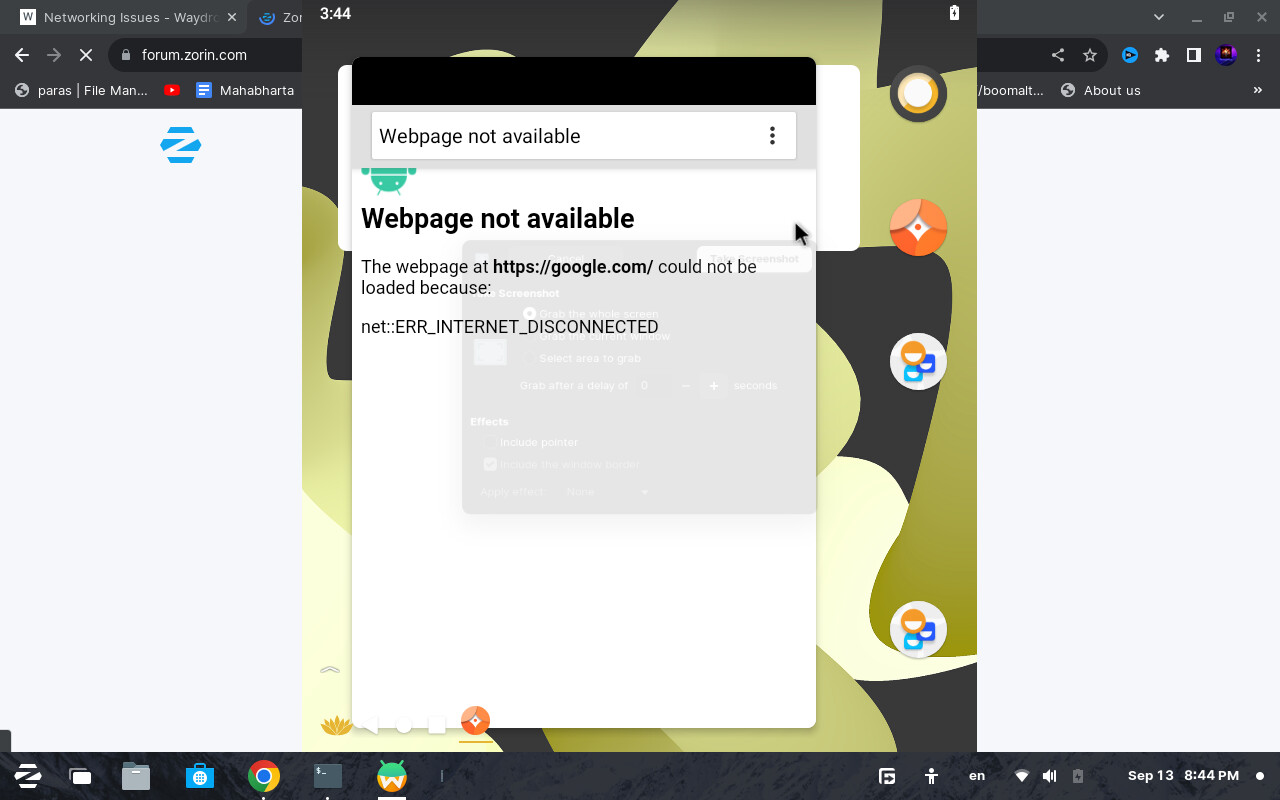
Wow, it's so containerized and isolated that it can't even see the Wi-Fi, or it just hasn't the permission to connect, but I suppose that you enabled it when you installed it if you could at least reach a settings section. Otherwise I have no idea about why it doesn't work.
Are you booting in Legacy (MBR) and not EFI?
Do you have UFW Firewall enabled?
Do you have dbus-x11 installed?
apt search dbus-x11
Have you tried this suggestion here;
yes i have tried it
help i forgot to answer cause of my o level exams but one of these cmds has rurned of my laptops internet even moblie usb thethering doesnt work
bwt exams in less then 15 days 
Could you clarify?
We need to know more then, about your hardware.
sudo lshw -C network
What drivers are you using?
What commands did you run?
idk 2 many
This topic was automatically closed 90 days after the last reply. New replies are no longer allowed.