I think I must "safely remove" or dismount my usb ext HD before unplugging it or turn off the computer first, but how to do that? And, is it safe to just leave the hard drive plugged in all the time? Thanks.
In your file manager search the external drive (at other places). Then click on the icon to throw it out or right-click on the drive.
Without meaning to be difficult, just not experienced, where exactly is the file manager. I have searched about and do noy seem to find it. Thank You
You can click on the grey folder icon in the taskbar or in the Zorin start menu (Z icon on the left side of the taskbar) click e.g. on "Home" to open the file manager (=Nautilus) or enter nautilus or files in the search field.
The third (grey folder) icon of the taskbar in that screenshot is the
file manager

1 Like
If your external drive is powered (needs to have power on first, and only then connect to running system to appropriate port).
To power off the device I would use Disks (gnome-disks) that is present in Zorin. However, I have noticed on recent usage on different system, Disks does not power off the drive, which is normally confirmed with the activity/power L.E.D. going out.
If you are using your external drive, make sure your network connection is disabled as ransomware criminals can identify external drives.
We are talking about Zorin OS 18.1 Core right?
Yes, that's right.
My Zorin has no Z icon,Home "Home" does not show file manager or Nautilus, etc. Will send a screen shot but how do I attach it?
When you write an answer in the Zorin forum, there are buttons above (desktop) or below (smartphone) the textfield. Use the button with the mountain-picture to add a screenshot:

Can you open the file manager by pressing SUPER (=Windows key) + e?
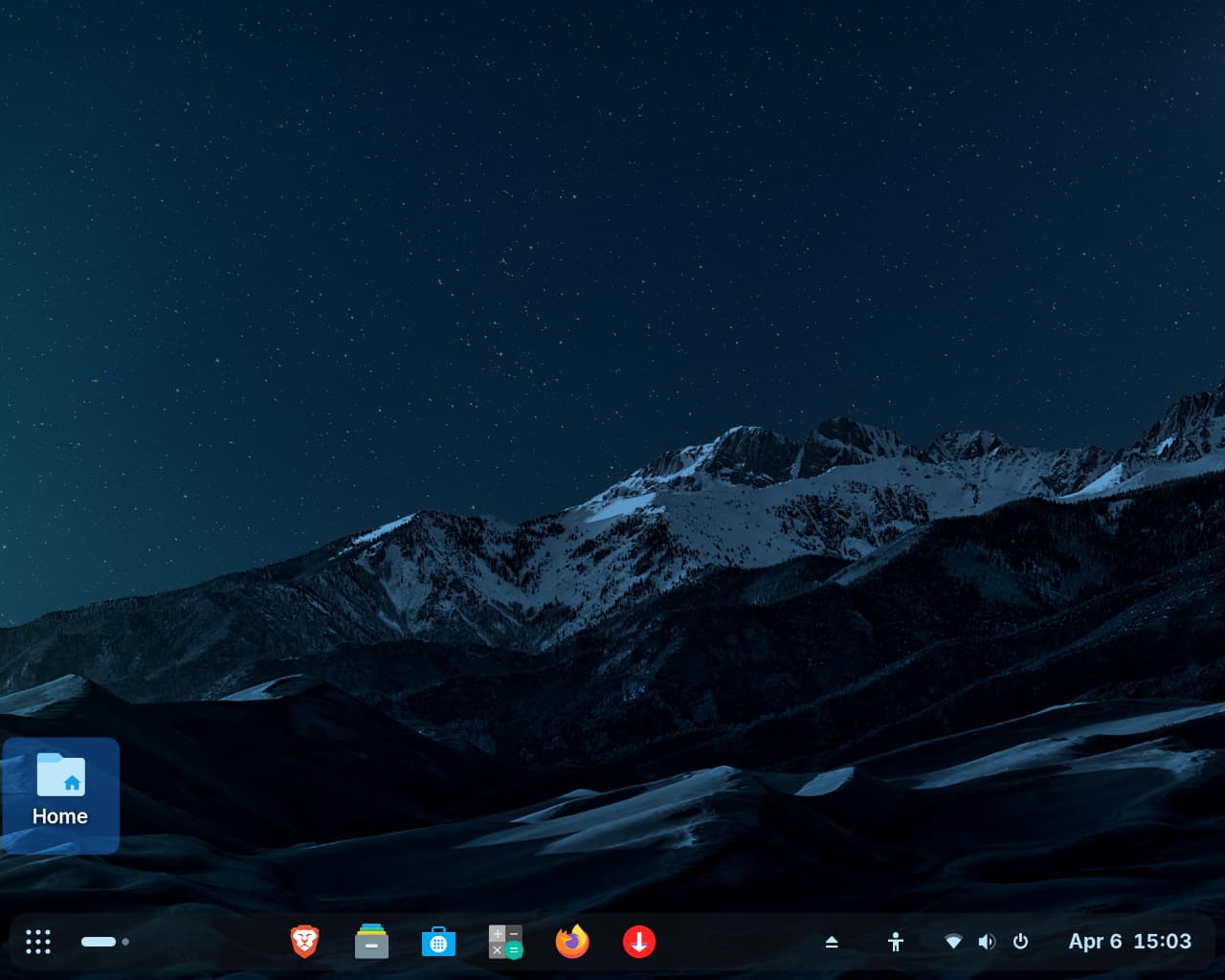
The Windows key + e just leads back to Home. I have attached screenshots that show no Z icon or anything I can find that leads to file mgr. Thanks.
You have an icon "Home" on the desktop. You can click there to open the file manager. Or click on the folder icon on the right side of brave-browser.
It is right when SUPER+e opens HOME. Then you are in the file manager. On the left side of the file manager you see "other places". There should your external drive be shown.
To throw out your drive you can also press the icon  in the panel.
I'm now going away for while.
You are using a layout that employs the Activities Overview option (that is the Nine Dots Icon on the far left), instead of the Zorin Menu option (that is the Z-Icon that opens the App Menu).
You can launch the file manager from terminal:
ctl+alt+t
Then enter in
nautilus
and that will also launch it.
Here is the File Manager Icon in the Taskbar:
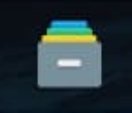
Also: You have a triangle Icon on the other side which appears when an external Drive is plugged in. When You click that, You should be able to remove the Drive:

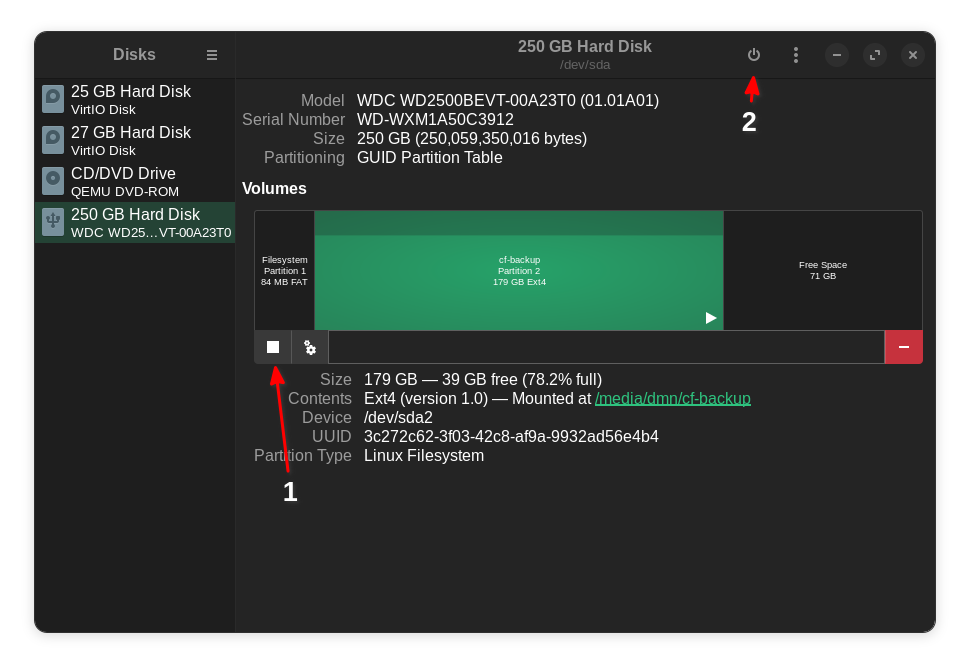
You can use Disks (application). See image.
1 - click here to unmount selected partition
2 - click here to power off the drive
2 Likes
Thank you all, will do my best,
1 Like
Actually I have seen "Safe to Remove" option missing for USB drive/stick on some occasions when I go to remove a drive, only "Unmount" is listed. I don't know what may cause this as it seems to be quite random.
What is the difference between "Safe to Remove" and "Unmount"?
Note this is on Z17.3 Core, not Z18.1. Zab