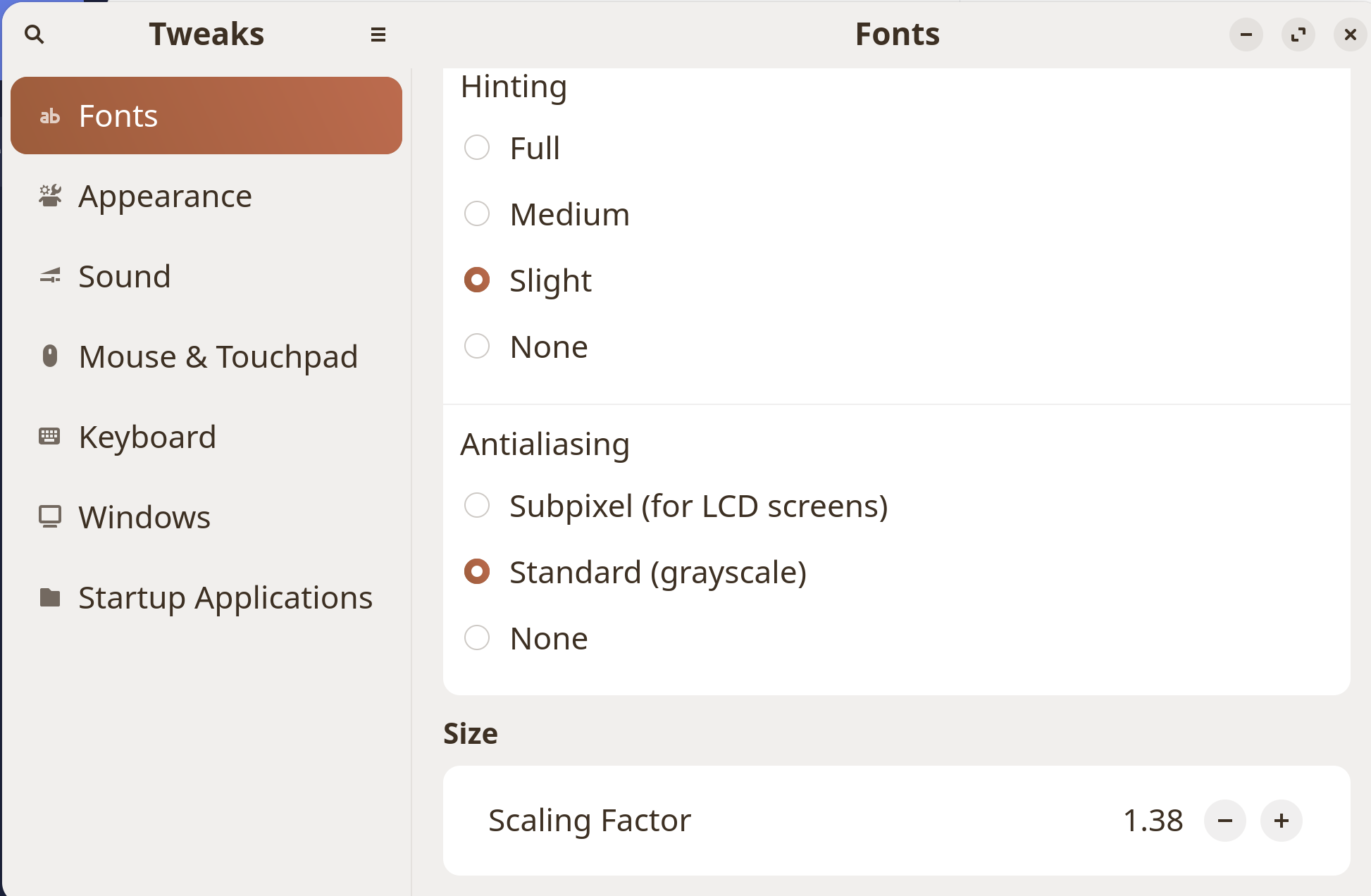
I've increased the size everywhere else, and even using Gnome Tweaks, the address bar won't change. Oddly, I don't have this issue on Windows, only on the Linux version of Brave.
Right now the font is so tiny that I can hardly read it.
I've increased the size everywhere else, and even using Gnome Tweaks, the address bar won't change. Oddly, I don't have this issue on Windows, only on the Linux version of Brave.
Right now the font is so tiny that I can hardly read it.
" The font size in the Brave browser's address bar on Linux cannot be adjusted through standard browser settings, as the UI elements like the address bar and tabs often ignore system font settings and use a smaller, potentially hard-coded font size. While the "Use wide address bar" option in Settings > Appearance may affect the bar's layout, it does not change the font size.
The most effective workaround involves modifying the Brave browser's launch command to apply a scaling factor. This can be done by editing the desktop entry file. Locate the file /usr/share/applications/google-chrome.desktop (or a similar Brave-specific file) and modify the Exec line by adding the --force-device-scale-factor=n flag, where n is the desired scaling factor (e.g., 1.5 or 2.0).
For example, change Exec=/usr/bin/google-chrome-stable %U to Exec=/usr/bin/google-chrome-stable --force-device-scale-factor=1.5 %U . This scaling factor adjusts the entire browser interface, including the address bar font size.
Some users have reported that font settings in the system's Appearance settings can influence the tab and address bar text, but this behavior is inconsistent and may not work reliably across all setups.
The lack of a direct font size setting for the address bar has been noted as a missing feature, with an open request for this functionality for nearly two years as of 2024. AI-generated answer. Please verify critical facts."
I use Brave and Chrome but neither are in that folder. They are both Flatpak, I don't know why.
You can experiment in the Advanced Settings of Firefox.
Enter in address bar about:config
click through the warning, you reach a page that has "show all" button at the top. Click on that. Then search for "font". Lots of settings to explore, like 'font.minimum-size" might be relevant.
Let us know what if anything works.
I use the Scaling Factor in Gnome Tweaks. Yeah, it makes the address bar larger also, but it does increase the size of the text.
Now I can read it.
My question is about Brave, not Firefox.
I also used the Scaling Factor in Gnome Tweaks and it didn't change the address bar in any way.
This topic was automatically closed 90 days after the last reply. New replies are no longer allowed.