Okay. So I have no IDEA how to install JDownloader on Zorin OS because I ran a JDownloader which is end with .sh file and It've done nothing expect the cursor was loading and that's it. I felt like I got ratted or a virus  I'm stressed and paranoid already. I felt like I installed my first virus on Linux.
I performed a scan on the files I downloaded from the jdownloader website, given your report. I found no malicious files, at all.
I believe that what happened was that when you ran the .sh script, the process resulted in a hang due to it timing out.
I have an hypothesis as to how that happened, but first, it would be better to take this one step at a time.
Can you clarify which file you downloaded?
Are you adding it as a plugin to your Browser?
Using Screenshots can convey a lot of information without needing to describe details.
A 7.4 MB shell installer script, with what looks like binary data embedded into it, sure looks suspicious... 
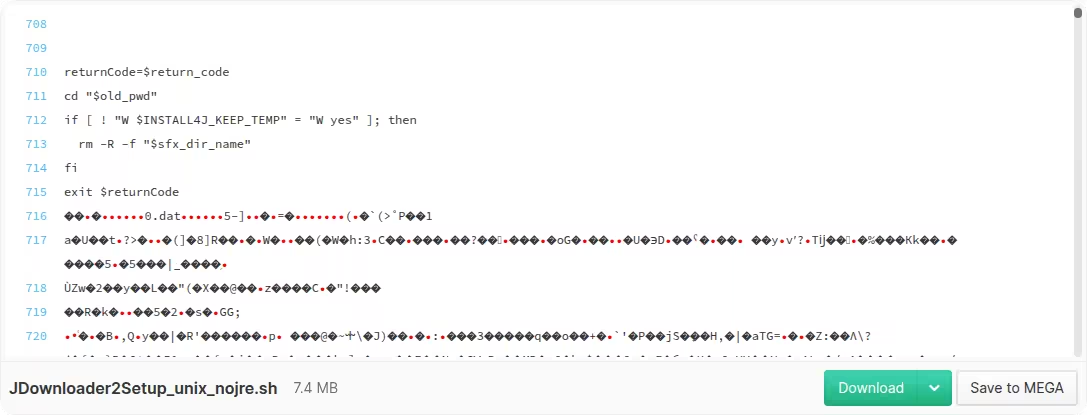
It actually looks fine after running it. I first tried without having Java installed and it wouldn't let me, so all that unreadable rubbish is probably just the installer written itself in Java.
I did:
sudo apt install openjdk-25-jdk
And then run the script normally (you do have to make it executable first):
chmod +x ~/JDownloader2Setup_unix_nojre.sh
~/JDownloader2Setup_unix_nojre.sh
Runs fine, and there are no signs of this being malicious:

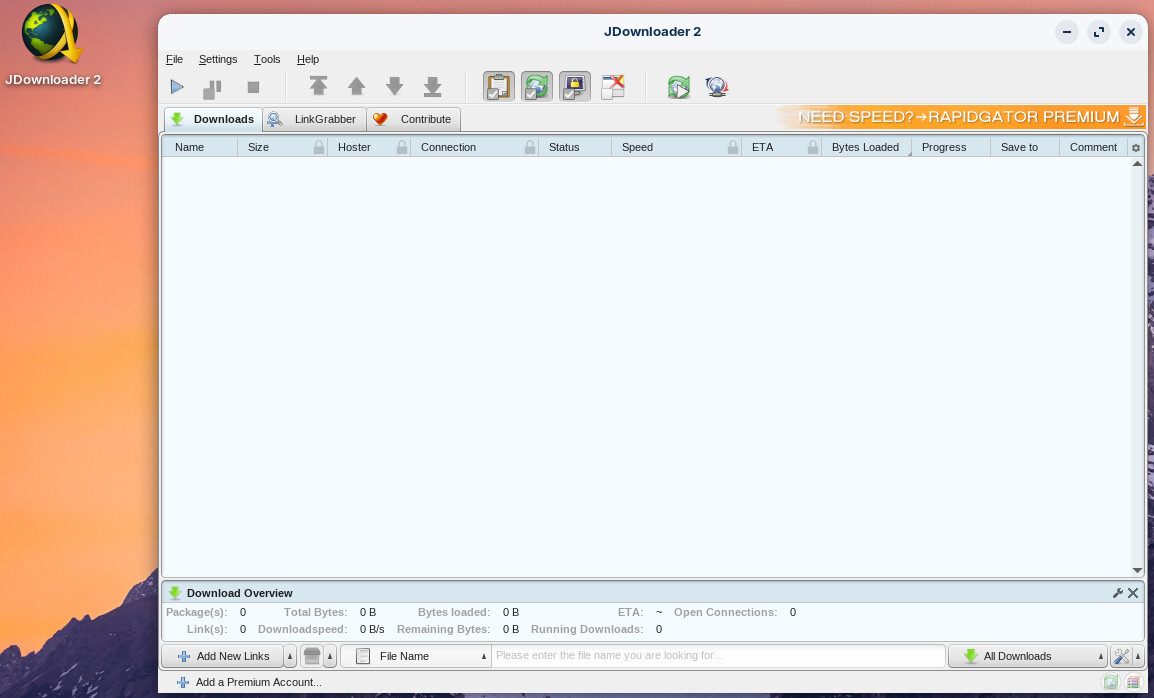
1 Like
so it's virus??
Okay, thank you. can you test it that you're able to download YT videos? I want see if that works or not.
No, I highly doubt it. There are no known signatures and it hasn't been flagged by the anti-virus at all, and it has a ton of downloads... Plus, it doesn't even run with root privileges anyway.
It seems to work fine but I did run into a small UI bug while downloading the video. It complained that it couldn't merge the audio/video streams due to the lack of ffmpeg (which is a program that does all these type of stuff), but the button to install was nowhere to be found.
Turns out, and maybe this is because my resolution is set to quite low, I simply had to resize the prompt a little bit, but that was all:

Note that I had to install also ffmpeg is it was complaining that it couldn't merge the audio/video streams. There was one surprising UI bug with that, and that's that the prompt needed to be resized for the button to install it to show. So, just in case, you can also install it through a terminal command:
After that, it seem to work fine:
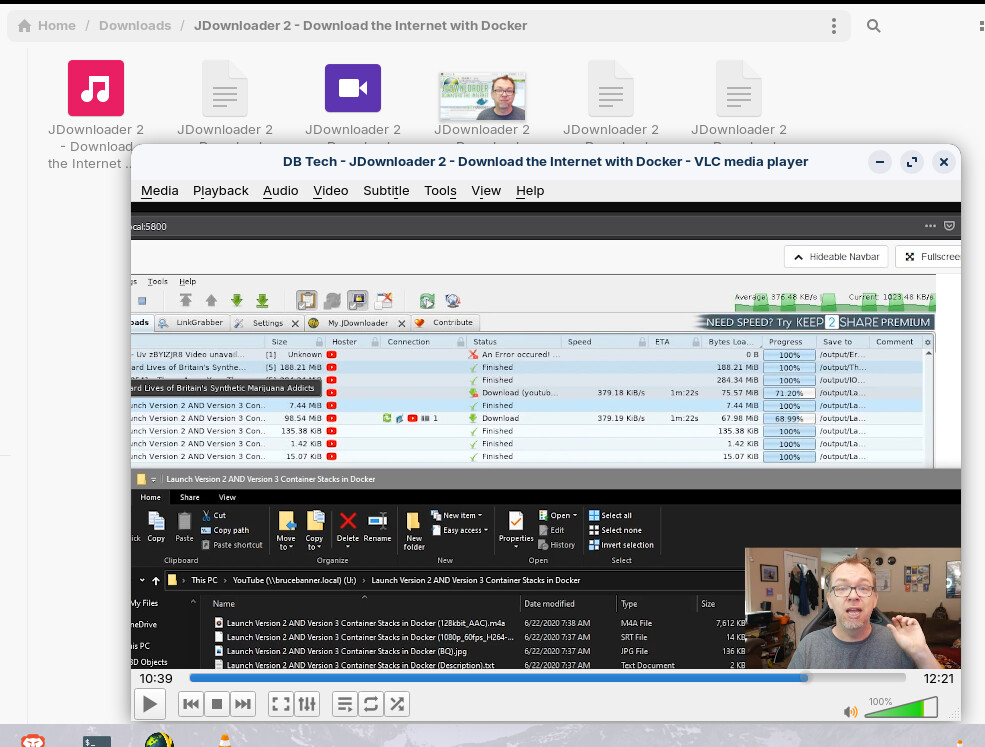
Yes, it's a video about JDownloader as I've never used this before 
1 Like
I have ytDownloader installed - its in the software store, works very well and allows to download audio-only or the video. Not something I use very often though. Apparently also downloads from other sites but I've never tried that.
1 Like
What about Varia? have you ever used it?
Do you know how to fully uninstall JDownloader/Java since I ran it and it done nothing about it?
No, never heard of that one either. I don't really use downloader tools that much.
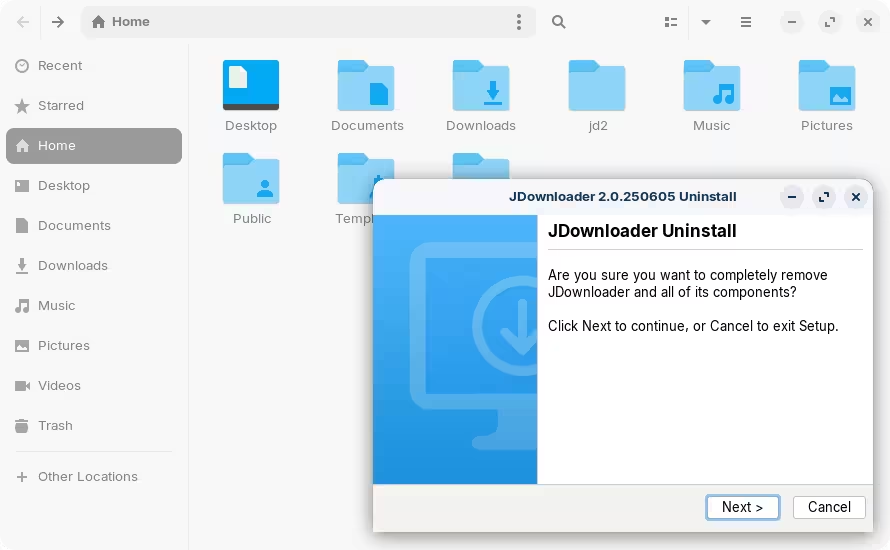
To uninstall, inside the jd2 downloader folder that is created during the installation, there's a script called "Uninstall JDownloader". Right-click on it → Run as a Program, and it should launch another wizard:
For Varia, You can see here a Video:
say this:
chmod: cannot access '/home/JDownloader2Setup_unix_nojre.sh': No such file or directory
bash: /home//JDownloader2Setup_unix_nojre.sh: No such file or directory
You need execute the commands in the right directory.
If you follow Zenzen's description, you won't need a terminal.
The path for a file in the home directory is /home/USERNAME/..., e.g.
/home/worthless/Downloads/...
1 Like
what? give me step-by-step plz
can you give me terminal line or something?
When you can't find no deinstallation script you could follow this guide and delete the jd2 folder and the .desktop file of jdownloader.
There is no need for terminal commands. When you installed JDownloader it created a folder called "jd2" which contains an uninstaller script. See my previous post above.
This topic was automatically closed 90 days after the last reply. New replies are no longer allowed.