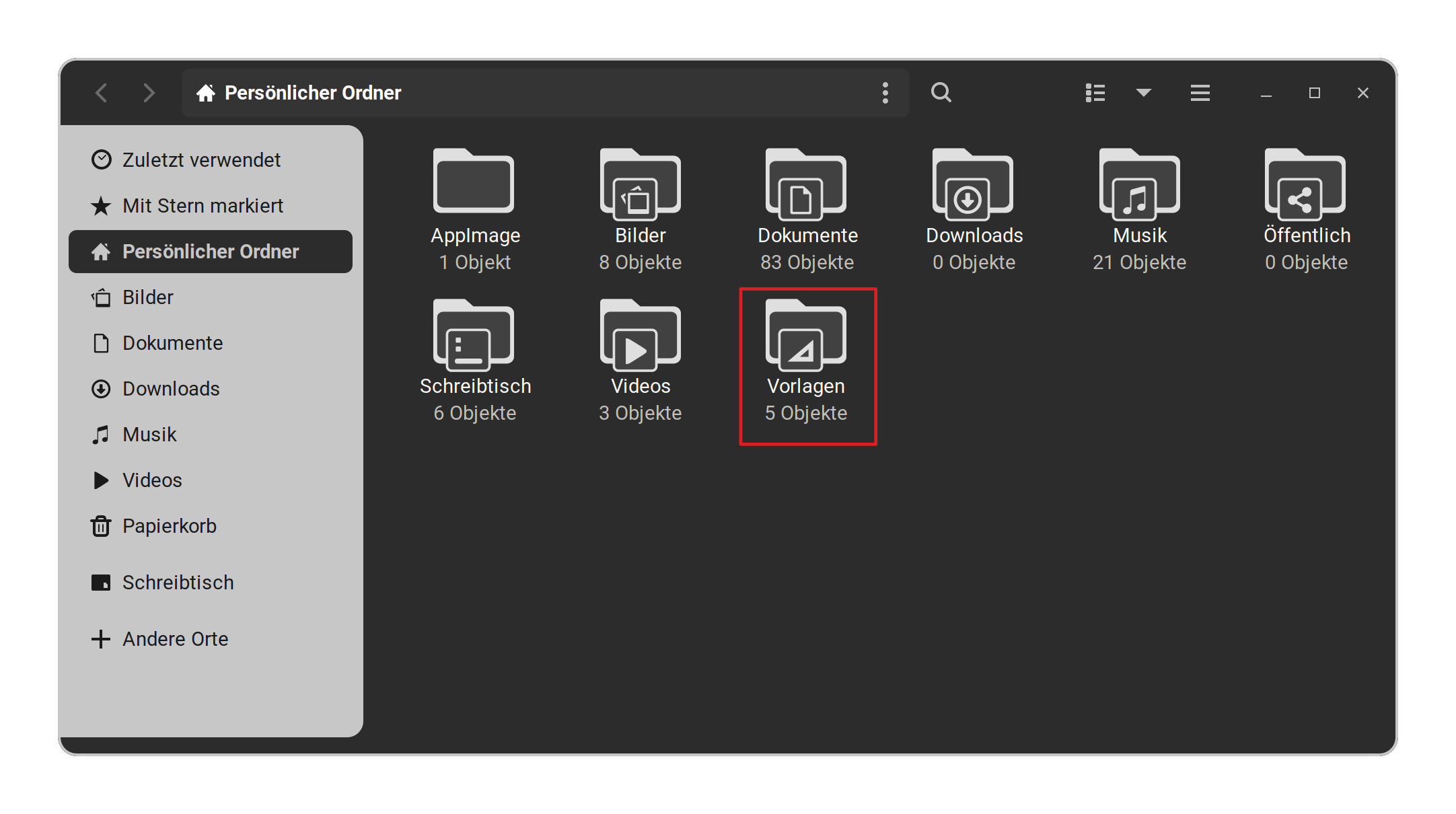
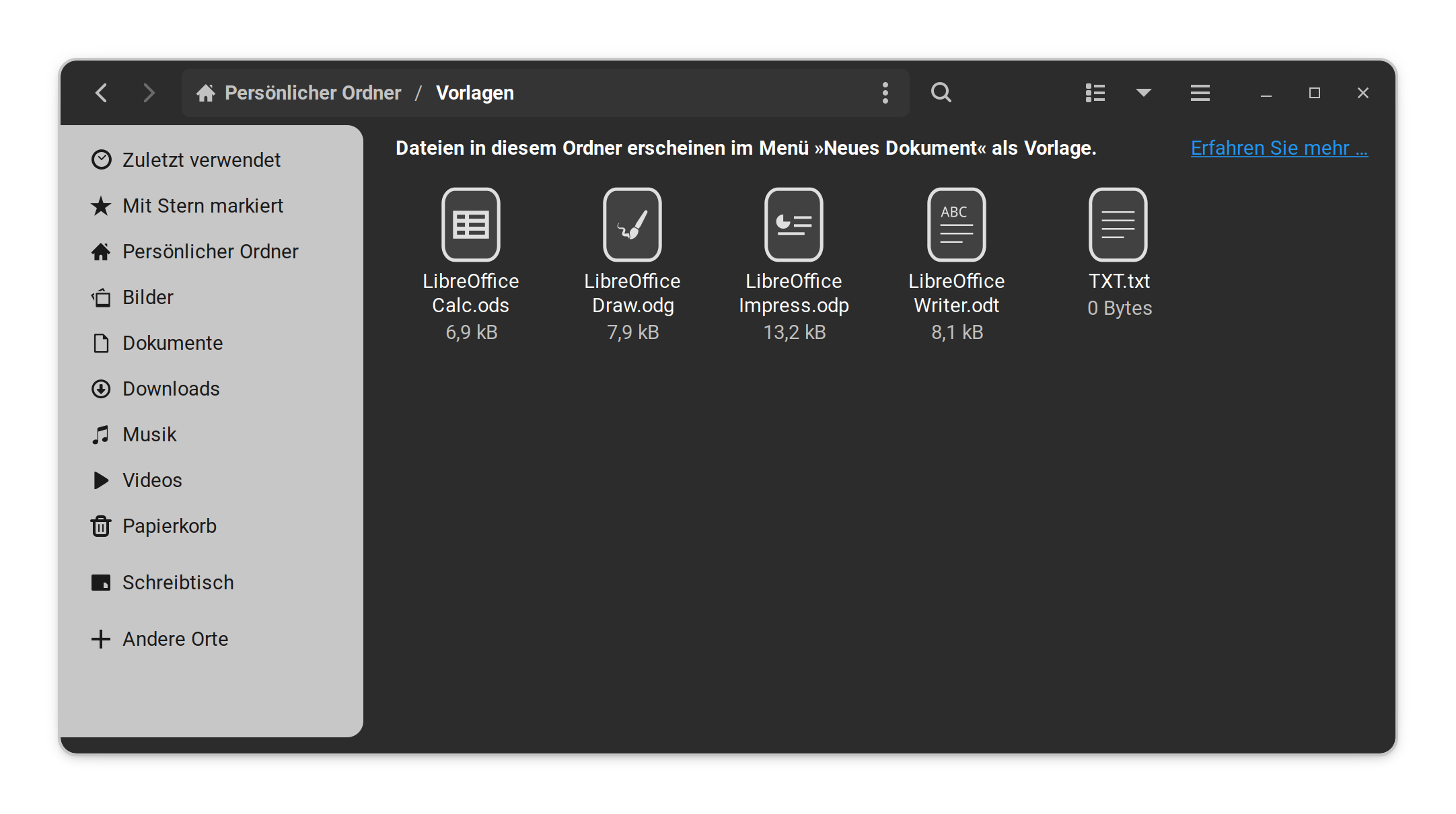
I uninstalled LibreOffice. But under the "Create Document..." tab it still shows the option to create 4 different LibreOffice files.
I want to remove those. Looking it up on the internet people tell me to customize Thunar, that doesn't do anything with the desktop context menu. mimeapps.list doesn't list anything involving LibreOffice. Default applications shows no results involving LibreOffice. It's isolated somewhere nobody tells me.