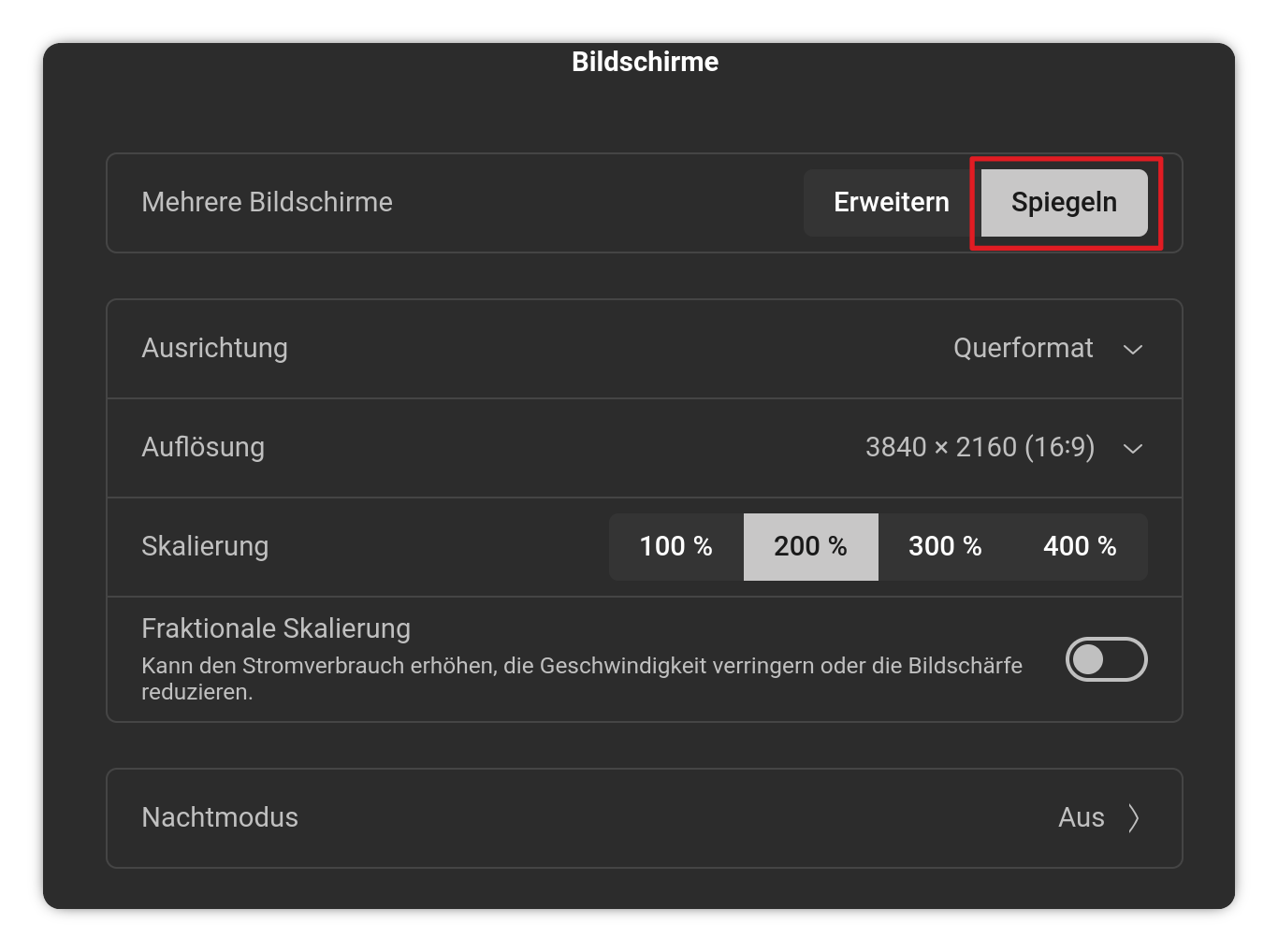
I've plugged my hdmi cable from my TV into my laptop. I've gone to the apropriate hdmi channel, channel 2. What I see is not what I am supposed to be seeing. I see my desktop wallpaper without icons. What I should be looking at is my guitar website. How do I see the correct page on my hdmi channel?
That sounds like you are seeing the Secondary Display on the TV screen where your Notebook Computer screen would by your primary display.
Can you drag the browser window from the Primary display over to the T.V. Display?