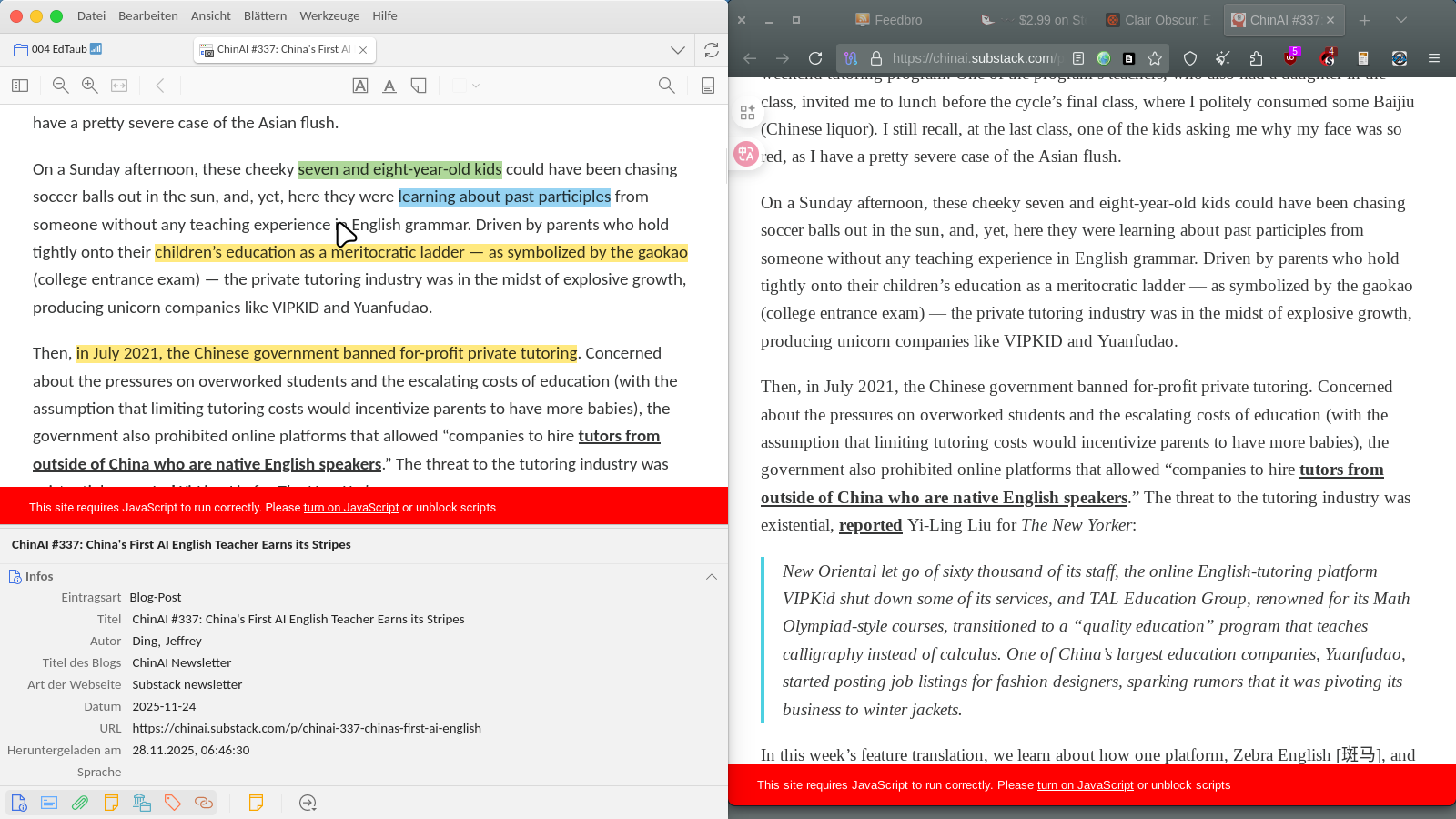
How I read the Linux manuals and the web

On the left, I keep a copy with colorized highlights of articles.

On the right, I open and preload tabs of the very articles that I want to read and keep on the left.

  • no bookmarks chaos
  • searchable
  • private
  • tagged
  • annotated
  • neat
  • no vendor lock
  • multi-lingual

Bonus: Works with YouTube videos, including subtitles and transcripts, a bit more effort, though.

2 Likes

I find Okular the best application to read pdf files. You can hide the side panel, it has full search functionality, and a myriad of annotation tools including highlighting tools and standard magnification tools as used in system magnification of Ctrl+ + or mousewheel if needed.