How to add a shortcut in my desktop, my layout setting dosen't have the Zorin logo on the left side of my taskbar
Which layout in Zorin Appearance did you choose? Your taskbar looks unusual. Or did you install other gnome extensions that may conflict with the Zorin ones
In the Zorin Appearance:
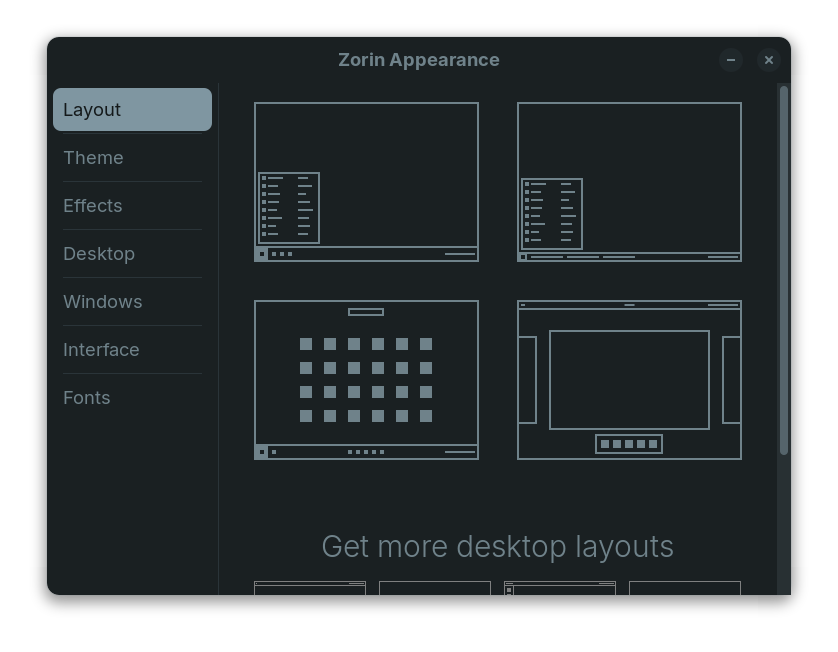
I chose the bottom left one. Im all good now, i used "Add To Desktop" extension to add shortcuts
.
That layout doesn't come with a Zorin Start button...
Yes, my post was wrong and I deleted it. It is not possible to make the Zorin menu visible in the taskbar in this layout.
So a desktop link can be used or a shortcut key (super key or something else) to open the zorin menu.