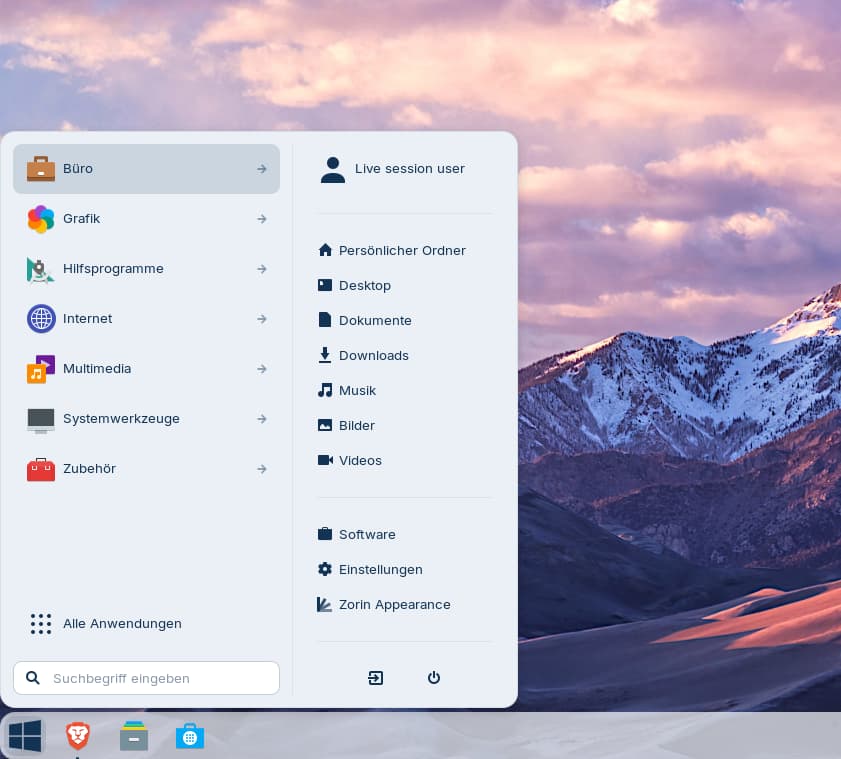
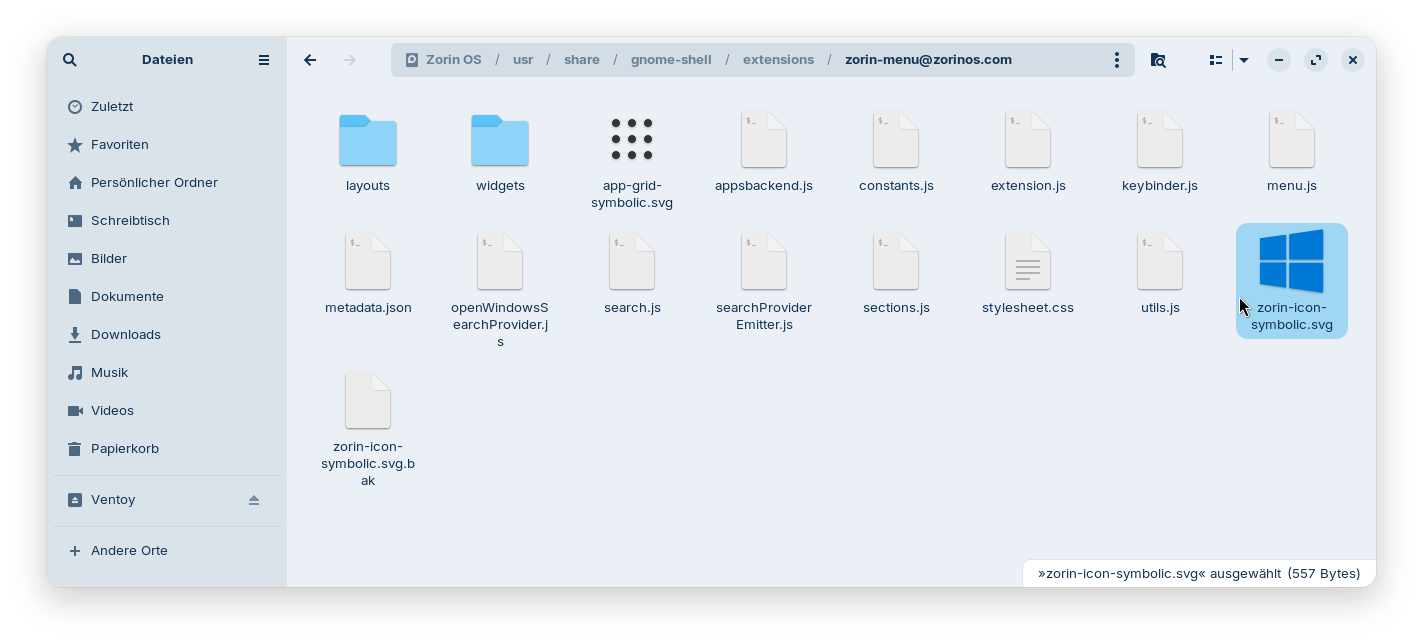
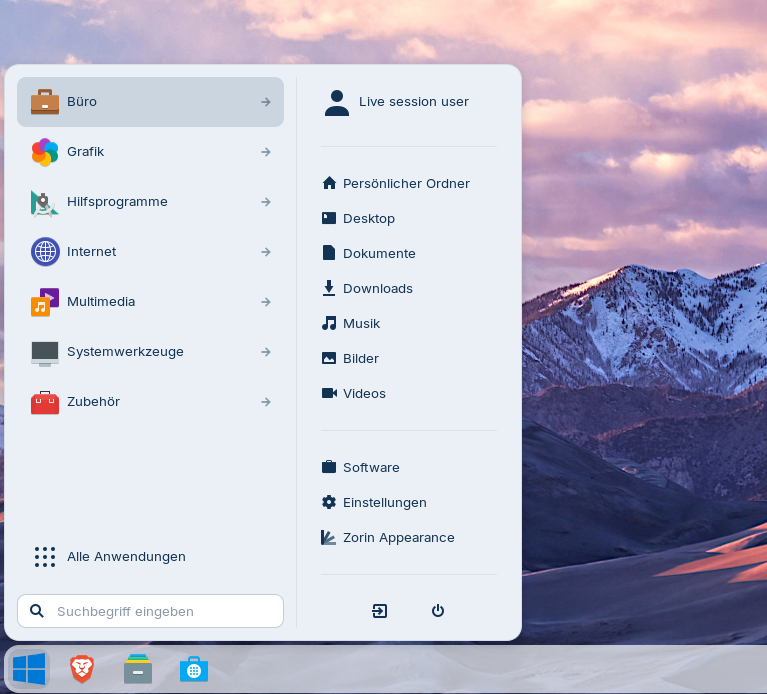
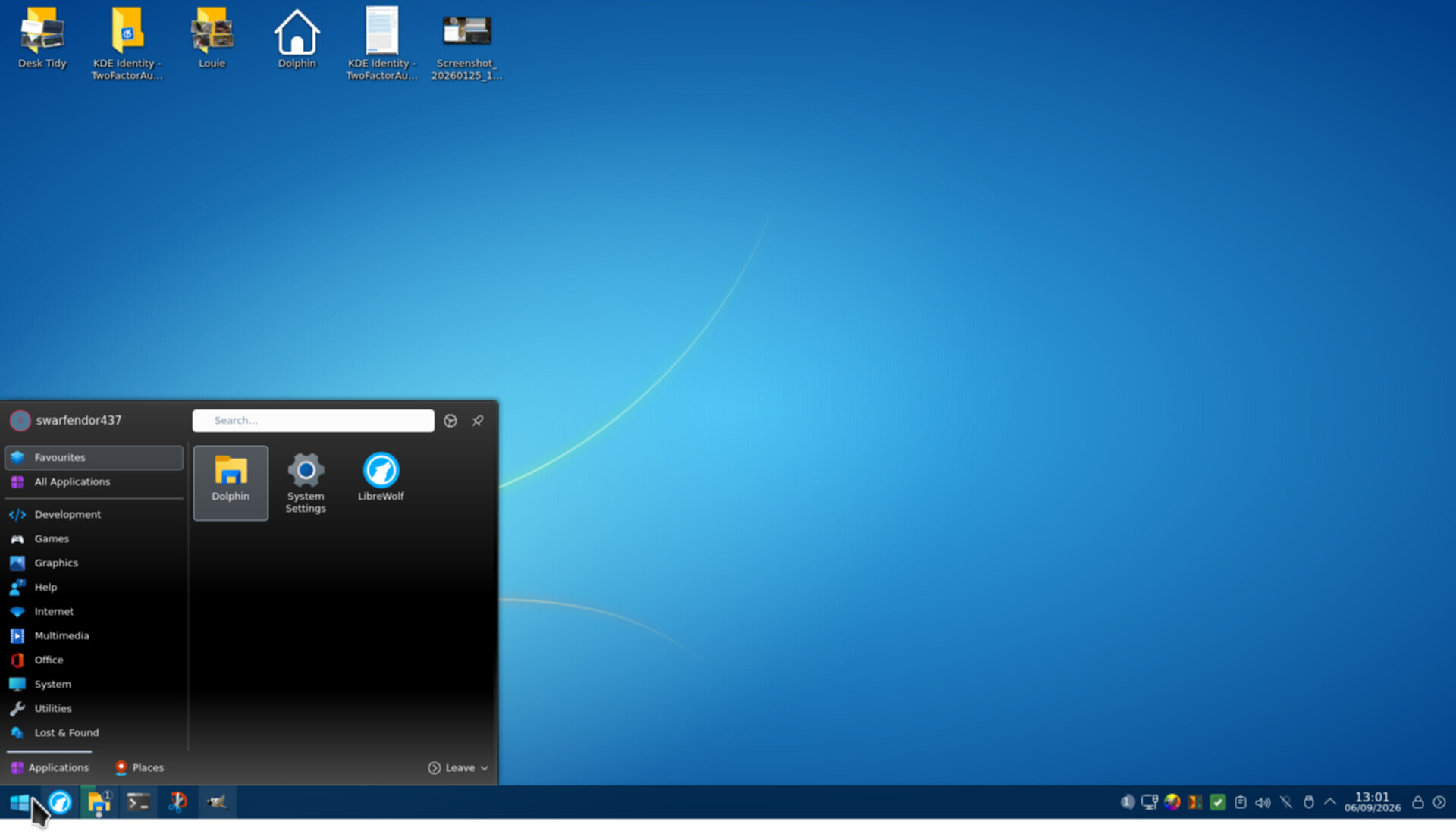
I have renamed the original zorin-icon-symbolic.svg file to zorin-icon-symbolic.svg.bak and then put my downloaded windows icon there and renamed it to zorin-icon-symbolic.svg
Perhaps symbolic icons are always black-white? It may help to give another name, but then you would also need to change the icon name in the .js file/s.
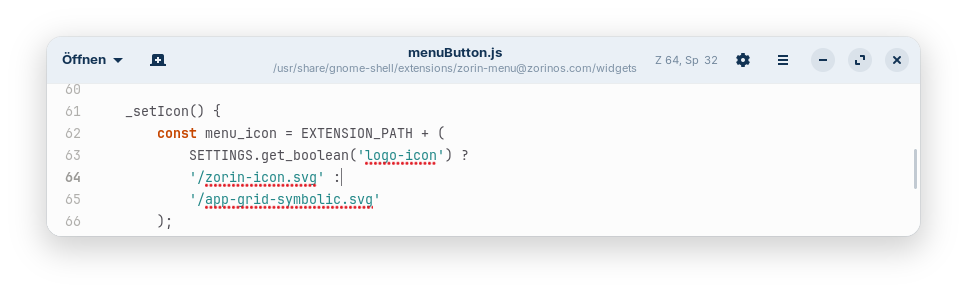
Edit: Yes, the "symbolic" in the name of the icon was the cause that the windows icon was displayed black-white. Change the filename to zorin-icon.svg, then it works. Also change the filename in menuButton.js, you find it in the widgets folder (in my live session it was line 64, but you may have another line because my system was not updated)
That has reminded me of what I found when exploring .local | share | icons yesterday. The 'start-here' icon had multiple entries plus 2 'symbolic link' .svg files so if changing manually I would know where to browse to.
I was frustrated with PCLOS Debian Plasma edition from 04.2026 "trixie" as the "Apply" button was greyed out when trying to change the icon for Tiled Menu (aka Win 10 themed menu), which left the "Apple icon" immovable.
Downloaded the latest release to see if it has improved.