I've just downloaded a Zorin core ISO and booted off it from a USB to check it out. Windows has finally reached a level of rot that I can no longer tolerate. My brother recommended Zorin and it looks fantastic so far.
The only issue I've had with it is being able to remap my mouse buttons. I use an Evoluent Vertical Mouse 4 and by default the 3rd button is treated as right-click whereas I'm used to the 2nd one doing right-click and the 3rd one as the back button.
Is there a way to configure these? On my Macbook Pro laptop for work I use an app called USB Overdrive to do this, and on Windows there's the Evoluent drivers themselves. But the Mouse and Touchpad section in Settings seems pretty basic.
Having my mouse buttons work is the only thing stopping me from formatting my hardrive and going full install and eradicating Windows for all eternity.
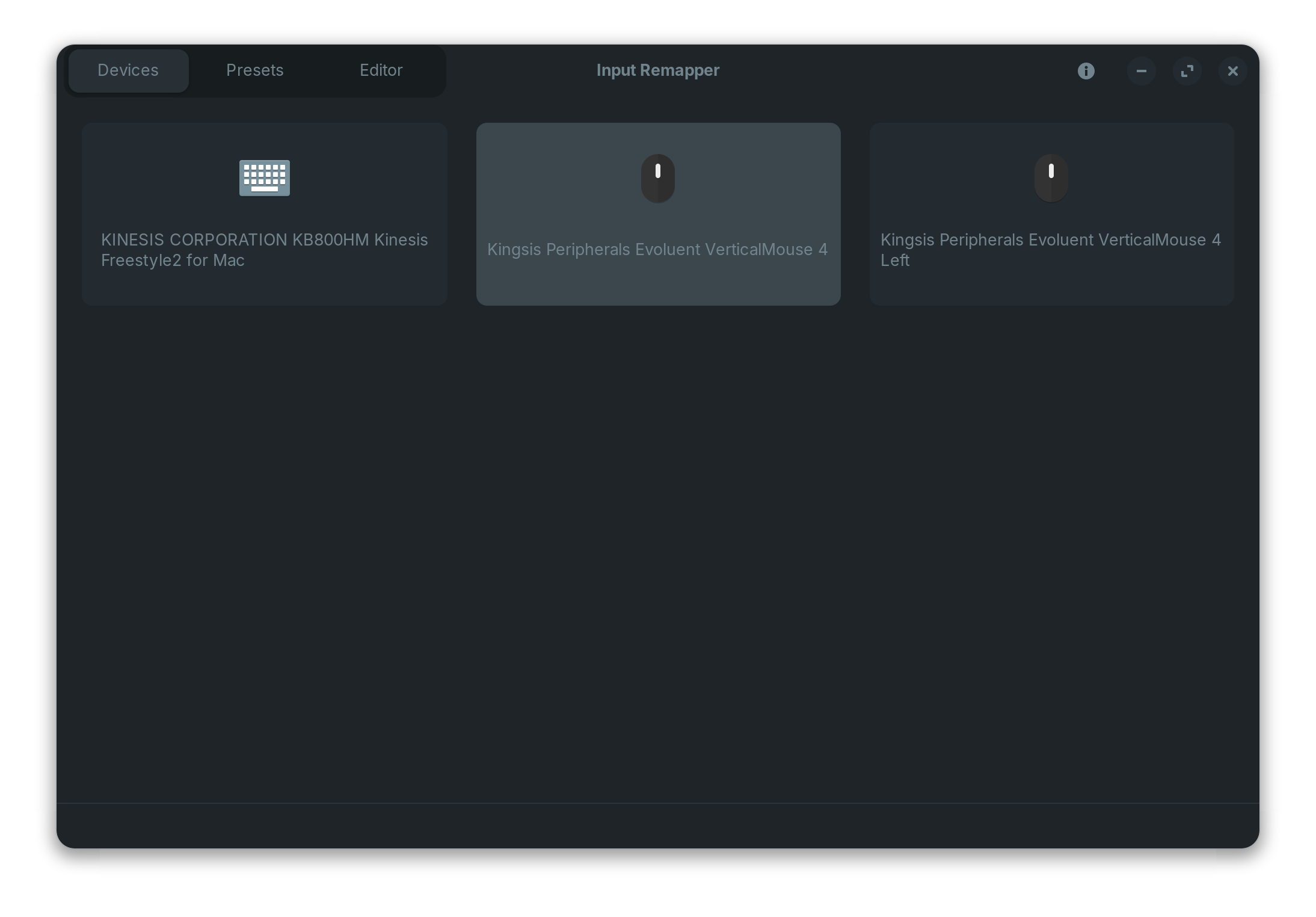
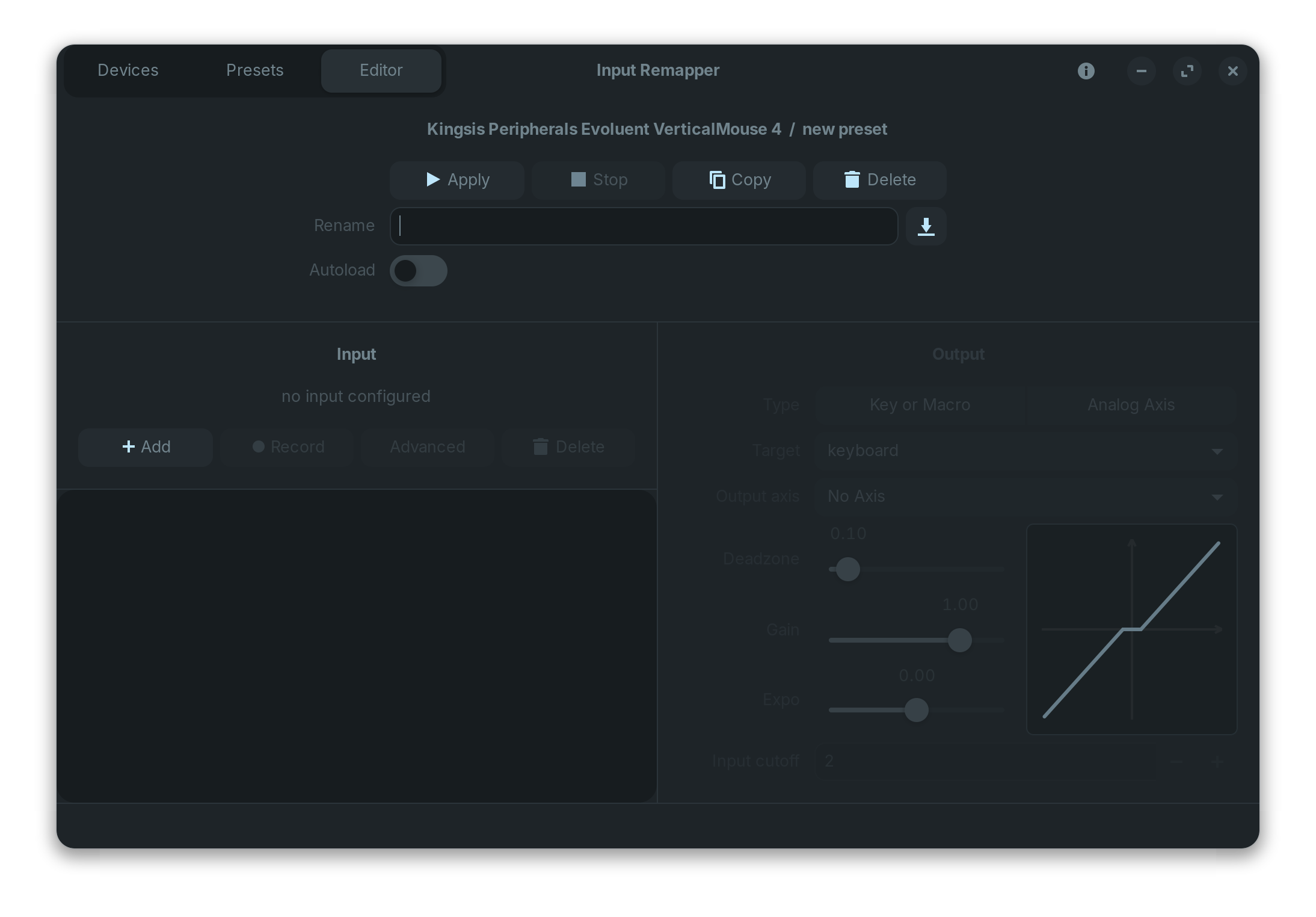
It says "no input configured" yet I just selected the Kingsis Peripherals Evoluent VerticalMouse 4 on the first screen in order to get to this screen, so I did actually select it:
thanks for the suggestion. I am now able to get some mappings working. The interface isn't entirely intuitive, but thanks to Google's AI search results, I was able to figure it out.
Need to click Add, then click Record, then press the mouse button you want to assign, then on the right hand side, choose Key or Macro, target is Mouse, then enter BTN_RIGHT or whatever you want that key to be come, then click Apply
BTW, if someone finds this post one day and wonders why Back/Forward buttons don't seem to work in Brave or Chrome browsers, you have to map them as follows:
Button RIGHT is mapped to Alt_L+KEY_LEFT
Button SIDE is mapped to Alt_L+KEY_RIGHT
I have the main bottom button as my back key and the little top button (pressed with the side of my thumb) as the forward key.
The middle of the main three buttons, Button MIDDLE, I have mapped to BTN_RIGHT (this particular one should be the default, Evoluent!!!!)
Interesting discussion thanks. I have the vertical mouse too and it seemed to be working just fine, same as it was in windows, but I’m mostly a left/right buttons and scroll wheel type of user!