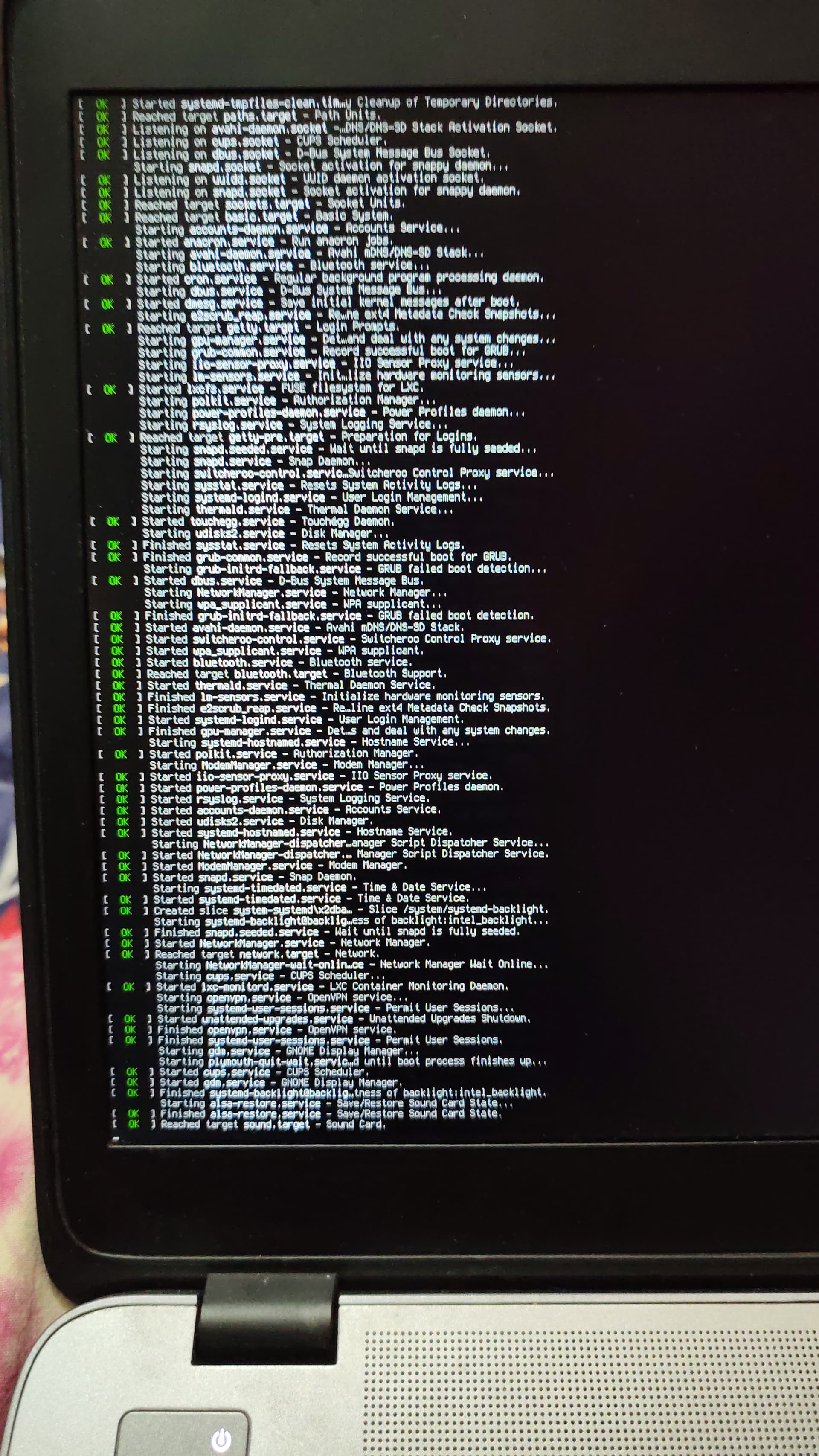
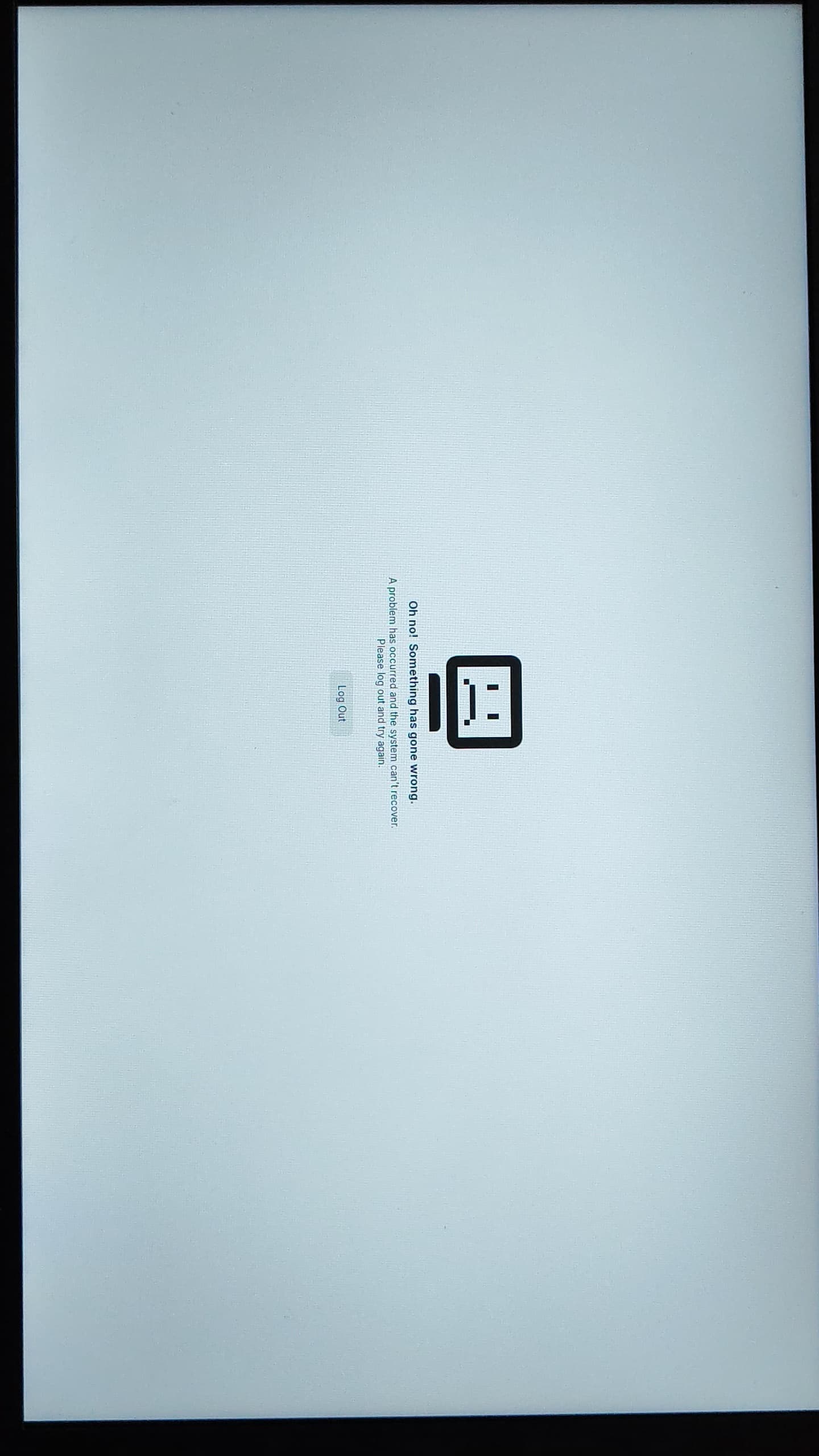
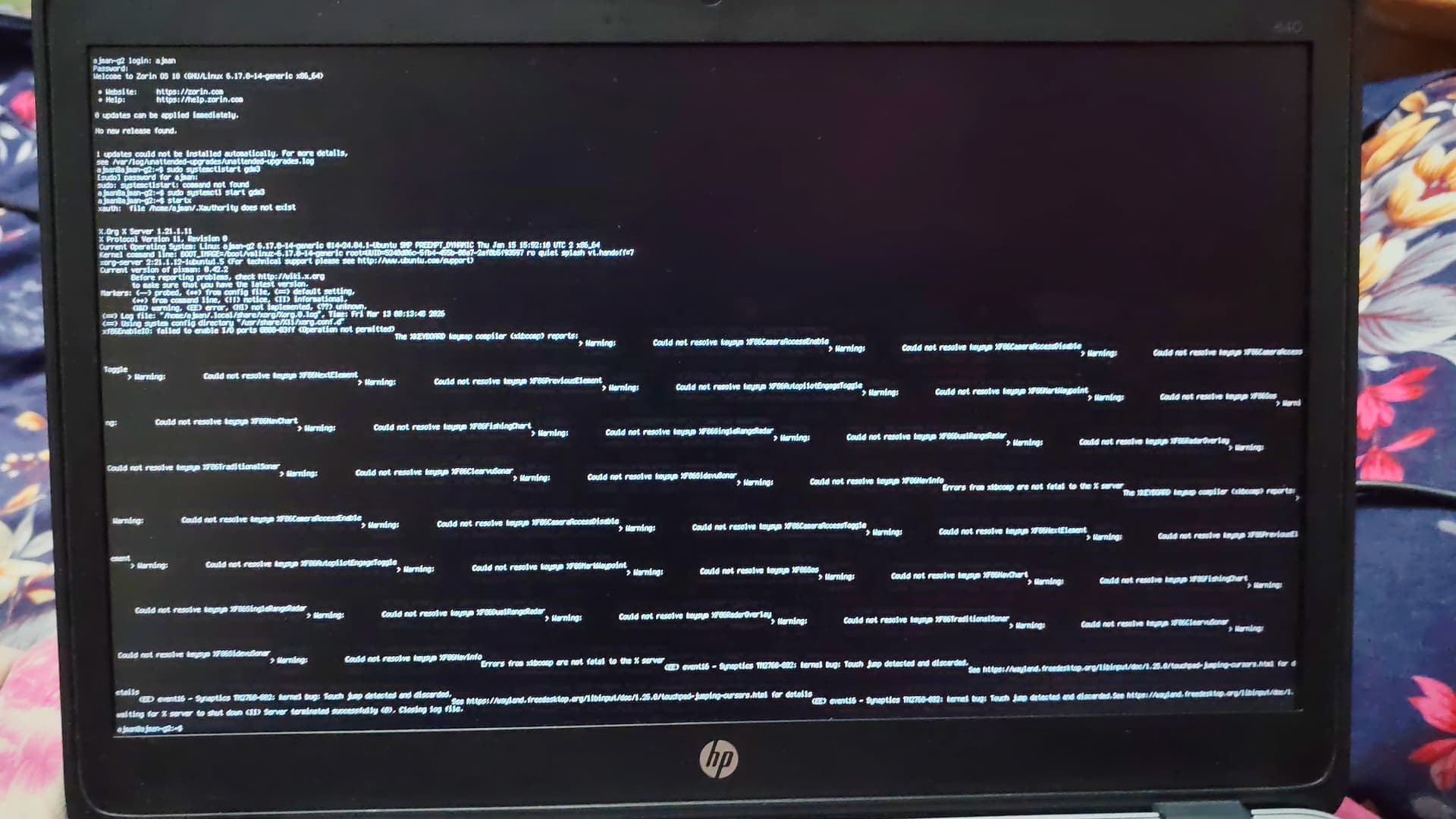
I dont know how after restarting my laptop it automatically went to this mode. I don't know anything about terminals. I asked my friend and he said to press ctrl+alt+f3 and told me to run some commands and assured my files are intact, then he told me that my display manager was removed somehow. So he told me some commands to install display manager but now after restarting its on the same thing over again
Please help me to get out of this mode.
This is not a terminal mode - the Gnome Shell is crashing, kicking you back to the prompt.
Did your friend walk the process with you of reinstalling GDM?
I cannot comment on the "somehow" that GDM Display Manager could be removed... it cannot remove itself.
But knowing as much detail of what was done on the computer before the crash will help troubleshooting a Lot.
1 Like
I am really sorry for my ambiguity. I don't know much of linux but I think mistakenly had deleted my gnome shell. I was trying to install balenaetcher from appimage. It was crashing and freezing. I tried some commands from youtube and google. Then suddenly the gui of my file manager changed, panicking I restarted my laptop. Then it started on the terminal.
But luckily with the help from my friend and previous posts on the forum I used sudo apt install --reinstall zorin-os-desktop command and then sudo reoot command. It restarted and my desktop was back normal but everything stared from the fresh.
1 Like
We have all been there... But resist that urge.
Undoing the last command is much easier than trying to recover after restarting.
Appimages do not install. They are standalone applications. You just download them and run them.
Fortunately, a friend on hand and other resources got you pointed back in the right direction.
1 Like
Thank you for understanding. I will try to learn from the basics and hang on to your suggestion
Undoing the last command is much easier than trying to recover after restarting.
Thank You Aravisian
1 Like