Hi, I have experienced ZorinOS 18 pro for some days. Almost everything is nice for me, except for the small interface font size in installed kde apps, such as kdevelop, okular, cantor, etc. Is it possible to increase the interface font size for these kde apps?
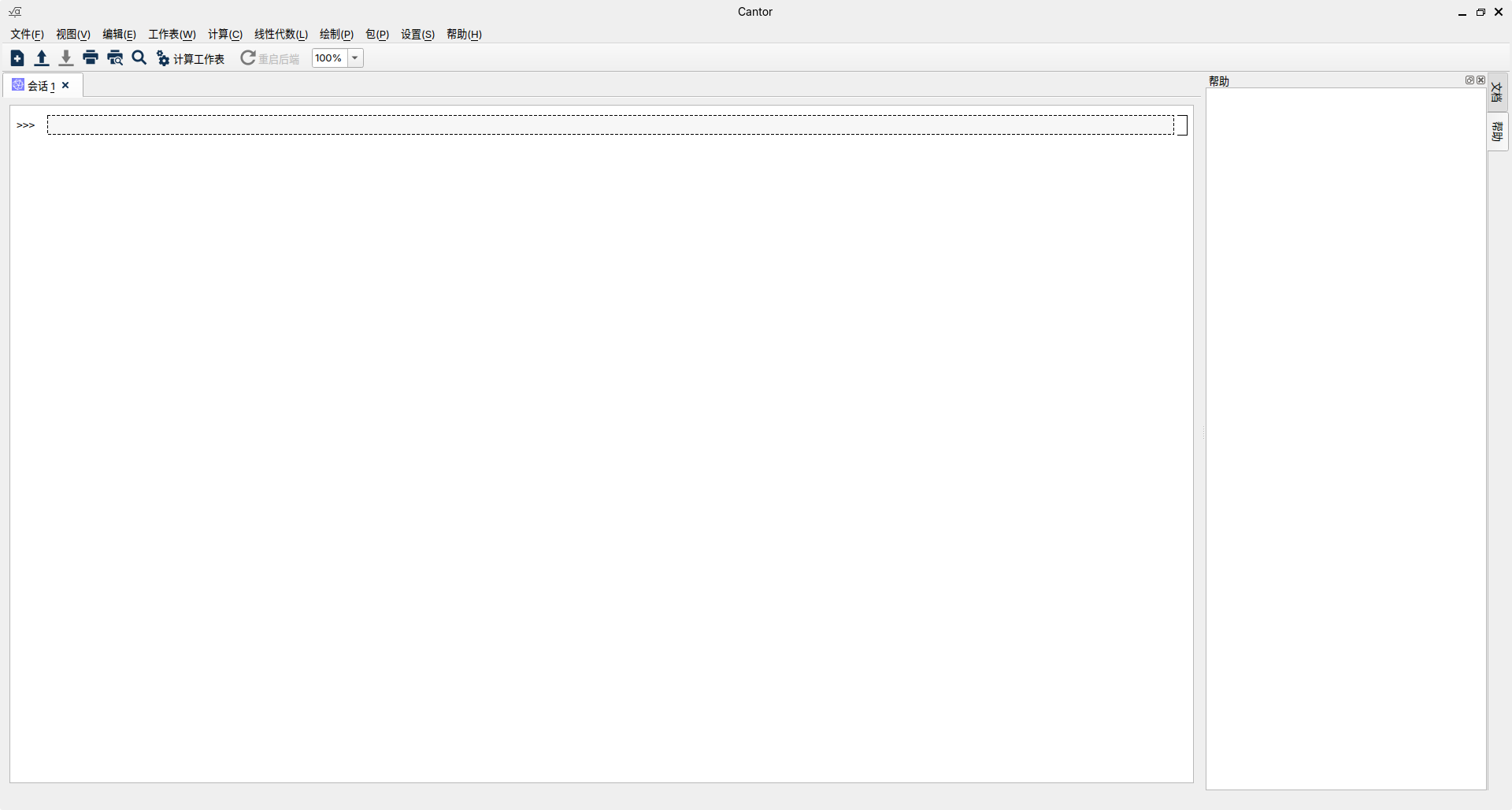
And I installed debs not flatpak apps in software. I prefer debs for better integration with system.
I am not sure if there is a setting in Zorin Settings of Core to manage this.
I install qt5ct package. Though with Zorin OS 18, users may need qt6ct, too...
sudo apt install qt5ct qt6ct
In you home .profile add
export QT_QPA_PLATFORMTHEME=qt5ct
Launch qt5ct and then use the Fonts tab to set size.
In Zorin OS... in the past... I have noticed and reported an error that remains unfixed. A file in root /etc will have the incorrect export QT_QPA_PLATFORMTHEME=gtk2
This should be changed to qt5ct. I cannot remember now, off the top of my head which file. But if you search the root /etc directory for the File Content of export QT_QPA_PLATFORMTHEME=, it should come right up. There are only two or three files that would have that in it.
It might be 99qt5ct...
4 Likes
I gave it a shot on Zorin OS 18 Pro and it worked perfectly!
Thanks a ton for the tip, really appreciate your help.
2 Likes
This topic was automatically closed 90 days after the last reply. New replies are no longer allowed.