After several days shuffling files about I finally freed up my secondary drive (an SSD) to install Zorin on it, while leaving the main NVME as Windows 10 for offline use (which I still need for some design software).
Unfortunately when attempting to boot I get the "insert boot media" error thingy.
From some searching it seems its because the Zorin drive is not UEFI, but Legacy.
I checked in the bios and switching to UEFI only (from UEFI / Legacy) does indeed blank out the drive Zorin is installed to.
I've tried searching for a solution but now I feel entirely out of my depth so any help is appreciated!
Are Secure Boot and Fast boot in BIOS disabled? Is Fast Start-Up in Windows disabled?
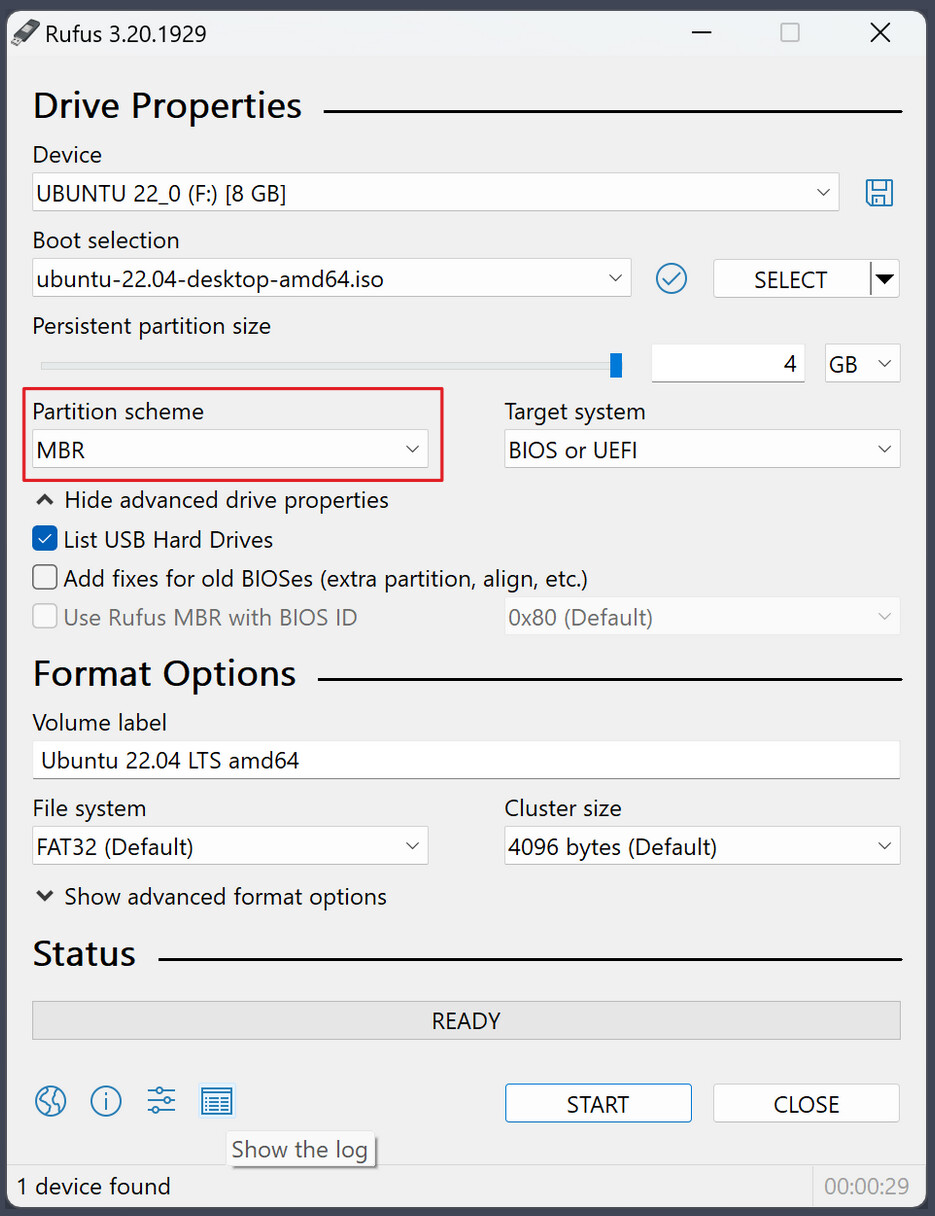
What Tool did You use to create the bootable USB Stick with Zorin on it? If it was Rufus, I would suggest the following:
Because Your BIOS is now in UEFI Mode, use Rufus and create a new Bootstick with zorin on it and choose on the Option ''Partition Sheme'' GPT. And then install it again.
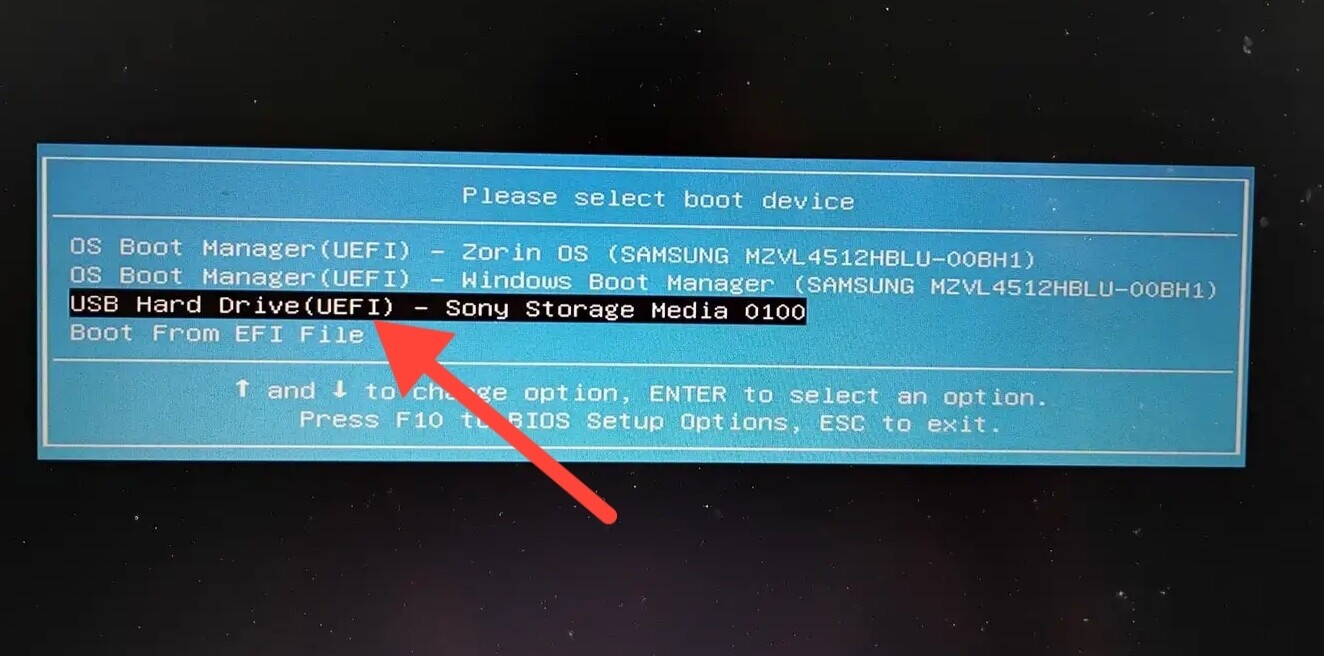
It's possible that some device list the usb drive twice
USB Hard Drive
USB Hard Drive (UEFI)
Make sure to boot from the 2nd one in order to make the usb boot happen in UEFI mode, otherwise booting from the 1st one will boot in legacy BIOS mode.
then I would suggest to format the Drive. You can start Zorin in Linve Mode (choose Try Zorin) and then search for GParted. Open it choode the Drive You want use for Zorin, format it and look for a GPT Option.
Spontaneously the only other Idea, I would have now would be to choose in Rufus MBR for the Boot Stick and then look if the Drive is detected during Installation.
I am wondering if it is a similar issue I had yesterday when installing LMDE 7 on a client's Acer notebook. I was using Ventoy and legacy did not work. UEFI had to be enabled and the Ventoy EFI had to be enrolled into the existing UEFI MOK key. It then booted.