Hi,
Having had similar experiences under Windows with an HP all-in-one when I was working, if you are using wifi to connect, then you can switch the printer off but don't switch off at the wall socket - this is what loses the settings (the same with Canon all-in-ones too!).
I covered printer installation in the Unofficial Manual for Zorin 17 Core.
"Printers
Before looking at printer installation we need to disable ‘autodiscovery’, otherwise you will end up with multiple instances of your printer!
So first off, open a a Terminal (Ctrl+ Alt+ T or Menu | Utilities | Terminal and enter:
sudo systemctl stop cups-browsed
Followed by:
sudo systemctl disable cups-browsed
Once you have done this enter:
sudo system-config-printer
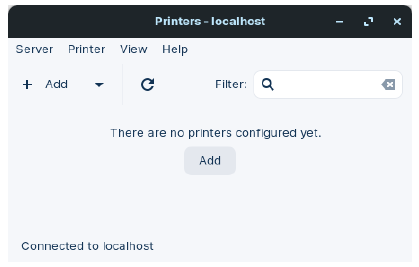
This brings up the following interface and as you have launched it with ‘root’ privileges (sudo command) it will be better for install. You will need to provide your user password, or the administrator password if you have setup a separate admin user, with yourself as a standard user like me.
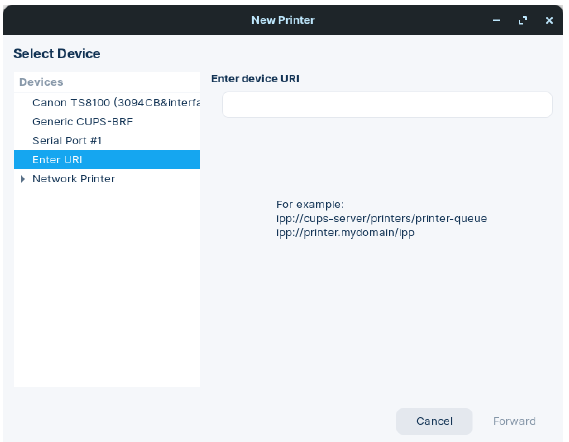
Click on Add and the following interface appears:
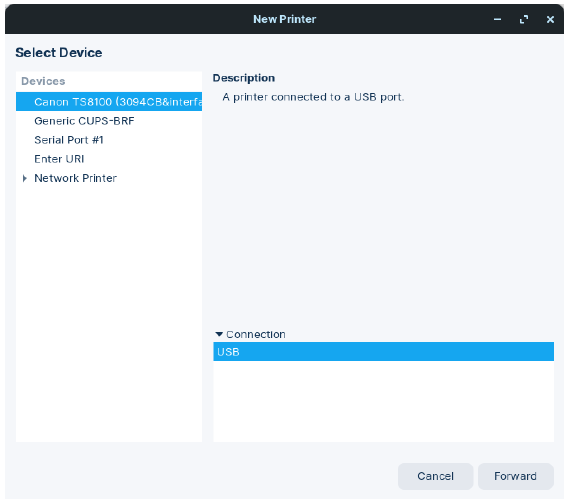
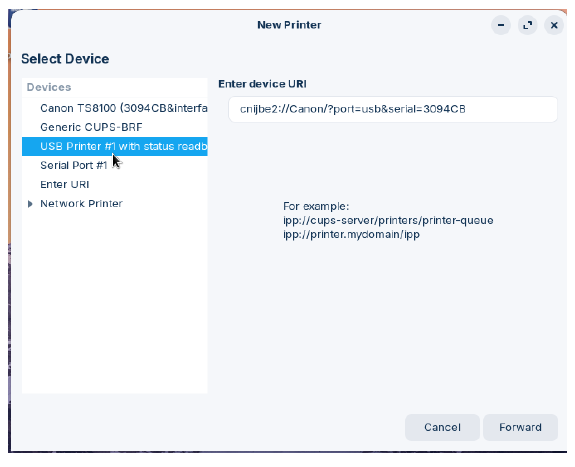
If you see something like the top entry here, you may think Printers application has
detected the printer is connected via USB, but it is driverless:
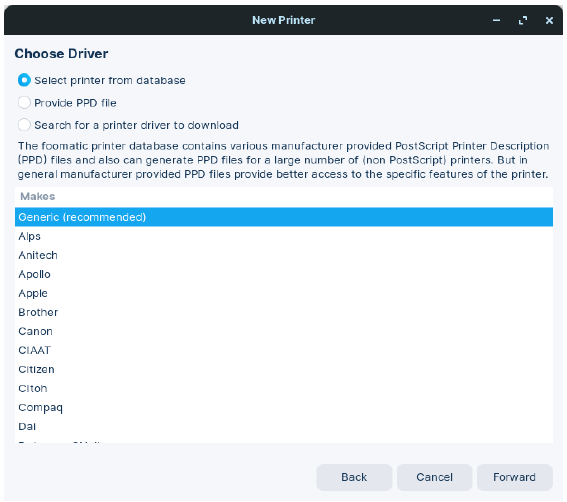
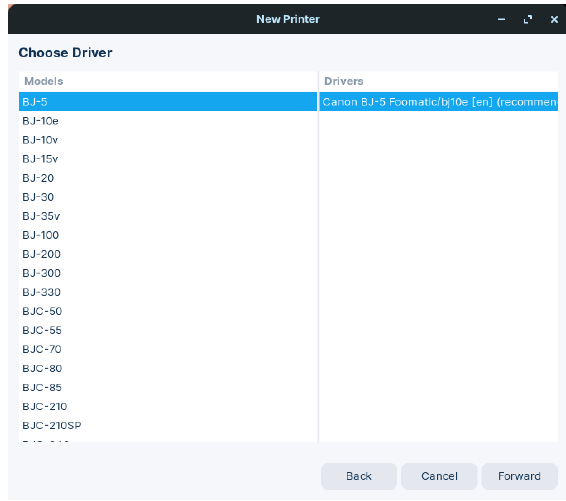
Then select the Forward Button and a new window appears with Choose Driver as shown [below] on the next page.
You will need to scroll down until you see the manufacturer’s name of your printer. In my case it is Canon. And once we have found the correct name, select Forward bottom right of the window.
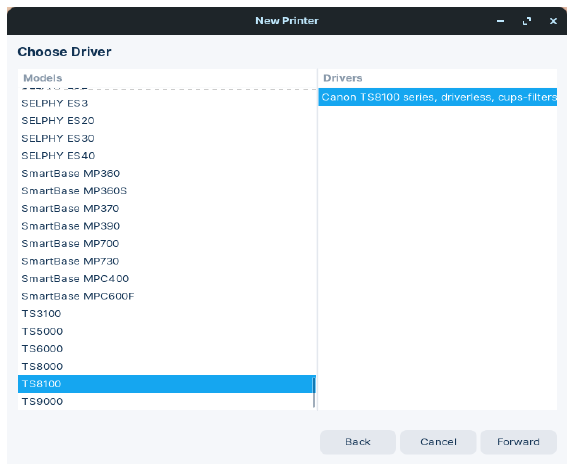
A window now appears with numerous models made by the manufacturer of your printer, scroll down until you find it:
In my case, for my Pixma TS-8151 printer I need to choose the TS8100 series driver.
However, note what it says in the Drivers pane ... driverless ... which means we are
going to have to visit Canon support page to download the Linux driver which is this one:
Just as we did for the Scanner driver we need to extract the tarball and install the amd64.deb file from packages.
Launching via command line again things have changed!
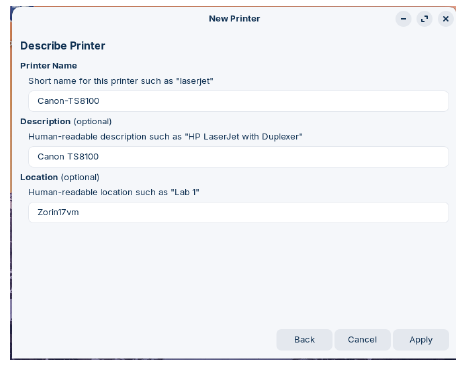
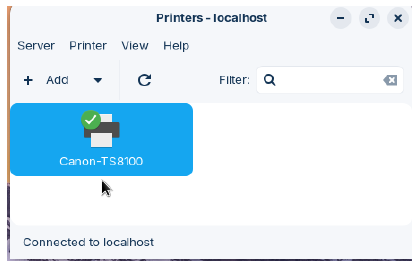
A new entry has appeared, and if we click on forward:
and then Apply:
"
Lastly, do you know if you have hp-lip installed?