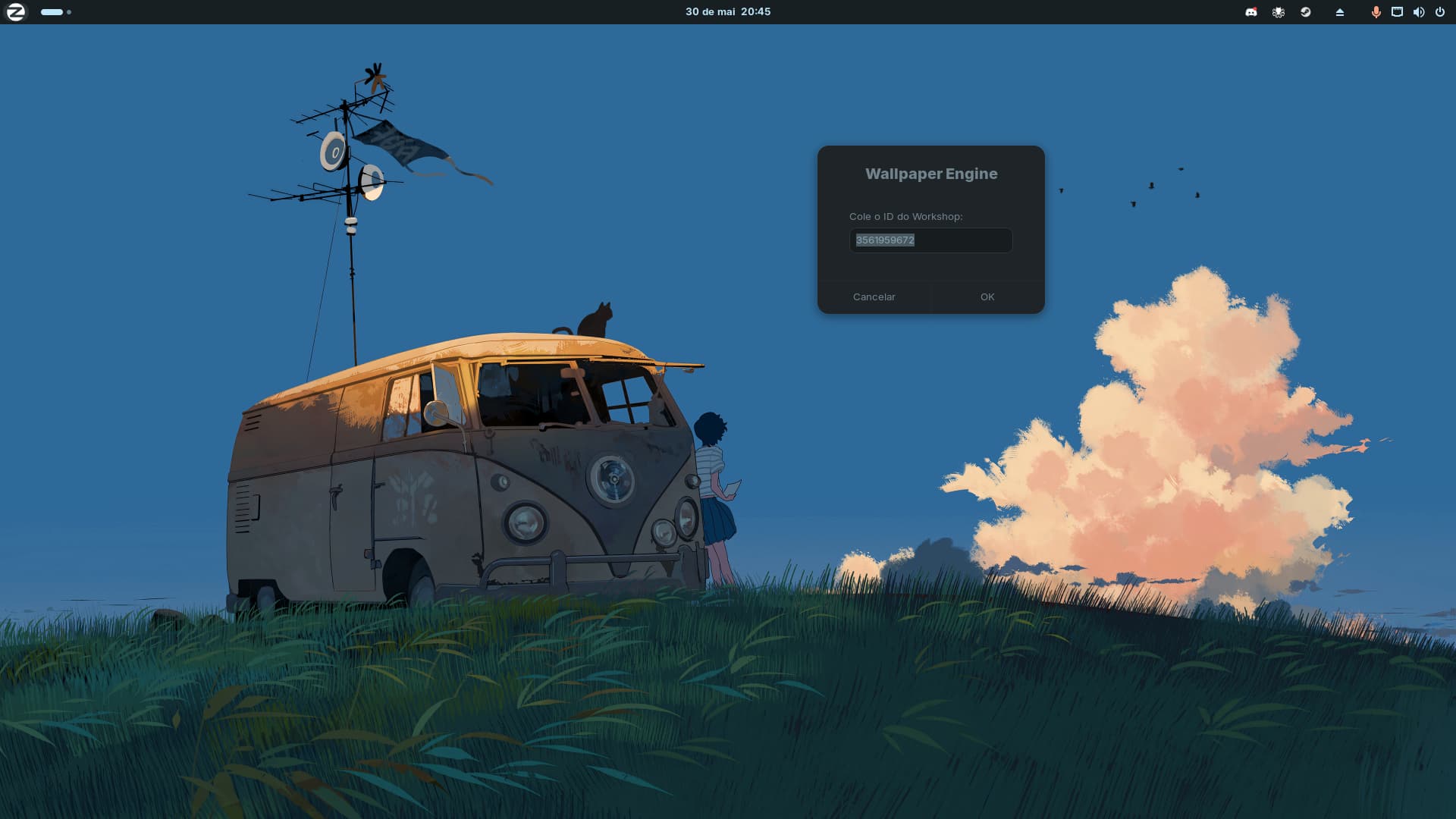
Hi everyone!
I wanted to use Wallpaper Engine (Steam Workshop) on Zorin OS 17, but the standard linux-wallpaperengine doesn't work out of the box because GNOME Shell draws its own background over the X11 root window.
To fix this, I created a script/wizard that forces the engine into explicit window geometry and pins it behind everything using wmctrl. It supports multiple monitors, auto-detects resolutions, and sets up your system autostart.
Requirements:
- Zorin OS 17 running on X11 (default)
- Wallpaper Engine installed via Steam with Proton Experimental
- The compiled backend: Almamu/linux-wallpaperengine
How to Install & Run:
git clone https://github.com/berelels/linux-wallpaper-engine-gnome-xorg cd linux-wallpaper-engine-gnome-xorg chmod +x install.sh ./install.sh
After installing, just search for "Change Animated Wallpaper" in your Zorin app menu.
I'm looking forward to making a YouTube video about it, but while it doesn't release...
Full instructions and technical details are in the repository:  GitHub - berelels/linux-wallpaper-engine-gnome-xorg: Animated wallpapers from the Steam Workshop running natively on **GNOME Shell with X11** — including Zorin OS, Ubuntu, and any GNOME-based distro. · GitHub
Hope this helps anyone trying to customize their Zorin desktop! Feedback is highly appreciated.