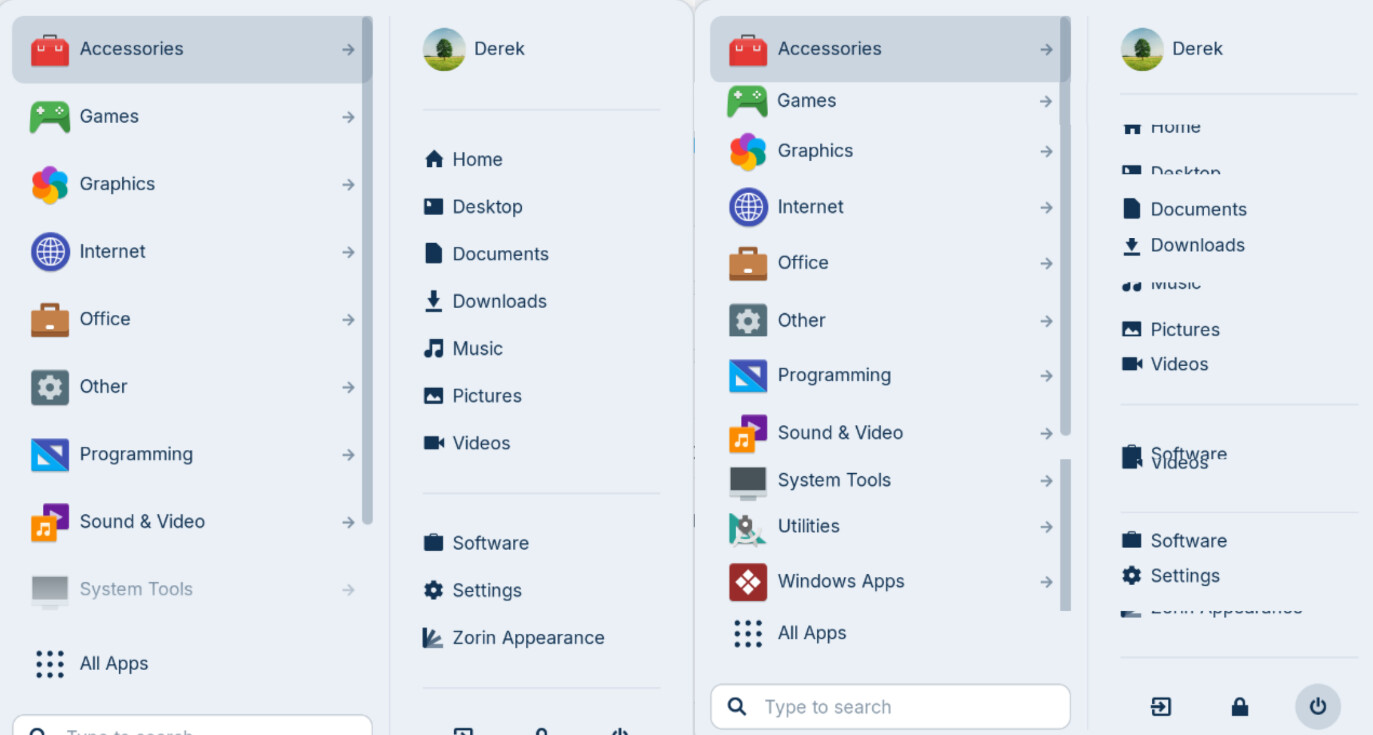
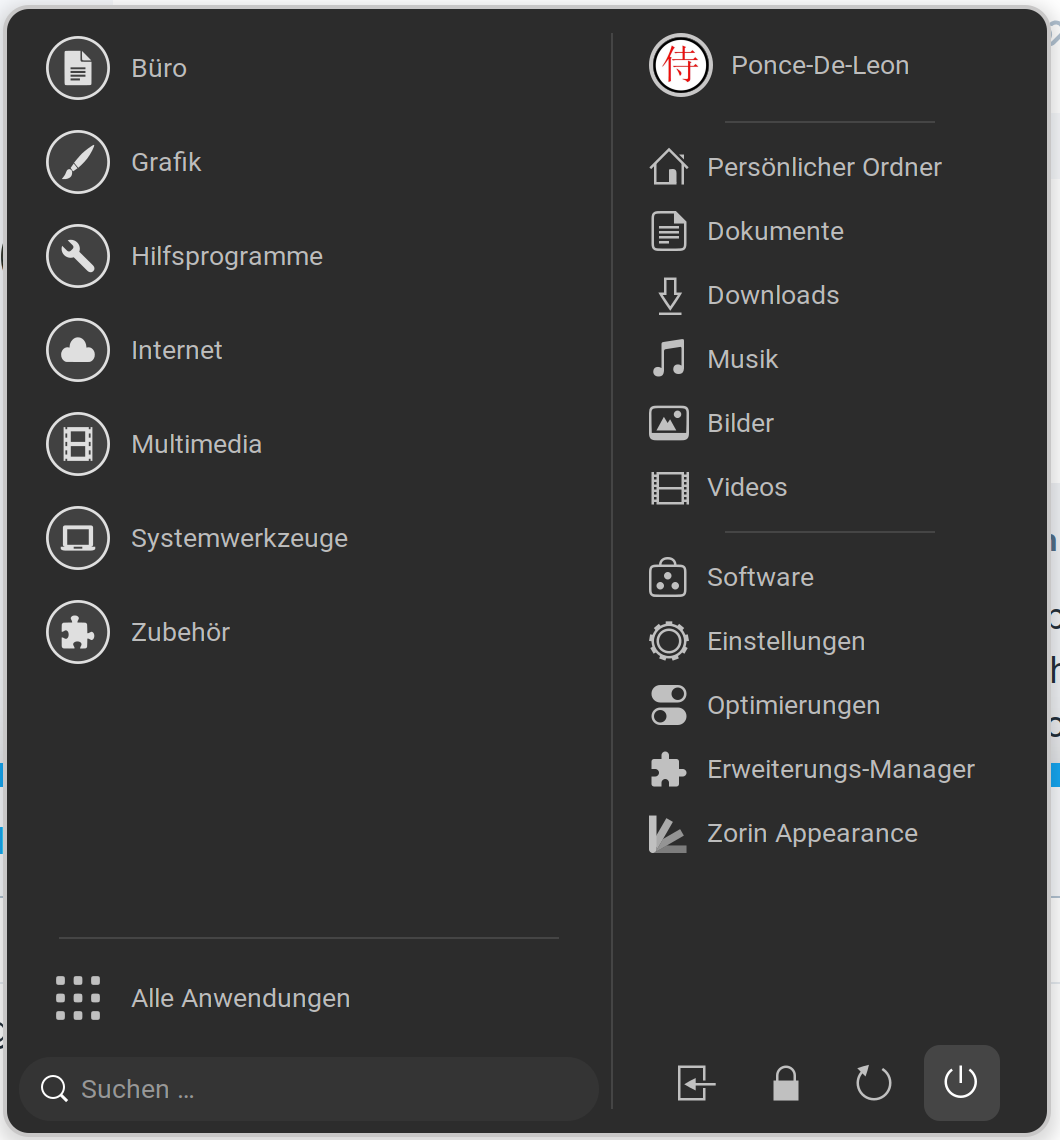
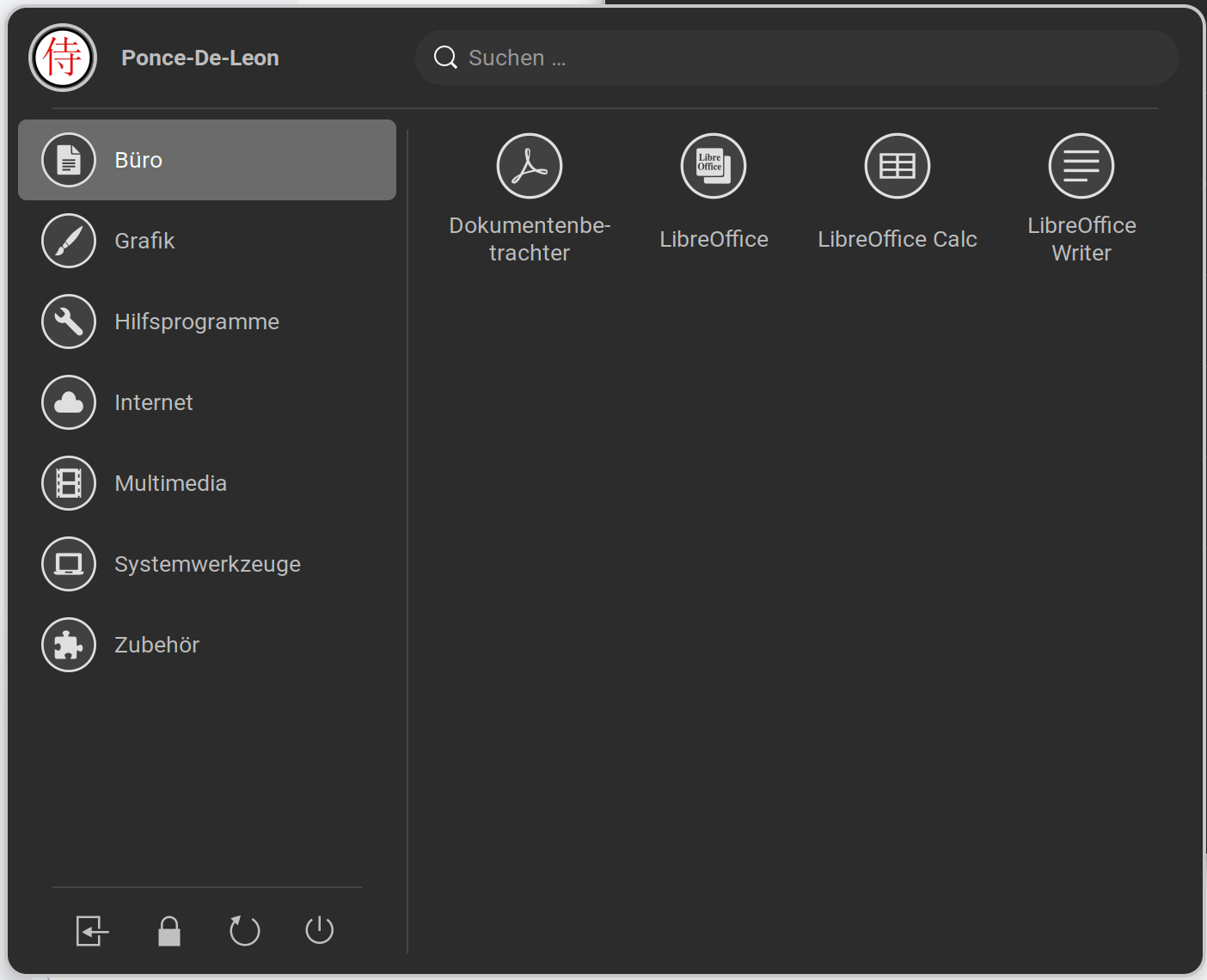
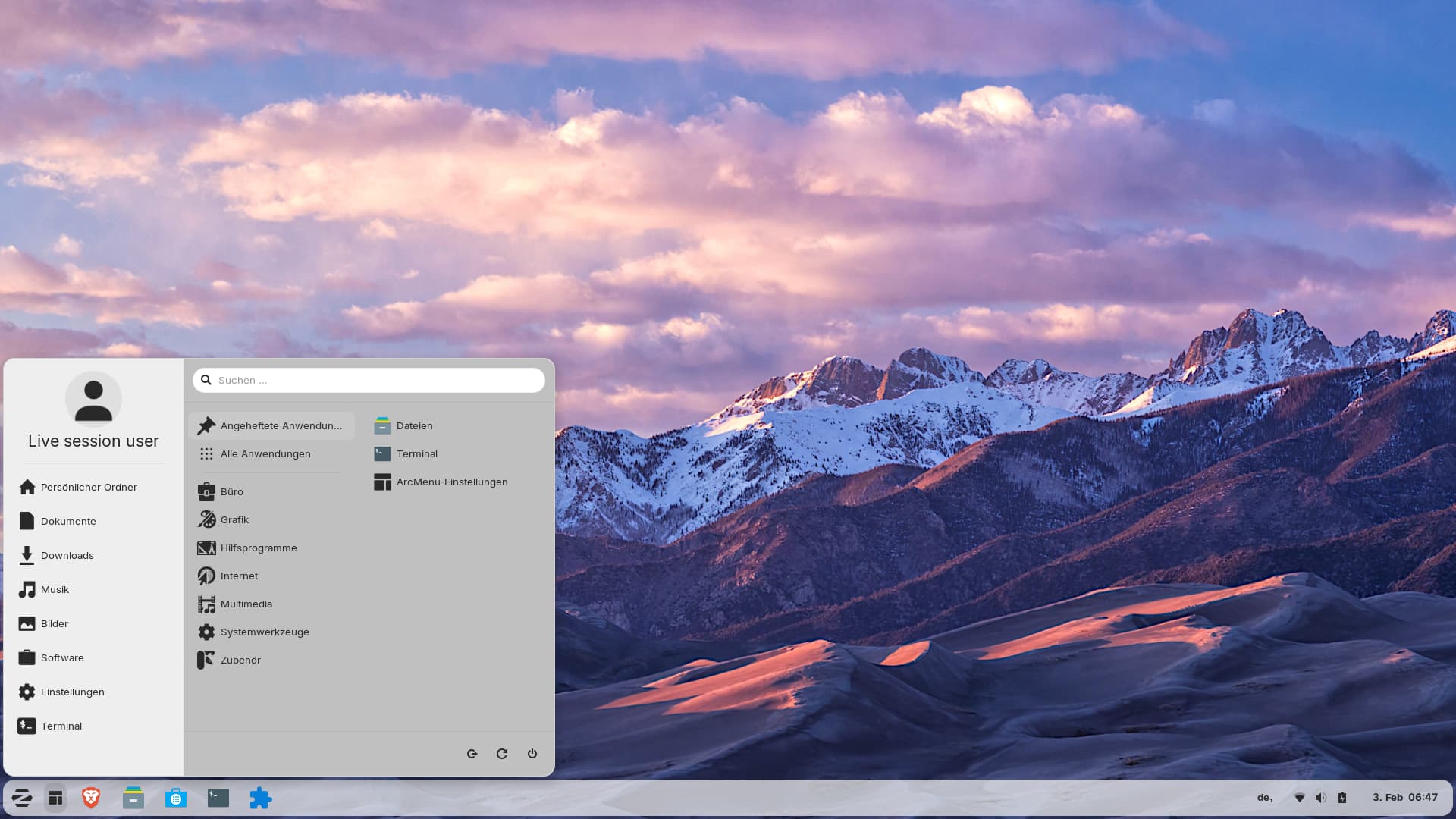
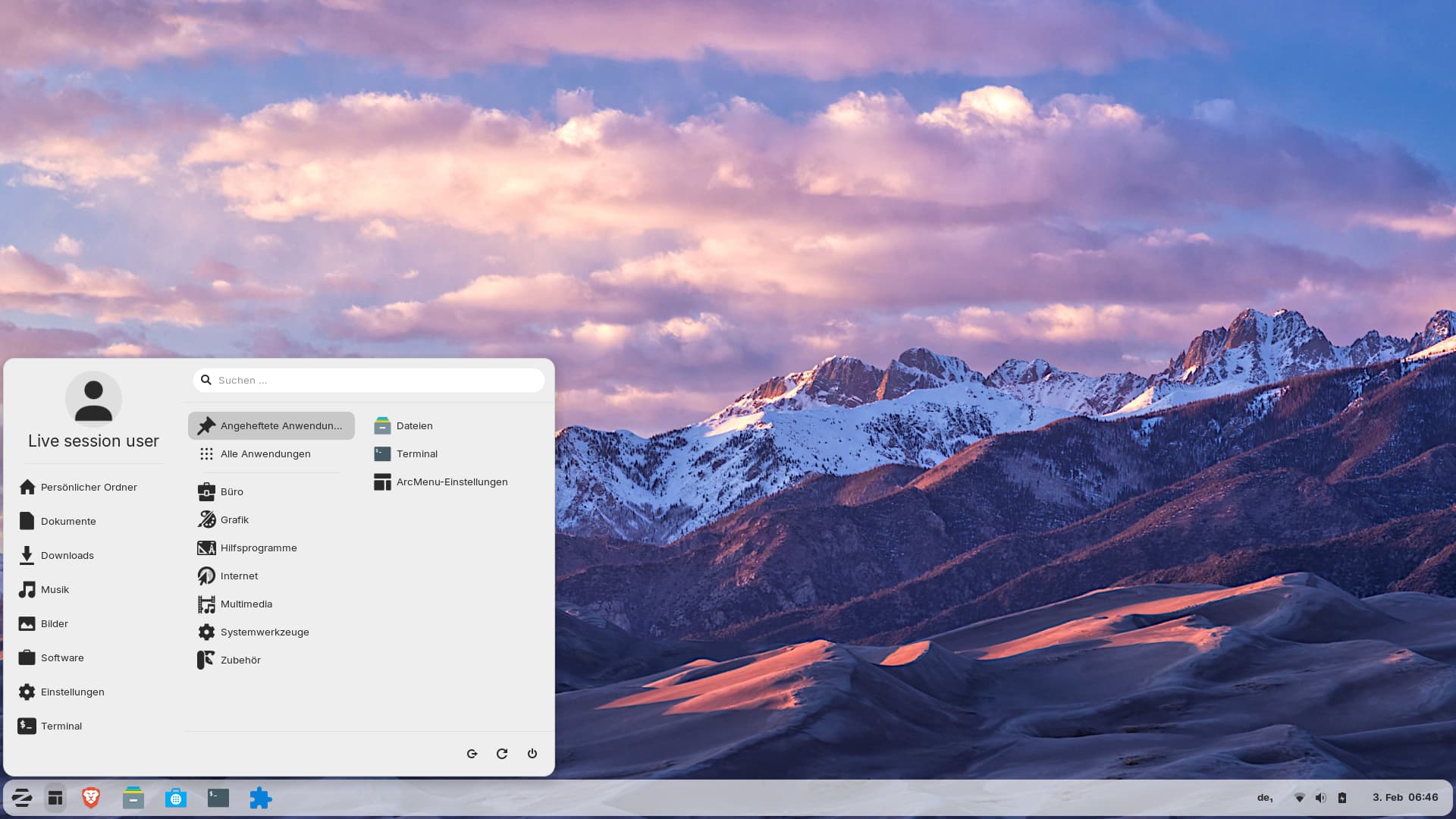
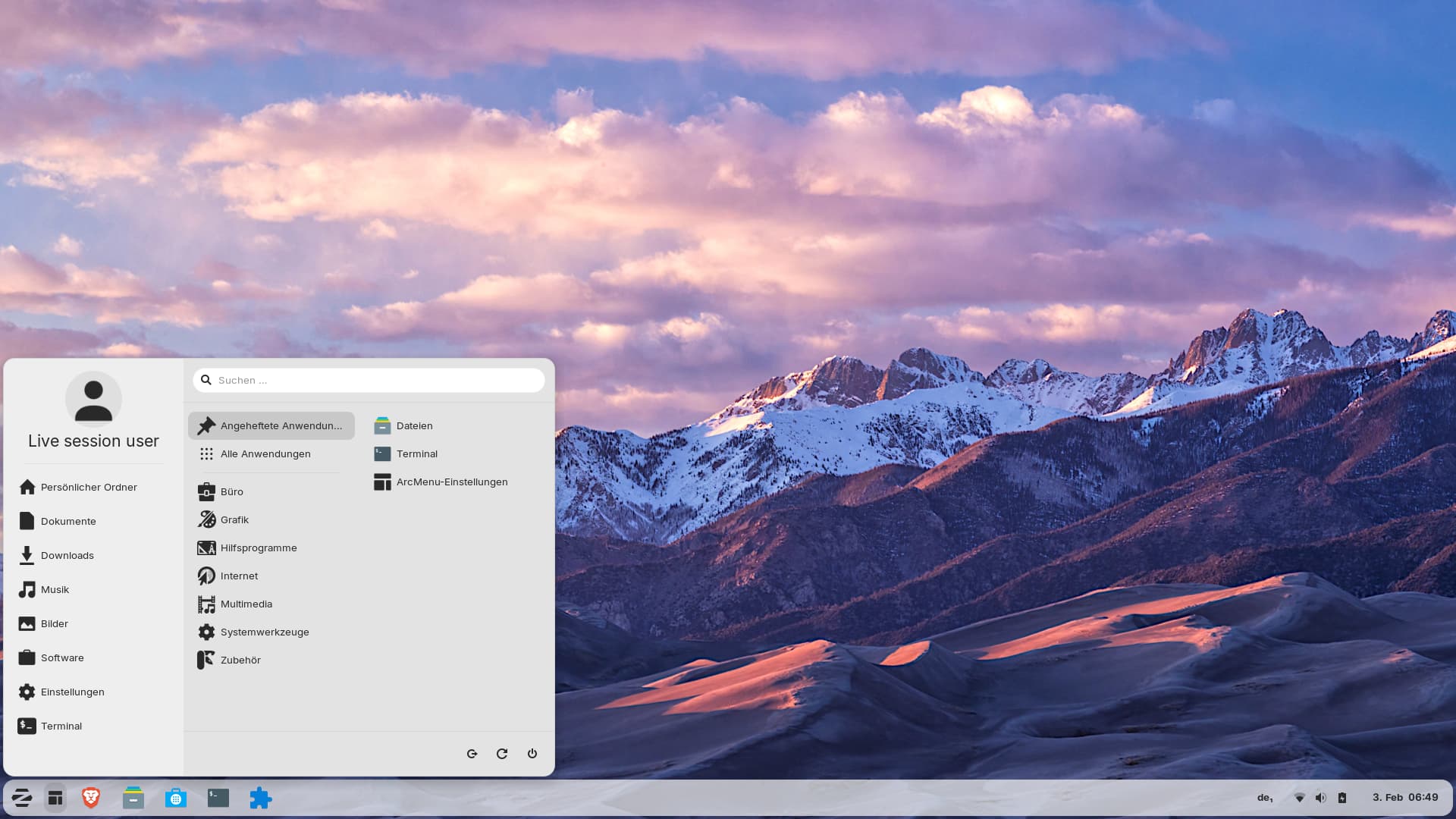
I love Zorin and there is little I'd change on it but one thing that I don't like is the relatively large vertical spacing of the items in the main Zorin app menu. To me it is too large forcing me to scroll down to get to the system menu and those below it even when I run at full screen resolution (1920x1080).
The image below is a mockup of what I mean with the current vertical spacing on the left and a reduced vertical spacing on the right.
Is this something that can be changed via Gnome extensions or does it require the developers to code it?
Note: This is similar to the Zorin Educational version with a few extra menu items.
I guess this is related to the Zorin startmenu Gnome Extension and might be adjusted in the on of the Files there. Maybe in the stylesheet.css File. But I dont know which Value would fit for this.
If editing css files is too difficult for you,
you can take a look at the gnome extension "Arc Menu"
and use it instead of Zorin start menu. There you can adapt the size of the menu and choose between many layouts.
Install extension manager
sudo apt install gnome-shell-extension-manager
open it and go to tab "browse" and search the extension, then click on install.
Now at tab "installed" select the Arc menu and click on the cog wheal to make the settings.
Okay, but then I think it would be better to let the Size like it is and change the Size of the Icons and make then a bit smaller. Then You wouldn't need to scroll.
Becuase when the Icons stay in their Size and You make the Menu smaller, You have even more to scroll.
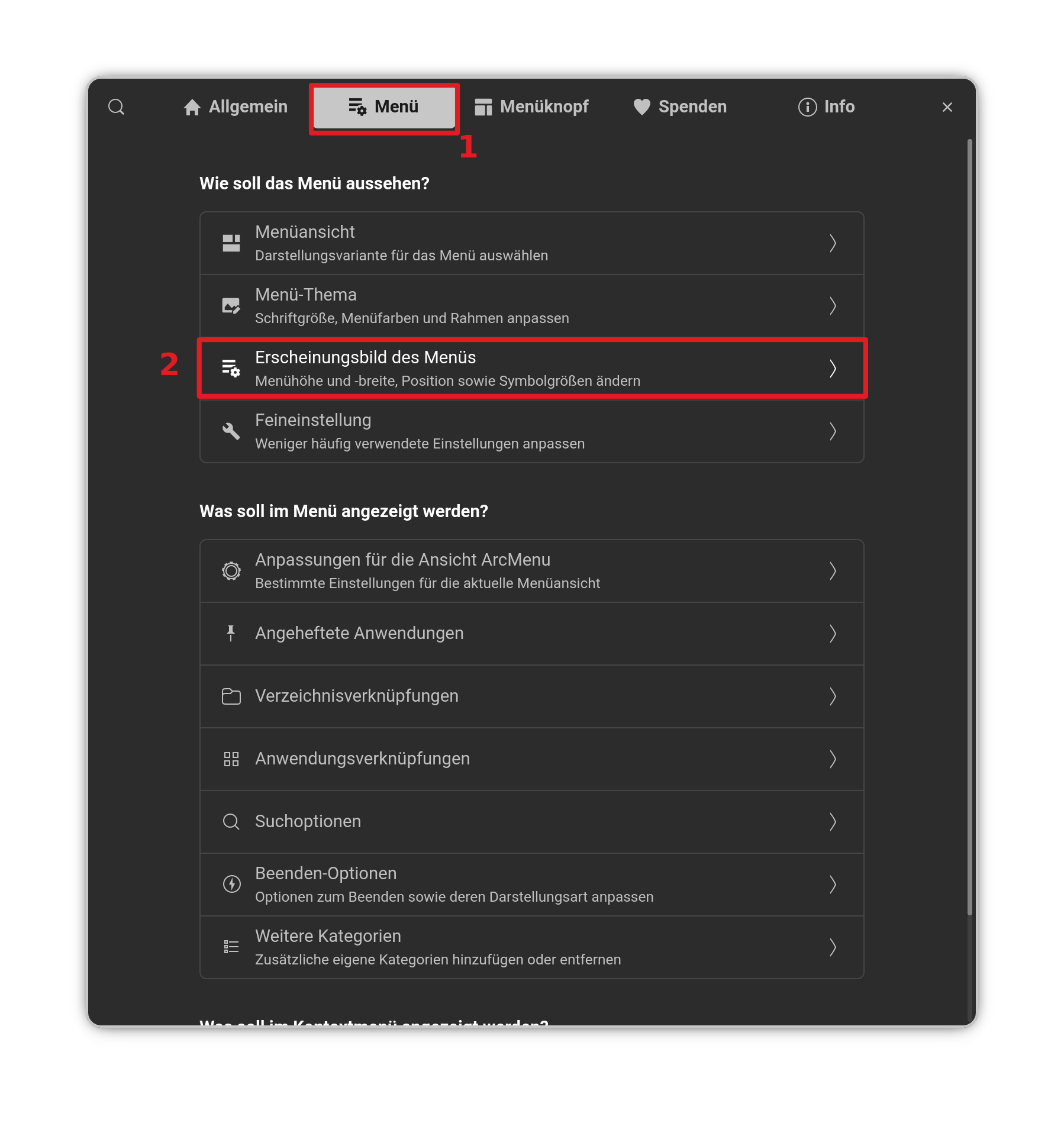
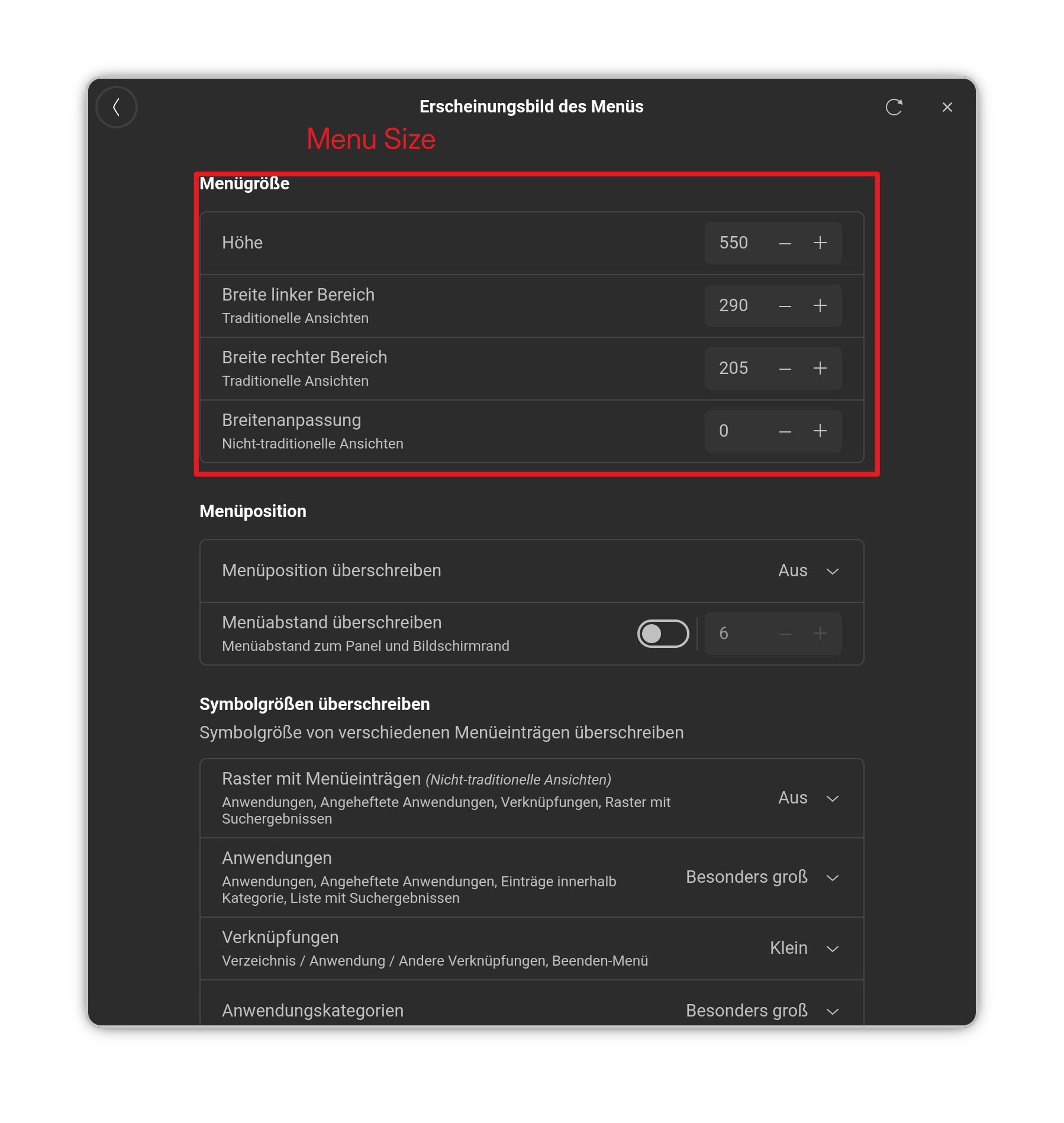
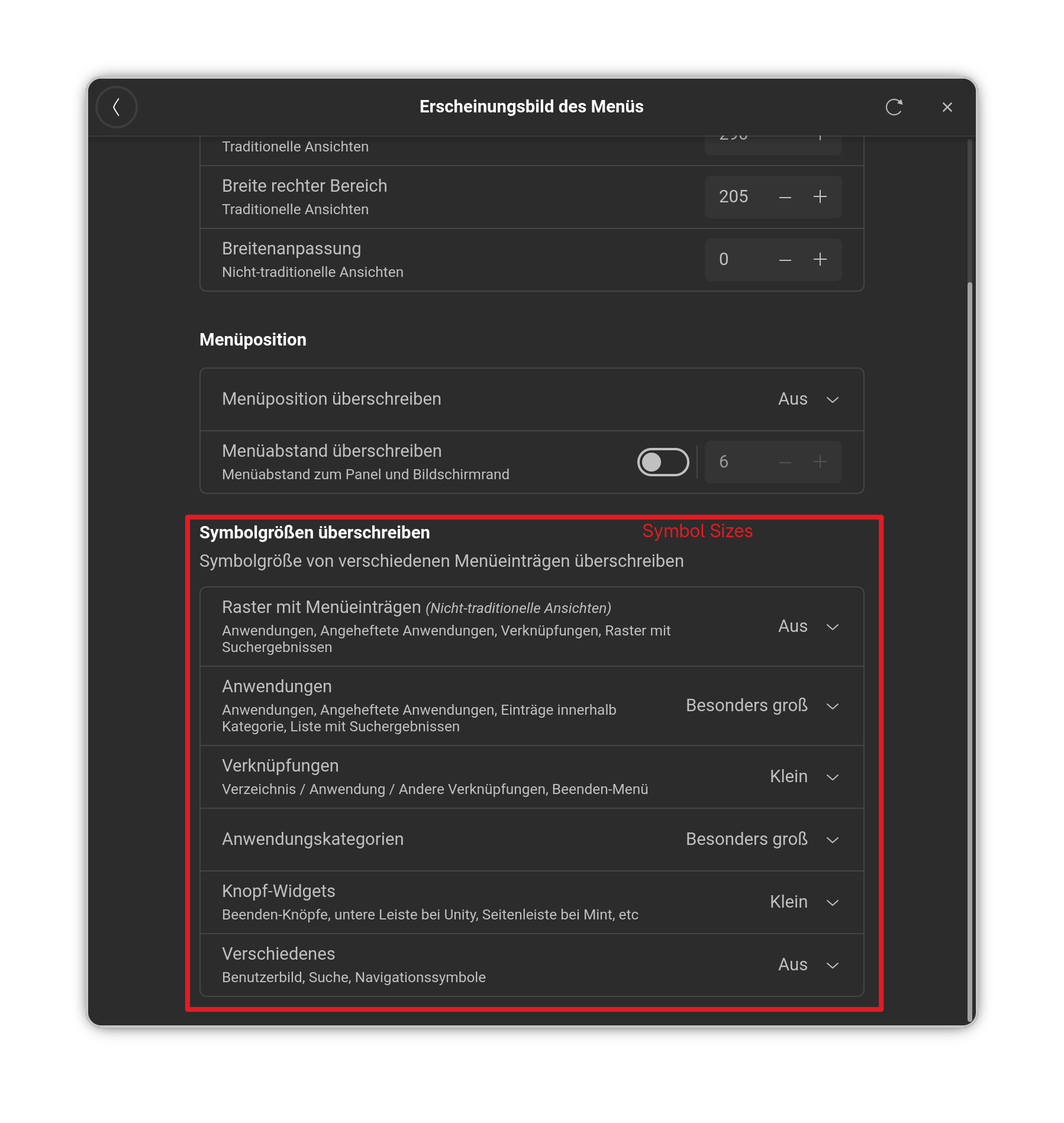
Yes, but then the Entries still have the same Size. and when the Menu shrinks but the Entries have still the same Size, You have to scroll more. You can set up the Size of them in the ArcMenu Settings on the Menu Tab:
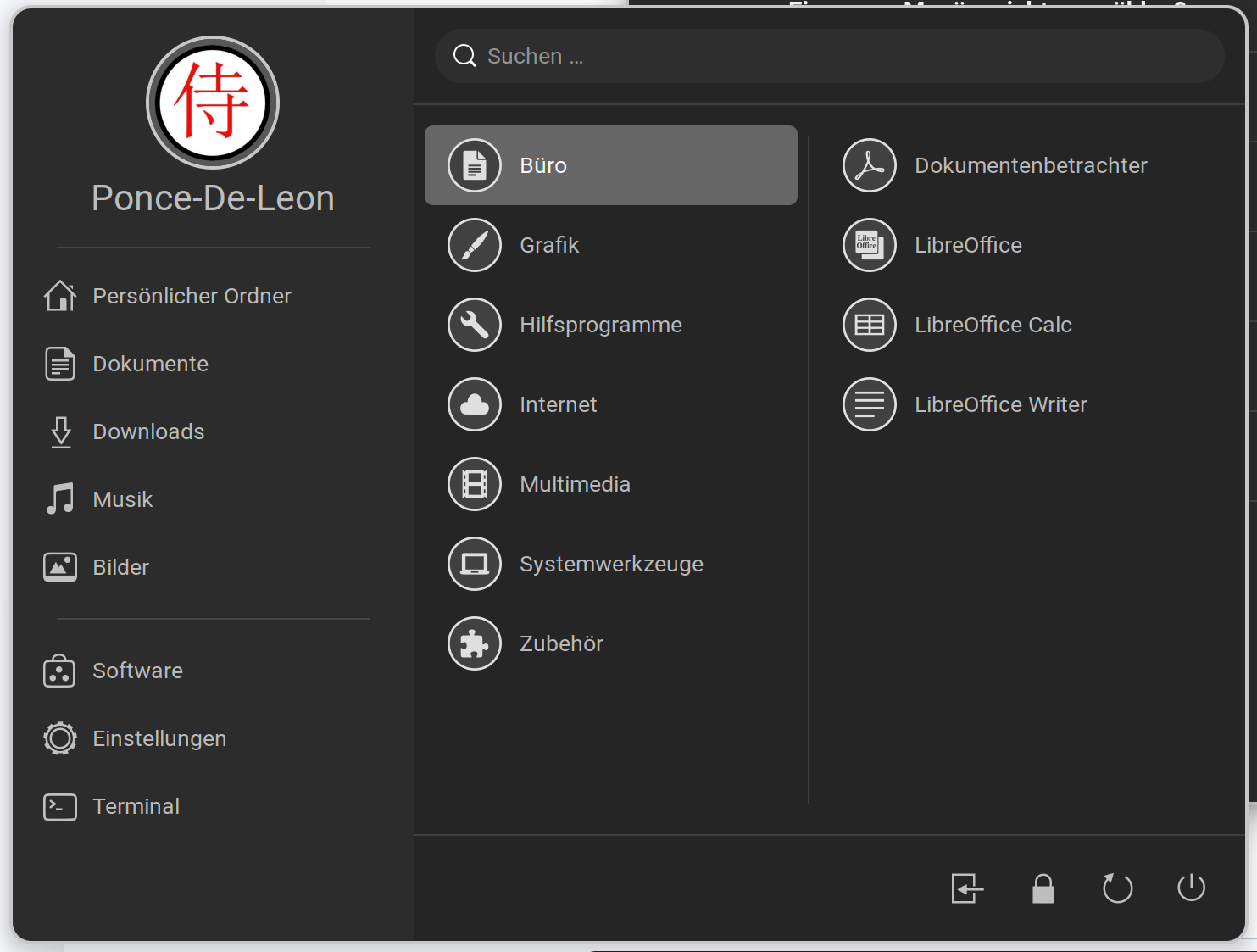
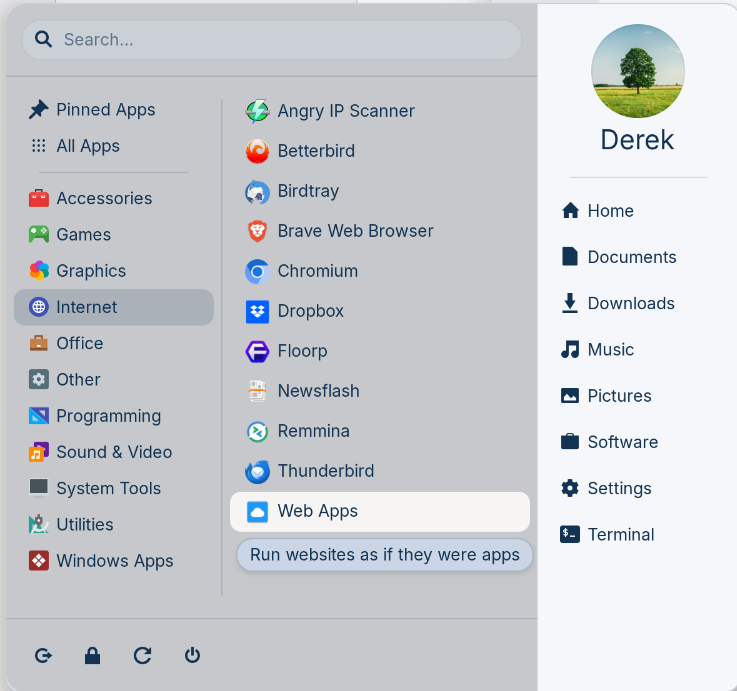
Thanks. I installed the ArcMenu extension and although it doesn't offer a vertical spacing option (as far as I can tell), it does offer a number of different Menu Layout options. I found that the Enterprise layout under the Modern Menu layouts works better for me. I especially like the fact that the top-level categories remain visible when I click the category. The vertical spacing between the category icons is slightly less than the Zorin menu.
While it doesn't offer all the functionality of the Zorin menu, it provides quicker access to the apps.
So for now I have 2 menu systems, each one offering something that meets my needs.
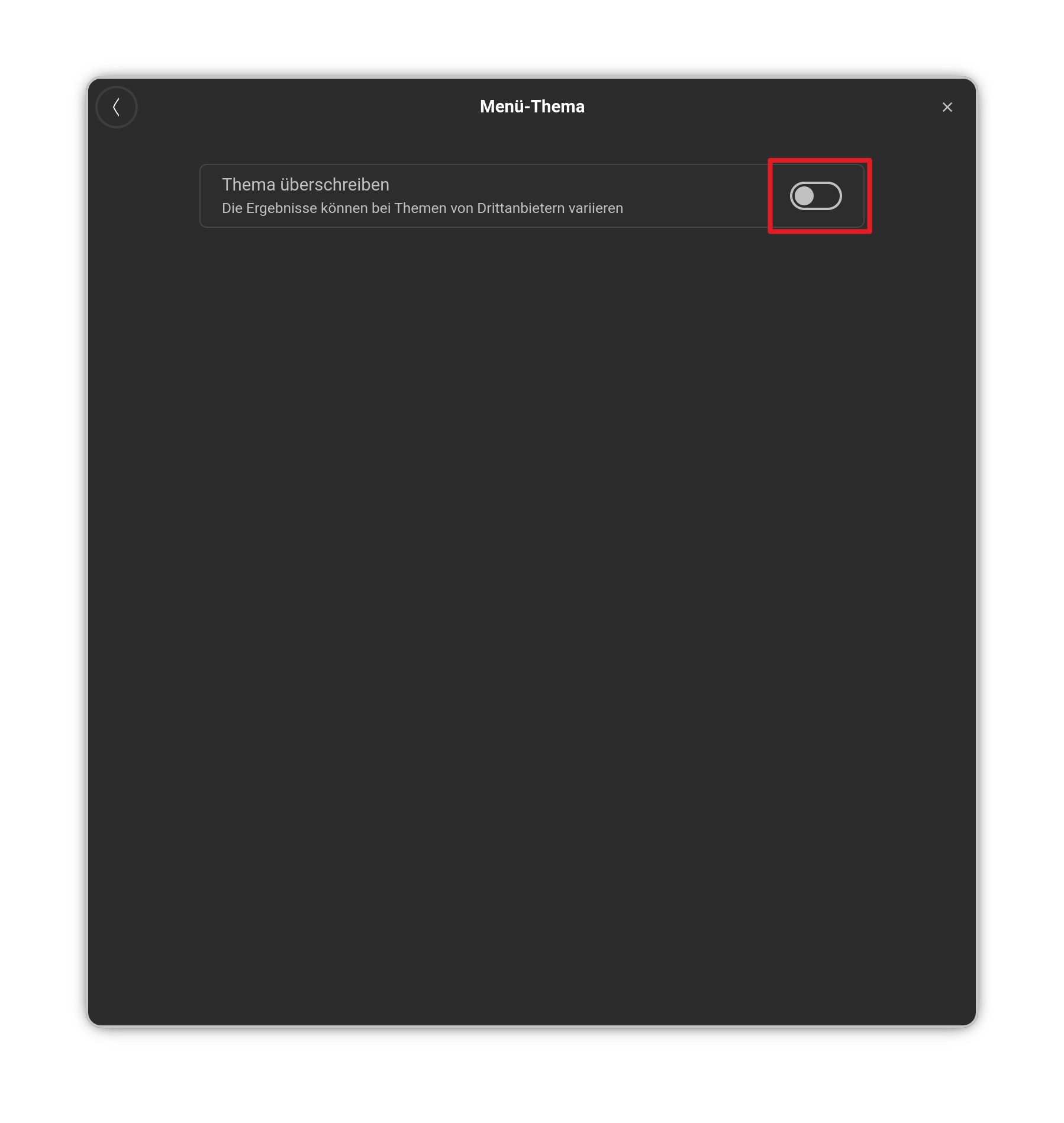
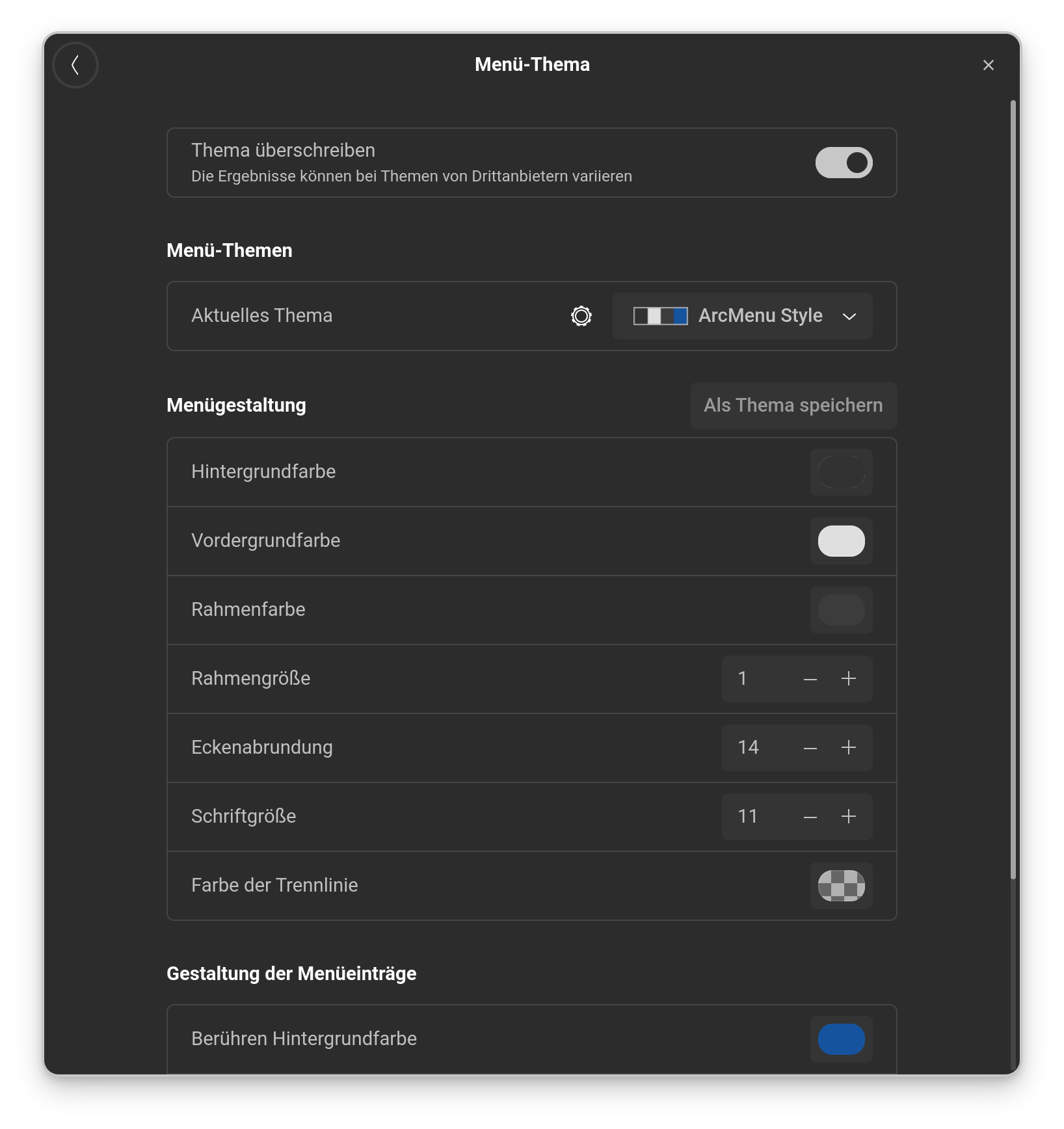
You can set up Colors. If it goes into Detail enough for You, I don't know. but You can try it. To get to the Color Settings, open the Settings of the Extension, go to the Menu Tab and there to Menu Theme. Activate the Toggle and the Color Settings appear:
I think I've tried every option but still haven't figured out how or where to change the main category area background (left area) from it's darkish gray color.
Change in line 249 the last value from 0.2 to a value you like, e.g. 0 or 0.05 or 0.1
and save the file.
You can display the line numbers when you click on the cogwheel in the topbar of the texteditor and enable the line numbers.
Logout and login again. I only tested it with "overwrite menu theme" disabled.