I've bought a new-to-me laptop that I want to run with Zorin as theonly OS on it. It has however a W11-installer on it, that seems to be still somewhat active.
My question is how to delete the W11-installer and configure all boot and security options so that installing and using zorin is not hampered by any w11-doings?
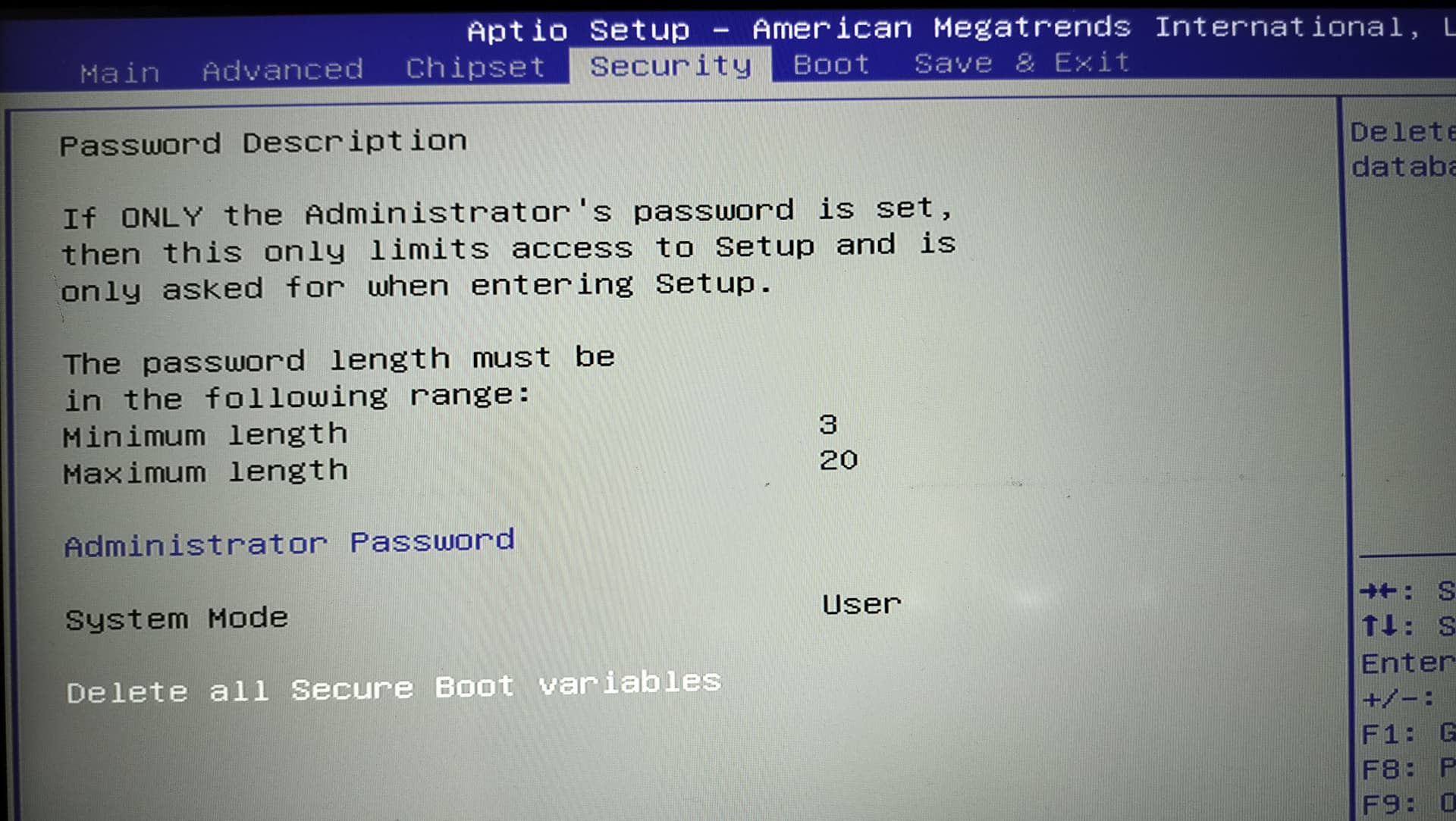
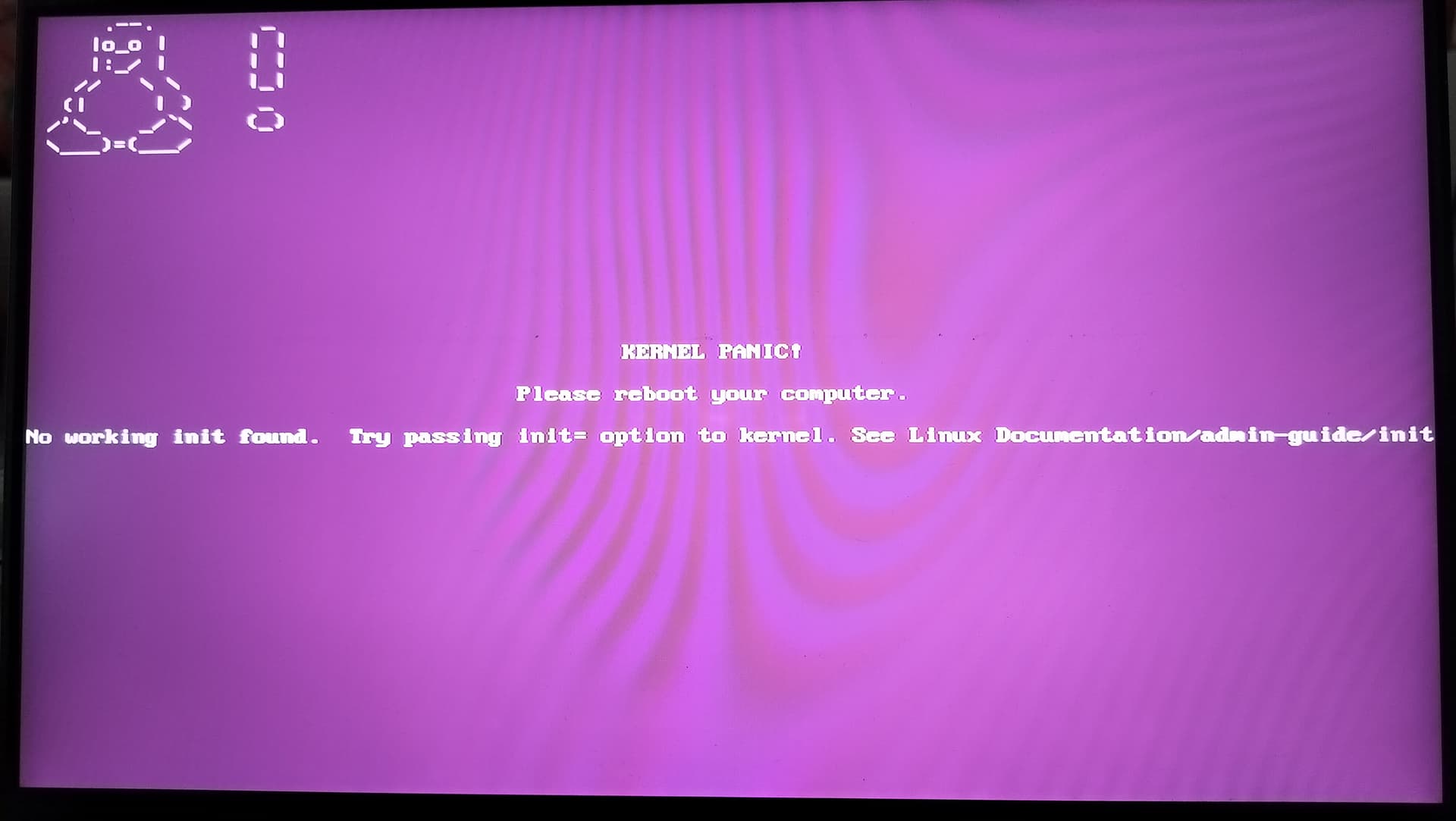
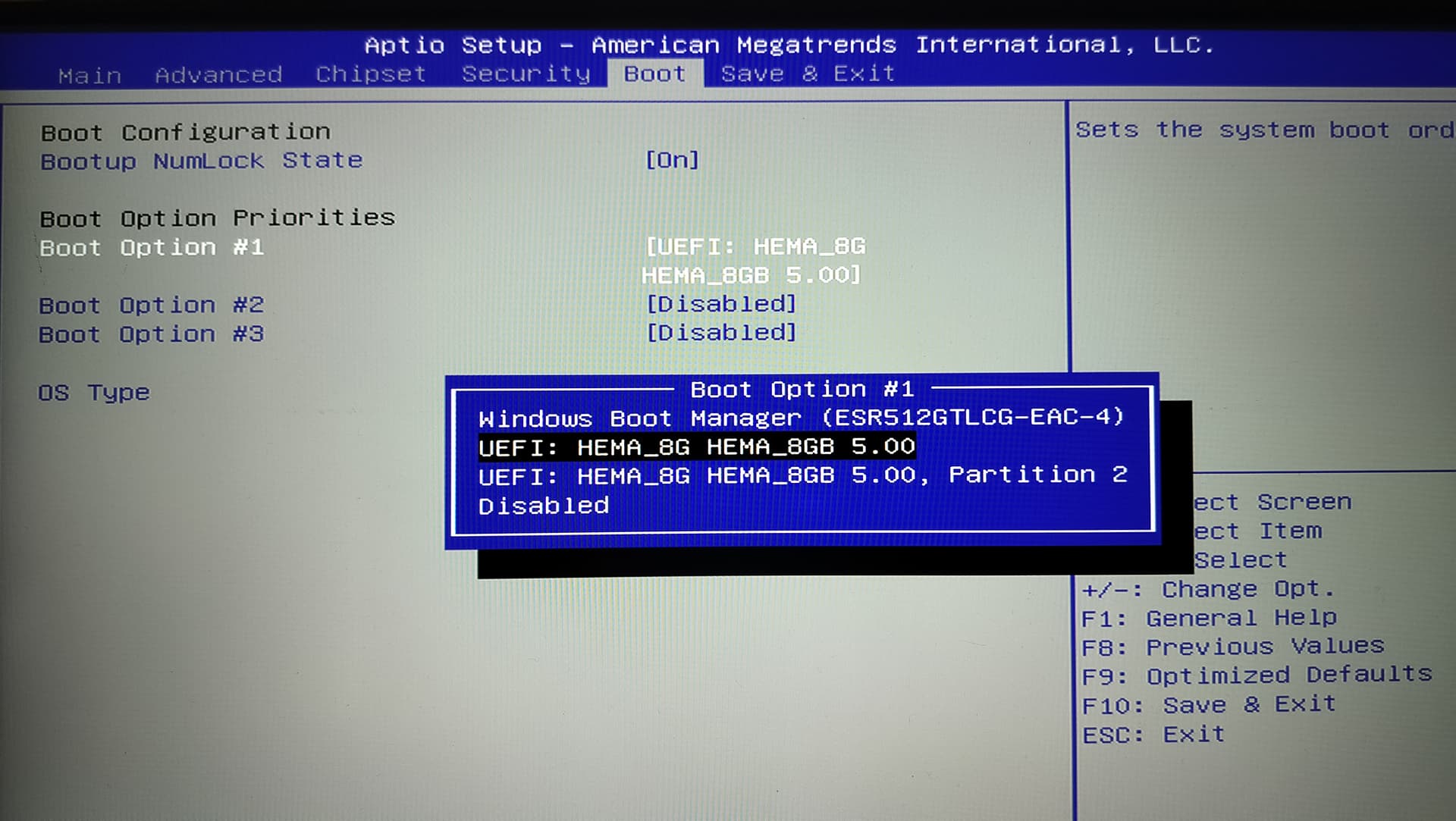
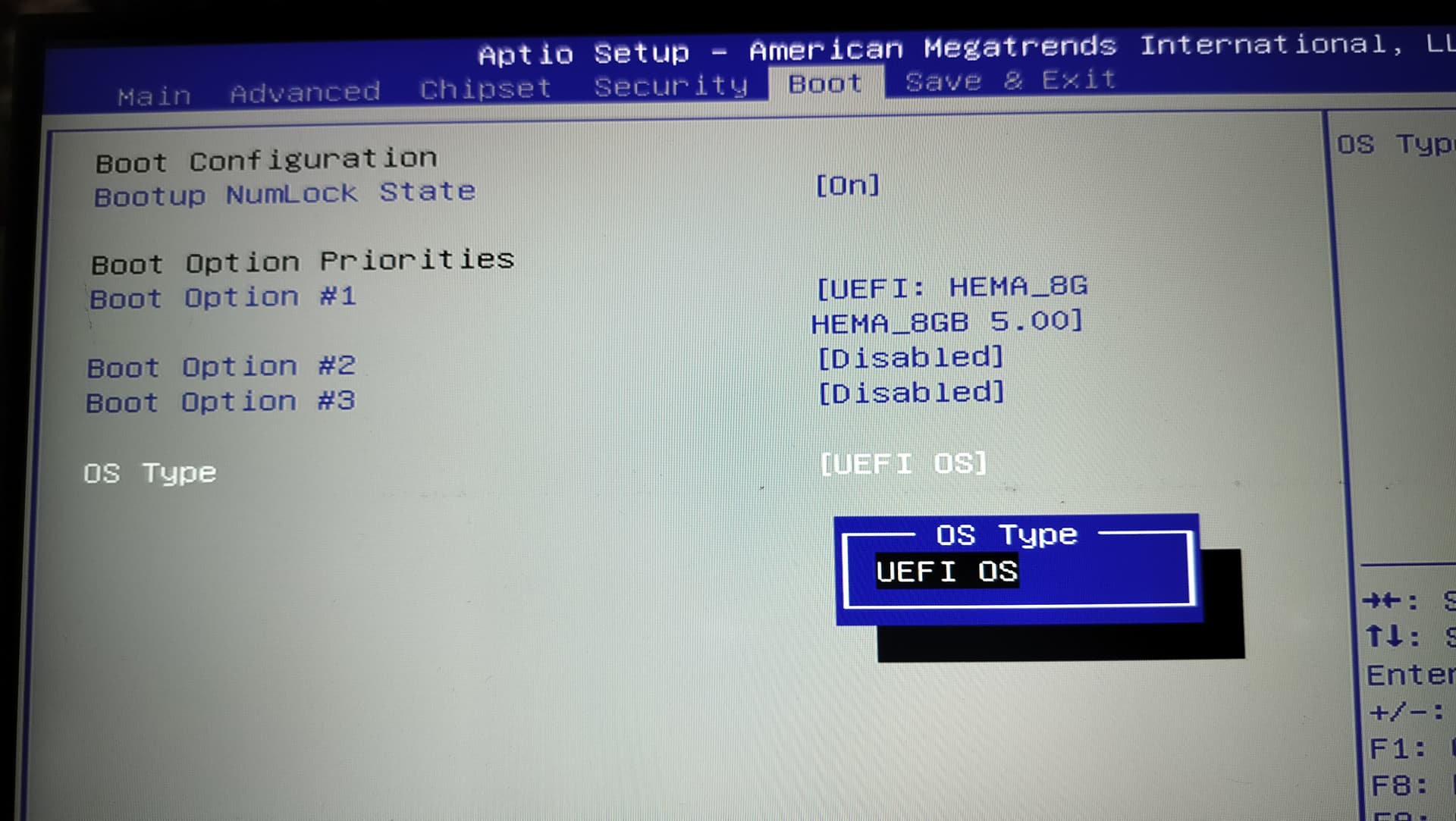
This prompt because you have deleted the Secure Boot Settings and it falled back to default. Let it disabled if possible or set it to something like ''Other OS''.
To install Zorin, I would recommend the Tool Rufus. It is unfortunately only for Windows. Not ideal, I know. But it is a really good Tool. Set it up with GPT on the Partition Sheme Option there to fit to Your UEFI BIOS. Don't forget to check the Checksum of the Zorin ISO. Then create the Bootstick and start it.
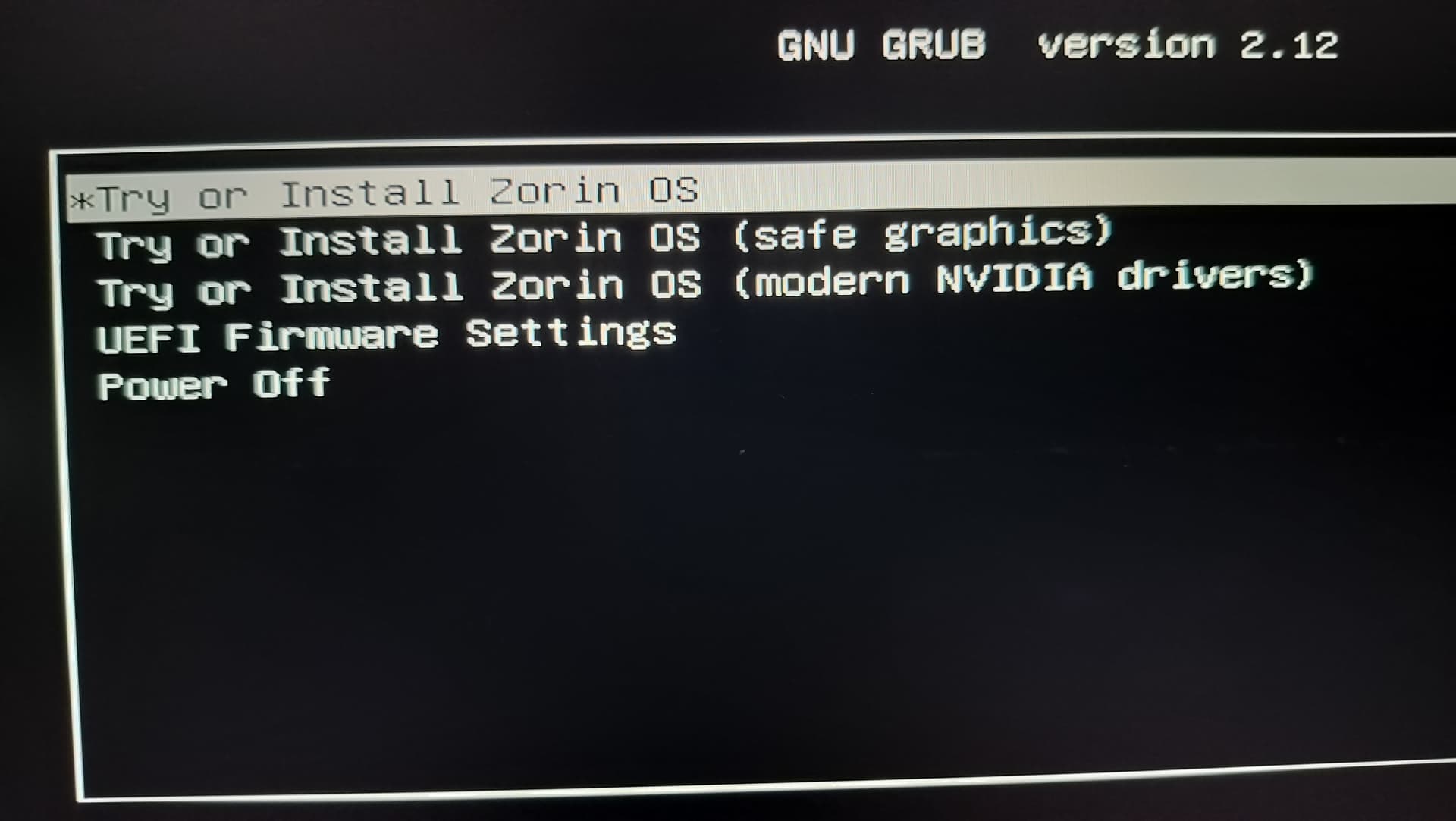
Choose ''Try Zorin'' to get in Live Mode. Look there for ''GParted'' and open it. delete every Partition and apply that. When they are deleted, start the Installation Process. Choose there ''Erase disk'' and let the Installer do the Work.
nah you dont need windows for the stick. rufus is just one path.
from any linux box (or once live zorin is up):
-balena etcher / ventoy
-or sudo dd if=Zorin-OS-*.iso of=/dev/sdX bs=4M status=progress conv=fsync (whole disk, not a partition)
once in Try Zorin:
-gparted → delete every partition on the internal drive (w11 installer / recovery / efi leftovers) → apply
-install → erase disk
secure boot leave Other OS or disabled like ponce said.
I only mentioned it because it is a good Tool to create a Bootstick. Windows doesn't have to do anything with it. It is a good Program - because of that I mentioned it. And when I understood You right, You still have Windows. Or not? If not, I misunderstood You. If You still have Windows, You can use it to create the Bootstick. I don't see a Problem with that.
When You want Alternatives for Linux (there will be a bit different but do the Job, too), I can give You Names, too:
Popsicle
Impression (Flatpak)
Gnome Multi Writer
Ventoy
Fedora Media Writer (Flatpak)
There are more but to give You some Examples, these should be enough.
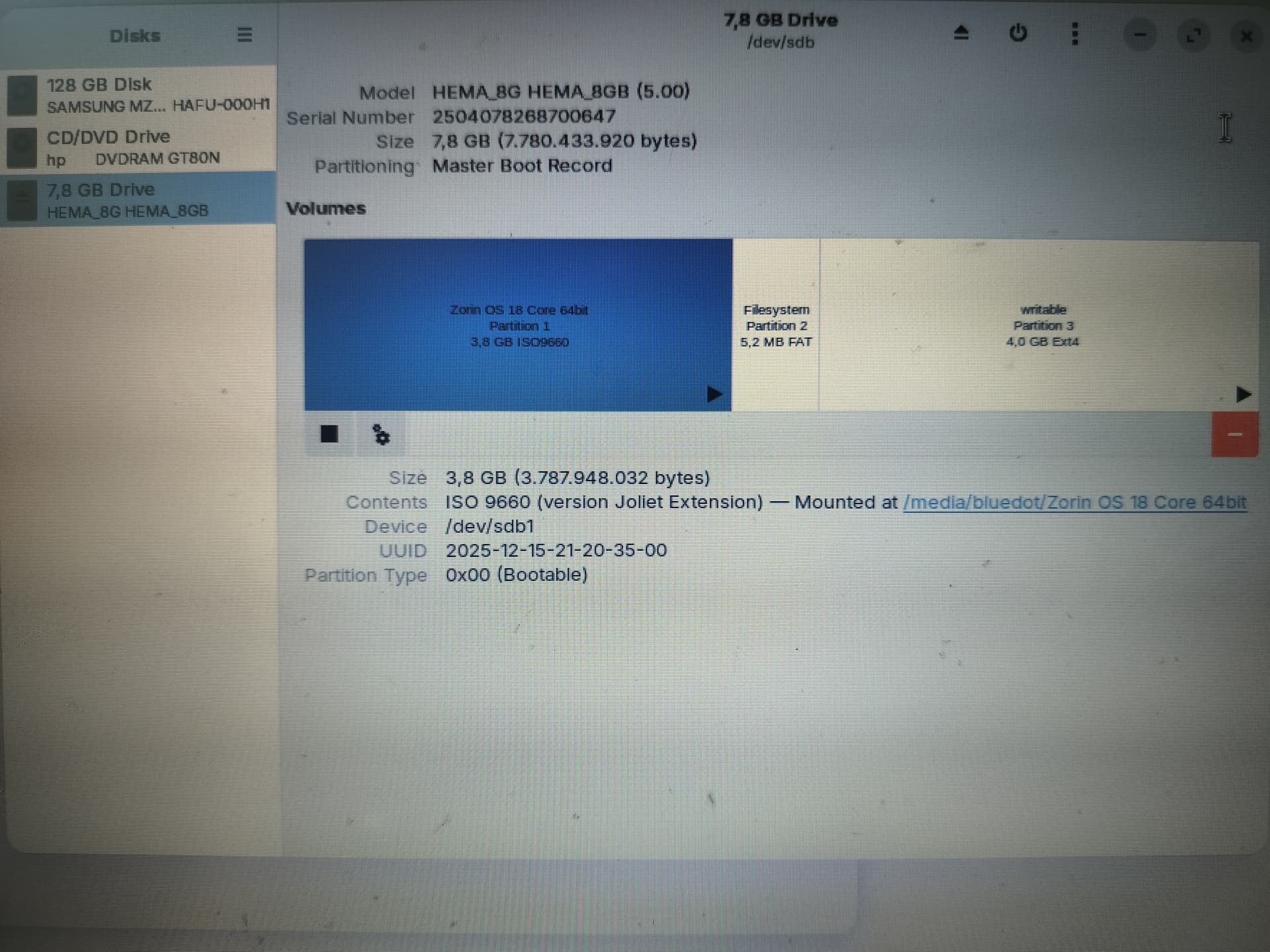
On the laptop W11 is not yet installed, but it's installer is.
I've created the Zorin-USB earlier this year using one of the recommended tools, can't recall which one exactly.
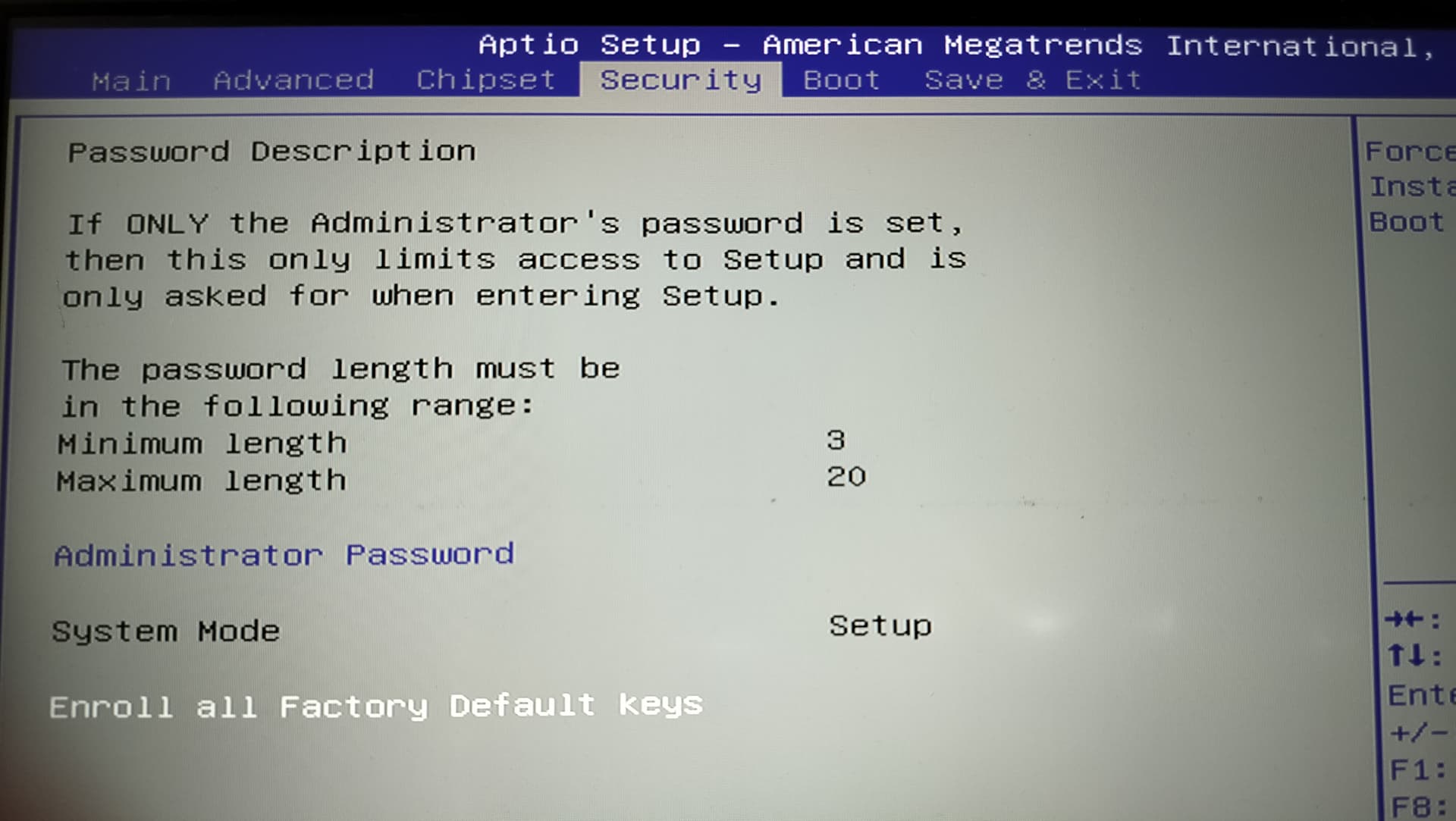
If secure boot is still enabled restoring keys does no good. somewhere in the bios is a way to either turn off secure boot or change what OS it trusts if latter then change it to other os
enroll factory keys only puts the microsoft/oem certs back. u still need the actual Secure Boot switch off (or Other OS) for that 0x1A stick.
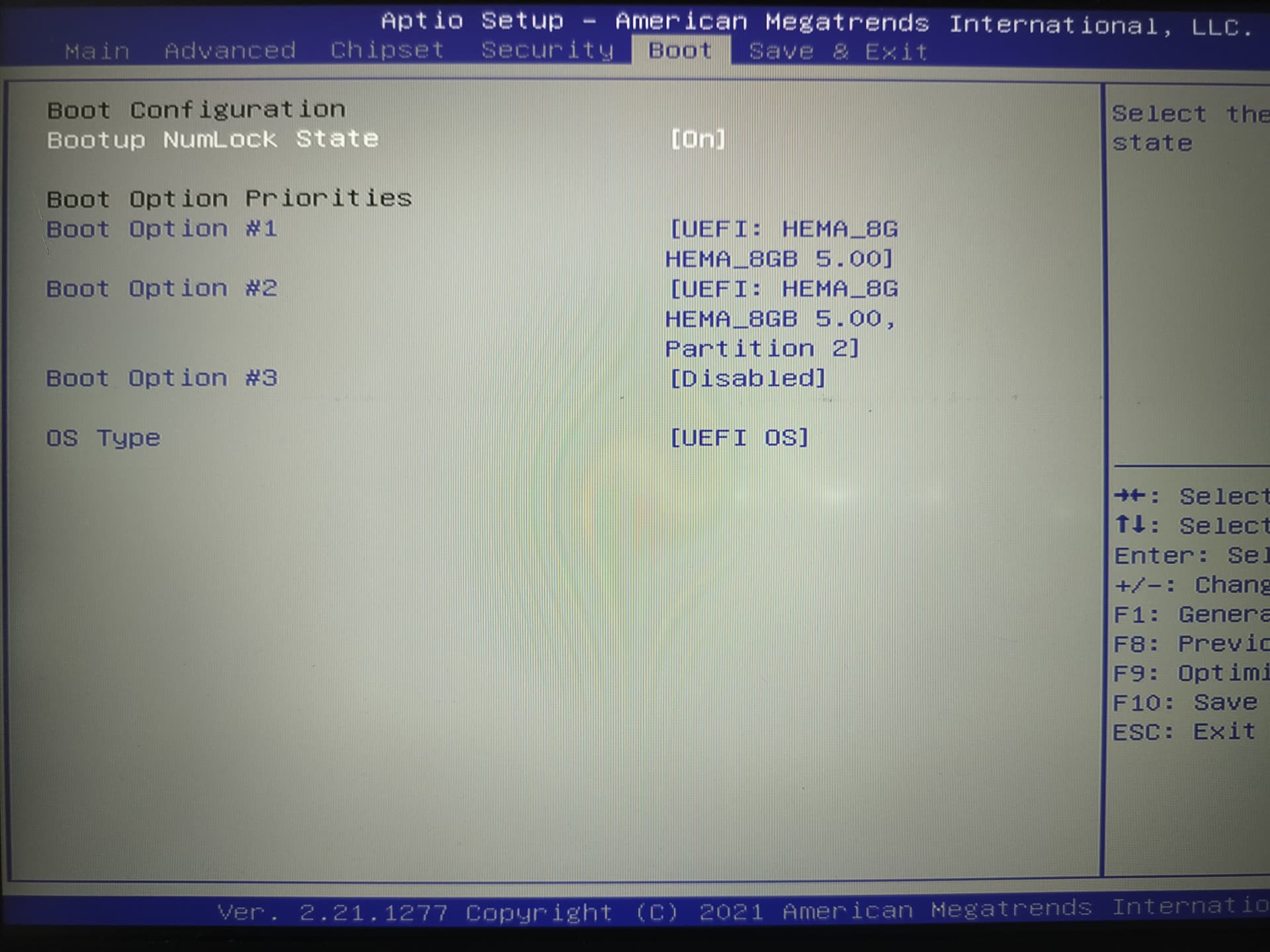
on a lot of ami boards its under Boot → Secure Boot → Secure Boot Control → Disabled. sometimes Security → Secure Boot → Disabled. the keys screen alone wont clear verification failed.
after SB is off, reboot to the zorin usb again. if it still 0x1A, remake the stick (rufus DD mode or balena) and try another usb port.
I don't know if it is relevant, but in earlier versions of Zorin (and I still advise it in the Unofficial Manuals) is to make sure your BIOS is up-to-date.
If it requires Windows to be able to do this there is a workaround by creating a Ventoy USB and download Hiren's Boot CD to place on the Ventoy USB (this worked for another Zorin Forum member not too long ago). I would also recommend Ventoy over Balena Etcher, as Ventoy contains it's own MOK util to enroll the Ventoy.efi in order to install your OS of choice.
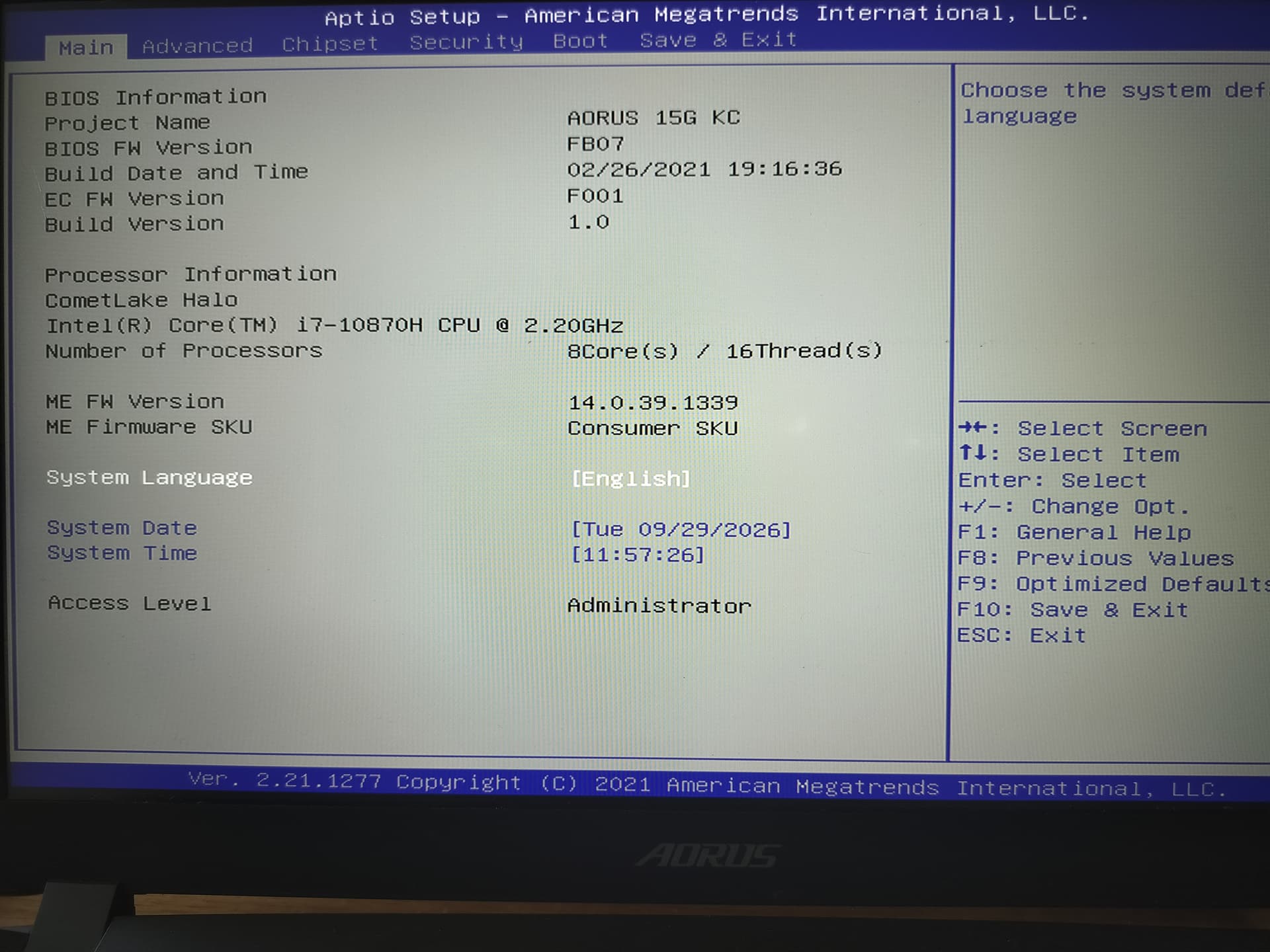
I don't know the board and have no idea why the BIOS is the way it is or what design it should have.
Good news is that I have the trial Zorin running. I think the newly configured Live USB made the difference. The setting is: BIOS - Security - Enroll all Factory Default keys (with System = Setup as a result), Zorin-splashscreen option 2 'Try or Install Zorin OS (safe graphics)'. Zorin-splashscreen option 1 'Try or Install Zorin OS' didn´t work; after 2 hours of no progress I killed it and went to option 2.
GParted runs, so my next step is to remove all windows-related items. FIrst step is to find that tutorial
That is relatively simple. In Live Mode, You open GParted. And then You see Your Drive with the Partitions. When You have more that one Drive, You have to select the right on the the upper right Corner from a Dropdown Menu. Then, You make a Right-Click on each Partition and choose to delete/remove it. Then press the Marker:
to make the Changes. Then everything is deleted. Start the Installation Process and choose the Option ''Erase disk'' and let the Installer install the System.
Quick update:
I've repartitioned and installed zorin, and that runs.
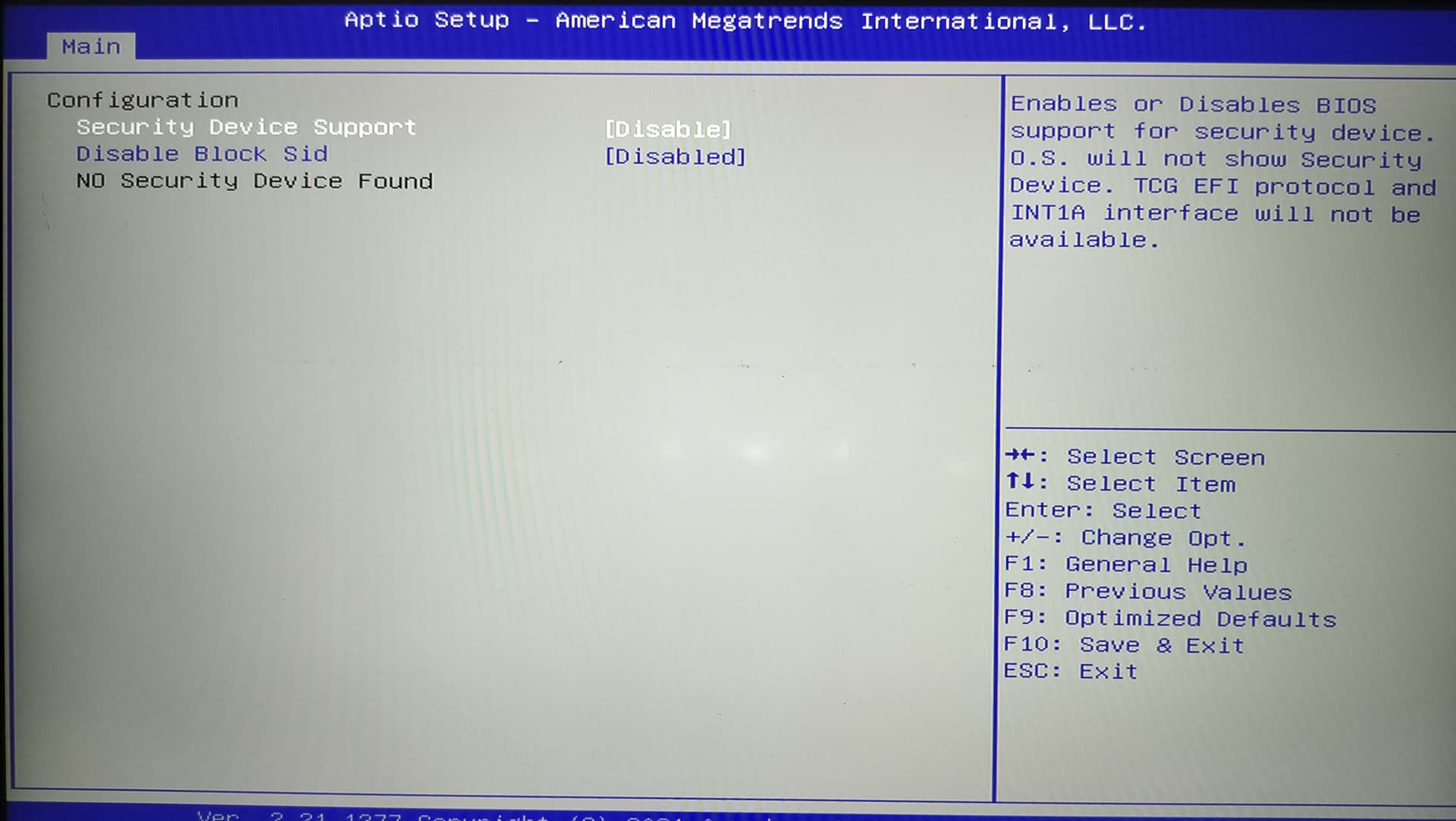
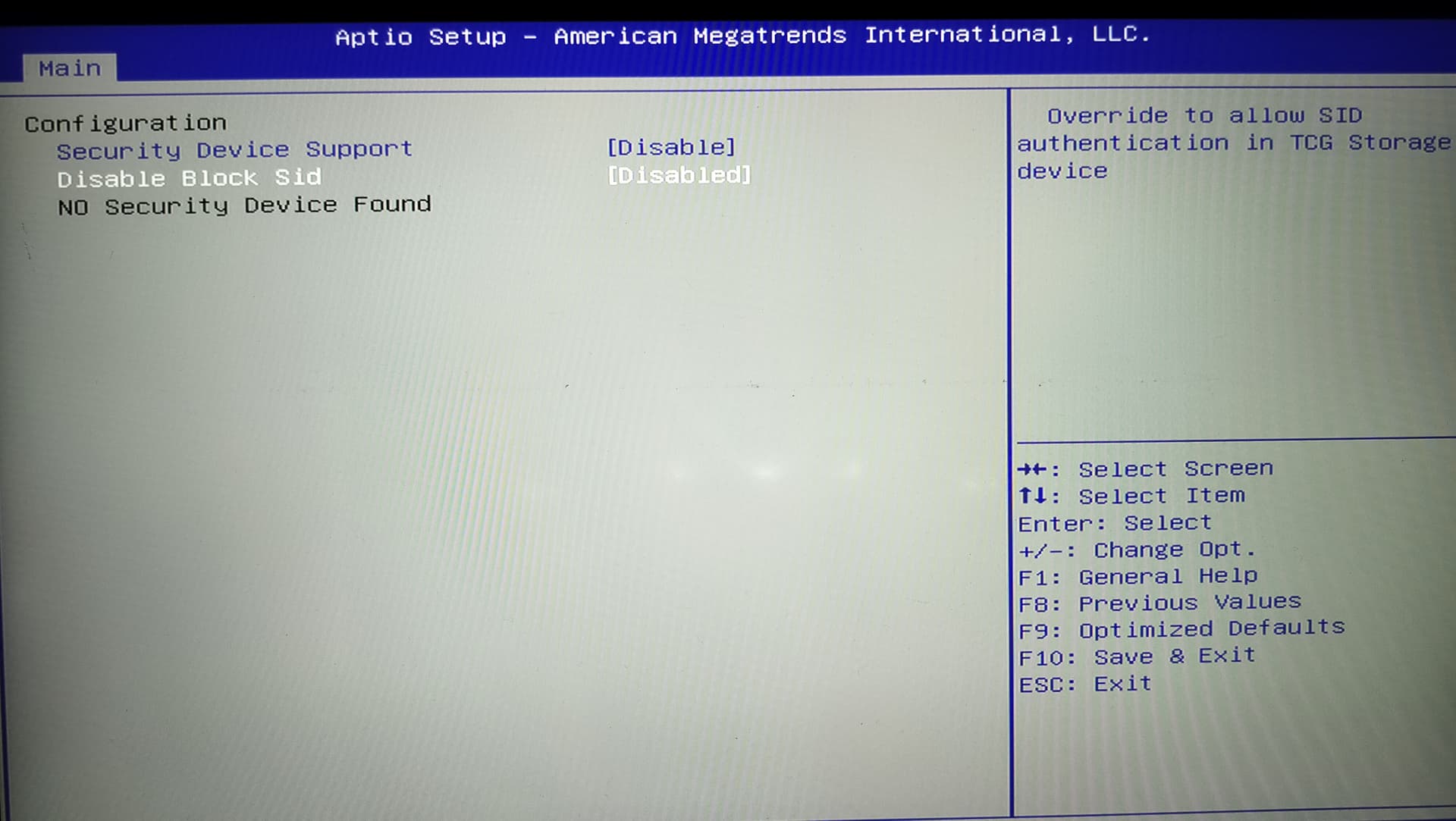
The wifi-icon however doesnt show in the right hand corner. Connected by cable, I asked chatgtp how to solve. After many tests, from live usb, from installed zorin and in bios, the hypothesis is that it might be bios settings regarding wifi. Chat's summary is several pages long...
Stopped and watched a movie on the laptop, worked
To be continued.