I am planning to sell or give away an old computer and want to make sure the personal files stored on the hard drive cannot be recovered later.
Simply deleting files and emptying the Recycle Bin does not seem enough because deleted data may still be recoverable with data recovery software. I also do not want to leave old documents, photos, browser data, or other personal information on the drive.
What is the safest way to securely erase an entire hard drive so that the previous data cannot be easily recovered?
I am looking for a method that can permanently erase the drive rather than just deleting individual files. If there are any recommended tools or steps for securely wiping an HDD before selling, donating, or disposing of an old computer, please share them.
I would also like to know whether the recommended method is different for HDDs and SSDs.
Hi and welcome.
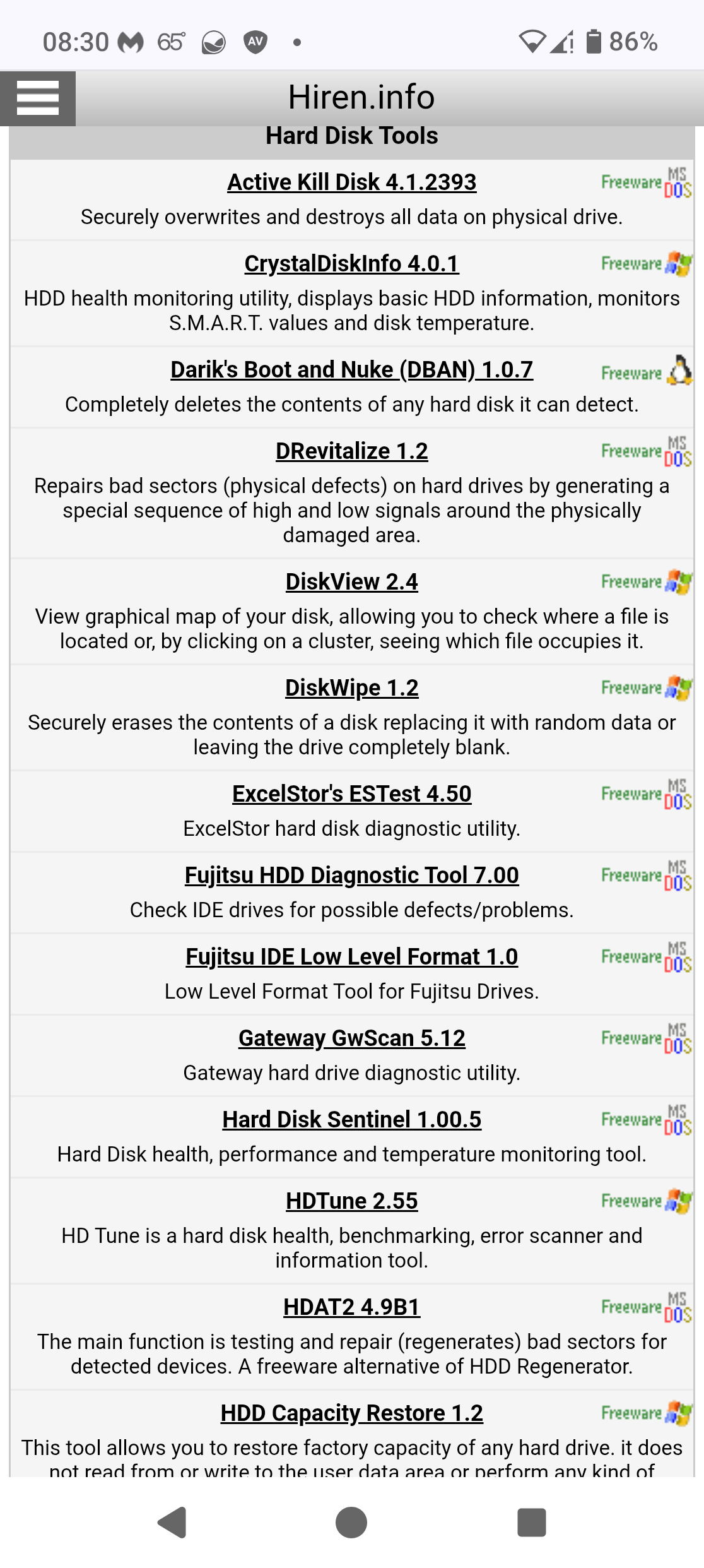
I would recommend you create a Ventoy USB, download Hiren's Boot CD, boot off of that and look in the hardware tools section. I think the standardard one is Darik's Boot And Nuke (DBAN):
I would also take a look here:
hirens/dban is fine for spinning disks. ssd is different tho
from a zorin live usb:
-lsblk -d -o NAME,SIZE,MODEL,ROTA,TRAN
ROTA=1 is hdd, ROTA=0 is ssd/nvme
hdd:
-sudo apt install nwipe
-sudo nwipe /dev/sdX
(or sudo shred -v -n 1 /dev/sdX)
ssd/nvme:
-sudo blkdiscard -f /dev/nvme0n1
(or sudo nvme format /dev/nvme0n1 --ses=1 if nvme-cli is there)
dont shred an ssd, just wears it and still can miss remap areas. double check the device name b4 u start.
Welcome to the Forum!
For something like this, You would need a Solution who overwrites the whole Drive several times. When You have a SSD this Procedure is ... a difficult Situation because of the limited Amount of Red/Write Processes. On an HDD this is not such a big Issue.
@nite_route and @Ponce-De-Leon
That is why I included that Blog post on SSD erasure. 
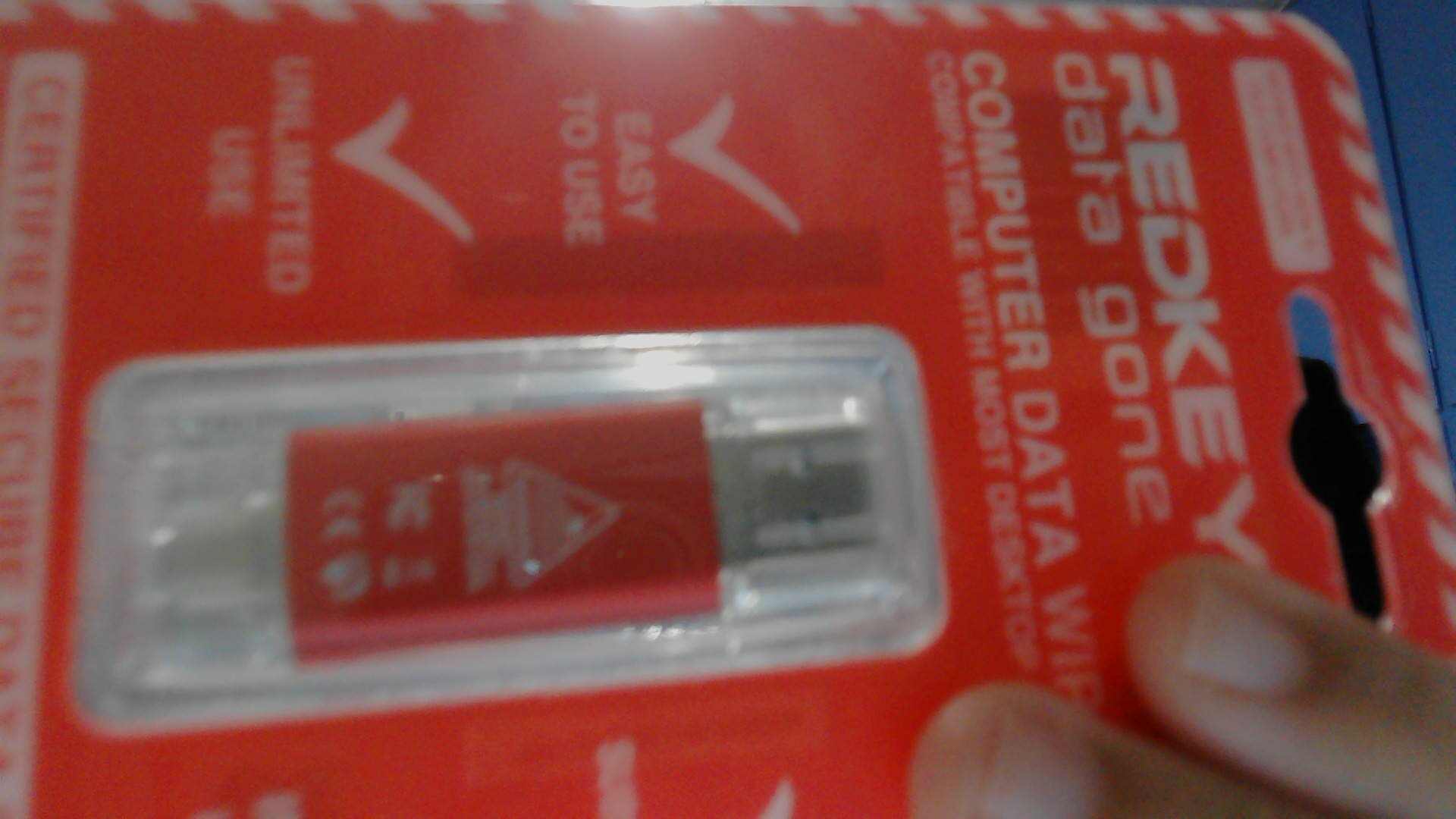
My personal solution (although pretty expensive)