I don't know anything about this hardware stuff, but it seems weird that the laptop is so slow to even load any iso from the USB. When win10 is immediate. !!?
different USB and diff file, I suppose.
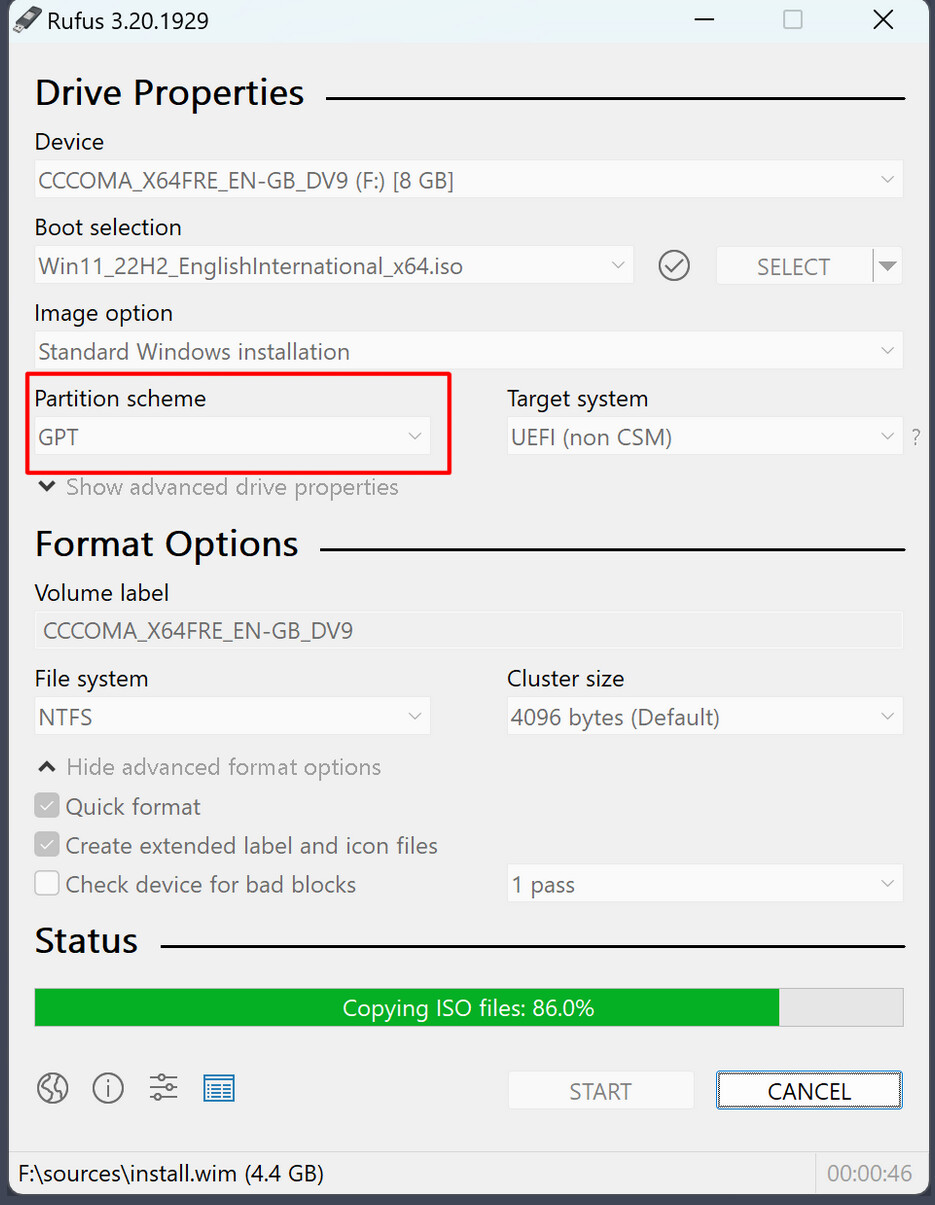
If You still have a Windows Installation. I would sugguest to use Rufus to create the bootable USB Stick.
On the Option ''Partition Sheme'' use GPT because You have an UEFI BIOS:
Hi there
Thanks for your reply. That is the setting I used. The desktop I have is also gpt and i have used the same usb for this laptop.
Cheers CD
hi there
OMEN-by-HP-Laptop:/home/zcdadmin# nvidia-smi
Command 'nvidia-smi' not found, but can be installed with:
apt install nvidia-utils-510 # version 510.60.02-0ubuntu1, or
apt install nvidia-utils-510-server # version 510.47.03-0ubuntu3
apt install nvidia-utils-390 # version 390.157-0ubuntu0.22.04.2
apt install nvidia-utils-418-server # version 418.226.00-0ubuntu5~0.22.04.1
apt install nvidia-utils-450-server # version 450.248.02-0ubuntu0.22.04.1
apt install nvidia-utils-470 # version 470.256.02-0ubuntu0.22.04.1
apt install nvidia-utils-470-server # version 470.256.02-0ubuntu0.22.04.1
apt install nvidia-utils-535-server # version 535.261.03-0ubuntu0.22.04.1
apt install nvidia-utils-550-server # version 550.163.01-0ubuntu0.22.04.1
apt install nvidia-utils-570 # version 570.172.08-0ubuntu0.22.04.1
apt install nvidia-utils-570-server # version 570.172.08-0ubuntu0.22.04.1
apt install nvidia-utils-580-server # version 580.65.06-0ubuntu0.22.04.1
apt install nvidia-utils-535 # version 535.247.01-0ubuntu0.22.04.1
apt install nvidia-utils-545 # version 545.29.06-0ubuntu0.22.04.2
apt install nvidia-utils-550 # version 550.163.01-0ubuntu0.22.04.1
apt install nvidia-utils-565-server # version 565.57.01-0ubuntu0.22.04.4
apt install nvidia-utils-580 # version 580.65.06-0ubuntu0.22.04.4
cheers CD
Which driver is shown as used at Software&Updates >Additional drivers?
Which graphics drivers are offered?
The output of the terminal sounds to me as if no proprietary nvidia driver is installed or used.
HI there
I have installed this extension, where do I go from there?
Which "shell version"
cheers CD
Do you have installed gnome extension manager? With it you can manage your extensions and install new extensions. Choose gnome shell 43 there when downloading an extension.
Or you go to settings>extensions to go to the settings of this extension.
Hi there
I don't know what to do, install isn't happening for me.
Laptop:/home/zcdadmin/Downloads/5.4# ls
BACKERS.md cpufreq-preferences LICENSE
common cpufreq-service metadata.json
convenience.js data prefs.js
cpufreq-application extension.js README.md
cpufreqctl fonts schemas
cpufreq-indicator INSTALL.md stylesheet.css
cpufreqkonkor.v54.shell-extension.zip konkor.cpufreq.policy
root@zcdadmin-OMEN-by-HP-Laptop:/home/zcdadmin/Downloads/5.4#
Laptop:/home/zcdadmin/Downloads/5.4# sudo /INSTALL
sudo: /INSTALL: command not found
root@zcdadminLaptop:/home/zcdadmin/Downloads/5.4# sudo /INSTALL.md
sudo: /INSTALL.md: command not found
cheers CD
You don't need the terminal to do this, also not the github site.
Install gnome extension manager as described on the linked Zorin help site. Then open gnome extension manager and browse for this gnome extension. Then select shell 43 and click on install.
Sorry, I can't help you with the manual download, I've never done it this way, just always used extension manager.
Edit: Here is a guide for manual install of extensions. But with gnome extension manager it is much easier:
I suspect your CPU is running only on a quarter, or less, of its performance.
You're saying,
- it's slow to get to the bootloader (with seconds count),
- it's slow when you're in Zorin,
- it's also slow with the rather lightweight Xubuntu,
Here are videos of Zorin on Celeron N4xxx, very slow, if not slowest CPUs around, listed in this specific post ( Disappointed with Zorin Core to save old PC (4 GB RAM way insufficient) - #26 by cc_spicuous @ September 20, 2025)
If you need something snappy and fast, I only know from the list of small distros that Puppy Linux is even smaller, between 300MB to 700MB, fits into RAM and is snappy on computers from the 2000s, just as live system. I think, it's good for using old hardware. Try the older, smaller 2019 version first. It's based on Ubuntu, so you can use command lines, like apt etc.
Puppy DLs
2019
Index of /puppylinux/puppy-bionic/bionicpup64/ (“Puppy Linux” 2019 @ September 5, 2025)
2025
Index of /puppylinux/puppy-bookwormpup/BookwormPup64/10.0.10/ (“Puppy Linux” 2025 @ September 10, 2025)
Hi there
I was mixing up Brave 'extensions' with Gnome 'extensions'. sorry, this all new to me.
cheers CD
No problem! I felt the same few months ago.
1 Like
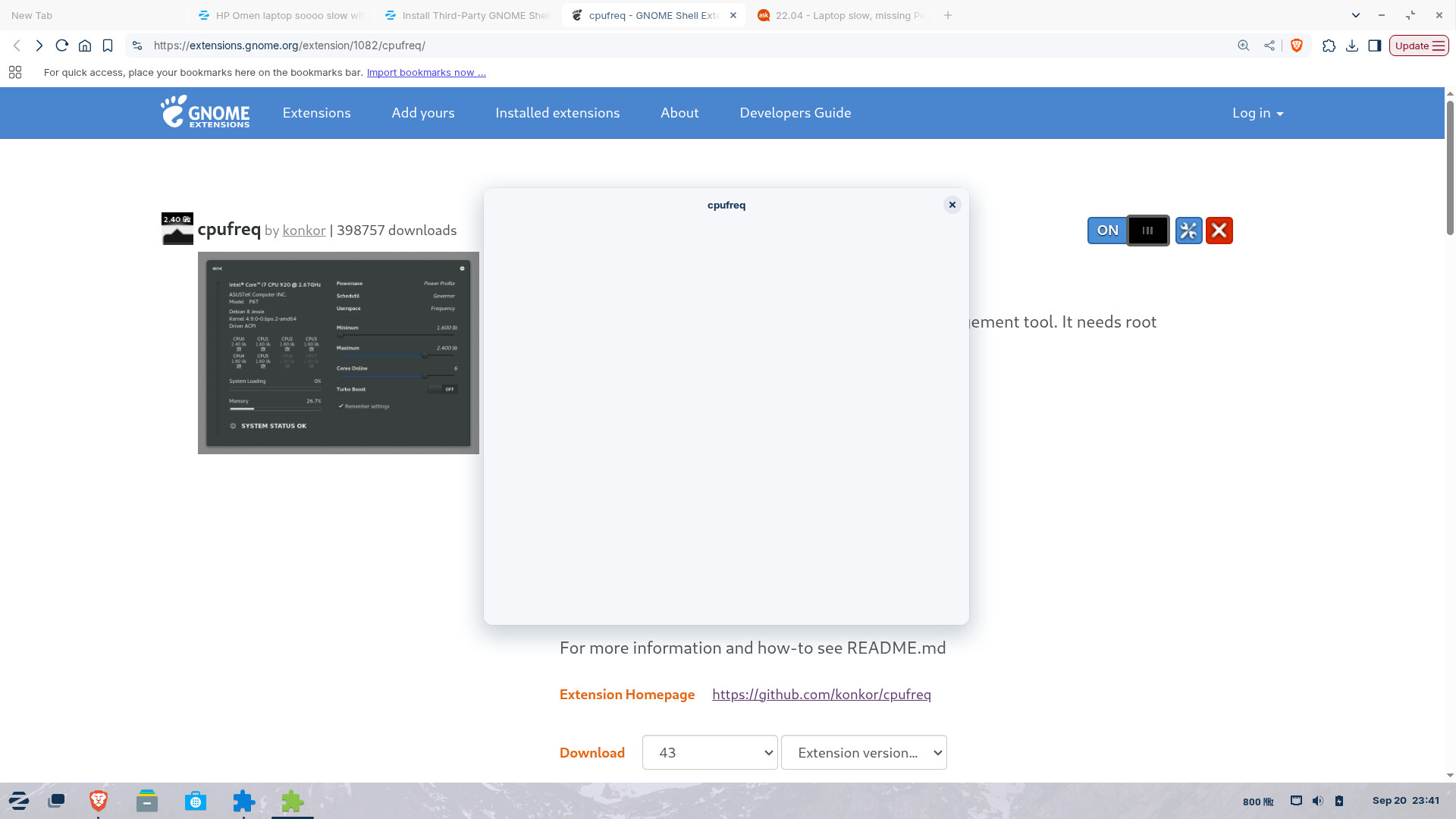
wait, something has just happened. it's become snappy all of a sudden.!!!!
Explain what you did.
I don't understand, the booting up is still slow = over a minute, and going from the grub to the login still slow = 20 secs, but once zorin is open it is how it should be.!?
youtube plays immediately
libre writer about 2 secs
weird stuff
how can I measure/demonstrate how it is working now?
Also select the extension version to the right of the shell version. I would take the later one 54.
You can take a screen recording.
Hi there, yep I know about that but it won't show how slow it is outside.
I could video it on my phone OR is it considered the task done.?
cos performance wise inside Zorin is now real, as good as I expected.
weird but ....