The videos in HP Omen laptop soooo slow with core - #30 by cc_spicuous do show how slow old laptops are before and within Zorin, we can imagine and see it.
The question is: What did you do!?
The videos in HP Omen laptop soooo slow with core - #30 by cc_spicuous do show how slow old laptops are before and within Zorin, we can imagine and see it.
The question is: What did you do!?
sorry - edited
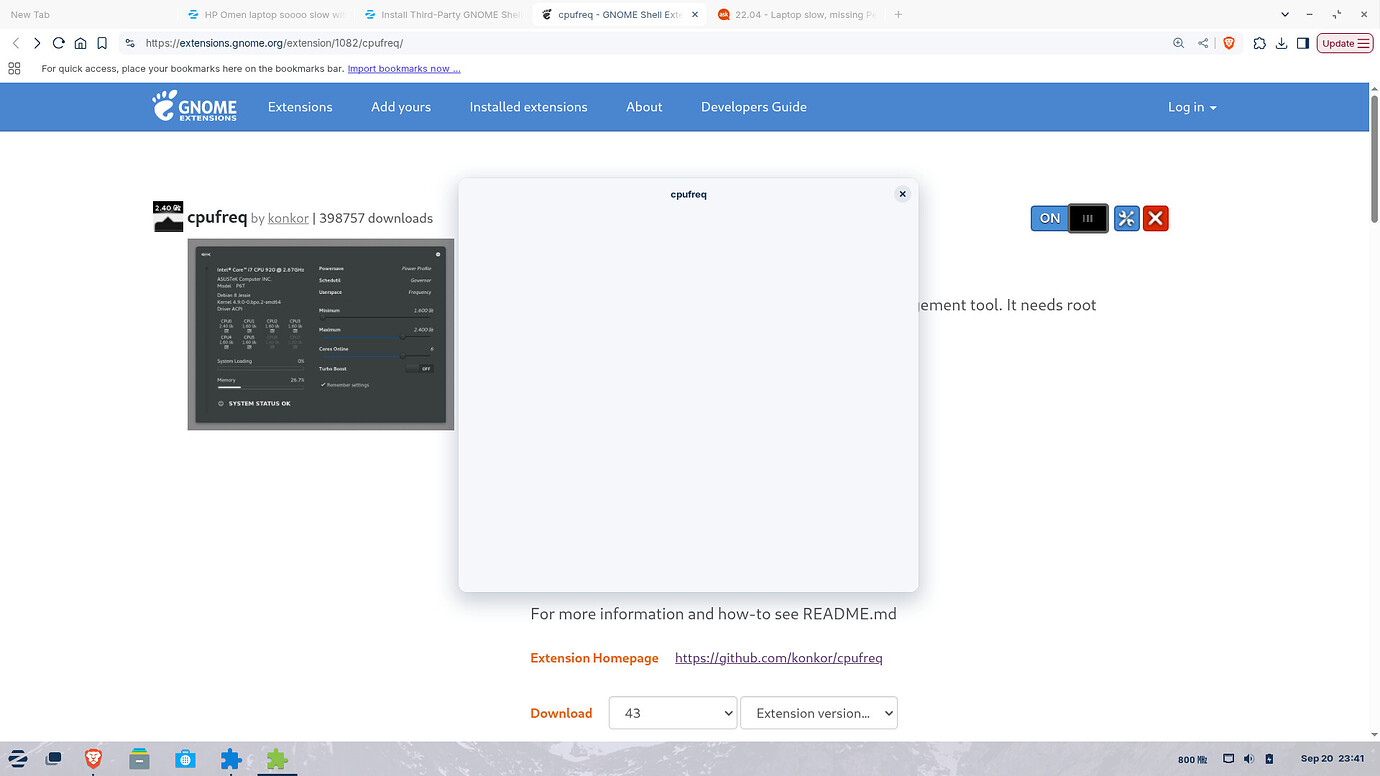
It changed after I opened the cpufreq window which was blank.
Hang on, I spoke too soon.
A biggie app like OBS doesn't open
I'll try a differernt version of the cpufreq extension, to see if it will display the details.
Did you also select the extension version to the right of the shell version? On your screenshot it is not selected. I'd take the later 54.
yes I did but I will remove and start again.
I found another called "Freon"?
cheers CD
It does not regulate the cpu.
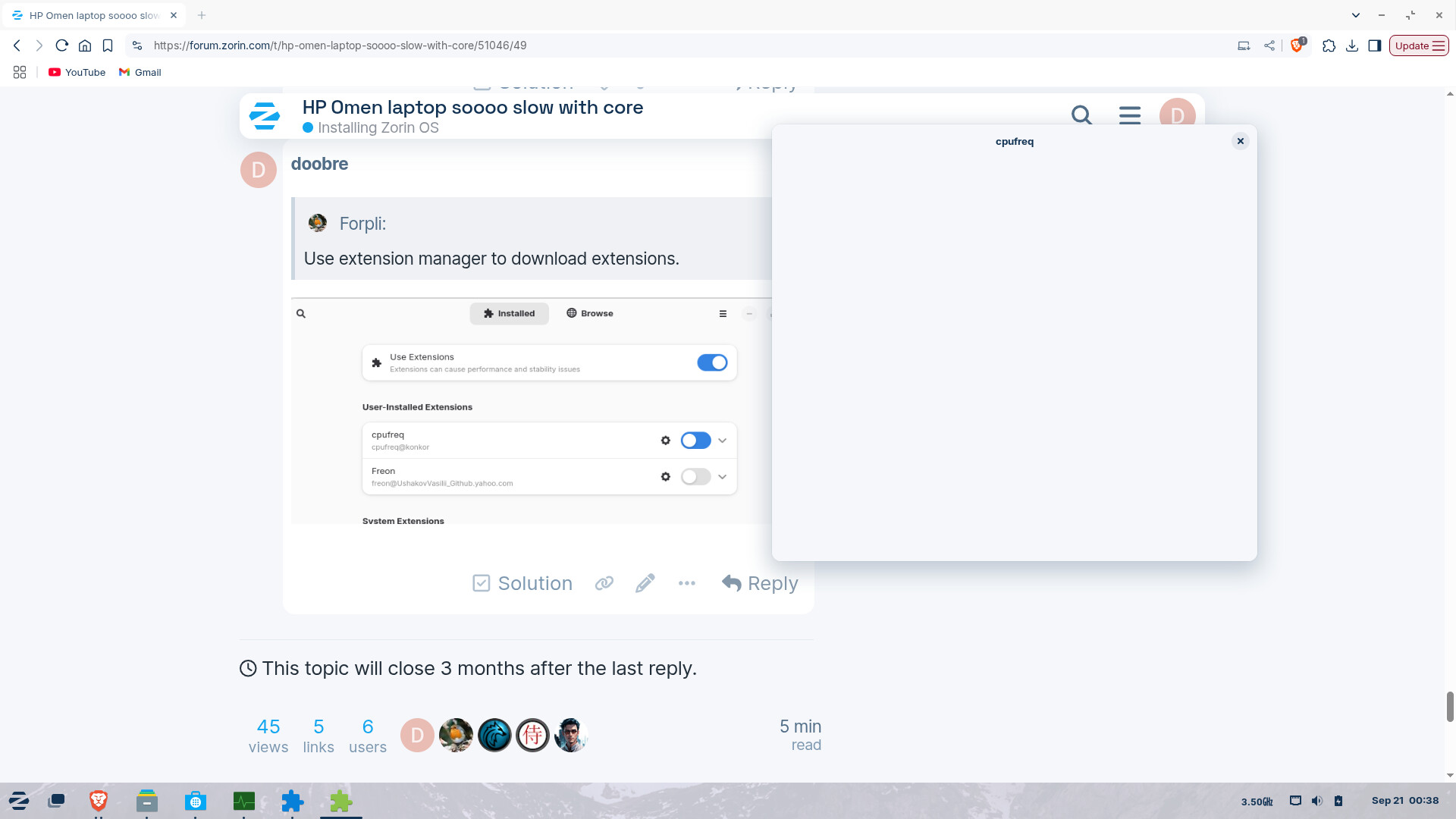
Use extension manager to download extensions.
Enable cpufreq. The Toggle is off. Yes, iut is blue but the Position shows that it is off. Click on it so the Circle goes to the right.
OMG... DUrrrrrrrrrrrrrrrrrrr
cos it was coloured I was assuming it is on...
Yeah, I know. It seems to be some kind of Bug or so.
sudo apt install sysbench

sysbench cpu --cpu-max-prime=60 --threads=8 --time=0 --events=100000 run
Write down, how long it takes, whenever you changed something, this is the same sysbench process, up to 60 seconds, then it quits. You can adjust it to --events=1000.
CPU Governors and the cpupower tool - Ubuntu Server documentation (“CPU Governors and the Cpupower Tool,” “CPU Governors and the Cpupower Tool” 2025 @ September 20, 2025)
Disable Turbo Boost / Set Constant CPU Speed in Ubuntu 22.04/24.04 | UbuntuHandbook (“Disable Turbo Boost / Set Constant CPU Speed in Ubuntu 22.04/24.04 |,” “Disable Turbo Boost / Set Constant CPU Speed in Ubuntu 22.04/24.04 |” 2024 @ September 20, 2025)
How to Disable CPU Cores to Save Power in Ubuntu 24.04 | 22.04 | UbuntuHandbook (“How to Disable CPU Cores to Save Power in Ubuntu 24.04 | 22.04 |,” “How to Disable CPU Cores to Save Power in Ubuntu 24.04 | 22.04 |” 2024 @ September 20, 2025)
How to Disable or Enable CPU Cores in Ubuntu (“How to Disable or Enable CPU Cores in Ubuntu,” “How to Disable or Enable CPU Cores in Ubuntu” 2023 @ September 20, 2025)
How to Use Sysbench for Linux Performance Testing (“How to Use Sysbench for Linux Performance Testing,” “How to Use Sysbench for Linux Performance Testing” 2023 @ September 20, 2025)
where should I see the cpufreq window?
clicking details shows the same square blank window
When You click on the Gear Icon. When it doesn't show something, I would suggest to uninstall it and then search in Extension Manager for it and install it there again. A Reboot could help, too.
removed cpufreq - restarted - installed through the manager - no choice of version - noticed a message flash up very quickly about "root access"
how can I do that?
cheers CD
sudo apt install sysbench

sysbench cpu --cpu-max-prime=60 --threads=8 --time=0 --events=100000 run
[sudo] password for zcdadmin:
Reading package lists... Done
Building dependency tree... Done
Reading state information... Done
The following additional packages will be installed:
libaio1 libmysqlclient21 libpq5 mysql-common
The following NEW packages will be installed:
libaio1 libmysqlclient21 libpq5 mysql-common sysbench
0 upgraded, 5 newly installed, 0 to remove and 145 not upgraded.
Need to get 1,595 kB of archives.
After this operation, 7,765 kB of additional disk space will be used.
Do you want to continue? [Y/n] y
Get:1 Index of /ubuntu jammy/main amd64 libaio1 amd64 0.3.112-13build1 [7,176 B]
Get:2 Index of /ubuntu jammy/main amd64 mysql-common all 5.8+1.0.8 [7,212 B]
Get:3 Index of /ubuntu jammy-updates/main amd64 libmysqlclient21 amd64 8.0.43-0ubuntu0.22.04.2 [1,308 kB]
Get:4 Index of /ubuntu jammy-updates/main amd64 libpq5 amd64 14.19-0ubuntu0.22.04.1 [152 kB]
Get:5 Index of /ubuntu jammy/universe amd64 sysbench amd64 1.0.20+ds-2 [120 kB]
Fetched 1,595 kB in 0s (8,665 kB/s)
Selecting previously unselected package libaio1:amd64.
(Reading database ... 268865 files and directories currently installed.)
Preparing to unpack .../libaio1_0.3.112-13build1_amd64.deb ...
Unpacking libaio1:amd64 (0.3.112-13build1) ...
Selecting previously unselected package mysql-common.
Preparing to unpack .../mysql-common_5.8+1.0.8_all.deb ...
Unpacking mysql-common (5.8+1.0.8) ...
Selecting previously unselected package libmysqlclient21:amd64.
Preparing to unpack .../libmysqlclient21_8.0.43-0ubuntu0.22.04.2_amd64.deb ...
Unpacking libmysqlclient21:amd64 (8.0.43-0ubuntu0.22.04.2) ...
Selecting previously unselected package libpq5:amd64.
Preparing to unpack .../libpq5_14.19-0ubuntu0.22.04.1_amd64.deb ...
Unpacking libpq5:amd64 (14.19-0ubuntu0.22.04.1) ...
Selecting previously unselected package sysbench.
Preparing to unpack .../sysbench_1.0.20+ds-2_amd64.deb ...
Unpacking sysbench (1.0.20+ds-2) ...
Setting up mysql-common (5.8+1.0.8) ...
update-alternatives: using /etc/mysql/my.cnf.fallback to provide /etc/mysql/my.c
nf (my.cnf) in auto mode
Setting up libmysqlclient21:amd64 (8.0.43-0ubuntu0.22.04.2) ...
Setting up libpq5:amd64 (14.19-0ubuntu0.22.04.1) ...
Setting up libaio1:amd64 (0.3.112-13build1) ...
Setting up sysbench (1.0.20+ds-2) ...
Processing triggers for man-db (2.10.2-1) ...
Processing triggers for libc-bin (2.35-0ubuntu3.10) ...
sysbench 1.0.20 (using system LuaJIT 2.1.0-beta3)
Running the test with following options:
Number of threads: 8
Initializing random number generator from current time
Prime numbers limit: 60
Initializing worker threads...
Threads started!
CPU speed:
events per second: 6376273.73
General statistics:
total time: 0.0141s
total number of events: 100000
Latency (ms):
min: 0.00
avg: 0.00
max: 1.34
95th percentile: 0.00
sum: 93.31
cheers CD
CORRECTION
that was the "freon" ext file sorry
You are correct about the driver, it was not using the latest nvidia driver v580.
updating it now
cheers CD