HP TouchSmart 7320 – Touchscreen Not Working (NextWindow 1926:0dbd)

Hi, I just installed Zorin OS 18 on my HP TouchSmart 7320.
The touchscreen doesn’t work at all, even though it works in Windows 11.

Here’s what I’ve checked so far:

lsusb detects it as NextWindow Touchscreen – ID 1926:0dbd

dmesg shows it loading as hid-generic

No touch input shows up in xinput

I also tried manually reloading the hid-multitouch module, but the device still doesn’t respond

This is a NextWindow optical touchscreen, which I read can be tricky under Linux

Hardware info:
Model: HP TouchSmart 7320 All-in-One
Touchscreen: NextWindow 1950-series (USB)

If anyone knows how to add support for this device or has a working driver/module for this touchscreen, I’d really appreciate the help!

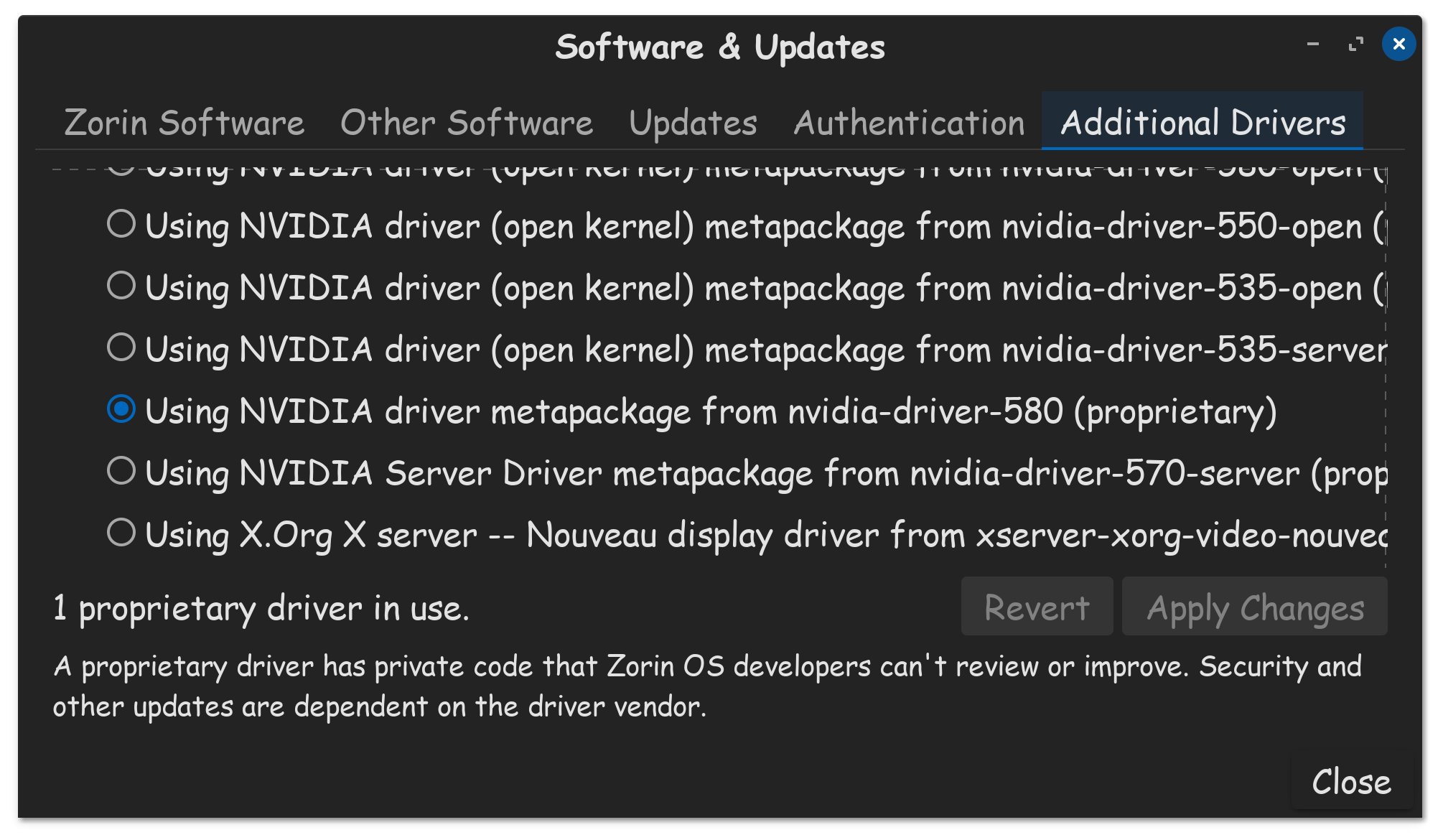
Please go to Additional Drivers tab, in software & updates, check to see if you have a driver available for your touch screen. Perhaps you can use a USB-C wired mouse to operate your machine, in the meantime.


You can take a look at this page, but I'm not familar with this problem:

Welcome to the Forum!

I would suggest to try it with switching to Xorg. to do that, go to the Login Screen. Click there on Your Profile so that the Passwordfield appears. When it is appeared, You should see a Gear Icon in the bottom right Corner. Click on it and choose the Option ''Zorin Desktop on Xorg and then log in.