Hello all! I just switched from Windows 11 to Zorin OS just a few days ago. I am completely brand new to the scene of Linux, so there is a steep learning curve for me. Nevertheless, I have been pleased with Zorin OS.
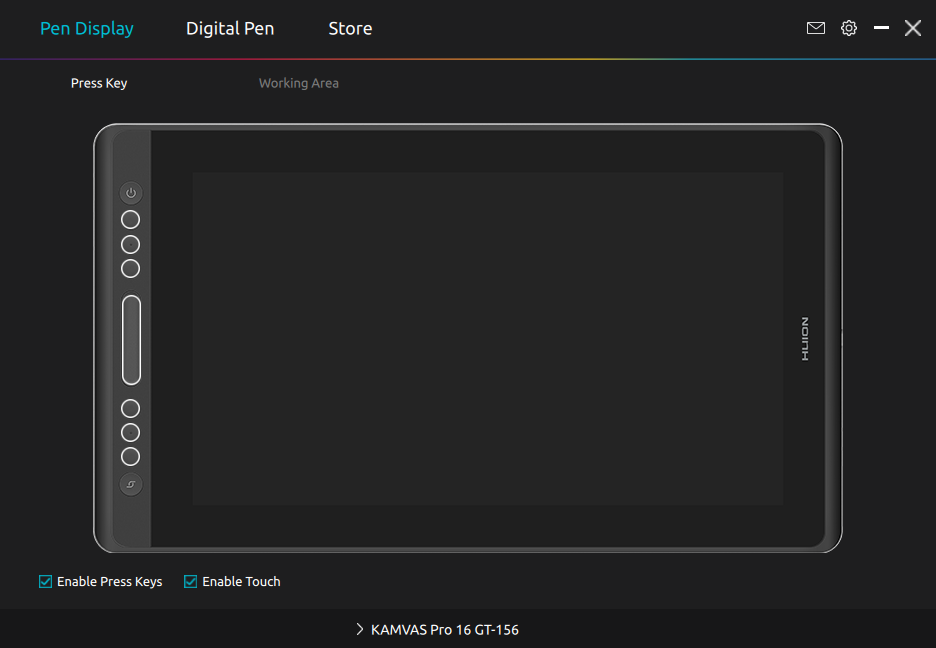
But, I have one major issue that has been giving me issues. I own one of Huion's KAMVAS Pro 16 GT-156 drawing tablets. I'd love to be able to use it, but I am not even sure if my system is detecting the other drawing tablet at all.
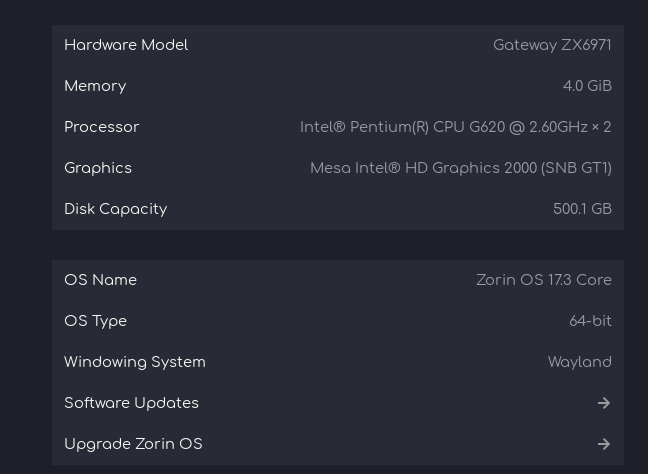
Beneath the Driver that @zabadabadoo mentioned and linked, I would additionally suggest to try it with switching from Wayland to X11/Xorg because I see on Your Picture that on ''Windowing System'' Wayland is standing.
To explain short: Wayland and X11 are Display Protocols. Wayland is a relatively newer one but the Impelmentation in Zorin 17 isn't the best and can cause Issues. X11/Xorg is an older one but can be more reliable.
To switch, go to the Login Screen, not the Lock Screen. Simply reboot for that. On the Login Screen, click on Your Profile so that the Password Field appears. When it is appeared, You should see in the bottom right Corner a Gear Icon. Click on it and choose the Option ''Zorin Desktop on Xorg'' and then log in.
I did install the driver, that is how I managed to have the tablet menu in the first place. Is there a process that I could be missing? Otherwise, I thought I had them installed.