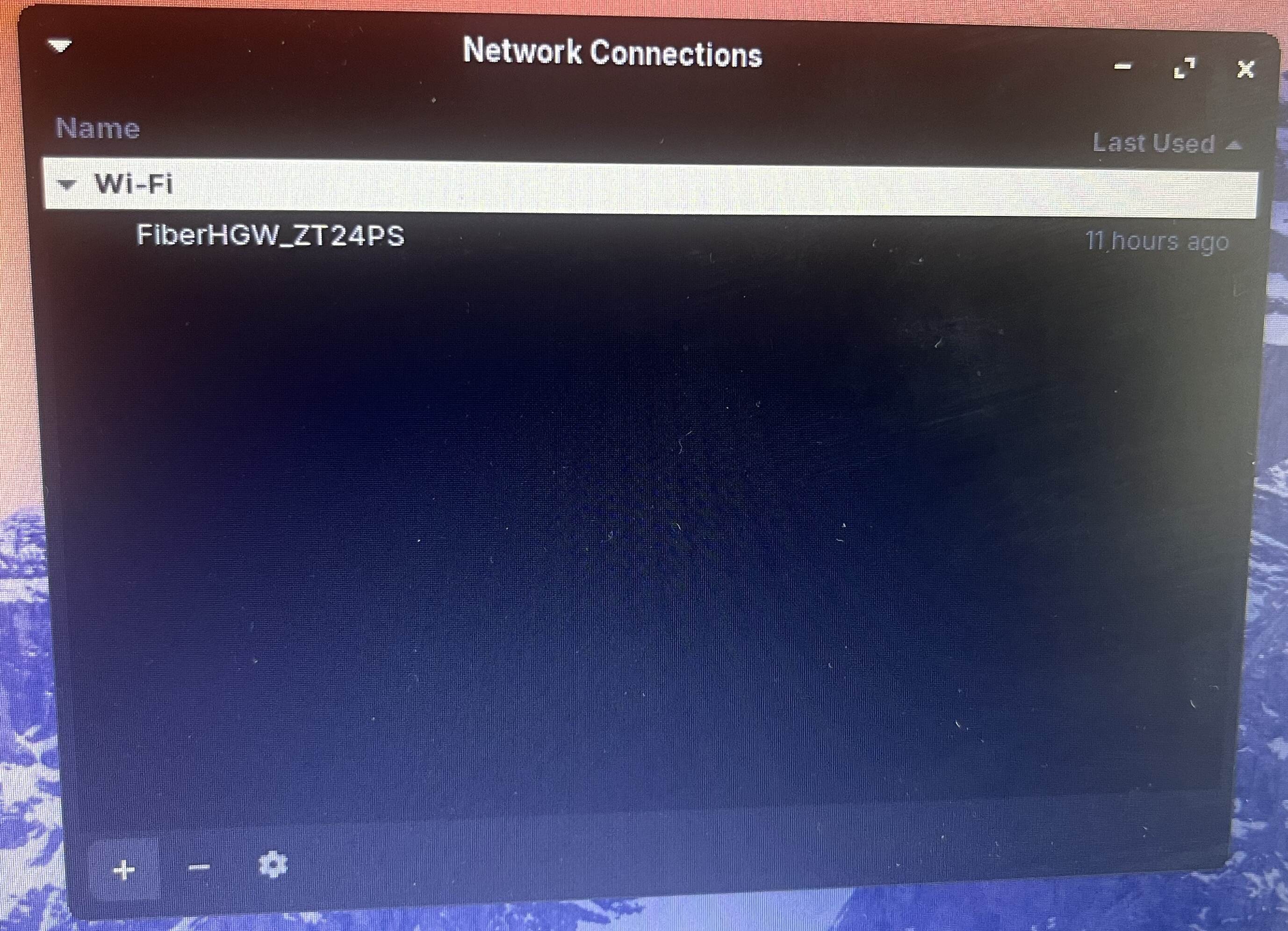
I am using Zorin os 17 lite. This is the network I joined while installing Zorin os lite. Afterwards, I couldn’t search for a new network.
Here is a help site from Zorin:
What is the terminal output of
sudo lshw -C network
Do you have a Mac?
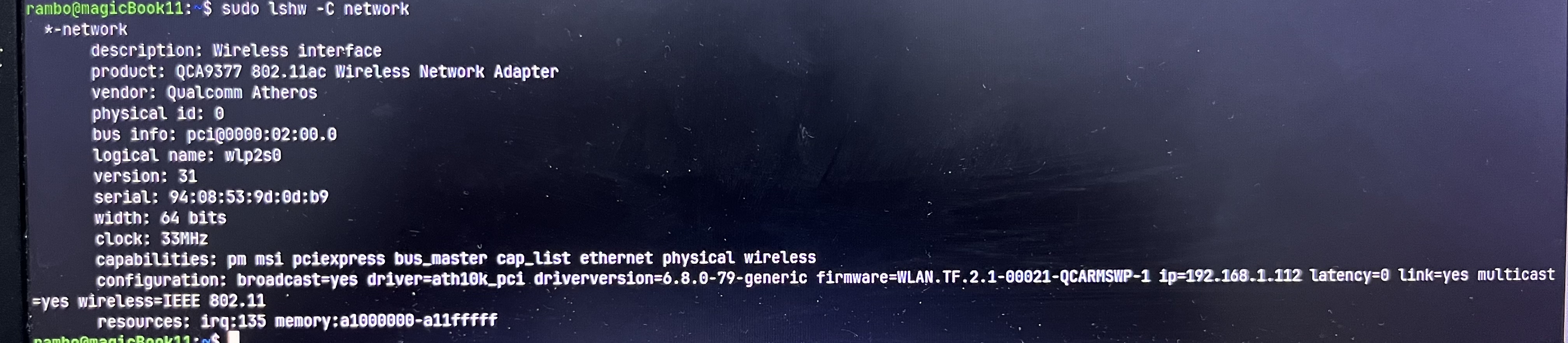
I don’t have a mac bro. There was a wi-fi list while installing zorin os lite. But now I can’t see any available wi-fi. Should I reinstall zorin os lite?
What is the output of
nmcli general status
and
rfkill list
when you enter them in terminal?
You could try to restart network-manager:
sudo systemctl restart NetworkManager
This happened to me in OS 16, after I turned my WIFI off, then back on. I typically don't use WIFI on my notebook, so thats why I disabled it in the first place. Here's the procedure I recommend.
(1) Turn on your WIFI adapter, by using the toggle switch, upper right portion of window...

(2) Now restart your computer. You should see the list populated again, once you check it.
(3) If you don't see a list of WIFI access points, go into your computer's BIOS, and make sure your WIFI adapter is enabled.
(4) If your WIFI adapter is enabled in the BIOS, and you are still having issues, make sure your WIFI driver is installed. Typically they come pre-installed in the kernel, but there are some companies that don't write drivers for Linux, cause they love being part of the problem in human society.

Thanks for everything guys. I did everything I could but couldn’t make it. So I reinstalled Zorin os. I think I made a mistake when I was installing the distro(probably didn’t install Wi-fi driver)
1 Like
This topic was automatically closed 90 days after the last reply. New replies are no longer allowed.